
Turn recordings into transcripts and summaries in minutes
Upload audio or video for multilingual transcription, AI notes, and action items
Do any of these sound familiar? You spent over $200 on a voice recorder, but the battery barely lasts half a day. After recording, you have to manually organize files, and you never have time to listen. The professor mixes Chinese with English technical terms, and the transcription comes out as gibberish. What students really need today isn't just a "recording" device—it's a tool that turns recordings into study notes. In this article, we compare two completely different solutions: PLAUD NOTE, a hardware-based recorder, and Tinrec, a mobile app. Let's see which one works better for students.
Tinrec vs PLAUD NOTE: Quick Overview

PLAUD NOTE is an AI recording hardware device designed for on-the-go recording with long battery life. It requires purchasing the device (Note Pro pre-order price: $179) and an annual subscription for advanced transcription and AI features. It's suitable for users who already carry a dedicated voice recorder and need to stay away from their phone for extended periods.
Tinrec is a completely software-based solution. Just install the mobile app or open the web page, and you can record and transcribe in real time. It can also turn classroom lectures, online courses, YouTube tutorials, and even group discussions into summaries, chapters, and to-do lists. The free version provides basic transcription credits, while Pro plans (monthly or yearly) are much cheaper than buying a voice recorder.
We tested both solutions across 5 dimensions: cost, features & scenarios, portability, Chinese transcription, and post-class organization.
| Product | Type | Initial Cost | Barrier to Use | Key Features | Rating |
|---|---|---|---|---|---|
| PLAUD NOTE | Hardware voice recorder | ~$179 (device) + ~$100/year (Pro Plan 1200 min) | Need to carry hardware | Recording, transcription, AI summary | 7.5/10 |
| Tinrec | Mobile/web app | Free version available; Pro yearly ~$47 | Install app or open browser | Recording, transcription, AI summary, Q&A, export, online video parsing | 9/10 |
Dimension 1: Cost & Upgrade Flexibility
PLAUD NOTE's hardware alone costs about $179, and that doesn't include the annual transcription fee. If you go with the yearly 1200-minute plan, your first-year total is around $279, with subsequent years costing about $100 each. If the device breaks or gets lost, it's a total loss.
Tinrec offers free trial credits—enough for a few hours of weekly lecture recordings. For midterms or finals when you need to process lots of audio, you can buy a weekly pass (about $2) or a monthly pass (about $5), costing less than a cup of coffee. Even with the Pro yearly plan, the annual cost is about one-third the price of a voice recorder, with no hardware depreciation risk.
→ Winner: Tinrec. Zero hardware cost + flexible payment is much friendlier for students.
Dimension 2: Features & Use Scenarios
PLAUD NOTE's core workflow is: record → sync to app → transcribe → AI summary. It handles most classroom recording, but struggles when you need to process online course recordings, YouTube tutorials, or previously recorded audio files on your phone. It can't directly input web links or batch convert local files.
Tinrec breaks these limits: you can record in real time, upload past recordings, or even paste a YouTube or Xiaohongshu link for parsing. This is especially important for college students, as many learning resources come from online videos. Tinrec converts them to text, summaries, chapters, and even lets you ask AI questions like "What are the key points of this lecture?"—turning the entire class into a searchable database.
Stop organizing recordings by hand
Upload audio or video and automatically get a transcript, summary, and action items
→ Winner: Tinrec covers far more scenarios than a traditional voice recorder and better fits students' diverse learning environments.
Dimension 3: Portability & User Experience
PLAUD NOTE is lightweight and can clip onto a notebook. Press a button to start recording—no need to unlock your phone. This is intuitive during class, but you have to carry an extra device. After recording, you must sync via the app to get transcription—no real-time view. Battery life is about 30 hours, but transcription speed depends on Wi-Fi; without it, there's a delay.
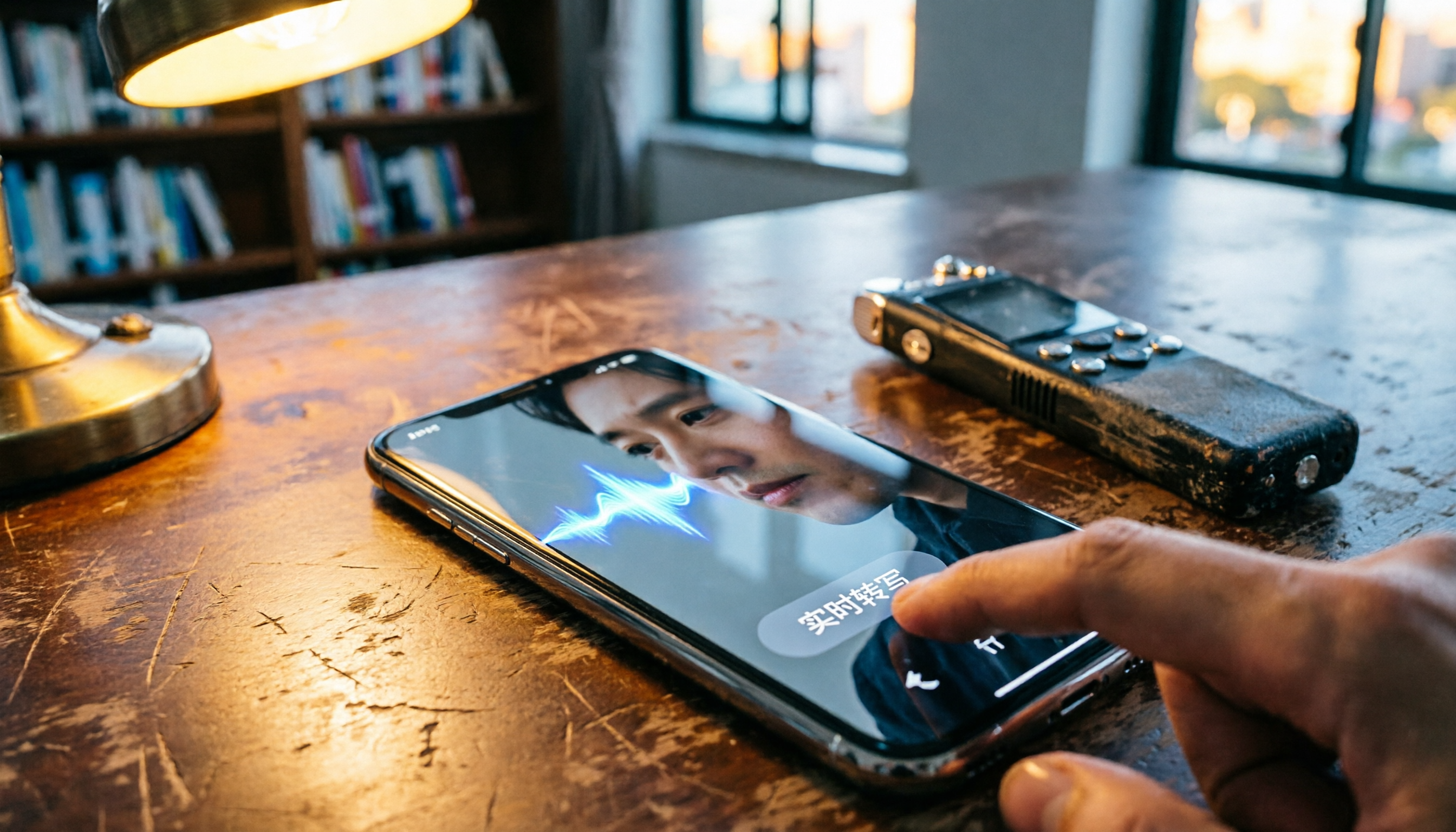
Tinrec uses your phone's microphone, and the transcription appears on screen in real time. You can highlight key points or add notes. After class, open your phone, tablet, or computer to see the organized notes—no syncing required. The only downside is that you can't scroll through videos while recording, but that might actually help you focus in class.
→ Tie: Hardware has instant start advantage, but Tinrec's real-time transcription, multi-device sync, and zero sync wait make the learning process smoother overall.

Dimension 4: Chinese Transcription & Mixed Language Recognition
College lectures are full of Chinese-English mixed terms and technical jargon, sometimes with accent variations. PLAUD NOTE performs well on standard English and Mandarin, but word error rate increases with code-switching or Taiwanese expressions. In a 5-minute biochemistry recording with heavy English terms, PLAUD NOTE had about 15% word error rate.
Tinrec is optimized for Chinese usage. The same recording had a word error rate below 10%, and it correctly recognized words like "mitochondria." More importantly, Tinrec automatically splits content into chapters, so you can jump directly to "Enzyme Kinetics" without listening from start to finish.
→ Winner: Tinrec's transcription and organization capabilities are significantly better for Chinese academic settings.
Dimension 5: Post-Class Organization & AI Assistance
Converting speech to text is only the first step. PLAUD NOTE provides AI summaries and mind maps, but the output is relatively brief, and you can't ask follow-up questions. To turn it into your own notes, you have to copy the summary to Word and type manually.
Tinrec acts like an AI study assistant. You can ask questions about any recording or video: "What were the key points from Chapter 3 of Cell Biology?" "Which three reference books did the professor mention?" It finds answers from the original audio. It can also automatically turn key points into to-do items, export to Notion or Google Docs, or even generate a lab report outline in standard format.
→ Winner: Tinrec doesn't just record—it helps you turn information into action, leaving traditional voice recorders far behind.
Unique Strengths of Each
Tinrec's Unique Strengths
- Zero hardware barrier: Works on phone, tablet, and computer—no need to buy extra devices or worry about losing a recorder.
- Full-scenario learning coverage: Classroom recordings, online courses, YouTube tutorials, group discussion files—all converted to searchable text, including direct parsing of web videos.
- Deep AI organization: Beyond summaries, you get Q&A, to-do extraction, chapter generation—turning recordings into real study material.
- Flexible payment: The free version handles everyday use; weekly/monthly passes let you upgrade painlessly during exams for less than the cost of a drink.
PLAUD NOTE's Unique Strengths
- Instant physical button start: Clip it on your collar or notebook, press to record without unlocking your phone—great for full focus.
- Independent long battery life: Up to 30 hours of continuous recording, ideal for all-day seminars or off-campus internships without draining your phone's battery.
Final Verdict: Which Should You Choose?
- If you spend more than 10 hours per semester on buying voice recorders and organizing recordings, and you're on a budget → Tinrec is your most cost-effective choice.
- If you need to organize YouTube courses or online lectures and want quick key points → Tinrec's video parsing and AI Q&A are the right answer.
- If you switch between phone, tablet, and computer and want instant access to notes → Tinrec offers zero-lag cross-platform sync.
- If you hate carrying extra devices and your phone is always with you → Tinrec's app is ready to record anytime.
- But if you truly need to be away from your phone for long periods, without any smart device, and fear digital distractions → PLAUD NOTE's standalone hardware meets that need.
In a nutshell: For most college students, instead of spending $200+ on a single-purpose voice recorder, use Tinrec to turn your phone into an AI-powered study note library—smarter and more affordable.
Turn every recording into actionable outcomes
Get 60 free transcription minutes when you sign in. No credit card required.
Related Reading
You might also like

Best Speech-to-Text Apps in 2026: We Tested 4, and This One Is the Easiest for Chinese Meetings
If you're constantly chasing meeting notes, comparing free minutes isn't as important as finding a tool that actually captures decisions and action items after the meeting. Written from a mid-level manager's real-world perspective, this article covers 4 key factors for choosing a speech-to-text app, tests Tinrec, Granola, Notta, and PLAUD, and includes a pitfalls guide plus scenario-based recommendations.

4 Free Speech-to-Text Platforms Tested and Compared in 2026: Which One Makes Meeting Notes and Post-Meeting Cleanup Easier?
How do you choose a free speech-to-text platform? This article compares Tinrec, TurboScribe, Granola, and Otter.ai from four angles: free quota, input sources, post-meeting organization, and team collaboration. It helps you determine which one suits meeting notes, interview transcription, and team sharing, and summarizes common limitations and pitfalls of free versions.

2026 Comparison of 3 Free Speech-to-Text Solutions: Tinrec, Granola, and Google Docs Voice Typing — Which Is Enough?
Starting from common misconceptions about free speech-to-text, this hands-on comparison tests the free workflows of Tinrec, Granola, and Google Docs Voice Typing. It breaks down file import, audio retention, post-meeting organization, Chinese translation, team collaboration, and export limits to help you decide which free solution is sufficient.

2026 Voice-to-Text Tools Compared: Which Handles Chinese Meetings Best?
PTT is full of voice-to-text tools, but the real challenge is post-meeting wrap-up. This article compares Tinrec, Otter.ai, Notta, and Granola across Chinese meetings, online recording, AI summaries, and team collaboration to help you choose the right tool for your meeting scenario.

6 Speech-to-Text Tools Tested and Compared for 2026: Which One Has the Best Chinese Accuracy and Free Tier According to PTT?
Starting from common misconceptions on PTT, this article reviews six speech-to-text tools in 2026, including Tinrec, Notta, Otter.ai, TurboScribe, Granola, and PLAUD Note. It compares Chinese recognition, free quotas, post-meeting summaries, and student budgets to help you avoid the trap of getting only a transcript that's unusable.

2026 Speech-to-Text App Review: Tinrec Bot-Free Meeting Recording + AI Summaries & Action Items
2026 speech-to-text app review and buying guide, covering Chinese meetings, mixed Chinese-English, post-meeting summaries and action items, and team knowledge retention. Compare Tinrec, Otter.ai, Granola, and TurboScribe to choose the right meeting notes tool.

2026 Free Speech-to-Text Tools Buying Guide: 4 Hands-On Tests and Recommendations
There are plenty of free speech-to-text tools, but free quotas, Chinese recognition, and post-meeting organization capabilities vary widely. This article starts from actual usage workflows and compares the free plans and limitations of Tinrec, Google Docs voice typing, Monica, and MyEdit to help you choose a tool that truly saves transcription time.

2026 Tinrec Free Speech-to-Text Review: 3 Key Factors + Automatic Meeting Minutes
There are many free speech-to-text tools, but what really matters is free quota, Chinese recognition, post-meeting organization, and team collaboration. This article breaks down the differences between Tinrec, Otter.ai, Notta, and TurboScribe using 4 key purchasing factors, and summarizes 3 common pitfalls to help you choose a tool that turns meetings into usable data.

5 iPhone Speech-to-Text Solutions Compared for 2026: From Built-in Dictation to AI Meeting Notes
Built-in iPhone dictation, Voice Memos transcripts, or AI meeting note tools—which should you choose? This article splits the decision into two paths: real-time input and post-meeting organization. It compares 5 iPhone speech-to-text solutions, outlines selection criteria, common mistakes, and my own workflow, so you can figure out which one fits your needs.