

Turn recordings into transcripts and summaries in minutes
Upload audio or video for multilingual transcription, AI notes, and action items
Why Are People Starting to Look for Notta Alternatives?
Notta is a fully-featured speech-to-text tool that supports multi-platform transcription, meeting notes, and multilingual translation. Many users rely on it to organize meetings, interviews, and course content. However, as use cases become more diverse, some users feel that Notta's output leans toward verbatim transcripts, making post-transcription processing and utilization less seamless. If you also want your transcribed audio to become searchable, queryable, and reusable data—not just plain text files—then Tinrec is worth considering.

Tinrec vs Notta: How Do the Core Experiences Differ?
Beyond Transcription: Emphasis on Understanding and Action
For most people, transcription is just the first step; the real time sink is reading through content and extracting key points. Tinrec doesn't just produce verbatim transcripts—it automatically generates AI summaries, chapters, action items, and supports conversational queries around the recording, turning a single audio file into an actionable checklist. In contrast, Notta's strength lies in transcription and subtitles, while subsequent processing often requires more manual effort.
Better Handling of Chinese Content
If your daily work revolves around Chinese—whether meetings, interviews, or lectures—Tinrec's performance in Chinese-language scenarios deserves attention. It is specially optimized for Traditional Chinese, Simplified Chinese, and Chinese-English mixed content, generating summaries and chapters that align with Chinese usage habits. Although Notta also supports multiple languages, Tinrec better meets local needs in terms of summary accuracy and structured output for Chinese
More Diverse Input Sources
Tinrec not only records in real time but also supports uploading audio/video files, pasting web video links for direct transcription, and even handles public videos from YouTube, TikTok, and more. This means you can funnel audio and video content from various sources into a single processing workflow. Notta focuses mainly on meetings and file transcription; web video parsing is not a core feature.
AI Conversational Query Brings Historical Recordings to Life
Tinrec comes with built-in AI conversational query—you can simply ask, "What was the conclusion of the last meeting?" or "What were the three key points from this lecture?" It uses semantic understanding to retrieve answers, saving you from manually flipping through dozens of pages of transcripts. This feature is less prominent in Notta, which leans toward traditional search within transcripts.
Stop organizing recordings by hand
Upload audio or video and automatically get a transcript, summary, and action items
Tinrec's Core Features at a Glance
Real-Time Speech-to-Text: Record and transcribe simultaneously during meetings or classes with less than 1 second latency. Get a complete transcript and key summary immediately when the session ends.
Audio/Video File Transcription: Upload pre-recorded meeting recordings, lecture audio, or videos—convert to text with one click, complete with automatic chapter markers and action items.
Web Video Link Parsing: Paste a public video URL from YouTube, TikTok, or Xiaohongshu to instantly obtain a transcript, summary, and key points—ideal for content creators and learners.
AI Conversational Query: After recording, ask Tinrec direct questions—whether about conclusions, action items, or specific details—and it will extract the answer from the recording, saving you tons of replay time.
Multi-Format Export & Post-Processing: Export organized content to Word, PDF, TXT, or sync directly to Notion, Google Docs, and other tools. You can even have the AI generate meeting minutes, reports, or tables.
Practical Use Cases

Meetings: Record while generating a transcript; automatically produce summaries and action items after the meeting. Team members can directly track tasks without spending 30 minutes writing meeting notes.
Classes & Learning: Record an entire lecture; Tinrec breaks it into chapters and key points. Use AI to ask questions during review—more flexible than traditional notes.
Interviews & Research: Convert interview recordings to text, then ask Tinrec to extract key viewpoints and citation materials—speeding up interview report compilation by more than double.
Content Creation: Grab text and summaries from YouTube or TikTok videos as source material for posts or re-creation, eliminating the need for manual transcription.
Key Considerations When Choosing a Speech-to-Text Tool
Transcription Is Just the First Step; Organization and Utilization Are Critical: When selecting a tool, don't just look at transcription minutes—consider whether it can summarize, categorize, and export. Tinrec's design here is more comprehensive, turning a transcript into immediately usable material.
Friendliness for Chinese Scenarios: If your content is primarily in Chinese, test the quality of summaries and chapters directly. Tinrec's summary accuracy and structuring for Chinese generally outperform most international tools.
Flexibility of Input Sources: Beyond real-time recording, the ability to handle files and web videos is important. Tinrec's multi-source support makes it more than just a voice recorder—it's like an audio/video processing hub.
Integration with Your Workflow: Whether the transcribed content can be exported to your commonly used tools (e.g., Notion, Google Docs) affects real-world adoption. Tinrec's export and sync options let data flow seamlessly into your existing processes.
Free Plan Quotas and Limitations: Tinrec's free version offers a basic transcription allowance each month—enough to try the core features. If you have intensive needs in the near term, consider upgrading to a weekly card or Pro plan without being locked into a subscription from the start.
Conclusion: Is Tinrec Worth a Try?
If your work or studies frequently involve meetings, lectures, interviews, or web videos—and you don't want to end up with just a raw transcript—Tinrec is currently one of the few tools on the market that balances transcription, organization, Q&A, and export. Especially in terms of Chinese content summarization and structuring, it aligns better with local usage habits than Notta. I recommend downloading the Tinrec free version and testing it with your own recordings to gauge transcription quality and AI summaries—that's the best way to decide if it fits your needs.
Turn every recording into actionable outcomes
Get 60 free transcription minutes when you sign in. No credit card required.
Related Reading
You might also like

How to Transcribe Feishu Meeting Recordings in 2026: A 4-Step Guide
Wondering how to turn your Feishu meeting recordings into searchable, summarizable, and queryable transcripts and meeting notes? This guide walks you through 4 steps to convert Feishu meeting recordings into usable transcripts, plus 5 key considerations when choosing a transcription tool, differences between free and team plans, and answers to common questions.

4 Best Tencent Meeting Transcription AI Tools in 2026: Which One Actually Saves Post-Meeting Time?
Tired of re-listening to Tencent Meeting recordings? This article breaks down 4 key purchasing criteria: how audio gets into the tool, whether output is just text or usable data, real-world performance with Chinese and mixed Chinese-English, and team data ownership and seat governance. We compare Tinrec, Notta, Otter.ai, and TurboScribe on workflow differences and pricing to help you decide which tool to buy and how many seats you need.
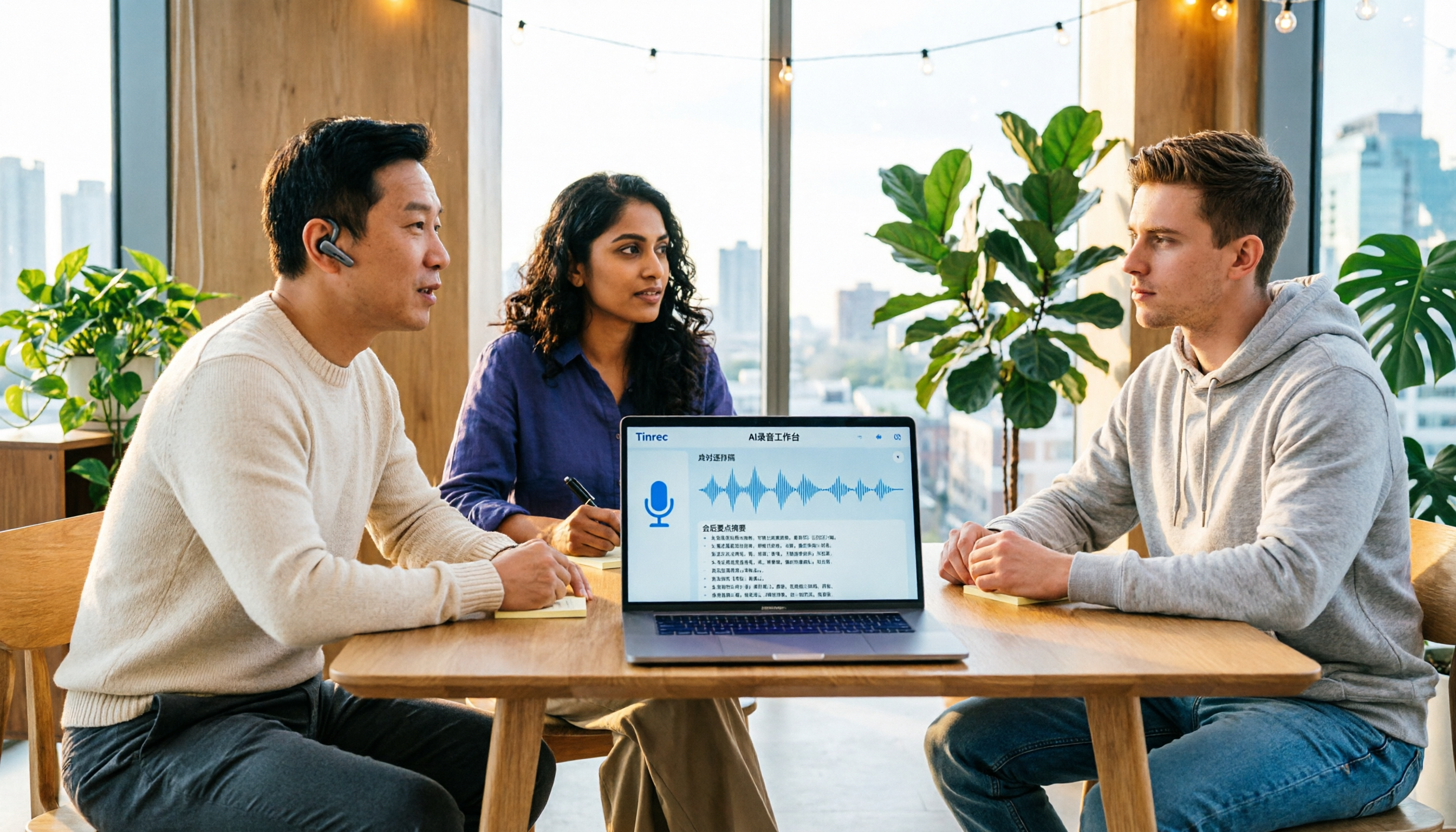
Discord vs Tinrec 2026: 5-Factor Comparison for Call Recording to Text
Discord doesn't have built-in call recording. How can you turn voice channel discussions into transcripts? This guide covers 5 practical solutions, from built-in voice messages and free transcription tools to Tinrec's AI recording workspace, and compares them across 5 dimensions: recording completeness, transcription quality, post-meeting organization, cross-device use, and cost.

Free Zoom Meeting Auto-Recording Options in 2026: 3 Methods Compared
The real challenge with Zoom meeting auto-recording isn't recording audio—it's who organizes it afterward. This article breaks down 3 free methods, comparing cost, limitations, and post-meeting output, and explains how Tinrec's desktop app records without a bot, handling transcripts, summaries, action items, and team knowledge retention in one go, helping you choose the right solution within your budget.

2026 Comparison of 4 Remote Work Online Meeting Transcription Tools: From Free to Paid
Remote work often takes more time after meetings than during them. This article compares four online meeting transcription tools in 2026 across four dimensions: recording method, post-meeting output, data retention, and team governance. It provides clear selection recommendations based on budget and use cases to help you justify your choice in procurement meetings.
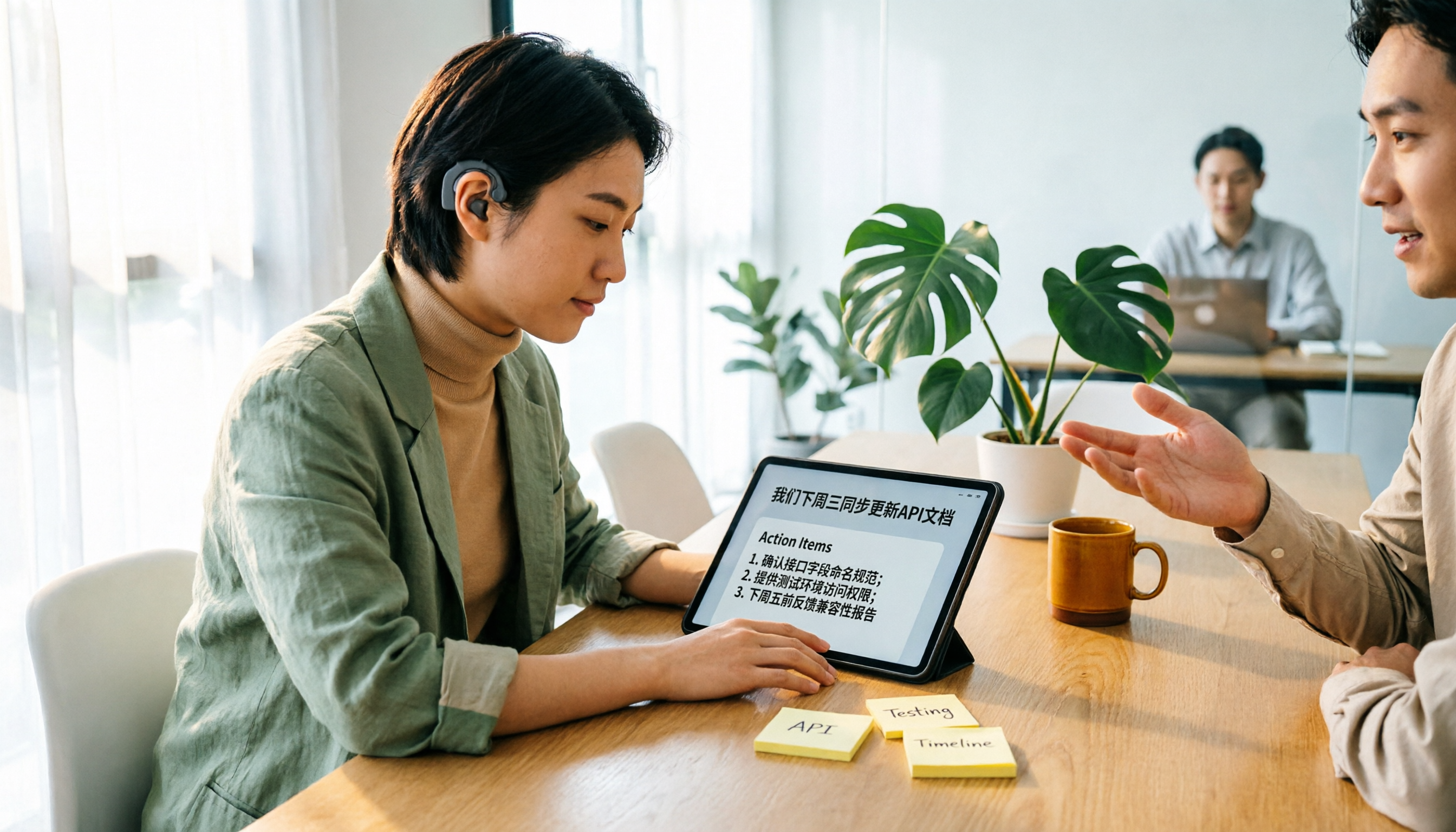
Tinrec vs Yating Transcription 2026: 5-Dimension Comparison for Hearing Accessibility and Post-Meeting Productivity
For users with hearing loss, the goal isn't just converting speech to text—it's eliminating the need to ask others to repeat and having a searchable record afterward. This article compares Tinrec (Miao Ting Recording) and Yating Transcription across five dimensions: live transcription, post-meeting organization, cross-device online meetings, multilingual support and real-time translation, and team collaboration. It also provides a starter checklist for choosing based on your scenario.

2026 Comparison of 2 Sales Call Recording Tools: Tinrec vs PLAUD Note — Which Better Turns Calls into Action Items?
This article starts from the pain point of organizing key points after sales call recordings, comparing Tinrec and PLAUD Note on recording acquisition, transcription summarization, post-meeting follow-up, team collaboration, and entry cost, to help you decide which is better suited for turning customer calls into actionable data.
2026 Comparison of 3 Thesis Defense Recording Tools: Which One Really Saves Time for Transcripts and Summaries?
After recording your thesis defense, do you spend twice as long re-listening? Based on real needs for thesis defenses, this article breaks down four key purchasing factors: Chinese and mixed Chinese-English recognition, audio file retention, AI Q&A, and quota limits. It compares Tinrec, Notta, Otter.ai, and Granola on defense transcripts, summaries, and post-meeting organization, with common pitfalls and selection advice.

3 AI Transcription Tools Tested in 2026: Vocol.ai Tutorial vs. Tinrec — Which Should You Choose?
Many people search for Vocol.ai tutorials but get stuck when it's time to organize recordings. This article uses Tinrec to demonstrate a complete workflow from recording to transcript, summary, action items, and team archiving, and compares Vocol.ai's positioning and key purchasing considerations to help you find the right AI transcription workflow.