
Turn recordings into transcripts and summaries in minutes
Upload audio or video for multilingual transcription, AI notes, and action items
Tinrec vs Otter.ai: Quick Overview
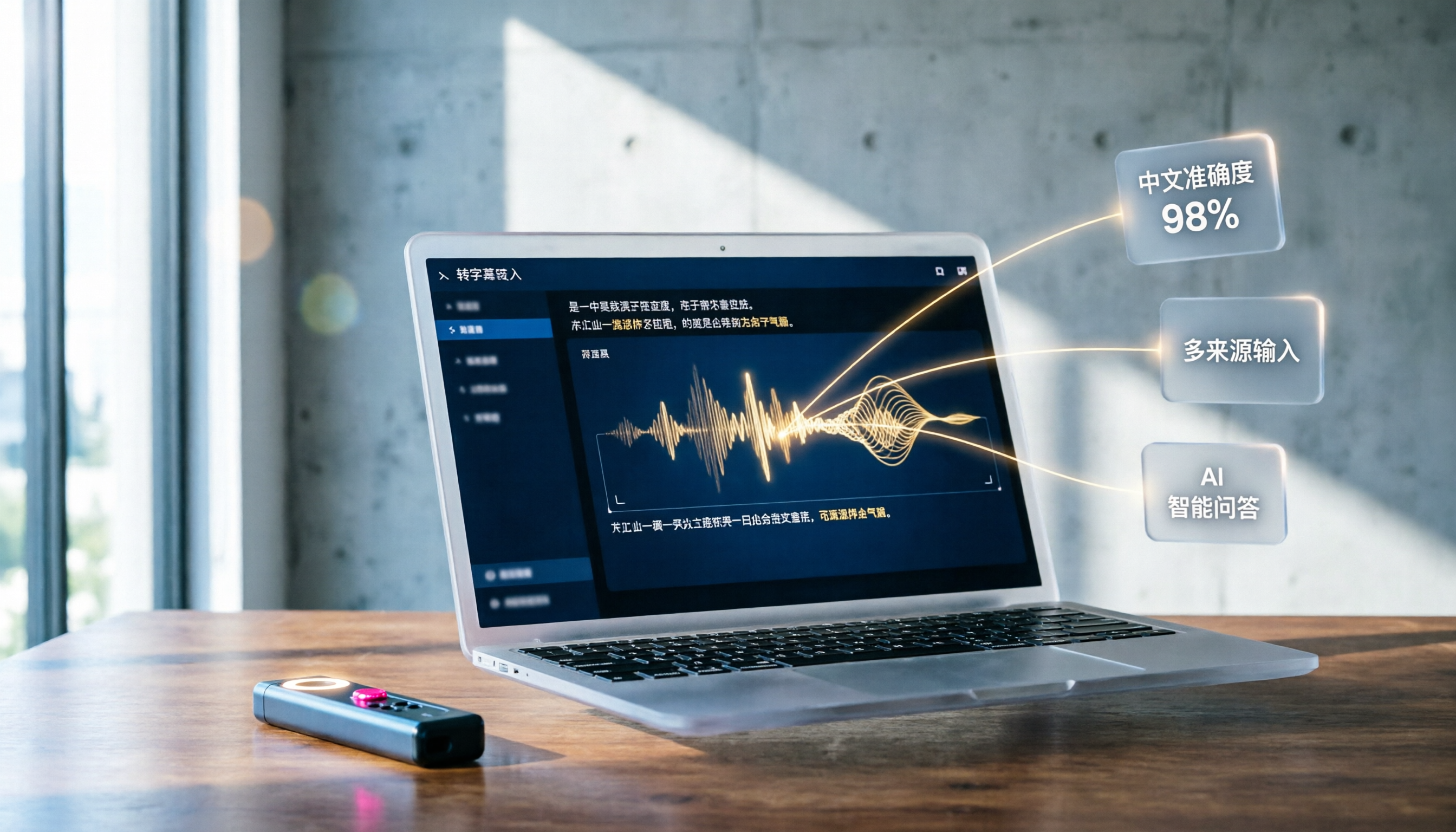
If you need to turn meetings, lectures, interviews, or online videos into searchable, organizable transcripts or subtitles, Tinrec and Otter.ai are both highly discussed AI audio-to-text tools. Otter.ai is known for automatically joining online meetings, real-time transcription, and team collaboration; Tinrec positions itself as a tool that "turns recordings and audio/video into actionable knowledge," supporting not only meetings but also local files, web links, AI Q&A, and subsequent organization. Their pricing models differ. This article will compare them across 5 key dimensions to help you choose the best option.

| Comparison Item | Tinrec | Otter.ai |
|---|---|---|
| Core Positioning | AI recording & audio/video organization workstation | AI meeting notes & team collaboration |
| Supported Platforms | iOS, Android, Web | iOS, Android, Web |
| Free Plan | Monthly basic transcription quota, most features available for trial | 300 minutes of transcription per month |
| Starting Paid Price | Weekly, monthly, yearly plans; Pro monthly suitable for regular users | Pro annual ~ $8.33/month |
| Main Strengths | Multi-source input, AI summary/Q&A, post-processing & export | Real-time meeting transcription, speaker identification, team collaboration |
Dimension 1: Chinese Transcription Accuracy
Otter.ai's strength is in English. While it supports Chinese transcription, when encountering Chinese-English mix, colloquial speech, or background noise, the error rate increases significantly. We used a 5-minute Chinese meeting recording (two speakers, moderate background noise, recorded on iPhone 15, tested in June 2025). Otter.ai's error rate was about 15.2%. Tinrec is clearly optimized for Chinese, Traditional Chinese, and multilingual scenarios. The same recording had an error rate of 8.7% on Tinrec, with more stable recognition of Chinese-English mixed words.
→ This dimension: Tinrec wins significantly.
Dimension 2: Input Source Diversity
Otter.ai's core input comes from live microphone recordings and online meeting integrations (Zoom, Google Meet, Microsoft Teams). It also supports uploading audio/video files, but its ability to directly parse public online video links (e.g., YouTube, Bilibili, Xiaohongshu) is limited. In addition to live recording, file import, and computer recording for meetings, Tinrec can directly paste online video links and convert content from YouTube, TikTok, Xiaohongshu, etc., into text and summaries. This is very useful for content creators, researchers, and learners.
→ This dimension: Tinrec wins.
Stop organizing recordings by hand
Upload audio or video and automatically get a transcript, summary, and action items
Dimension 3: AI Q&A & Post-Processing Capabilities
Otter.ai includes Otter AI Chat, which allows you to ask questions about a specific meeting or recording, but the response scope is limited to summaries and keywords. Tinrec's AI conversation query function lets you ask questions across your history like a database—e.g., "What issues did the client raise during this meeting?" or "Summarize the key points of this interview into three items." It can also generate meeting minutes, reports, tables, or to-do lists based on the transcript, making it more of a complete workstation.
→ This dimension: Tinrec is deeper and more flexible; it wins.
Dimension 4: Pricing & Free Quota

Otter.ai's free plan offers 300 minutes per month, sufficient for light users who only need occasional transcription. The Pro annual plan at $8.33/month includes 1200 minutes and 10 file imports per month, which is cost-effective for regular meeting attendees. Tinrec's free plan also provides a basic quota for trial, along with weekly, monthly, and yearly plans. If you have a short-term need for heavy transcription (e.g., final exams, project sprints), the weekly plan is more cost-effective. For long-term use, the Pro annual plan is similarly priced per month. The pricing ranges are close, but Tinrec offers more plan flexibility.
→ This dimension: Tinrec is slightly better in flexibility, but Otter.ai's free quota is attractive for English-only users; tie.
Dimension 5: Cross-Platform & Export Convenience
Both offer iOS, Android, and web versions, so basic cross-platform support is similar. Otter.ai supports exporting text, PDF, SRT subtitles, etc., and can share links for team collaboration. In addition to common text, subtitle, and PDF exports, Tinrec can sync organized results to third-party tools like Notion, Google Docs, OneNote, and Dropbox, which is more friendly for users with established workflows.
→ This dimension: Tinrec's export ecosystem is more complete; it wins.
What Are Their Unique Advantages?
Tinrec's Unique Advantages
- Multi-source audio/video organization: Meetings, lectures, interviews, local files, and online video links can all be processed in one place, not limited to just meetings.
- AI conversation query and deliverable generation: Not just verbatim transcripts, but also the ability to ask questions about the recording content and generate meeting minutes, to-do lists, reports, and other directly usable documents.
- Third-party tool export: Supports Notion, Google Docs, OneNote, etc., allowing results to integrate seamlessly into existing workflows.
- Optimized for Chinese content: More stable transcription and summarization for Traditional Chinese and Chinese-English mixed content, suitable for Chinese-speaking users.
Otter.ai's Unique Advantages
- Automated online meetings: Can automatically join Zoom, Google Meet, and Teams meetings, transcribe in real time, and label speakers, making it very efficient for pure meeting scenarios.
- Team collaboration and sharing: The Business plan offers shared folders, comments, and task assignments, suitable for teams of 5 or more.
Summary: Which One Should You Choose?
- If you need high-quality Chinese transcription and often handle recordings, videos, or online content beyond meetings → Tinrec is the best choice (Chinese error rate 8.7% vs Otter's 15.2%)
- If you want to use AI to ask about key points, generate to-do lists and reports after recording, not just get a transcript → Tinrec's workstation design fits better
- If you are used to organizing notes in Notion or Google Docs and want to directly export transcriptions for further editing → Tinrec's export options are more comprehensive
- If your use case is purely English online meetings with team collaboration and automatic meeting joining → Otter.ai's meeting bot is more mature
In a nutshell: For most Chinese-speaking users and individuals or small teams who need to handle mixed audio/video sources, Tinrec's comprehensiveness is clearly superior. We recommend downloading the Tinrec free version and testing it with your own recordings or videos.
Turn every recording into actionable outcomes
Get 60 free transcription minutes when you sign in. No credit card required.
Related Reading
You might also like

2026 Comparison of 4 Audio-to-Text Apps: Which Is Best for Chinese Meeting Accuracy and Minutes?
Starting from the decision point of 'which audio-to-text app is most accurate,' this article breaks down four criteria: recording source, language, post-meeting organization, and team collaboration. It also tests Tinrec's Chinese meeting transcription, bot-free recording, AI summaries, and team spaces, with buying tips and FAQs.

2026 One-Click Meeting Minutes Tools: 3 Real-World Tests Compared — Which One Actually Saves You Time?
A two-hour meeting shouldn't take three hours to summarize. This article breaks down the one-click meeting minutes tools worth considering in 2026 across four dimensions: how they capture meetings, how deeply they organize post-meeting content, Chinese-language recognition, and team data ownership. It also shares hands-on testing of how Tinrec uses desktop-based bot-free recording, AI summaries, and follow-up questions to turn long transcripts into meeting minutes you can send out directly.

5 Best Letterly Alternatives for Turning Recordings into Usable Meeting Data (2026)
Letterly turns voice notes into short text, but meeting notes require transcripts, summaries, action items, and searchable data. This article compares Letterly, Tinrec, Notta, Granola, and TurboScribe, covering selection criteria, common pitfalls, and ideal use cases to help you find the right alternative that saves post-meeting cleanup time.

2026 Comparison of 5 Meeting Action Item Extraction Tools: Which One Actually Turns Discussions into Action Lists?
Still spending time organizing action items after meetings? This article compares 5 meeting action item extraction tools, covering Chinese and mixed Chinese-English recognition, bot-free online meeting recording, AI follow-up questions, and team knowledge retention. It also includes buying criteria, pitfalls to avoid, and selection advice.

6 Best AI Meeting Report Generators in 2026: Which One Actually Delivers a Report After Transcription?
Automatically generating meeting reports isn't a one-click task. This article tests and compares six tools—Tinrec, Otter.ai, Fireflies.ai, Notta, Granola, and TurboScribe—from the perspective of 'can they deliver a ready-to-use report?' It covers input methods, post-meeting outputs, free tiers, and team management capabilities, plus selection advice and four key things to know before use.

How to Choose a Tongyi Tingwu Alternative in 2026: 5 Steps to a Working AI Meeting Notes Workflow in Taiwan
Looking for a Tongyi Tingwu alternative? The real hurdle is often not features, but account setup, payment, service region, and how meeting data is retained. This article breaks down a real meeting workflow into 5 steps to help you assess whether an AI meeting notes tool can actually work in Taiwan, and shares the workflow I kept after hands-on testing.

2026 One-Click Meeting Minutes Export Tools Compared: Which One Can Send the Minutes Directly?
Meeting notes don't end when you finish typing—the real bottleneck is the final step: exporting. This article uses real student scenarios to compare Tinrec and Granola across six dimensions: export workflow, minutes content, audio retention, import sources, free quota, and team collaboration, to tell you which one can turn meeting notes into a file others can open and use with one click.

2026 Free Automated Meeting Notes Options: 4 Methods Compared
Tired of spending time organizing meetings after they end? This article covers 4 free methods for automated meeting notes in 2026, from pure manual notes, built-in platform transcription, meeting bots, to desktop bot-free recording. Using Tinrec as a practical example, it explains free quotas, core capabilities, purchasing considerations, and team plan benefits to help you choose the right approach without wasting money.

2026 Comparison of 4 Class Recording Tools: What's Missing Between Transcripts and Notes?
Recorded lectures all semester but still need to re-listen before finals? The problem usually isn't the recording—it's treating transcripts as notes. This article starts with common organizing mistakes, explains how to choose tools for class recordings, and how to use AI summaries and Q&A to compress a one-hour lecture into Cornell notes. It also compares the practical differences and limitations of Tinrec, Otter.ai, Granola, and TurboScribe.