

Turn recordings into transcripts and summaries in minutes
Upload audio or video for multilingual transcription, AI notes, and action items
Why Do You Need Automated Meeting Reports?
Many people imagine "automated meeting reports" as: after a meeting, you press a button and a report ready to send to your boss appears.
But after actually testing a few, you'll find that most tools automatically produce a transcript plus a summary. The real time-consuming part is turning that material into a document with conclusions, action items, and owners.
For a 45-minute meeting, writing notes manually usually takes 2 to 3 times as long—nearly two hours. AI can cut that down to minutes, but only if you choose the right tool.
The difference isn't transcription speed; it's whether you can continue processing after transcription. This article reviews six tools from the angle of "can they produce a deliverable report?"
Option 1 | Tinrec — The Most Complete AI Meeting Notes and Report Workflow
Tinrec is an AI meeting notes and collaboration tool for individuals and teams. It's not just recording-to-text; it turns meetings into searchable, collaborative, and actionable data.
The first advantage: no meeting bot needed. The desktop version directly captures computer system audio, so it works with Zoom, Google Meet, Microsoft Teams, and Webex meetings without adding an extra account to the participant list.
The second advantage: you can continue processing after transcription. Transcript, summary, chapters, action items, and mind maps are standard; on top of that, you can use Agent post-processing to generate reports, tables, and documents—this step is closest to what people imagine as "automated report generation."
Third is AI Q&A. If you forget a vendor's quote while writing the report, just ask the meeting directly; the system will locate that segment of audio and text, so you don't have to re-listen for two hours.
Pricing: The personal version has a free tier, weekly pass, Pro monthly, and Pro annual, depending on usage frequency. The team version offers a 7-day trial for first-time eligible users, 1 free seat, and 300 shared import minutes; monthly is USD 29.80 per paid seat per month, annual is USD 199 per paid seat per year (about USD 16.58/month), each paid seat gets 2,000 team shared import minutes per month, and real-time recording is currently not deducted by minutes.
The team version also adds member roles, seat allocation, usage analytics, audit logs, audio recycle bin (30 days), and team hotwords. It's suitable for those who mainly have Chinese meetings, need to submit reports afterward, and want to keep data within the team rather than on individual computers.
Note that Tinrec's desktop version requires you to start recording manually; it doesn't automatically join all calendar meetings.
Option 2 | Otter.ai — A Veteran Assistant for English Business Meetings
Otter.ai is a mature AI meeting assistant covering Zoom, Microsoft Teams, and Google Meet, with speaker identification, AI Chat, and team management. It's well-received for English meetings.
Pricing: Basic is free, 300 minutes per month; Pro annual is about USD 8.49 per user per month, including 1,200 minutes of in-app recording per month and 10 file imports; Business details are subject to the official page.
If most of your meetings are in English and you want automatic minutes and post-meeting Q&A, Otter is a reasonable choice. If your meetings are mainly in Chinese, Tinrec's experience will be closer to your needs.
Option 3 | Fireflies.ai — Meeting Automation and Integration Focus
Fireflies.ai's strengths are meeting automation, meeting bots, AI summaries, AskFred, and many third-party integrations. It's widely used by sales teams.
Annual pricing: Free USD 0, Pro USD 10 per seat per month, Business USD 19 per seat per month, Enterprise USD 39 per seat per month.
Keep in mind that its "unlimited transcription" is still subject to storage, file upload speed, and AI Credit rules—it doesn't mean all capabilities are unlimited. Suitable for teams already using a CRM and needing many integrations.
Option 4 | Notta — Strong in Multilingual Transcription and Translation
Notta overlaps significantly with Tinrec: both do multi-platform transcription, meeting notes, file import, translation, and team plans. Multilingual recognition is its hallmark.
Official pricing: Free 120 minutes per month, max 3 minutes per item; Pro annual about USD 8.17 per month, 1,800 minutes per month; Business annual about USD 16.67 per seat per month, including unlimited transcription, role permissions, and usage reports.
Consider it if you need cross-language material or your workflow leans toward "upload files for transcription." If your focus is bot-free meeting recording and post-meeting reports, Tinrec is a better fit.
Option 5 | Granola — No Bot, But Focused on Your Notes
Granola is also a bot-free AI meeting notes tool. It uses the desktop device's system audio and microphone for real-time transcription, then combines with your handwritten notes to generate content—its style is "understands your notes."
Stop organizing recordings by hand
Upload audio or video and automatically get a transcript, summary, and action items
Pricing: Basic free, Business USD 14 per user per month, Enterprise USD 35 per user per month.
Two limitations to know upfront: it doesn't support uploading pre-recorded audio files, and it doesn't save meeting audio. If you want to replay for verification or organize historical recordings, it's not suitable.
Option 6 | TurboScribe — Budget-First File Transcription
TurboScribe is close to a cost-effective file transcription tool, focusing on long files, batch uploads, subtitles, and translation—not a meeting collaboration platform.
Free version: 3 files per day, max 30 minutes per file; Unlimited annual USD 120 (about USD 10/month), paid version supports up to 10 hours or 5 GB per file, and 50 files per upload.
If you just want to turn a bunch of recordings into transcripts and then organize them into reports yourself, it's economical. For real-time meeting recording and automatic minutes and action items, you'll need another tool.
With So Many Options, How Should You Choose?
- Want to go from recording all the way to reports, tables, and documents → Tinrec; its Agent post-processing is currently the closest to "automated meeting reports" on this list
- Mainly Chinese or mixed Chinese-English meetings → Tinrec; Chinese transcription and team hotwords are its strong suit
- Don't want a meeting bot in the room → Tinrec desktop; Granola is also bot-free but doesn't save audio
- Team needs to manage members, seats, usage, and audits → Tinrec team version; roles and seats are two separate things
- Meetings mainly in English business → Otter.ai or Fireflies.ai
- Have lots of long audio files for batch transcription and a limited budget → TurboScribe
- Already have a note-taking habit and just want AI enhancement → Granola
4 Things to Know Before Using Automated Meeting Report Tools
- First, understand the boundaries of automation. Tools automatically give you transcripts, summaries, and action items; a "report" usually still requires choosing a format or giving instructions. Tinrec uses Agent post-processing to generate reports and tables, but it's still recommended to manually scan conclusions and numbers after generation.
- Whether audio is retained. Some tools (e.g., Granola) don't save meeting audio. If you need to replay for verification, choose a solution that retains recordings—Tinrec is one.
- Quotas usually come in two sets. Real-time recording and file import are often calculated separately. Tinrec's team version currently doesn't deduct real-time recording by minutes; only file and web imports consume team shared import minutes.
- Permissions should separate roles and seats. The team version is not multiple people sharing one account. In Tinrec's team version, members without a seat can still view and play data but cannot upload, edit, or export.
FAQ
Can automated meeting reports really be fully hands-off? It's not recommended to expect that. AI can save a lot of transcription and organization time, but conclusions, numbers, and external commitments should still be verified against the transcript and recording, especially for documents delivered to clients or supervisors.
Is the free version enough? If your meeting volume isn't high, try the free version with your own recording first. Tinrec's personal version has a free tier to experience recording, import, summary, and transcription; Otter free is 300 minutes per month, Notta 120 minutes per month, TurboScribe 3 files per day—the differences are significant.
Does Tinrec require a meeting bot to join? No. The desktop version directly captures computer system audio; you start recording yourself to handle Zoom, Google Meet, Microsoft Teams, Webex, and other online meetings. It currently doesn't automatically join all calendar meetings.
What's the difference between the team and personal versions? Personal version data belongs to the individual account; the team version is a separate team space where data belongs to the team, with member roles, seat allocation, shared benefits, usage analytics, audit logs, and audio recycle bin. When a member leaves, team resources are transferred to other active members, not tied to the person.
Is transcription accuracy guaranteed? No tool should give a fixed number. Actual performance is affected by recording quality, noise, accents, overlapping speakers, and technical terms. Most tools can improve with hotwords or glossaries, but important content should still be verified by replaying.
Can it be used to organize historical recordings? Yes, as long as the tool supports file import. Tinrec supports audio and video file transcription; Granola doesn't support uploading pre-recorded audio files, so check carefully when choosing.
Conclusion
What really sets automated meeting reports apart isn't transcription speed, but whether the output can directly become a deliverable document.
If I had to pick one to start with from this list, I'd suggest Tinrec. It combines bot-free recording, Chinese transcription, AI Q&A, Agent post-processing, and team space in one workflow, covering "need to submit a report after the meeting" most completely.
For budget-first users who only need transcripts, TurboScribe is sufficient; for English meetings, check out Otter.ai.
Try it with a recording of a recent meeting—it's more convincing than reading ten comparison articles.
References
- Meeting notes made easy? ChatGPT+Whisper does it all! Automatic transcription, summary, and sending | BusinessNext
- Manage meeting attendance reports in Microsoft Teams | Microsoft Support
- Say goodbye to painful meeting notes! 3 steps to auto-generate meeting minutes and notification emails with NotebookLM | Manager Today
- Chinese and English meeting minutes templates (2026) | Corporate, school, and institutional meeting formats, examples, and AI auto-generation tutorial | Subanana
- Top 9 automatic meeting minutes generators in 2025: Say goodbye to transcript nightmares, one-click decision summaries - Tinrec Blog
Turn every recording into actionable outcomes
Get 60 free transcription minutes when you sign in. No credit card required.
Related Reading
You might also like

2026 Comparison of 4 Audio-to-Text Apps: Which Is Best for Chinese Meeting Accuracy and Minutes?
Starting from the decision point of 'which audio-to-text app is most accurate,' this article breaks down four criteria: recording source, language, post-meeting organization, and team collaboration. It also tests Tinrec's Chinese meeting transcription, bot-free recording, AI summaries, and team spaces, with buying tips and FAQs.

2026 One-Click Meeting Minutes Tools: 3 Real-World Tests Compared — Which One Actually Saves You Time?
A two-hour meeting shouldn't take three hours to summarize. This article breaks down the one-click meeting minutes tools worth considering in 2026 across four dimensions: how they capture meetings, how deeply they organize post-meeting content, Chinese-language recognition, and team data ownership. It also shares hands-on testing of how Tinrec uses desktop-based bot-free recording, AI summaries, and follow-up questions to turn long transcripts into meeting minutes you can send out directly.
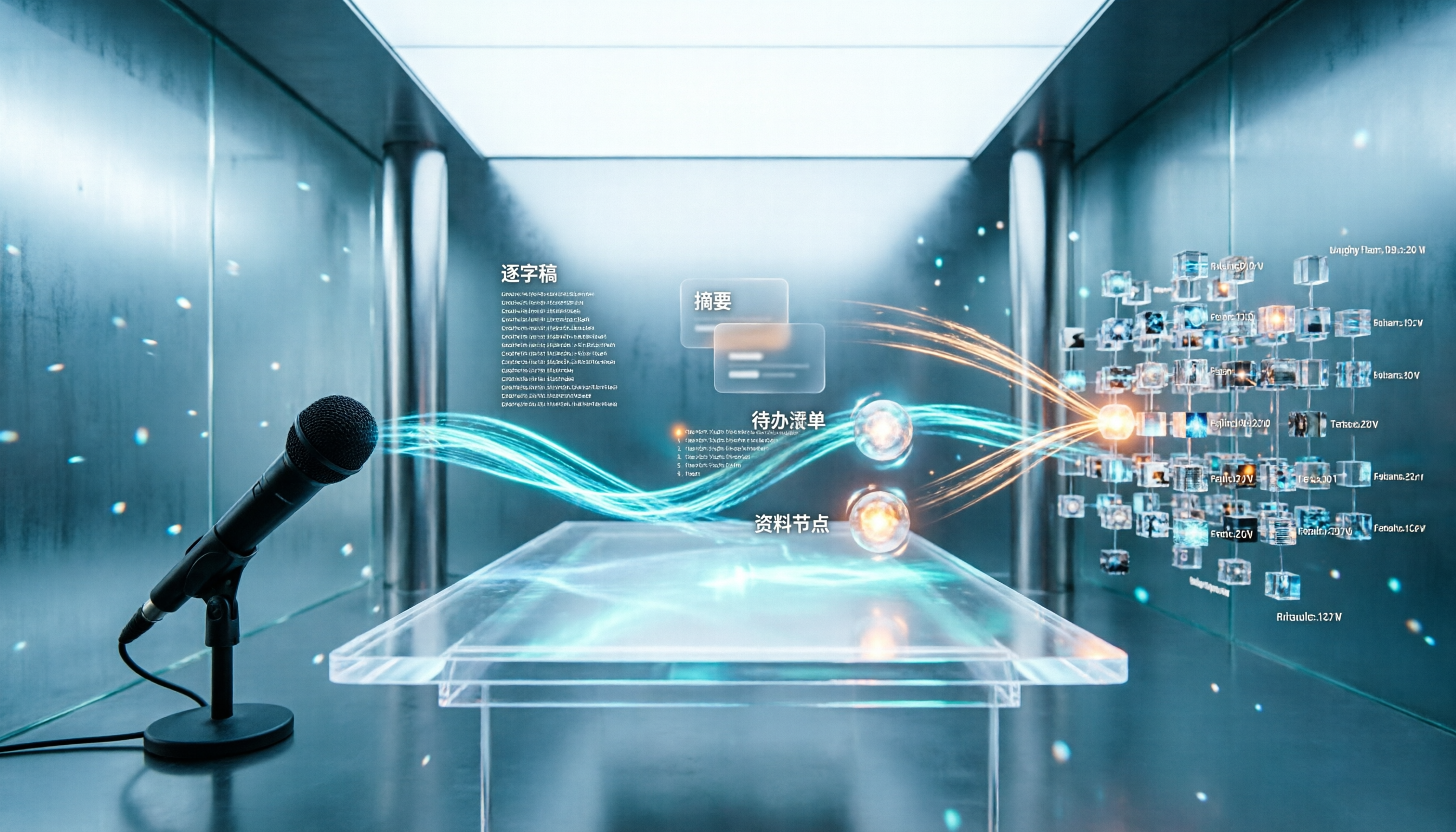
5 Best Letterly Alternatives for Turning Recordings into Usable Meeting Data (2026)
Letterly turns voice notes into short text, but meeting notes require transcripts, summaries, action items, and searchable data. This article compares Letterly, Tinrec, Notta, Granola, and TurboScribe, covering selection criteria, common pitfalls, and ideal use cases to help you find the right alternative that saves post-meeting cleanup time.

2026 Comparison of 5 Meeting Action Item Extraction Tools: Which One Actually Turns Discussions into Action Lists?
Still spending time organizing action items after meetings? This article compares 5 meeting action item extraction tools, covering Chinese and mixed Chinese-English recognition, bot-free online meeting recording, AI follow-up questions, and team knowledge retention. It also includes buying criteria, pitfalls to avoid, and selection advice.

How to Choose a Tongyi Tingwu Alternative in 2026: 5 Steps to a Working AI Meeting Notes Workflow in Taiwan
Looking for a Tongyi Tingwu alternative? The real hurdle is often not features, but account setup, payment, service region, and how meeting data is retained. This article breaks down a real meeting workflow into 5 steps to help you assess whether an AI meeting notes tool can actually work in Taiwan, and shares the workflow I kept after hands-on testing.

2026 One-Click Meeting Minutes Export Tools Compared: Which One Can Send the Minutes Directly?
Meeting notes don't end when you finish typing—the real bottleneck is the final step: exporting. This article uses real student scenarios to compare Tinrec and Granola across six dimensions: export workflow, minutes content, audio retention, import sources, free quota, and team collaboration, to tell you which one can turn meeting notes into a file others can open and use with one click.
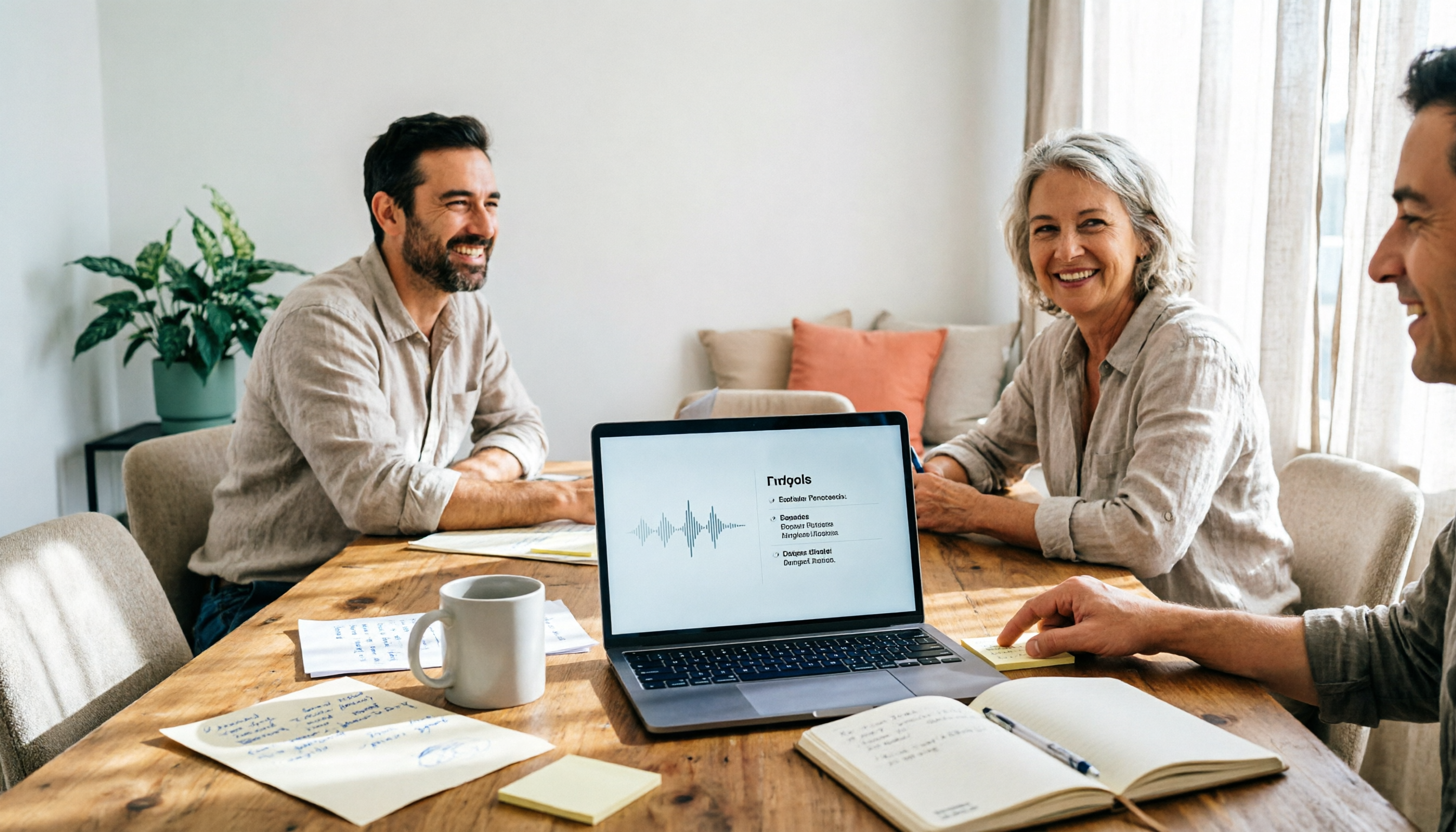
2026 Free Automated Meeting Notes Options: 4 Methods Compared
Tired of spending time organizing meetings after they end? This article covers 4 free methods for automated meeting notes in 2026, from pure manual notes, built-in platform transcription, meeting bots, to desktop bot-free recording. Using Tinrec as a practical example, it explains free quotas, core capabilities, purchasing considerations, and team plan benefits to help you choose the right approach without wasting money.

2026 Comparison of 4 Class Recording Tools: What's Missing Between Transcripts and Notes?
Recorded lectures all semester but still need to re-listen before finals? The problem usually isn't the recording—it's treating transcripts as notes. This article starts with common organizing mistakes, explains how to choose tools for class recordings, and how to use AI summaries and Q&A to compress a one-hour lecture into Cornell notes. It also compares the practical differences and limitations of Tinrec, Otter.ai, Granola, and TurboScribe.

4 Best Free Speech-to-Text Tools in 2026: Which Free Tier Actually Works?
There are many free speech-to-text tools, but 'free' means very different things. This hands-on comparison of Tinrec, Otter.ai, Notta, and TurboScribe evaluates free quotas, Chinese recognition, post-meeting organization, and team collaboration to help you decide which free plan is truly sufficient.