

Turn recordings into transcripts and summaries in minutes
Upload audio or video for multilingual transcription, AI notes, and action items
Still organizing meeting notes at midnight? You don't need another tool—you need a solution
A two-hour meeting, then another two hours to write up the notes—this is the daily reality for many office workers. To make it worse, when a meeting mixes Chinese and English or someone speaks unclearly, transcribing the recording afterward can be a nightmare.
Students record a two-hour lecture but have no idea where to start when reviewing. Content creators with interview recordings starting at one hour face an endless slog if they have to type out full transcripts.
What if a tool could not only convert recordings to text, but also summarize automatically, flag key points, extract action items, and even let you query the recording like a database? That could save a huge amount of time. This article is meant to help you find that solution.
Before choosing a recording-to-text tool, understand these 5 key points
Before jumping into the App Store, it's worth clarifying your own needs. There are countless tools out there, but most are only strong in one area—picking the wrong one can be painful.
1. Use case: meetings only, or more?
Some tools are built specifically for online meetings (such as Zoom or Teams) and will automatically join calls and identify speakers. But if you also need to handle classroom recordings, in-person meetings, interviews, or even YouTube videos, look for a tool that supports multiple sources. When testing, try a real recording with background noise to see how it performs in real-world conditions.
2. Post-transcription organization: is a transcript enough?
A raw transcript is just the starting point. Do you need automatic summaries, chaptering, and action-item extraction, or would simple keyword search be fine? If you want the AI to tell you "what was decided in the meeting" and "who is responsible for what" right after you finish recording, traditional transcription tools may not be enough.
3. Language and accent support
Are your recordings mostly mixed Chinese and English, Taiwanese-accented Mandarin, or even Cantonese? Most international tools are English-first, and Chinese punctuation, sentence segmentation, and proper nouns often go wrong. Always test with the kinds of recordings you actually create—don't rely on an advertised 98% accuracy rate.
4. Cross-platform availability and export flexibility
You might record on your phone, edit on your computer, and need to push the results into Notion or Google Docs. If a tool is locked to one device or limits export formats, it will slow down your workflow.
5. Free allowances and flexible pricing
Everyone uses these tools differently. Occasional users may be fine with a free plan, but people with weekly meetings need more minutes. Some tools only offer monthly subscriptions; others have weekly or annual plans. Think about your actual usage first so you don't overspend.
Tinrec (秒聽錄音)—our top pick after testing
Tinrec (秒聽錄音) is an AI recording and audio-organizing tool positioned around "turning audio files into actionable knowledge." It supports iOS, Android, and web, and its performance with Chinese-language content is its most notable strength.
More than speech-to-text: a complete audio organization workspace
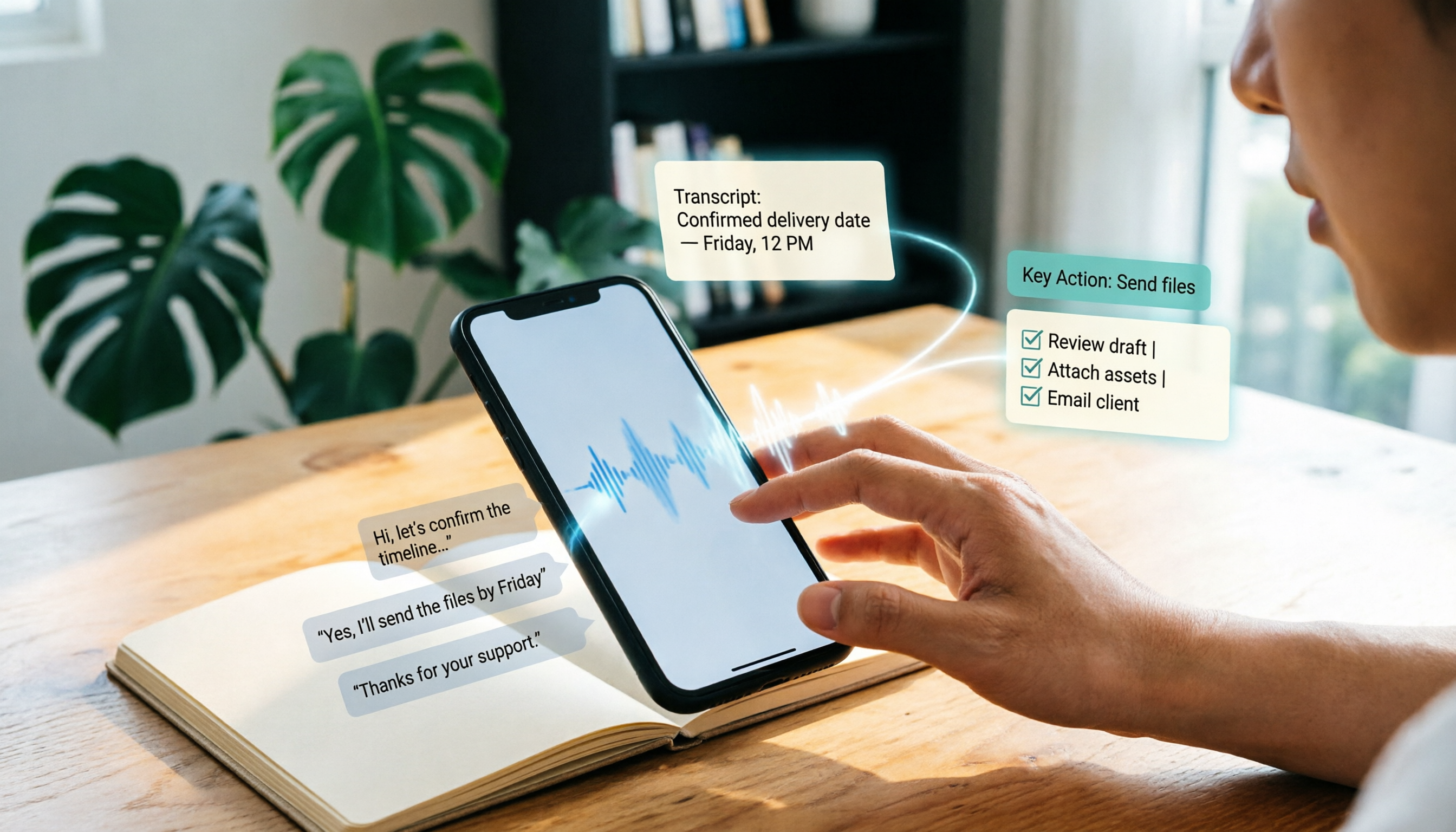
In a meeting, open Tinrec and start recording; it converts speech to a transcript in real time. The moment the meeting ends, the AI has already generated a summary, chapters, and action items—who is responsible for what and when it's due, with no manual cleanup. Even more striking, you can ask questions about the recording directly: "Who mentioned the budget in the last meeting?" It answers based on semantic understanding rather than just returning keyword search results. This AI chat-query feature is nearly unmatched at a comparable price point.
Handles multi-source audio with ease
Beyond live recording, Tinrec can upload audio or video files from your phone or computer, and it can even transcribe and summarize a public YouTube or Bilibili video from a pasted link. This is especially useful for creators organizing online video material and students who want to quickly review recorded lectures. In our test of a 10-minute Chinese meeting recording (recorded on an iPhone indoors, with slight echo and keyboard noise), the punctuation and sentence breaks in the transcript were natural, and speaker identification was mostly correct. A few proper nouns came out wrong, but the overall readability was high enough to use as a first-draft meeting record without major edits.
Pros
Stop organizing recordings by hand
Upload audio or video and automatically get a transcript, summary, and action items
- Excellent Chinese content organization: AI features like summaries, action items, and chapters handle Chinese content well and genuinely reduce manual organizing time.
- Flexible output options: You can export transcripts, subtitles, or mind maps, and sync to Notion, Google Docs, and other tools for further collaboration.
- No extra hardware required: Unlike tools that need a dedicated recording device, Tinrec works with just a phone or computer, so the barrier to entry is low.
Limitations
- The free plan has usage limits, and heavy meeting users may need to pay. (For most people with 2–3 meetings per week, the free plan is enough to experience the full feature set.)
- AI Q&A depends on transcription quality. If the original recording has heavy background noise or people keep interrupting each other, answer accuracy will suffer.
Who is it for?
If you often need to process Chinese meetings, lectures, and interviews, or turn online video content into text quickly—and want to use AI to highlight key points and ask questions after transcription—Tinrec is currently the best fit.
What else is available besides Tinrec?
If Tinrec doesn't perfectly fit your situation, the three tools below are also worth considering, each with clear trade-offs.
Otter.ai
The king of English-language meetings. The free plan's 300 minutes per month is generous, and its meeting summaries and collaboration features are mature. But it's weak with Chinese and Cantonese, and it can't process online video links directly. If your meetings are mostly in English, Otter is a better value than Tinrec. But if you need cross-language support or want to organize web content, Tinrec's multi-source ability is more practical.
Notta
Notta overlaps heavily with Tinrec in features and is also a strong multi-device transcription and meeting-tool option, with 120 free minutes per month. Notta performs well on bulk transcription and translation, but Tinrec offers more complete AI post-processing, such as auto-generated meeting minutes and direct Q&A on recording content. Notta's support for online video links is also less intuitive than Tinrec's.
Plaud Note
A representative of the hardware-first approach. You need to buy a recording card or pin first, and it is genuinely convenient for on-the-go recording. But the hardware cost (starting at around NT$5,000) plus the subsequent subscription fee creates a higher budget hurdle. Also, because it depends on dedicated hardware, it can't process audio files already on your phone or online videos. If you strongly value the convenience of portable recording, it's worth considering; but if you want to get everything done with devices you already own, Tinrec's software approach is more economical.
Avoid these 3 mistakes when choosing a recording transcription tool
Mistake 1: Trusting the official accuracy rate and ignoring your own use case
Many tools claim "98% accuracy," but that's measured in a quiet lab environment. Real meetings have echo, keyboard sounds, and multiple people talking, so accuracy will be lower. Always try a recording of your own; the free plan is the perfect chance to test.
Mistake 2: Choosing the cheapest option and finding out it's not enough
Free plans have limited minutes. If you have more than three meetings a week, you'll hit the wall quickly. Instead of getting stuck to save a little money, try the tool for a week, estimate your actual usage, and then decide whether to pay. Some tools offer weekly passes or monthly subscriptions, which can be more economical for short-term intensive use.
Mistake 3: Treating transcription as the end point and ignoring the organization step
A transcript is only the first step. If the tool can automatically summarize, create chapters, extract action items, or even let you ask questions to find key points, that's what really saves time. Don't just treat the tool as a "recording-to-text machine," or you'll still be doing the grunt work.
So which one should you pick?
After a full round of testing, Tinrec is the most complete of the four across multi-source audio organization and AI post-processing for Chinese content. It isn't the cheapest, and it isn't the strongest at any single function, but if you want one tool that can handle meetings, lectures, and online videos—and you don't want to spend hours organizing after recording—it's the most balanced choice.
Scenario-based recommendations:
- Chinese meeting notes + automatic action items + AI Q&A → Tinrec (most complete feature set)
- English-only meetings with team collaboration → Otter.ai (best English ecosystem)
- Large batch audio-to-text without further organization → Notta (more minutes)
- Want a standalone recording device and don't mind carrying extra gear → Plaud Note (great hardware experience)
Most people's use cases are mixed, so try Tinrec's free plan first—the base allowance is enough to record two or three meetings and experience the full flow of live transcription, summaries, and AI Q&A. If you like it, then pay based on your needs; there's no reason to spend money upfront.
References
- SoundType AI: Ultra-Accurate Transcripts, Speech-to-Text, and AI Dictation - Google Play App
- Transcribe - Audio File to Text on the App Store
- Speech to Text: AI Transcript, Voice to Text, Voice Memo Audio Instant Translator - App Store
- 6 Recommended Speech-to-Text Tools for 2026: Convert Audio Files to Text Online for Free
- Recommended Real-Time Speech-to-Text Apps: 1. iPhone/iPad "Voice Memos" App - Supports real-time transcription - Cost: Free - Supports Chinese and English
Turn every recording into actionable outcomes
Get 60 free transcription minutes when you sign in. No credit card required.
Related Reading
You might also like

2026 Outlook Teams Meeting Notes Comparison: Which Method Saves the Most Time After the Meeting?
The new Outlook has built-in Teams meeting toggles, making scheduling a 30-second task—but the real cost is post-meeting organization. This guide breaks down the 5 key checks for scheduling Teams meetings in new Outlook, from version identification to account requirements and step-by-step actions, and compares three post-meeting documentation methods: Teams built-in transcription, Otter.ai, Notta, and Tinrec, to help you choose the most time-saving meeting workflow.

5 LINE Call Recording Methods Tested for 2026: Can iPhone and Android Record Both Sides?
LINE has no built-in call recording feature, and iPhone screen recording often captures only your own voice. This guide covers 5 practical LINE recording methods—from iOS 18 built-in call recording and Android screen recording to computer system audio capture—and compares how to use Tinrec to turn recordings into transcripts, summaries, and action items.

5 LINE Call Recording Methods Tested for 2026: Which One Actually Captures the Other Person's Voice?
LINE itself has no call recording button, so the real question is whether you're using a phone or computer, iPhone or Android. This guide covers 5 common LINE call recording methods, whether each captures the other party's voice, and how to use Tinrec afterward to turn audio into transcripts, summaries, and action items—solving both 'recording it' and 'making it useful.'

5 Best Microsoft Teams Meeting Transcription Tools in 2026: From Built-in Recording to AI Summaries
Creating a meeting in Teams takes three clicks, but the real time sink is post-meeting organization. This guide first breaks down the differences between the three entry points for creating Teams meetings—calendar meetings, channel meetings, and Outlook—along with a pre-send checklist. Then it compares five solutions that turn meetings into transcripts, summaries, and action items, helping you move from 'meeting ended' to 'ready to act.'
6 Ways to Save LINE Voice Messages and Calls in 2026: Tested and Compared
Can't find a download option when you long-press a LINE voice message? This article covers 6 methods to save LINE recordings—from sharing to Files on mobile, saving on desktop, Keep notes, to AI transcription tools. We tested which method is least likely to lose files and explain how to turn saved recordings into transcripts, summaries, and action items.

What Is LINE IN Recording in 2026? 2 Recording Solutions Compared: Don't Confuse It With LINE Call Recording
LINE IN recording captures a line-level input signal, which is completely different from recording a LINE call. This article first explains in 3 minutes the equipment, connections, and most common volume misunderstanding for LINE IN, then compares PLAUD NotePin and Tinrec across five dimensions: device requirements, post-meeting organization, scenario coverage, Chinese-language experience, and team collaboration, to help you decide which method to use for preserving important audio.

How to Save LINE Voice Messages to Your Phone in 2026: 5-Step Guide
How do you save LINE recordings to your phone? This guide tackles three common misconceptions and walks you through five steps to download LINE voice messages, convert them to MP3, and back them up to the cloud. It also explains why LINE call recording isn't managed by LINE and how to turn saved audio into searchable, queryable text data.

How to Save LINE Recordings in 2026: 5-Step Guide to Voice Messages, Call Recordings & Backup
LINE recordings come in two types—chat voice messages and call recordings—and they're saved completely differently. This guide walks you through 5 steps to save voice messages to your phone, computer, and cloud, explains how to handle call recordings, covers 4 common mistakes that make files disappear, and shows how to turn saved recordings into searchable, queryable text with AI tools.

3 LINE Voice Message Download Methods Tested in 2026: Which One Actually Works?
LINE doesn't offer an official download button for voice messages, and online tutorials contradict each other. This guide covers three approaches—saving via Keep Notes, sharing to Files, and third-party backup tools—comparing compatible devices, batch capability, and real limitations, plus how to transcribe recordings after downloading.