

Turn recordings into transcripts and summaries in minutes
Upload audio or video for multilingual transcription, AI notes, and action items
Two Hours in a Meeting, Two More to Organize? You Need More Than Just a Recording App
Meetings that go on forever, and before you know it, the audio files pile up. Manually transcribing the transcript isn't just time-consuming—it's easy to miss key decisions and to-dos. Putting together meeting minutes can easily take longer than the meeting itself.
Lectures, interviews, podcasts, online videos... Whenever you miss the key points in these long-form contents, going back to listen again is pure torture. What's even more frustrating is that most speech-to-text tools only hand you a transcript; the follow-up organizing is still up to you.
If you're often annoyed by these issues, the following will make things a lot easier. We tested four of the most talked-about speech-to-text apps on the market to help you find a solution that actually saves you time.
Before Buying a Speech-to-Text App, Nail These 4 Key Points
Not every tool works for you—just look at these four dimensions.
1. Transcription Accuracy: Don't Just Trust Official Numbers
Many tools claim "98% accuracy," but that's measured in a quiet recording studio. Real-world scenarios have keyboard clicks, air-conditioner hum, and multiple speakers, which can make accuracy drop noticeably. We tested with a 5-minute meeting recording that mixes Chinese and English with slight background noise, and the gap quickly became clear.
2. AI Features: Transcription Is Just the Start—Organizing Is the Real Deal
If a tool only gives you a transcript, you still have to pick out the highlights, sort out action items, and write summaries by yourself. Better tools now auto-generate summaries, chapters, and to-dos, and some even let you query the recording conversationally like asking a colleague—which dramatically cuts down organizing time.
3. Input Source Variety: Don't Just Handle Meetings—Handle All Your Audio and Video
A truly useful tool shouldn't only serve online meetings. You may have old audio files, online videos, or podcast links that need converting to text. Choose an app that covers live recording, file upload, and URL parsing, so you don't have to install multiple apps for different scenarios.
4. Cross-Platform and Export Flexibility: Don't Get Tied to One Device
You might record on your phone in the meeting room, then go back to your desk and organize on your computer. If a tool only supports mobile, or doesn't offer export formats like TXT, SRT, or Word, subsequent collaboration can get painful. Choose a tool that supports multiple devices and can export to Notion or Google Docs for maximum flexibility.
Tinrec—Our Top Pick After Testing
Tinrec is an AI tool that turns recordings, audio, and video into "actionable knowledge." It doesn't just transcribe—it helps you organize summaries, chapters, to-dos, and AI conversation search. It supports live recording, file upload, and online video links, and works on iOS, Android, and web.
Three Core Features That Speed Up Your Work
Transcribe While Recording—Get Your Summary Right After the Meeting
When you open Tinrec at the start of a meeting, it instantly converts speech to a transcript. By the time the meeting ends, the AI summary is already generated, complete with to-dos—who should do what and by when, all at a glance. You just review the content, fine-tune key points, and send it to your team.
Not Just Meetings—Courses, Interviews, and Videos Can Become Text
Drop a classroom recording, expert interview, or YouTube video link into Tinrec, and you'll get the text with chapter segments in minutes. For people who need to organize research material or write reports, the time saved is very tangible.
Ask Questions and Get Answers Directly After Recording
This is what impressed me most: you can ask Tinrec, "Who brought up the budget adjustment in the last meeting, and what was the conclusion?" It doesn't just search keywords—it understands semantics and answers directly. Most tools in the same price range don't have this feature yet, so for anyone who needs to review historical meetings, this is incredibly practical.
How Did We Test?
We uploaded a 5-minute Chinese meeting recording (with slight keyboard and air-conditioner noise, two speakers, normal speaking pace). Tinrec's transcript not only had clear paragraph segmentation, but also showed noticeably more stable recognition of proper nouns than most tools. The decision points and to-dos pulled out by the AI summary matched our manual review with almost nothing missing.
Pros at a Glance
Stop organizing recordings by hand
Upload audio or video and automatically get a transcript, summary, and action items
- Multiple Input Sources: Live recording, audio files, and online video links are all handled—one app covers all your audio/video-to-text needs.
- AI Conversation Search: It's like having an on-call assistant built in; your recording database becomes a conversational knowledge base.
- Versatile Output: Not just transcriptions—also summaries, chapters, to-dos, subtitles, and even the ability to generate meeting minutes or reports, then export to Notion, Google Docs, and other common services.
Let's Be Clear About the Limitations
The free plan includes basic transcription credits; heavy users should consider the Pro plan. Also, in extremely complex multi-speaker or high-background-noise situations, the AI summary can still misjudge key points, so be sure to double-check important content against the original text.
Who Is It For?
If you frequently need to organize Chinese meetings, courses, or interviews, or want to turn online videos and podcasts into text material, and you'd like to use AI to find key points right after recording, Tinrec is currently the closest match to your workflow.
Beyond Tinrec: What Other Options Are There?
Otter.ai: The Top Choice for English Meetings, but Not for Chinese Speakers
Otter.ai is a standard tool for many global teams. Its free plan offers a generous 300 minutes per month, and English transcription quality is excellent. It also auto-generates summaries and action items. But the downside is clear: it doesn't support Chinese transcription, and converting online video links to text isn't a core feature. If your recordings are mainly in English, it can be a more budget-friendly choice than Tinrec—but if you need Chinese content organization or AI conversation search, Tinrec is more comprehensive.
Yating Transcription (雅婷逐字稿): A Well-Established Taiwan Tool, but Lacks AI Conversation Search
Yating Transcription is a tool familiar to many Taiwanese users. It supports Mandarin, Taiwanese, and English, with solid accuracy. However, it doesn't have AI conversation search—after recording, you can only manually browse the transcript or use keyword search. Also, the free version offers almost no transcription credits, so continuous use requires payment. Moreover, it doesn't support pasting online video links for transcription—Tinrec is more flexible in this regard.
Notta: Strong Transcription, but Limited AI Post-Processing
Notta is a frequently compared cross-platform transcription tool. The free plan gives you 120 minutes per month, supports multiple languages and real-time transcription, and provides AI summaries and translation. But it lacks Tinrec's "AI conversation search," so you can't probe the recording content the way you would with an assistant. Also, its output is mainly transcripts and summaries—for generating meeting minutes, tables, or reports, Tinrec's agent-based post-processing is clearly more complete.
Pitfall Guide: 3 Common Mistakes When Choosing a Speech-to-Text App
Pitfall 1: Only Caring About the Accuracy Figure on the Website
Many tools claim 98% accuracy, but that's measured under ideal conditions. In real use, ambient noise, accents, and multiple speakers can all degrade performance. We recommend using your own everyday recording to test the free version. Confirm the quality before paying, rather than just trusting the ad.
Pitfall 2: Overlooking the Value of AI Features
Many people only use these tools as "audio-to-text" converters, but modern AI can already summarize, categorize, find key points, and even help draft meeting minutes. If you only use transcription, you're basically wasting two-thirds of the tool's productivity. With Tinrec's AI conversation search, for example, you can simply ask "What was the meeting conclusion?" after recording—it's much faster than manually crawling through 30 minutes of transcript.
Pitfall 3: Not Considering Cross-Platform and Output Needs
You record on your phone, then get back to your computer to organize—only to discover the tool only has a mobile version, or can only export plain text. That can stall your workflow. Make sure to choose a tool that has both mobile apps and a web version, and that can export TXT, SRT, Word, or even sync to Notion—that's what it takes to truly integrate into your workflow.
Summary: Which One Should You Actually Pick?
Based on our tests, Tinrec stands out the most in Chinese content organization, AI conversation search, and input source diversity. It's not just a meeting bot or transcriber; it's a knowledge workbench that can turn all kinds of audio and video materials into searchable, applicable knowledge.
Here's how to choose:
- Need Chinese meeting, course, or interview transcription, and want to ask AI for key points right after recording → Tinrec (most complete features and most convenient cross-platform option)
- Only record English meetings and have a limited budget → Otter.ai (high free allowance, excellent English quality, but note it doesn't support Chinese)
- Need Taiwan-local language recognition and don't mind manual organizing → Yating Transcription (decent accuracy, but no AI conversation search and low free allowance)
- Mainly need file transcription and subtitles, with less need for AI post-processing → Notta (strong transcription, but lacks conversation search and deep post-processing)
We recommend downloading Tinrec's free version to try it out with your own recordings and see the transcription and AI organization for yourself. If it feels right and solves your pain point, then consider upgrading—there's no need to commit to a purchase upfront.
References
- 2026 Recommended 6 Speech-to-Text Tools: Free Online Recording-to-Text
- SoundType AI - Accurate Transcription, Speech-to-Text, AI Dictation - Google Play Applications
- Unlimited time! 3 free AI transcription tools you'll love! AI voice notes to generate meeting minutes, presentations, mind maps | 104 Workplace
- Real-time Speech-to-Text App Recommendation 1. iPhone/iPad "Notes" App • Supports real-time text conversion • Cost: Free • Supports Chinese, English
- Must-see in 2026! 4 AI Audio-to-Text Tools Recommended: Meeting Minutes & Podcast Transcript Comparison - Mobile01
Turn every recording into actionable outcomes
Get 60 free transcription minutes when you sign in. No credit card required.
Related Reading
You might also like

4 Transcript Download Tools Tested in 2026: Notta Export Limits vs. Tinrec Team Workflow—Which Is More Practical?
Many people searching for "Notta download transcript" really want to confirm the format, batch limits, and team handoff methods after downloading a transcript. This article compares the export process and post-meeting workflow of Notta, Tinrec, Otter.ai, and TurboScribe, and highlights the permission and plan restrictions most easily overlooked when downloading transcripts.

3 Spanish Speech-to-Text Tools Tested: Is Notta's Free Plan Enough?
Recorded a Spanish meeting or interview but can't get a transcript? We tested Notta, TurboScribe, and Tinrec to uncover hidden free plan limits, accent recognition, and post-meeting organization. Plus 3 common pitfalls to help you choose the tool that truly saves time.

2026 Test of 3 Desktop Meeting Recording Tools: Is Notta Desktop Good Enough for Chinese Meetings?
Starting from real meeting scenarios of a mid-level manager, this article compares Notta Desktop, Granola, Otter.ai, and Tinrec on bot-free recording, Chinese recognition, post-meeting organization, and team collaboration. It also summarizes 5 key purchasing points and 4 common pitfalls to help you decide which tool fits your meeting rhythm.

Notta Download: 5 Key Factors to Consider Before Installing in 2026
What to know before downloading Notta? This article compares Notta and Tinrec across 5 dimensions: download and installation, meeting recording methods, free quota, post-meeting organization, and team collaboration. It also covers complete installation steps for Notta desktop on Windows and macOS, export limitations, and FAQs to help you decide which tool better fits your meeting workflow.
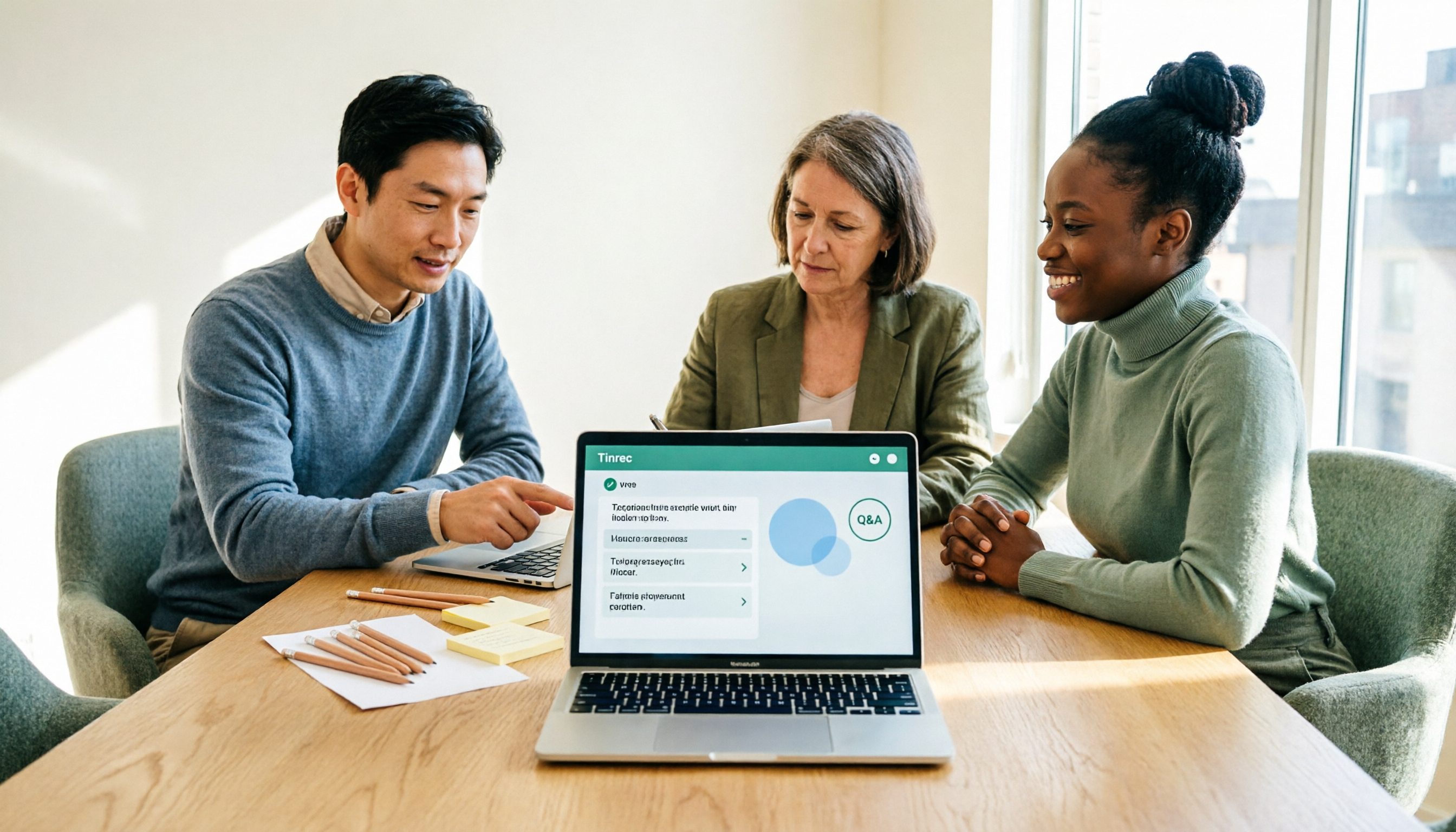
3 Mac Meeting Recorder Tools Tested in 2026: Notta Download Guide & Tinrec Review
Tired of typing transcripts after Mac meetings? We tested Notta, Otter.ai, Granola, and Tinrec, covering Notta Mac download and install steps (.dmg drag-and-drop, system requirements, free plan limits), plus comparisons of bot-free recording, AI Q&A, action item extraction, and team collaboration to help you choose the right meeting notes tool.

Notta Pricing 2026: Plans, Costs, and How Tinrec Compares
When looking up Notta pricing, the most common mistake is treating the annual-billing monthly rate as the month-to-month price. This article breaks down Notta's Free, Pro, and Business plans—costs, quotas, and add-ons—and explains why Tinrec is better suited for Chinese-language meetings and team collaboration across five dimensions: meeting capture, post-meeting workflow, cost predictability, team governance, and Chinese-language experience.

Notta for Windows Download Guide 2026: Installation, System Requirements, and Meeting Transcription Tested
Looking for a meeting transcription tool for Windows? This guide covers Notta for Windows download and installation steps, system requirements, and free plan limits. It also compares Tinrec desktop, Otter.ai, and Granola on bot-free recording, post-meeting organization, and team collaboration to help you choose the right tool.

3 Chrome Extensions for Meeting Transcription Tested in 2026: Is Notta's Free Version Enough?
People searching for 'notta chrome extension free' usually want to know what Notta's free Chrome extension can actually do and where its limits are. Starting from a real 50-minute Google Meet frustration, this article breaks down the free quota traps of Chrome extension recording, the difference between system audio and tab recording, and compares Notta, Otter.ai, Granola, and Tinrec, ending with scenario-based selection advice.

Notta Education Discount 2026: How to Get 50% Off — Eligibility, Steps & Plans
How do you apply for the Notta education discount? This guide covers eligibility for the official 50% off education offer, the web-based application steps, discounted pricing, and which plans qualify. It also compares similar transcription tools for meeting notes and team collaboration, helping students and faculty decide whether it's worth the spend.