

Turn recordings into transcripts and summaries in minutes
Upload audio or video for multilingual transcription, AI notes, and action items
What Can Recording-to-Text AI Do for You?
If you work in Central, Hong Kong, you already know the drill: four or five meetings a day, then listening back to recordings to type thousands of words of meeting minutes. Working overtime until 8 or 9 is basically the norm. Once you use an AI recording-to-text tool, the whole workflow changes instantly—here are three common scenarios Tinrec can help you handle:
Scenario 1: Meeting minutes ready 5 minutes after the meeting ends
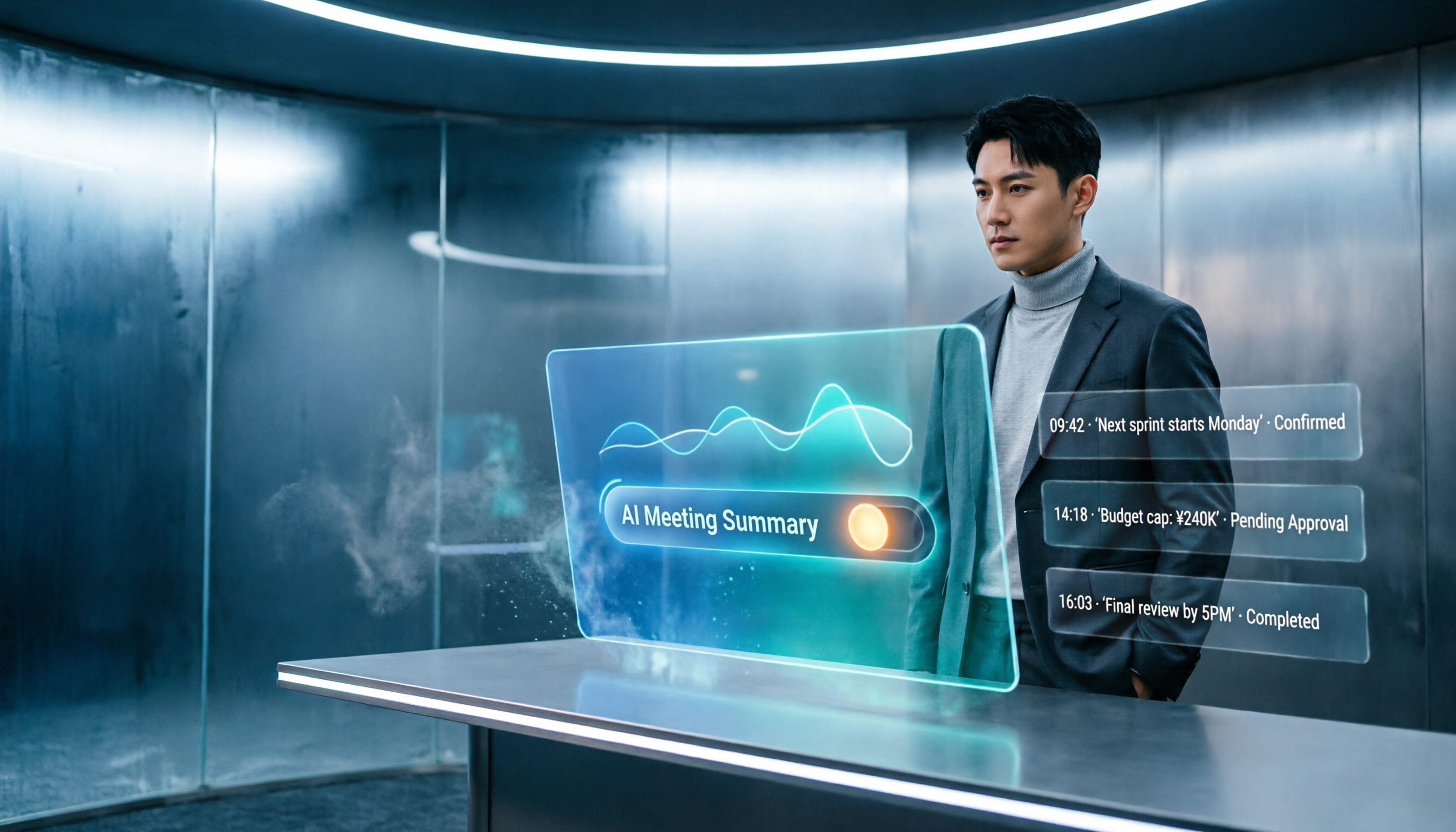
Previously, a two-hour meeting might cost you another hour to organize the key points. Now Tinrec can generate text as it records, and the moment the meeting ends, the AI has already produced the summary, conclusions, and action items. Who owns what and when it’s due—all visible at a glance.
Scenario 2: Lectures and talks automatically turned into notes
If you’re a college student or taking continuing education, the thing you dread most is a three-hour lecture. Tinrec automatically splits the recording into chapters and pulls out key points, so when you get home you can just study instead of listening to the recording again.
Scenario 3: Quick transcripts for interviews and video production
If you do content creation or research, you’re constantly organizing voice recordings or transcripts from YouTube videos. Tinrec lets you paste a video link and get text directly, and you can export it as SRT subtitles or a Word file. Editing videos and writing articles become several times faster.
What Are Tinrec’s Core Features?
Tinrec is not just a “recording-to-text” tool; it’s a workspace that turns your audio and video into useful material. These five core features are all designed around actually being helpful:
Real-time transcript with zero-lag live display
Whether you’re on the mobile app or web version, text appears in real time the moment you hit record—no need to wait until the recording ends. During meetings or classes, you can watch the screen to confirm nothing important was missed.
AI-structured summary, not just a shortened version
Many tools just condense the transcript into a paragraph. Tinrec’s AI summary automatically separates “meeting topic,” “key discussion points,” “action items,” and “decisions,” all clearly laid out and ready to copy into your minutes.
Automatic chapter splitting—long recordings become a table of contents
If you recorded a two-hour lecture, Tinrec automatically breaks it into chapters, each with a title and key points. You can scroll a bit to find the part you want without listening through the whole thing.
AI conversation search—ask your recording directly
This feature is genuinely powerful. After transcription, you can ask Tinrec like you would ChatGPT: “Who mentioned the budget in this meeting?” or “What feedback did the client give?” It replies directly based on the recording, so you don’t have to search line by line.
Export in multiple formats to fit your existing workflow
The text, summaries, and action items you organize can be exported as TXT, Word, or SRT, or synced directly to Notion, Google Docs, and more. You’re not locked into one app.
Real-World Use Cases
Work meetings: no more dreading the minutes
Keep Tinrec on your phone or computer and it transcribes as it records. After the meeting, you just tap a button and the AI generates a structured summary, even laying out action items. Send it to your colleagues and you’re done.
College lectures: recordings become a study aid
Record a three-hour lecture, and Tinrec automatically splits it into chapters and extracts key points. You can also export it to Notion for better organization. Before an exam, search for a keyword and instantly find what the professor said.
Stop organizing recordings by hand
Upload audio or video and automatically get a transcript, summary, and action items
Content creation: cut video and writing time in half
If you make YouTube videos or podcasts, paste a link into Tinrec and it will generate a transcript and subtitles. You can edit directly on the transcript and then output SRT subtitles—the entire workflow becomes smooth.
Personal archive: old recordings become searchable
In the past, meeting recordings sat there and were rarely revisited. Now, once you import them into Tinrec, they all become searchable text records. You can ask the AI anytime: “What was discussed in the Q3 marketing plan meeting last year?”
What to Consider When Choosing a Recording-to-Text Solution
Don’t just look at minutes; look at post-processing capability
Some free tools let you transcribe a lot of minutes but give you only a plain transcript—no summary, no Q&A. Tinrec’s free plan already includes AI summaries and chapters, while the Pro plan adds unlimited AI Q&A and longer recording durations, so you can truly “use it right after transcription.”
Language support matters, especially Cantonese
If you need to process Cantonese recordings, not every tool can handle it. Tinrec’s speech recognition is specially optimized for Cantonese, and even mixed Cantonese-English speech is no problem. This is especially important in Hong Kong.
Cross-platform sync—don’t get locked into one device
Tinrec has iOS, Android, and web versions. You can record on your phone, then continue editing and exporting on your computer back at the office. Everything syncs to the cloud, and there’s no need to transfer files back and forth.
How do I choose between the free plan and Pro?
If you only use it a few times a month, the monthly transcription allowance in the free plan is probably enough. But if you have meetings or classes every week, the Pro plan’s higher usage limits and unlimited AI Q&A are better value, and it also supports batch import of old recordings so you can organize your entire archive at once.
Frequently Asked Questions
Q: How accurate is recording-to-text transcription?
A: In a normal office environment with clear recordings, Tinrec’s recognition rate is very high and basically easy to read. However, if the background is very noisy, people talk over each other, or speakers have heavy accents, accuracy may be affected. For important meetings, we recommend checking the original once.
Q: What file formats does Tinrec support?
A: It supports live recording, uploading audio files (MP3, WAV, M4A, etc.), video files (MP4, MOV), and directly pasting links from sites like YouTube and Bilibili. It basically covers all your needs.
Q: Can anyone hear my recordings? How is privacy protected?
A: Tinrec uses industry-standard encryption. Recordings and uploaded files are used only for transcription and AI processing, and are not used for any other purpose. For more details, see the official privacy policy.
Q: Can I share the same recording with colleagues for editing?
A: The Pro plan supports sharing and collaboration. You can export the transcription result, or share a link with colleagues for viewing and comments, which is convenient for team use.
Q: What are the limits of the free plan?
A: The free plan includes a fixed number of transcription minutes each month, enough for you to try the tool and do a meeting record occasionally. If you need to process a lot of recordings or use AI Q&A, upgrading to Pro is recommended.
Summary
If you constantly deal with recordings at work—meetings, lectures, or content—why spend your nights typing transcripts? Try an AI recording-to-text solution instead. Tinrec is not just a transcription tool; it’s a versatile workspace that turns recordings into summaries, to-dos, and Q&A.
The free plan is enough for you to try the core features. If it feels right, then upgrade to Pro. There’s no risk. Download it and see how much time it can save you every day.
References
- 2026 Recommended 6 Voice-to-Text Tools: Convert Recording Files to Text Free Online!
- Online AI Speech, Video, and Recording File Auto-Transcription - Free Trial - cSubtitle
- No Time Limit! 3 Free AI Transcript Tools, Highly Recommended! AI Voice Notes Generate Meeting Minutes, Presentations, and Mind Maps | 104 Career Development
- 【AI Voice Notes】5 Highly Recommended AI-to-Text Tools! Generate Transcripts and Meeting Minutes, Free vs Subscription, Pros and Cons | 104 Career Development
- Free Audio-to-Text
Turn every recording into actionable outcomes
Get 60 free transcription minutes when you sign in. No credit card required.
Related Reading
You might also like

2026 iOS Transcription Apps Compared: Tinrec vs Notta for Chinese Meetings
Many assume that installing a transcription app on an iPhone will automatically generate meeting notes, but in practice, quotas, audio quality, and post-meeting organization are the real keys. This article starts with common misconceptions and compares Notta iOS and Tinrec on online meeting recording, post-meeting organization, AI follow-up questions, and team data management to help you decide which workflow better suits your daily needs.

Best AI Recording Tools in 2026: 5 Tested, Notta Memo Price & Alternatives
Notta Memo is priced at USD 149, but hardware is only part of the cost—transcription quotas and subscription fees add up. This guide cuts through the common price-comparison mistake of looking only at the hardware sticker price, breaking down the real costs, capability limits, and best-use scenarios for 5 AI recording and meeting-notes approaches so you can calculate total cost before deciding.

How to Transcribe Indonesian Audio to Text in 2026: Notta Supports Indonesian + Tinrec Post-Meeting Organization
How to choose Indonesian meeting transcription? This article addresses three common pitfalls, explains 4 key points for selecting an Indonesian transcription tool, compares Notta, Otter.ai, TurboScribe, and Tinrec, and shares practical tips and pitfalls to avoid for teams handling mixed Chinese-Indonesian meetings.

2026 Comparison of 3 Japanese Transcription Tools: Is 'notta in japanese' a Verb or a Tool?
People searching for 'notta in japanese' fall into two camps: those looking up the Japanese word '乗った/載った' and those looking for Japanese transcription tools like Notta. This article first clarifies the meaning of 'notta' in Japanese, then compares Tinrec, Notta, Otter.ai, and TurboScribe from four perspectives: recognition quality, real-time transcription, post-meeting organization, and team collaboration, to help you choose the right tool.
How to Cancel Notta Subscription in 2026: 3 AI Meeting Tools Compared
Can't find the cancel button for your Notta subscription? This guide covers the 3 most common cancellation mistakes and provides step-by-step instructions for canceling through the web, App Store, and Google Play. It also explains what happens to your access, quota, and data after cancellation. Finally, it compares Tinrec, Otter.ai, and TurboScribe to help you decide which tool to switch to after canceling.

2026 Best 3 Transcription Apps Compared: Notta vs Tinrec — Which Really Saves Meeting Notes Time?
Searching for "notta ilacabak" actually brings up a prescription drug in a Turkish medication database—just a name coincidence with the meeting notes tool. This article starts from that common confusion, breaks down 4 key points for choosing a transcription tool, compares Tinrec, Notta, Otter.ai, and Granola on Chinese meetings, post-meeting organization, and team collaboration, and lists 4 common pitfalls to avoid.

Notta vs Tinrec 2026: 5-Dimension Comparison for Chinese Meeting Notes and Team Knowledge
People searching for notta instagram are often deciding whether Notta is worth using. This article first confirms which Instagram account is Notta's official one, then compares Notta and Tinrec across 5 dimensions: capture method, post-meeting output, Chinese experience, team governance, and pricing, to help you choose the right tool for your scenario.

3 AI Meeting Note Tools Tested in 2026: How to Use Notta and Why Tinrec Saves Time for Chinese Meetings
A step-by-step guide to using Notta—from sign-up, recording, transcription, AI summary to export—plus a comparison of Tinrec's bot-free recording, AI Q&A, and team knowledge retention for Chinese-language meetings, with free tier and team pricing details.

What Is Notta House in 2026? 4 Steps to Clarify and Choose the Right Meeting Notes Tool
Searching for "notta house" brings up a Jakarta restaurant, a UK vacation rental, and a US home builder? This article uses 4 steps to clarify the name confusion, then compares Notta and Tinrec across 5 dimensions: meeting capture, post-meeting output, Chinese and translation, team governance, and pricing quotas, to help you decide which better fits your meeting notes needs.