

Turn recordings into transcripts and summaries in minutes
Upload audio or video for multilingual transcription, AI notes, and action items
A Familiar Scene
It's Wednesday afternoon, and a two-hour project meeting just ended. You close the meeting window and look at the recording file on your desktop. Your first thought isn't about the meeting conclusions—it's about how long it will take to organize this recording.
Most people first search "notta how to use" at this exact moment. The tool is downloaded, the account is registered, but you're not sure where to click next, whether the free tier is enough, or if the output can be used directly.
In this article, I'll walk through Notta's workflow quickly, then explain why Tinrec's approach might be smoother if your meetings are in Chinese and you need team collaboration.
How to Use Notta: 5 Steps
Notta is an AI meeting note tool. The main workflow can be broken into five steps: sign up, record or upload, auto-transcribe, generate summary, and export.
- Sign up: Go to Notta's website and click "Start for Free." Create a profile with email or Google account. The free version doesn't require a credit card.
- Choose recording method: In the workspace, you can record audio, import files, transcribe meetings in real time, or record video.
- Auto-transcribe: After uploading, the system generates a transcript. You can edit typos and split paragraphs in the editor.
- Generate AI summary: Once transcription is done, generate a summary with one click to quickly capture key discussion points.
- Export and share: Export the transcript or summary as a file, or share with team members.
The whole setup takes about three minutes and requires no technical background.
However, pay attention to the free tier. According to Notta's official pricing page, the free version offers 120 minutes per month with a maximum of 3 minutes per recording; Pro annual billing is about USD 8.17/month for 1,800 minutes per month. So if you need to record a one-hour meeting, the 3-minute limit per recording on the free version is a clear barrier. Actual plans and prices are subject to the official page.
What if you need "Chinese meetings and team collaboration after the meeting"? That's where I'd recommend trying Tinrec.
What Can AI Meeting Note Tools Do for You?
Before buying a tool, confirm it solves your real pain points. Here are four scenarios office workers encounter most.
Scenario 1: Get meeting notes within five minutes after the meeting
Previously, after a two-hour meeting, you'd spend another hour organizing notes. With Tinrec, for example, the transcript is ready when the meeting ends, along with summaries, chapters, and action items—who's responsible for what and when it's due, listed separately.
Scenario 2: Turn a one-hour interview into citable material
The hardest part of interview recordings isn't recording—it's finding a specific quote later. Tinrec's transcript supports search, and you can use AI Q&A to directly ask "Where did the client mention the budget?" without re-listening to the whole thing.
Scenario 3: No need to find a translator for cross-language meetings
When meeting with overseas colleagues, Tinrec supports viewing the original text, translation, or bilingual content in real time during recording, so you don't have to wait for a translated transcript afterward.
Scenario 4: Find decisions from three months ago with one query
If meeting data only sits on personal computers, it's as good as nonexistent. Tinrec's team version stores meetings centrally in a team space, so new members can view historical data and decision rationale doesn't disappear when people leave.
What Are Tinrec's Core Capabilities?
Real-time speech-to-text
Transcribe while recording, not after. During meetings, you can watch the text sync to confirm nothing is missed and ask follow-up questions on the spot.
Bot-free recording for online meetings
This is what I find most practical. Tinrec's desktop app directly captures computer system audio, handling Zoom, Google Meet, Microsoft Teams, Webex, and other online meetings without inviting an extra meeting bot. To be precise: this isn't "automatically joining all meetings"—you actively open Tinrec to start recording.
AI summaries and chapters
It doesn't just compress the transcript into a paragraph; it structures the content: meeting topics, discussion conclusions, and action items are listed separately. Long meetings are divided into chapters for easy skimming.
Action item extraction and AI Q&A
After transcription, you can directly ask Tinrec "What are the action items from this meeting?" or "Who mentioned the budget?" It answers based on semantic understanding, not just keyword matching.
Stop organizing recordings by hand
Upload audio or video and automatically get a transcript, summary, and action items
Export and post-meeting processing
Results can be exported to Notion, Google Docs, OneNote, Dropbox, and other tools for further use. You can also use Agent post-processing to generate reports, tables, and meeting minutes.
Practical Use Cases
Weekly standups and project meetings: Record regularly with Tinrec, store in team space after meetings, and track action items directly. Participants don't need to take notes while listening, which noticeably improves discussion quality.
Customer interviews and sales conversations: Customer needs, concerns, and commitments are all in the transcript. Organizing and exporting afterward is far more reliable than writing from memory.
Courses and lectures: A two-hour class transcribed into a transcript with chapters lets you jump to the section you want when reviewing, without re-listening to the whole thing.
Content creation and podcasts: Transcribe first, then pick usable segments from the transcript, saving a lot of repetitive listening and typing time.
5 Things to Consider When Choosing an AI Meeting Note Tool
1. Performance with Chinese and mixed Chinese-English
Meetings in Taiwan rarely use only one language throughout. When choosing a tool, be sure to test with your company's real recordings, not just official marketing. Tinrec is promising for Chinese, Traditional Chinese, and multilingual meetings, but actual performance is still affected by recording quality, accents, noise, and overlapping speakers.
2. How meetings are recorded
Bot joining the meeting and desktop system audio capture are two different approaches. The former requires host approval; the latter doesn't add an extra participant. Tinrec uses the latter, which is less intrusive for external client meetings.
3. What you can do after transcription
The transcript is just the starting point. Whether it can generate summaries, extract action items, and let you ask follow-up questions is where real time savings come from. Tinrec puts this entire workflow in one place.
4. Free tier and pricing
Check the free version limits first. Tinrec's free version provides a basic quota, enough to run one or two of your own meetings to see results. If you have steady weekly needs, then evaluate Pro or annual plans. The team version is currently USD 29.80 per paid seat per month, or USD 199 per paid seat per year (about USD 16.58/month), with each paid seat providing 2,000 minutes of team shared import quota per month. There's also a 7-day, 1 free seat, 300-minute initial trial. Under an active team plan and seats, real-time recording currently doesn't deduct minutes.
5. Team knowledge retention and permission governance
If meeting data is to be used by the whole department, check whether it has a team space. Tinrec's team version distinguishes "roles" and "seats": roles determine who can manage the team and audit, seats determine whether members can record, upload, edit, and export. Members without seats can still view, play, and read team data. This is often misunderstood during procurement, so it's worth clarifying upfront.
FAQ
Q: Is Notta's free version enough?
Depends on how you use it. According to the official page, the free version offers 120 minutes per month with a maximum of 3 minutes per recording—suitable for short clip trials; recording full meetings will be tight. I recommend running a real recording with the free quota first to judge.
Q: Does Tinrec require a meeting bot to join?
No. Tinrec's desktop app directly captures computer system audio. You initiate recording yourself, without inviting an extra account into the meeting room.
Q: Which meeting platforms does Tinrec support?
Through the desktop app, it can handle audio from Zoom, Google Meet, Microsoft Teams, Webex, and other meetings played on your computer. Note that this is recording device audio, not an official partnership with these platforms.
Q: Is transcription accuracy guaranteed?
I wouldn't expect that. Actual performance is affected by recording quality, noise, accents, overlapping speakers, and technical terminology. A practical approach: cross-check important content against the transcript timestamps and recording.
Q: Will meeting data disappear when team members leave?
It won't automatically become personal property. Team resources belong to the team. When a member leaves or is removed, their team resources need to be handed over to other active members. Deleted team audio goes to the recycle bin and is currently retained for 30 days, recoverable before permanent deletion.
Q: What should I note before recording?
Even if no bot is visible on screen, you should proactively inform participants that recording is taking place and obtain consent, handling it according to local regulations and company policy. This is the user's responsibility, not something a tool can do for you.
Conclusion
Notta's workflow isn't complicated—five steps to get started, and the free version is enough for a first trial.
But if your meetings are mainly in Chinese, involve online meetings, and require team collaboration on the same data afterward, Tinrec is closer to actual workflows with bot-free recording, AI Q&A, action item extraction, and team space.
You don't have to decide all at once. Take one of your own real meetings—ideally with terminology, multiple speakers, and some background noise—and run it with the free quota to see if the output is something you'd actually use. A tool that saves time proves itself in one try.
References
- How To Use Notta AI? Step By Step Guide - SuperbCrew
- Notta Transcription: A Better Way to Convert Your Voice to Text
- How to Use Notta: Pricing, Free Plan and Security | SIMY
- How to Use Notta Like a Pro (2026 Guide)
- 2026 Voice-to-Text Tools Tested: How to Use Notta and Which Free Version Is Enough - Official Tinrec Blog
Turn every recording into actionable outcomes
Get 60 free transcription minutes when you sign in. No credit card required.
Related Reading
You might also like

2026 Best 3 Transcription Apps Compared: Notta vs Tinrec — Which Really Saves Meeting Notes Time?
Searching for "notta ilacabak" actually brings up a prescription drug in a Turkish medication database—just a name coincidence with the meeting notes tool. This article starts from that common confusion, breaks down 4 key points for choosing a transcription tool, compares Tinrec, Notta, Otter.ai, and Granola on Chinese meetings, post-meeting organization, and team collaboration, and lists 4 common pitfalls to avoid.

Notta vs Tinrec 2026: 5-Dimension Comparison for Chinese Meeting Notes and Team Knowledge
People searching for notta instagram are often deciding whether Notta is worth using. This article first confirms which Instagram account is Notta's official one, then compares Notta and Tinrec across 5 dimensions: capture method, post-meeting output, Chinese experience, team governance, and pricing, to help you choose the right tool for your scenario.
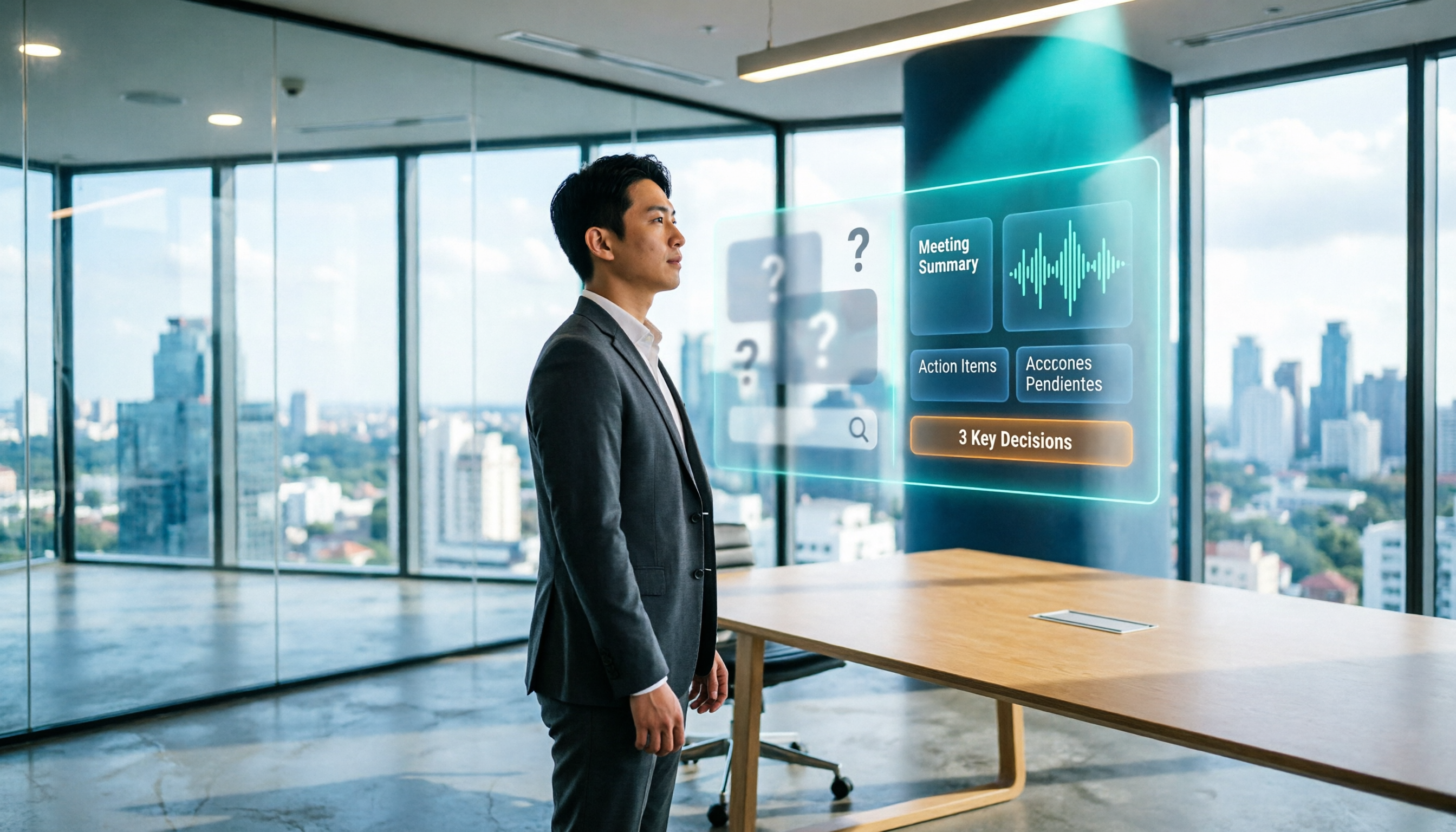
What Is Notta House in 2026? 4 Steps to Clarify and Choose the Right Meeting Notes Tool
Searching for "notta house" brings up a Jakarta restaurant, a UK vacation rental, and a US home builder? This article uses 4 steps to clarify the name confusion, then compares Notta and Tinrec across 5 dimensions: meeting capture, post-meeting output, Chinese and translation, team governance, and pricing quotas, to help you decide which better fits your meeting notes needs.

What Does 'Not a Glum Lot' Mean? AA Big Book Origin & Correct Usage (2026 Guide)
Searching for 'notta glum lot meaning'? You're likely looking up the AA phrase 'We aren't a glum lot.' This guide clarifies that 'notta' is often just 'not a' run together, breaks down the literal and recovery-community meanings of 'glum' and 'lot,' and shows how to use Tinrec to turn related recordings into searchable, queryable terminology notes.

2026 Free Audio-to-Text Options Compared: 5 Tools at a Glance
A 2026 roundup of free audio-to-text options, including hands-on notes on Notta's free plan limits (3 minutes per recording, 120 minutes per month) and a comparison of free quotas and best-fit scenarios for Tinrec, Otter.ai, TurboScribe, and Granola.
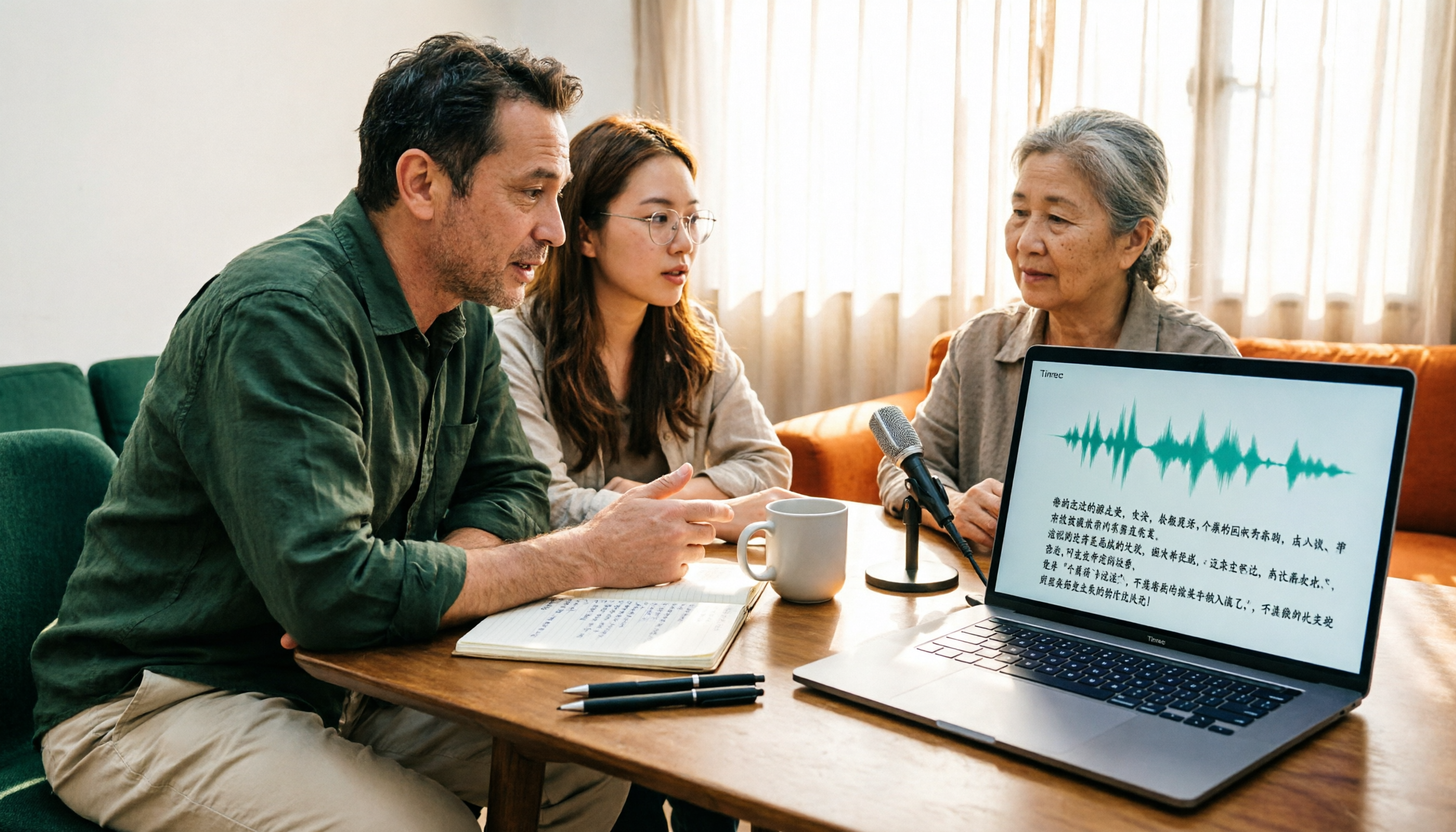
2026 Comparison of 2 Audio-to-Text Tools: Notta Pricing Figures vs. Tinrec — Which Is Better?
Searching for 'notta figures' might mean you're looking for Notta's pricing numbers or Notta action figures. This article focuses on audio-to-text tools, comparing Notta and Tinrec on free quotas, meeting recording methods, post-meeting organization, team collaboration, and Chinese-language experience. It also shares real-world use cases and buying advice to help small and medium teams in Taiwan make a decision.

How to Use Notta's Free Trial in 2026: 5 Steps to Avoid Renewal Traps, with a Side-by-Side Test of Tinrec
Notta's 3-day free trial is not the same as the free plan, and not every account can apply. This article addresses the three most common misconceptions and walks you through 5 steps to confirm trial eligibility, stress-test transcription quality with real recordings, set a cancellation reminder, and compare with Tinrec side by side. It concludes with clear criteria for deciding whether to keep, upgrade, or switch tools.
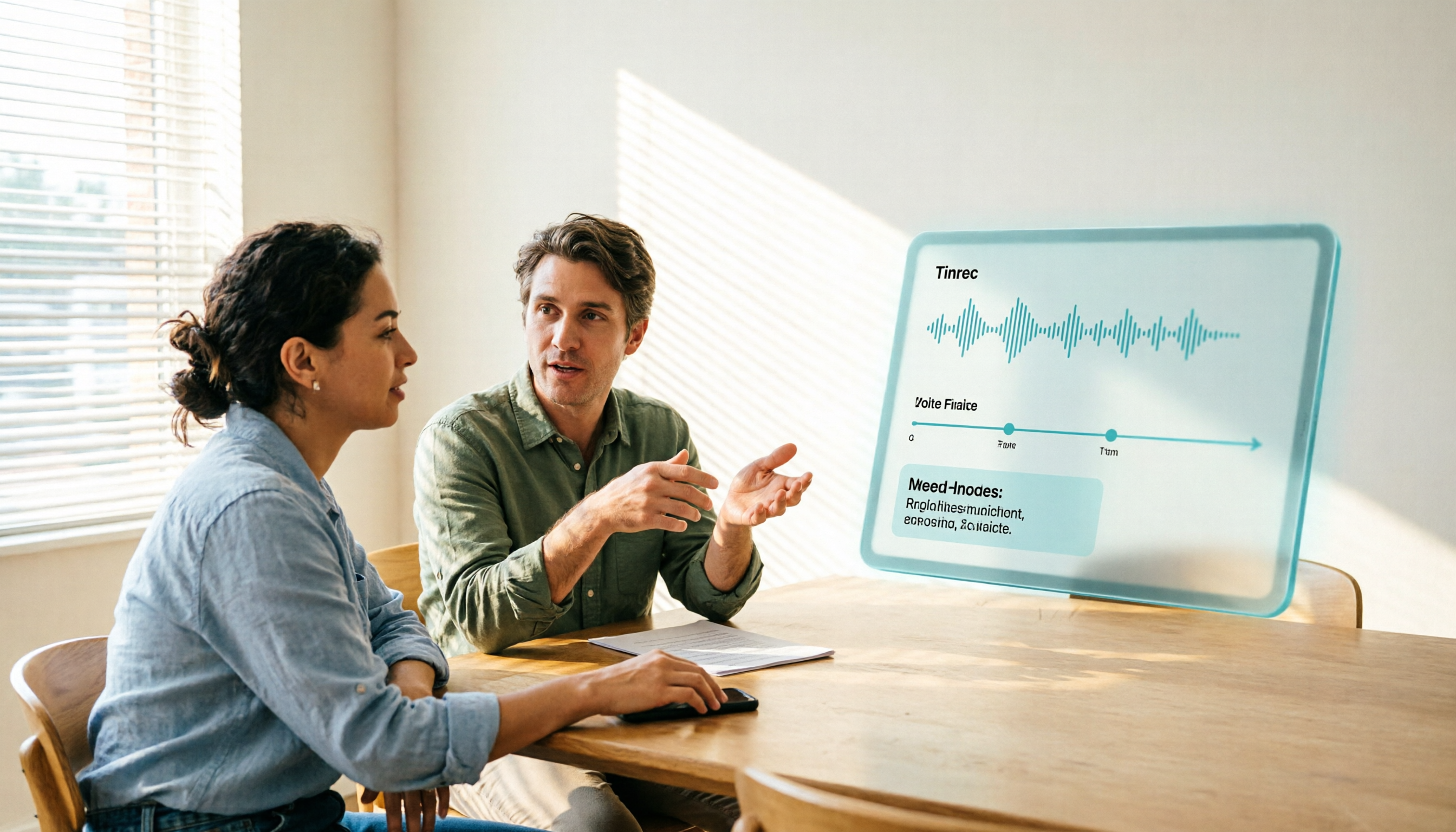
2026 Notta Free Plan Review: 5 AI Meeting Note Tools Compared
Notta's free plan offers 120 minutes per month with a 3-minute limit per recording, suitable for short audio and testing. This article compares 5 AI meeting note tools—Notta, Tinrec, Otter, Fireflies, and TurboScribe—to help you determine if the free tier is enough and when to upgrade.

2026 Meeting Transcription Tools Compared: Notta Garage Is Not a Transcription Tool—Stop Searching Wrong
People searching for "Notta Garage" often confuse a Texas auto wrap shop with a meeting transcription tool. This article first clarifies what Notta Garage is, including its address and business hours, then compares four meeting note tools—Tinrec, Notta, Otter.ai, and Granola—across five dimensions: recording method, post-meeting organization, Chinese-language experience, team governance, and quotas, to help you choose the right solution within budget.