

Turn recordings into transcripts and summaries in minutes
Upload audio or video for multilingual transcription, AI notes, and action items
Bottom line: If you only occasionally transcribe audio under 3 minutes, Notta's free plan is a good way to test the waters. But if you need to record full meetings, ask follow-up questions after the meeting, and store data in a team space, the free quota is usually insufficient, and you'll need to consider a complete meeting workflow like Tinrec.
Why do you need a free AI meeting note solution?
A 1-hour meeting often takes another 30 minutes to organize the transcript, extract key points, and write action items. Instead of re-listening to the recording, let the tool first turn the content into searchable text.
This article reviews 5 common options, focusing on "can the free version be used," "where are the limitations," and "when should you upgrade." If you're searching for Notta free, you'll also clearly see the actual quota and suitable scenarios for Notta's free plan.
Tinrec | The most complete AI meeting notes and team collaboration solution
Tinrec is an AI meeting notes and collaboration tool for individuals and teams. It not only converts voice to text but also organizes meetings into searchable, summarizable, queryable, and exportable data.
Its biggest difference is the post-meeting workflow. The desktop version can directly capture computer system audio, handling online meetings on Zoom, Google Meet, Microsoft Teams, Webex, etc., without the need for an additional meeting bot to join. After recording or importing a file, it automatically generates summaries, chapters, key points, and action items, and also allows AI Q&A around the meeting content, generating reports, tables, and documents.
The output data can also be brought back into workflows, with support for exporting to Notion, Google Docs, OneNote, Dropbox, and other tools. The team version provides independent team spaces, member and role management, seat allocation, usage analysis, audit logs, audio recycle bin, and team hotwords, suitable for turning meetings into team assets.
In terms of pricing, Tinrec's free version offers a basic quota to experience recording, importing, summaries, and transcription. Actual minutes and feature limits are subject to the official website. The team version offers a 7-day trial for first-time eligible users, 1 free seat, and 300 minutes of team shared import quota; paid seats are USD 29.80/seat/month billed monthly, or USD 199/seat/year billed annually (equivalent to about USD 16.58/month), with each seat providing 2,000 minutes of team shared import quota per month. Under an active team plan and seats, real-time recording currently does not deduct minutes.
Who it's for: Those who need Chinese meeting notes, don't want to invite a meeting bot, want post-meeting summaries and action items, and want to share meeting data with the team.
Notta | A multilingual transcription entry point with 120 free minutes
Notta is a multilingual AI transcription tool supporting 58 languages, usable for meetings, interviews, courses, and audio/video file transcription. For Taiwanese users, its free plan is a relatively low-barrier entry option.
Currently, the common official and third-party consensus is: free plan 120 minutes per month, maximum 3 minutes per recording. This means it's suitable for short interviews, voice memos, and testing transcription quality, but not ideal for directly recording a full 1-hour meeting.
The paid Pro annual plan is about USD 8.17/month, with 1,800 minutes per month; Business annual plan is about USD 16.67/seat/month, offering unlimited transcription, role permissions, and usage reports. Note that if you downgrade from paid to free, data is still saved, but free accounts can only view the first 3 minutes. It's recommended to export before downgrading.
Who it's for: Those who want to try Notta free, often handle short audio, need multilingual transcription, and can accept the 3-minute per recording limit.
Otter.ai | A mature choice for English meeting notes
Otter.ai is a mature AI meeting assistant covering Zoom, Microsoft Teams, Google Meet, real-time transcription, speaker identification, AI Chat, and team management. It has high maturity in English business meetings.
The free Basic plan offers 300 minutes per month; Pro annual plan is about USD 8.49/user/month, including 1,200 minutes of in-app recording per month and 10 file imports; Business offers unlimited meetings and in-app recording, more imports, and management capabilities, with pricing subject to the official website.
Who it's for: Those primarily in English meetings who need a mature meeting assistant and team features.
Fireflies.ai | Meeting automation and team analytics
Fireflies.ai's strengths are meeting automation, meeting bots, AI summaries, AskFred, team analytics, and extensive integrations, suitable for integrating meeting notes into sales or project workflows.
Stop organizing recordings by hand
Upload audio or video and automatically get a transcript, summary, and action items
Annual pricing is Free USD 0, Pro USD 10/seat/month, Business USD 19/seat/month, Enterprise USD 39/seat/month. Note that its "unlimited transcription" is still subject to storage, file upload speed, and AI Credit rules—not all capabilities are completely unlimited.
Who it's for: Those who need meeting automation, team analytics, and various third-party integrations.
TurboScribe | Cost-effective file transcription and subtitles
TurboScribe is more of a cost-effective file transcription tool, focusing on long files, batch uploads, subtitles, and translation. It's less oriented toward real-time meeting collaboration and more suitable for organizing existing audio or video files.
The free plan allows 3 files per day, up to 30 minutes per file; Unlimited annual plan is USD 120 (about USD 10/month), with paid version supporting up to 10 hours or 5 GB per file and 50 files per upload.
Who it's for: Those who often handle long recordings, batch files, subtitles, and translation, and don't need a team meeting space.
With so many options, how should you choose?
Ask yourself a few key questions first:
- Do you need to record full meetings and participants don't want to see a meeting bot? → Tinrec's desktop version with bot-free recording is more suitable.
- Do you want to automatically generate summaries, chapters, and action items after meetings, and ask follow-up questions about meeting content? → Tinrec's AI Q&A and post-meeting organization are the main differences.
- Do you need to keep meeting data in a team space and manage members, seats, usage, and audits? → Tinrec's team version is more complete than personal transcription tools.
- Do you often handle Chinese-English mixed or cross-language meetings and need real-time translation and bilingual viewing? → Tinrec can be prioritized for evaluation.
- Do you not want to buy additional recording hardware and want to switch between web, desktop, and mobile? → Tinrec requires no additional equipment.
- Do you only occasionally have audio under 3 minutes and want to try Notta free? → Notta's free plan can be used for testing.
- Are you primarily in English meetings and want a mature meeting assistant? → Otter.ai's Basic free plan is worth trying.
- Do you need to transcribe large amounts of long files and subtitles? → TurboScribe's free and Unlimited plans are more aligned.
Simply put, for most Chinese meeting scenarios in Taiwanese workplaces, I would recommend Tinrec first; only when your needs are very simple—just short audio or English meetings—should you consider other options.
4 things to know before using AI meeting notes
- Free quotas vary greatly: Notta free version 120 minutes per month, 3 minutes per recording; Otter Basic 300 minutes per month; TurboScribe free 3 files per day, 30 minutes per file; Tinrec free version offers a basic quota, subject to the official website.
- Recording quality determines transcription results: Noise, accents, overlapping speakers, and technical terms all affect results. For important content, it's recommended to cross-check with recording playback.
- Tinrec desktop version does not automatically join all meetings: It is initiated by the user to record and captures computer system audio. It should not be understood as an automatic calendar meeting bot.
- Team version permissions must be clear: Tinrec team version distinguishes roles and seats. Members without a seat can still view, play, and read team data but cannot upload, edit, or import/export. Consent should be obtained from participants before recording and local regulations followed.
FAQ
Q1: How many minutes does Notta's free plan have per month? A: The current common consensus is 120 minutes per month, with a maximum of 3 minutes per recording. Actual quotas and limits are subject to what is displayed in your account.
Q2: Can Notta's free version export transcripts? A: The official website lists transcript export as a paid unlockable feature. Whether the free version can export and which formats are available should be subject to what is displayed in your account; if you later downgrade to free, it's safer to export before downgrading.
Q3: How to choose between Tinrec free and Notta free? A: If you only organize short audio under 3 minutes, you can try Notta free first; if you need to record full meetings, post-meeting AI Q&A, action item extraction, and team storage, Tinrec's workflow is more complete.
Q4: How are Tinrec team version trial and pricing calculated? A: First-time eligible users can try for 7 days, with 1 free seat and 300 minutes of team shared import quota. Paid seats are USD 29.80/seat/month billed monthly, or USD 199/seat/year billed annually (equivalent to about USD 16.58/month); each seat provides 2,000 minutes of team shared import quota per month. Under an active plan, real-time recording currently does not deduct minutes.
Q5: Is the free plan suitable for people who have meetings every day? A: Not recommended. Free plans are more suitable for testing and occasional use; if you have meetings or interviews to organize every week, you should evaluate Pro, Business, or team plans.
Conclusion
The value of Notta free lies in its low-barrier trial: 120 minutes per month, 3 minutes per recording, suitable for short interviews, voice memos, and testing transcription quality. If you need complete meeting notes, post-meeting AI Q&A, action item extraction, and team data storage, Tinrec's workflow is more complete. It's recommended to first run 1-2 real recordings with the free quota, then decide whether to upgrade based on usage frequency.
Sources: Notta official homepage and pricing page, Otter.ai Pricing, Fireflies.ai Pricing, TurboScribe Pricing; Tinrec product and team plans are subject to official announcements.
References
- AI Note Taker | Free AI Meeting Transcription
- Notta Pricing: Compare Plans, Features & Costs
- Online Free Automatic Transcription Software AI-Powered
- Notta AI Pricing 2026: Free vs Paid Plans, Features, and Differences Explained - Official Tinrec Blog
- Notta Free Plan 2026: Is 120 Minutes Enough? Features, Limits, and How to Use It - Official Tinrec Blog
Turn every recording into actionable outcomes
Get 60 free transcription minutes when you sign in. No credit card required.
Related Reading
You might also like

2026 Free Audio-to-Text Options Compared: 5 Tools at a Glance
A 2026 roundup of free audio-to-text options, including hands-on notes on Notta's free plan limits (3 minutes per recording, 120 minutes per month) and a comparison of free quotas and best-fit scenarios for Tinrec, Otter.ai, TurboScribe, and Granola.

2026 Comparison of 2 Audio-to-Text Tools: Notta Pricing Figures vs. Tinrec — Which Is Better?
Searching for 'notta figures' might mean you're looking for Notta's pricing numbers or Notta action figures. This article focuses on audio-to-text tools, comparing Notta and Tinrec on free quotas, meeting recording methods, post-meeting organization, team collaboration, and Chinese-language experience. It also shares real-world use cases and buying advice to help small and medium teams in Taiwan make a decision.

How to Use Notta's Free Trial in 2026: 5 Steps to Avoid Renewal Traps, with a Side-by-Side Test of Tinrec
Notta's 3-day free trial is not the same as the free plan, and not every account can apply. This article addresses the three most common misconceptions and walks you through 5 steps to confirm trial eligibility, stress-test transcription quality with real recordings, set a cancellation reminder, and compare with Tinrec side by side. It concludes with clear criteria for deciding whether to keep, upgrade, or switch tools.

2026 Meeting Transcription Tools Compared: Notta Garage Is Not a Transcription Tool—Stop Searching Wrong
People searching for "Notta Garage" often confuse a Texas auto wrap shop with a meeting transcription tool. This article first clarifies what Notta Garage is, including its address and business hours, then compares four meeting note tools—Tinrec, Notta, Otter.ai, and Granola—across five dimensions: recording method, post-meeting organization, Chinese-language experience, team governance, and quotas, to help you choose the right solution within budget.

2026 Free Audio-to-Text Solutions Compared: Notta, Tinrec, and 3 More
How does Notta's free audio-to-text work? This guide covers 5 free online transcription options in 2026, including Notta's free plan limits (120 minutes per month, 3 minutes per file) and step-by-step instructions. It also compares free tiers and best-use cases for Tinrec, TurboScribe, Otter.ai, and Granola to help you avoid length and quota traps.

Notta Free Plan 2026: Complete Guide to Limits, Use Cases & Alternatives
Evaluating Notta's free plan? This guide looks at weekly meeting volume and post-meeting needs to help you judge if the free tier fits. It also introduces Tinrec's bot-free recording, transcripts, AI summaries, action item extraction, AI Q&A, and team workspace as a workflow better suited for mid-level managers and teams.

2026 Comparison of 2 Audio-to-Text Tools: Tinrec vs Notta — Differences and Which Is Better for Teams
Starting from the search intent behind 'notta hawkeye,' this article first clarifies that Hawkeye is unrelated to audio recording tools, then from the practical perspective of a mid-level manager compares Notta and Tinrec in terms of meeting capture, post-meeting organization, Chinese-language experience, team governance, and data ownership. It also explains Tinrec's bot-free recording, AI Q&A, action item extraction, and team spaces, and what management scenarios they suit.
Notta Free vs Paid in 2026: 5-Factor Comparison to Find Your Best Plan
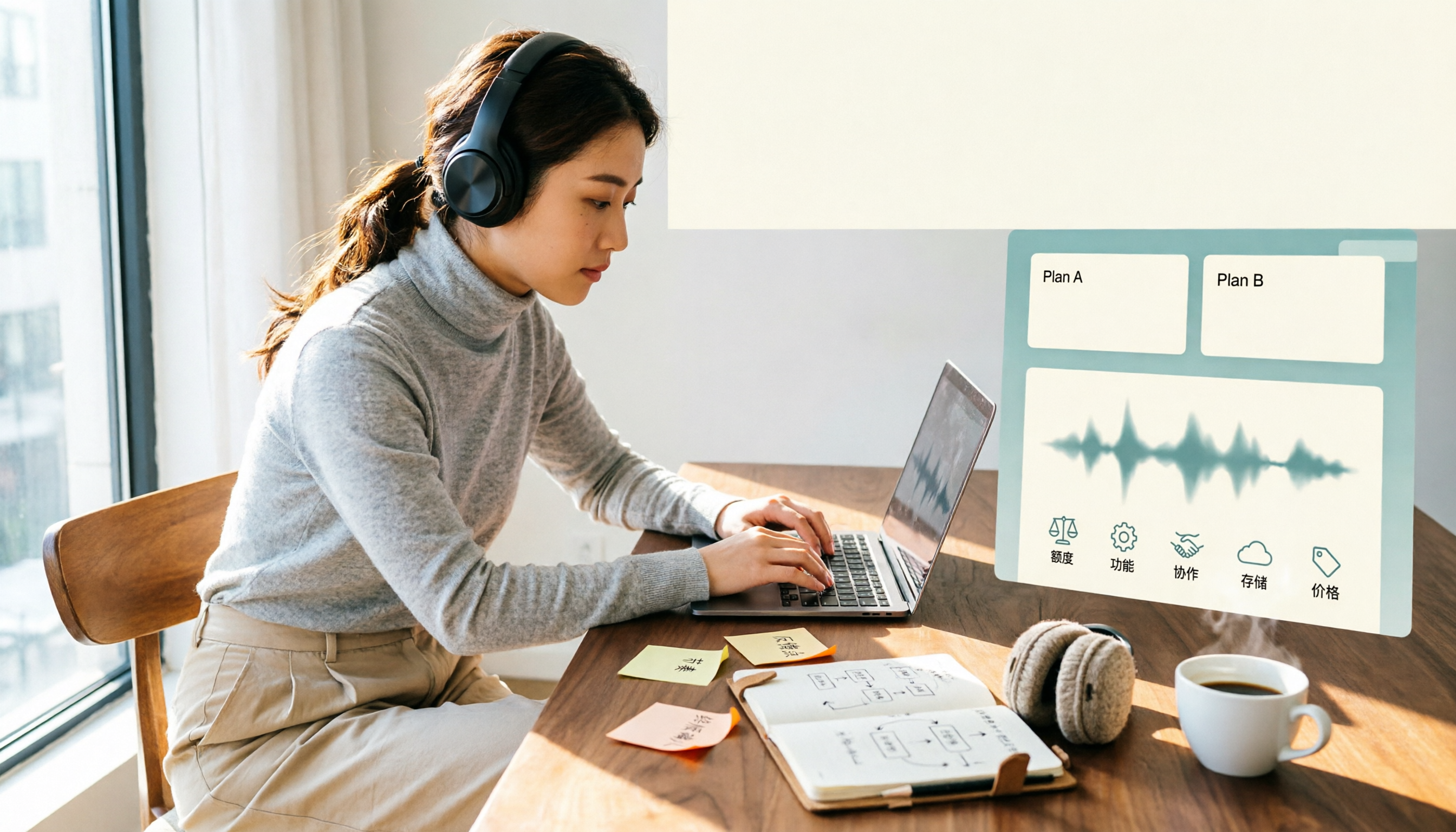
Notta's free plan offers 120 minutes per month with a 3-minute cap per recording—is that enough? This comparison of Notta Free vs Paid covers transcription limits, features, team collaboration, storage experience, and pricing across 5 factors to help you decide whether to upgrade.

How to Use Notta for Mac in 2026: 5 Steps to Meeting Notes & Transcripts
Should you install Notta for Mac as a desktop app, web app, or App Store version? This guide walks through the actual process in 5 steps, from macOS permissions and version selection to transcript proofreading and export, and compares Tinrec (秒聽錄音) on bot-free recording, post-meeting organization, and team collaboration to help you decide which fits your meeting scenario.