

Turn recordings into transcripts and summaries in minutes
Upload audio or video for multilingual transcription, AI notes, and action items
2026 Comparison of 2 Audio-to-Text Tools: Notta Pricing Figures vs. Tinrec — Which Is Better?
When you search for 'notta figures,' you might be calculating Notta's pricing numbers or looking for Notta action figures. Bottom line: if you need an audio-to-text tool, Notta's free plan only offers 120 minutes per month and caps each session at 3 minutes—that's simply not enough for anyone who needs to hold meetings. I tested Tinrec and found it better suited for most small and medium teams in Taiwan when it comes to meeting notes and team collaboration.
Why Are People Starting to Look for Notta Alternatives?
Notta is the first transcription tool many people try, with multi-platform support and translation. The free plan gives 120 minutes per month, with a maximum of 3 minutes per session.
It's fine for occasionally organizing a recording, but if you have daily meetings, that quota will likely run out within a week.
Common pain points include: insufficient quota, manual post-meeting summaries, and team data scattered across personal accounts.
If you have similar needs, Tinrec is worth checking out.
Tinrec vs. Notta: What Are the Core Experience Differences?
Online Meeting Recording Methods
The last thing you want in an online meeting is another bot joining—it makes participants uncomfortable.
Tinrec's desktop app captures system audio directly, so you don't need a meeting bot to join as a participant when using Zoom, Google Meet, Microsoft Teams, or Webex.
Just open Tinrec and start recording, and the transcript begins generating.
If you often hold online meetings, this workflow is much smoother.
Free Quota and Paid Plans
Notta's free plan offers 120 minutes per month and 3 minutes per session; the Pro annual plan works out to about USD 8.17/month for 1,800 minutes per month.
Tinrec offers a free plan, weekly pass, Pro monthly, and annual plans—choose based on your usage tasks without long-term commitments.
The team plan provides 2,000 minutes of shared import quota per paid seat per month; real-time recording currently does not deduct minutes.
If you need shared team quota, Tinrec's calculation method is more transparent.
Post-Meeting Organization and AI Q&A
Getting only a transcript means you still have to review it yourself after the meeting.
Tinrec automatically generates summaries, chapters, and action items, and supports AI Q&A around the meeting content.
I tested asking it 'What were the conclusions of this meeting?' and 'Who is responsible for what?'—it answers based on semantics, so you don't have to manually flip through 30 pages.
Instead of just getting a transcript, use Tinrec to ask for the key points directly.
Team Collaboration and Governance
If team data stays in personal accounts, it's lost when a member leaves.
Tinrec's team plan has an independent team space where meeting data belongs to the team, with roles and seats distinguished: active members can view, but only those with a seat can record, upload, edit, and export.
Admins can also view usage analytics and audit logs, and accidentally deleted audio goes to a 30-day recycle bin.
For multi-person teams that need governance, Tinrec's distinctions are more granular.
Chinese and Multilingual Experience
In Taiwan, team meetings often mix Chinese and English.
Tinrec supports transcription in Chinese, Traditional Chinese, and multilingual meetings, and can translate in real time with original, translated, or bilingual views.
Team hotwords let you maintain common terminology to improve recognition of specialized terms.
Actual performance can be affected by recording quality, accents, noise, and overlapping speakers—keep that in mind.
If your meetings are primarily in Chinese, Tinrec is worth trying first.
Stop organizing recordings by hand
Upload audio or video and automatically get a transcript, summary, and action items
Tinrec's Core Features at a Glance
Real-time audio-to-text: Open Tinrec and text appears as you record. During meetings, you can follow along to make sure you don't miss key points, and by the end, the transcript is mostly done.
Bot-free online meeting recording: The desktop app captures system audio and works with Zoom, Meet, Teams, and Webex. No need to invite an extra bot, reducing meeting awkwardness.
AI summaries and chapters: Long meetings are automatically divided into chapters with key points extracted. You can grasp the structure of a one-hour meeting in five minutes afterward.
Action item extraction: Organizes action items from discussions. Especially useful for project and client meetings—no more manual note-taking.
AI Q&A: This is my most-used feature. Ask questions about a single meeting or across meetings, such as 'What does the client care about?' or 'What was decided last time?'—it gives answers based on the content.
Multi-format export and Agent post-processing: Transcripts and summaries can be exported to Notion, Google Docs, OneNote, Dropbox, and more. You can also generate reports, tables, and meeting minutes to fit into your existing workflow.
Team space: Centralizes team meeting data. New members can view historical data, and data doesn't leave when a member does.
Real-World Use Cases
Weekly Team Meetings
An eight-person team used to take turns taking notes at weekly meetings, often missing things.
Now they record with Tinrec's desktop app, and summaries and action items come out directly afterward.
After the meeting, I paste the transcript link into the group chat, and everyone checks their own responsibilities—saving a lot of back-and-forth confirmation time.
Client Interviews and Requirements Discussions
Sales reps record with their phones during client visits and upload to Tinrec afterward.
After transcription, use AI Q&A to find client pain points, objections, and commitments, then export as documents for archiving.
Previously, re-listening to recordings took an hour; now key points are captured within ten minutes.
Class and Lecture Notes
For online courses or in-person lectures, I record with my phone and import to Tinrec afterward.
Automatic summaries and chapters let me review quickly, and I can search the transcript for keywords when I need to cite something.
This is far more effective than just recording without organizing.
Personal Ideas and Meeting Notes
Record fleeting thoughts on the go, then find them later by keyword search.
Tinrec's AI Q&A also helps me organize scattered recordings into usable notes.
Things to Consider When Choosing an Audio-to-Text Tool
How quota is calculated: Real-time recording and file import quotas may differ. Tinrec's team plan currently doesn't deduct minutes for real-time recording, while file imports use shared quota. Ask clearly before buying.
Whether meeting recording requires a bot: Some tools require a bot to join the meeting. Tinrec's desktop app doesn't, which is more polite for external meetings.
Post-meeting organization capabilities: A transcript alone isn't enough. Look for summaries, chapters, action items, and AI Q&A. Tinrec is comprehensive in this regard.
Team permission design: Roles and seats should be separate. In Tinrec, active members can view, only seat holders can edit, and resources can be handed over when members change.
Data retention and recovery: Can accidentally deleted data be recovered? Tinrec has a 30-day audio recycle bin, but TODO items are not covered—keep that in mind.
Conclusion: Is Tinrec Worth a Try?
If you need bot-free online meeting recording, automatic post-meeting summaries and AI Q&A, and your team needs centralized meeting data management, Tinrec is one of the few options on the market that satisfies all three.
It's not perfect: bulk file transcription isn't its strength, and AI summaries may miss details—for important decisions, review the original text and recording.
But for small and medium teams in Taiwan that often meet in Chinese and need follow-up questions and collaboration afterward, Tinrec's overall workflow is genuinely smooth.
I recommend trying the free plan first and testing it with your own meeting recordings. The team plan offers a 7-day trial, 1 free seat, and 300 minutes of shared import quota—pay only if it fits your needs.
That's more direct than reading any review.
References
- How to Choose Notta Figures in 2026? 5 Steps to Understand the Notta Collection Model Line - Official Tinrec Blog
- Nottaa Collections Action Figures, Statues, Collectibles, and More!
- Nottaa Collection action figures & collectibles | GunDamit.com
- Nottaa Collection Figures & Toys
- NOTTAA COLLECTIONS – berry beary
Turn every recording into actionable outcomes
Get 60 free transcription minutes when you sign in. No credit card required.
Related Reading
You might also like

2026 Free Audio-to-Text Options Compared: 5 Tools at a Glance
A 2026 roundup of free audio-to-text options, including hands-on notes on Notta's free plan limits (3 minutes per recording, 120 minutes per month) and a comparison of free quotas and best-fit scenarios for Tinrec, Otter.ai, TurboScribe, and Granola.

How to Use Notta's Free Trial in 2026: 5 Steps to Avoid Renewal Traps, with a Side-by-Side Test of Tinrec
Notta's 3-day free trial is not the same as the free plan, and not every account can apply. This article addresses the three most common misconceptions and walks you through 5 steps to confirm trial eligibility, stress-test transcription quality with real recordings, set a cancellation reminder, and compare with Tinrec side by side. It concludes with clear criteria for deciding whether to keep, upgrade, or switch tools.
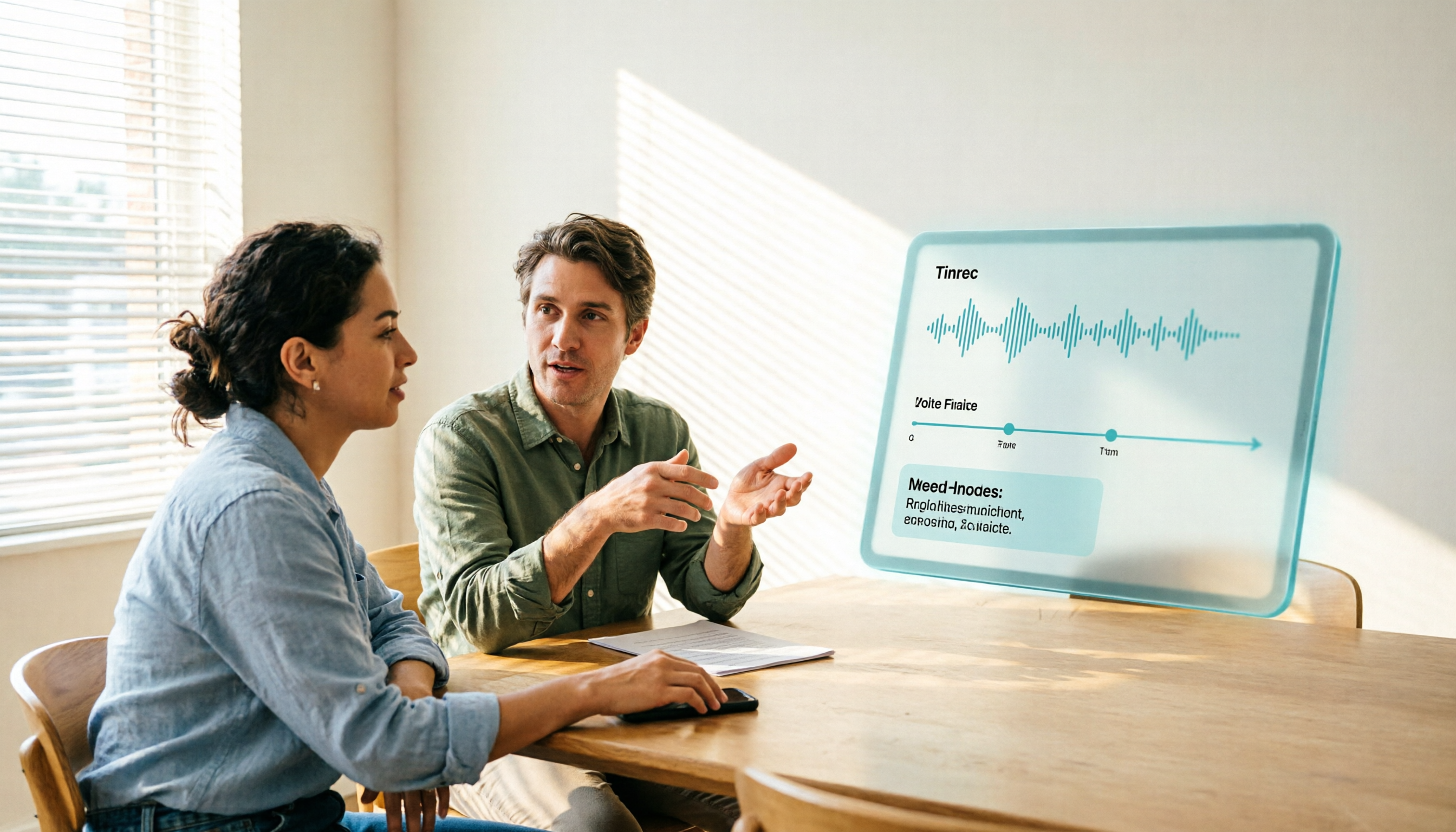
2026 Notta Free Plan Review: 5 AI Meeting Note Tools Compared
Notta's free plan offers 120 minutes per month with a 3-minute limit per recording, suitable for short audio and testing. This article compares 5 AI meeting note tools—Notta, Tinrec, Otter, Fireflies, and TurboScribe—to help you determine if the free tier is enough and when to upgrade.

2026 Meeting Transcription Tools Compared: Notta Garage Is Not a Transcription Tool—Stop Searching Wrong
People searching for "Notta Garage" often confuse a Texas auto wrap shop with a meeting transcription tool. This article first clarifies what Notta Garage is, including its address and business hours, then compares four meeting note tools—Tinrec, Notta, Otter.ai, and Granola—across five dimensions: recording method, post-meeting organization, Chinese-language experience, team governance, and quotas, to help you choose the right solution within budget.

2026 Free Audio-to-Text Solutions Compared: Notta, Tinrec, and 3 More
How does Notta's free audio-to-text work? This guide covers 5 free online transcription options in 2026, including Notta's free plan limits (120 minutes per month, 3 minutes per file) and step-by-step instructions. It also compares free tiers and best-use cases for Tinrec, TurboScribe, Otter.ai, and Granola to help you avoid length and quota traps.

Notta Free Plan 2026: Complete Guide to Limits, Use Cases & Alternatives
Evaluating Notta's free plan? This guide looks at weekly meeting volume and post-meeting needs to help you judge if the free tier fits. It also introduces Tinrec's bot-free recording, transcripts, AI summaries, action item extraction, AI Q&A, and team workspace as a workflow better suited for mid-level managers and teams.

2026 Comparison of 2 Audio-to-Text Tools: Tinrec vs Notta — Differences and Which Is Better for Teams
Starting from the search intent behind 'notta hawkeye,' this article first clarifies that Hawkeye is unrelated to audio recording tools, then from the practical perspective of a mid-level manager compares Notta and Tinrec in terms of meeting capture, post-meeting organization, Chinese-language experience, team governance, and data ownership. It also explains Tinrec's bot-free recording, AI Q&A, action item extraction, and team spaces, and what management scenarios they suit.
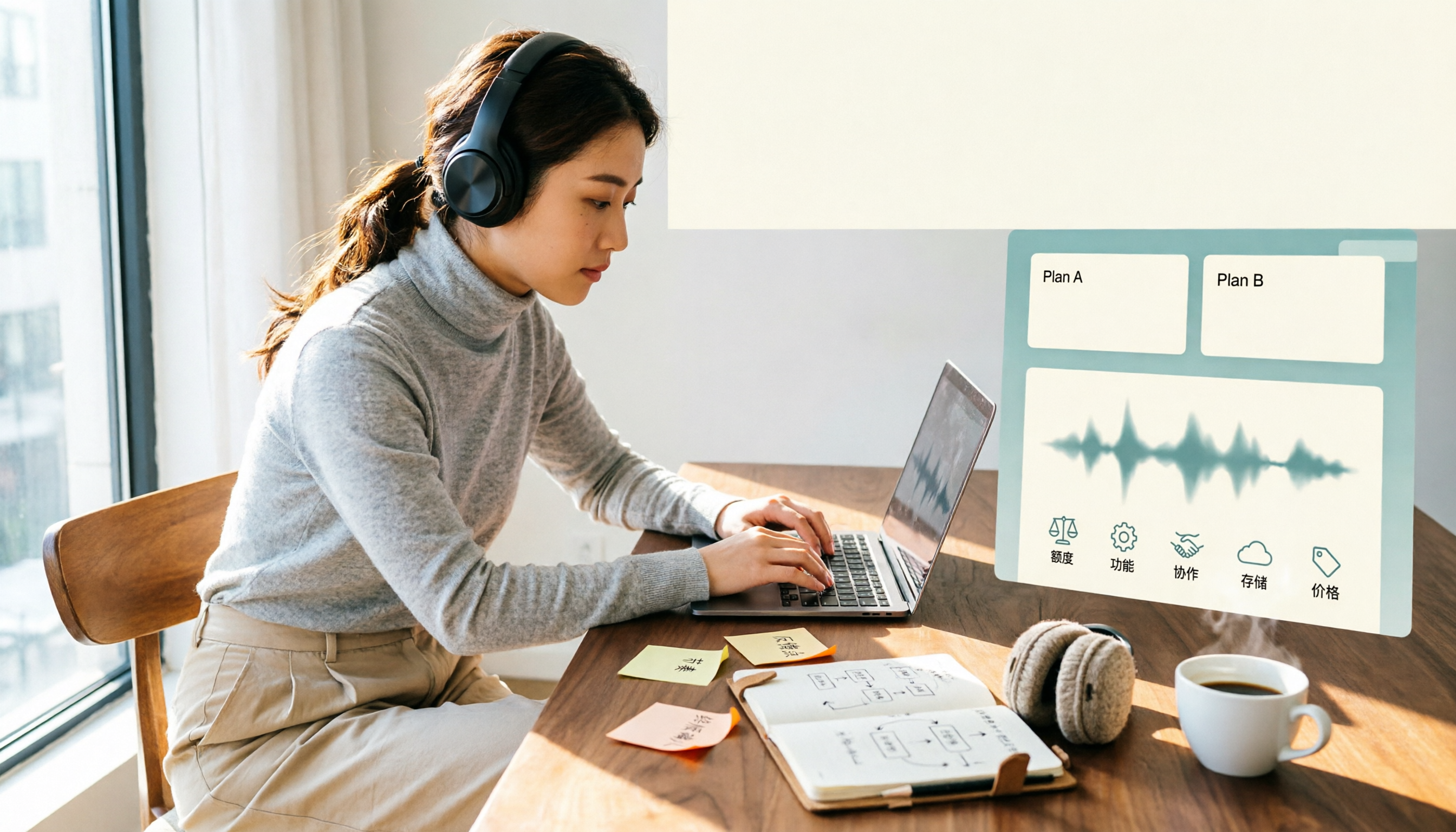
Notta Free vs Paid in 2026: 5-Factor Comparison to Find Your Best Plan
Notta's free plan offers 120 minutes per month with a 3-minute cap per recording—is that enough? This comparison of Notta Free vs Paid covers transcription limits, features, team collaboration, storage experience, and pricing across 5 factors to help you decide whether to upgrade.

How to Use Notta for Mac in 2026: 5 Steps to Meeting Notes & Transcripts
Should you install Notta for Mac as a desktop app, web app, or App Store version? This guide walks through the actual process in 5 steps, from macOS permissions and version selection to transcript proofreading and export, and compares Tinrec (秒聽錄音) on bot-free recording, post-meeting organization, and team collaboration to help you decide which fits your meeting scenario.