

Turn recordings into transcripts and summaries in minutes
Upload audio or video for multilingual transcription, AI notes, and action items
2026 Free Audio-to-Text Solutions Compared: Notta, Tinrec, and 3 More
Many people search for "Notta free audio to text converter" expecting to upload a recording and get a complete transcript. The most common pitfall is that free plans usually have per-file length and monthly quota limits, and you have to pay once you exceed them. Rather than just looking at the word "free," it's better to first check your audio length, language, and usage frequency. Below is a roundup of 5 online audio-to-text solutions you can start using for free, with clear details on how Notta's free version works and its limitations.
Why Do You Need Free Audio-to-Text?
If meeting, interview, or lecture recordings stay only as audio files, they're hard to search later and hard to quickly extract action items from. The advantage of free online tools is that you don't need to install software—just open a browser and convert MP3, WAV, M4A, and other audio files into text. However, free plans are usually suitable for short audio files or low-frequency use. This article lays out each tool's free quota, how to use it, and ideal use cases.
Option 1 | Notta Free Online Audio-to-Text — No Install, Fastest Direct Upload
Notta's audio to text converter is designed to convert audio files directly in your browser, making it suitable for handling short recordings on the fly. The process is straightforward: open the tool page, click "Select File" or drag and drop your audio file, select the audio language, confirm, and wait for transcription to finish. The transcript appears on the page. It supports common formats like MP3, WAV, and M4A, so you can try it with phone recordings or meeting recordings. Note the free plan limits: 120 minutes per month, up to 3 minutes per file. For higher quotas and advanced features, the company offers Pro and Business plans. Pro is USD 8.17/month when billed annually, with 1,800 minutes per month; Business is USD 16.67/seat/month when billed annually. Who it's for: people who occasionally need to transcribe short audio files under 3 minutes and want to compare transcription quality first.
Option 2 | Tinrec — The Most Complete AI Meeting Notes and Team Collaboration
Tinrec doesn't just convert speech to text—it turns meetings into searchable, summarizable, queryable, and exportable team knowledge. Key highlights: the desktop version directly captures computer system audio to handle online meetings on Zoom, Google Meet, Microsoft Teams, Webex, and others without needing a meeting bot to join. After transcription, it automatically generates summaries, chapters, key points, and action items. It also supports AI Q&A about meeting content, real-time translation, bilingual viewing, and export to Notion, Google Docs, OneNote, Dropbox, and other tools. The team plan offers independent team spaces, member roles and seat management, usage analytics, audit logs, an audio recycle bin, and team hotwords. Active members can view data even without a seat, but they need a seat to record, upload, edit, and export. The free version lets you try basic quotas. The team plan offers a 7-day trial with 1 free seat and 300 minutes of shared import quota for first-time eligible users. Monthly billing is USD 29.80/paid seat/month; annual billing is USD 199/paid seat/year. Who it's for: workplace teams that meet daily and need Chinese meeting notes, post-meeting action items, and team knowledge retention.
Stop organizing recordings by hand
Upload audio or video and automatically get a transcript, summary, and action items
Option 3 | TurboScribe — Free Entry Point for Long Files and Batch Transcription
TurboScribe leans toward file transcription rather than being a meeting assistant. The free plan allows 3 files per day, up to 30 minutes per file. The paid Unlimited plan is USD 120/year (about USD 10/month), with up to 10 hours or 5 GB per file and the ability to upload 50 files at once. Who it's for: people who need to process long recordings, large batches of files, subtitles, or translations and don't need real-time meeting Q&A.
Option 4 | Otter.ai — A Free Starting Point for English Meeting Notes
Otter.ai is a mature AI meeting assistant with strong capabilities for English business meetings. The Basic free plan offers 300 minutes per month. Pro is USD 8.49/user/month when billed annually, including 1,200 minutes of in-app recording per month and 10 file imports. Who it's for: people whose meetings are mainly in English, who need meeting summaries and team collaboration, and who don't mind an English-first interface.
Option 5 | Granola — Bot-Free AI Meeting Notes
Granola transcribes in real time through desktop system audio and microphone, combining handwritten notes to generate meeting content. Basic is free; Business is USD 14/user/month; Enterprise is USD 35/user/month. It supports real-time transcript viewing, copying, and searching, but it does not support uploading pre-recorded audio files and does not save meeting audio. Who it's for: people who only want to take notes during live meetings and don't need to keep recordings or import post-meeting files.
With So Many Options, How Should You Choose?
- Just want free, occasional transcription of short audio under 3 minutes → Notta free version, fastest to use, but monthly quota and per-file length are limited.
- Meet daily and need Chinese transcripts, summaries, action items, and AI Q&A → Tinrec, with the most complete post-transcription workflow.
- Need bot-free recording of Zoom, Meet, Teams, Webex → Tinrec desktop version directly captures system audio without an extra bot joining.
- Need Chinese-English mixed, multilingual meetings with real-time translation and bilingual viewing → Tinrec supports real-time translation and original/translated side-by-side view.
- Need team sharing of meeting data, seat management, and usage tracking → Tinrec team plan offers independent spaces, roles, seats, usage, and audit logs.
4 Things to Know Before Using Free Audio-to-Text
- Free quotas are not unlimited: Notta free version offers 120 minutes per month and up to 3 minutes per file; TurboScribe free version offers 3 files per day and 30 minutes per file. Check the limits before uploading.
- Audio quality and accents affect accuracy: Don't rely solely on official accuracy claims; for important content, use transcript timestamps to go back and verify against the recording.
- For team use, distinguish roles and seats: For example, with Tinrec's team plan, active members can view, play, and read team data, but need a seat to record, upload, edit, and export. Currently permissions are shared at the team level, not at the file level.
- Get consent before recording: Meeting recording and transcription may be subject to local laws and privacy regulations. Inform participants before recording externally.
Conclusion
Free audio-to-text isn't hard—the hard part is choosing the right limits. Notta's free version is suitable for short audio and ad-hoc transcription; testing with a recording under 3 minutes is the most practical approach. If you meet daily and also need Chinese transcripts, post-meeting summaries, action items, and team knowledge retention, Tinrec's complete workflow will save more time than simple transcription. Start with free quotas, determine your usage frequency and needs, and then consider upgrading to a paid plan.
References
Turn every recording into actionable outcomes
Get 60 free transcription minutes when you sign in. No credit card required.
Related Reading
You might also like

Notta Free Plan 2026: Complete Guide to Limits, Use Cases & Alternatives
Evaluating Notta's free plan? This guide looks at weekly meeting volume and post-meeting needs to help you judge if the free tier fits. It also introduces Tinrec's bot-free recording, transcripts, AI summaries, action item extraction, AI Q&A, and team workspace as a workflow better suited for mid-level managers and teams.

2026 Comparison of 2 Audio-to-Text Tools: Tinrec vs Notta — Differences and Which Is Better for Teams
Starting from the search intent behind 'notta hawkeye,' this article first clarifies that Hawkeye is unrelated to audio recording tools, then from the practical perspective of a mid-level manager compares Notta and Tinrec in terms of meeting capture, post-meeting organization, Chinese-language experience, team governance, and data ownership. It also explains Tinrec's bot-free recording, AI Q&A, action item extraction, and team spaces, and what management scenarios they suit.
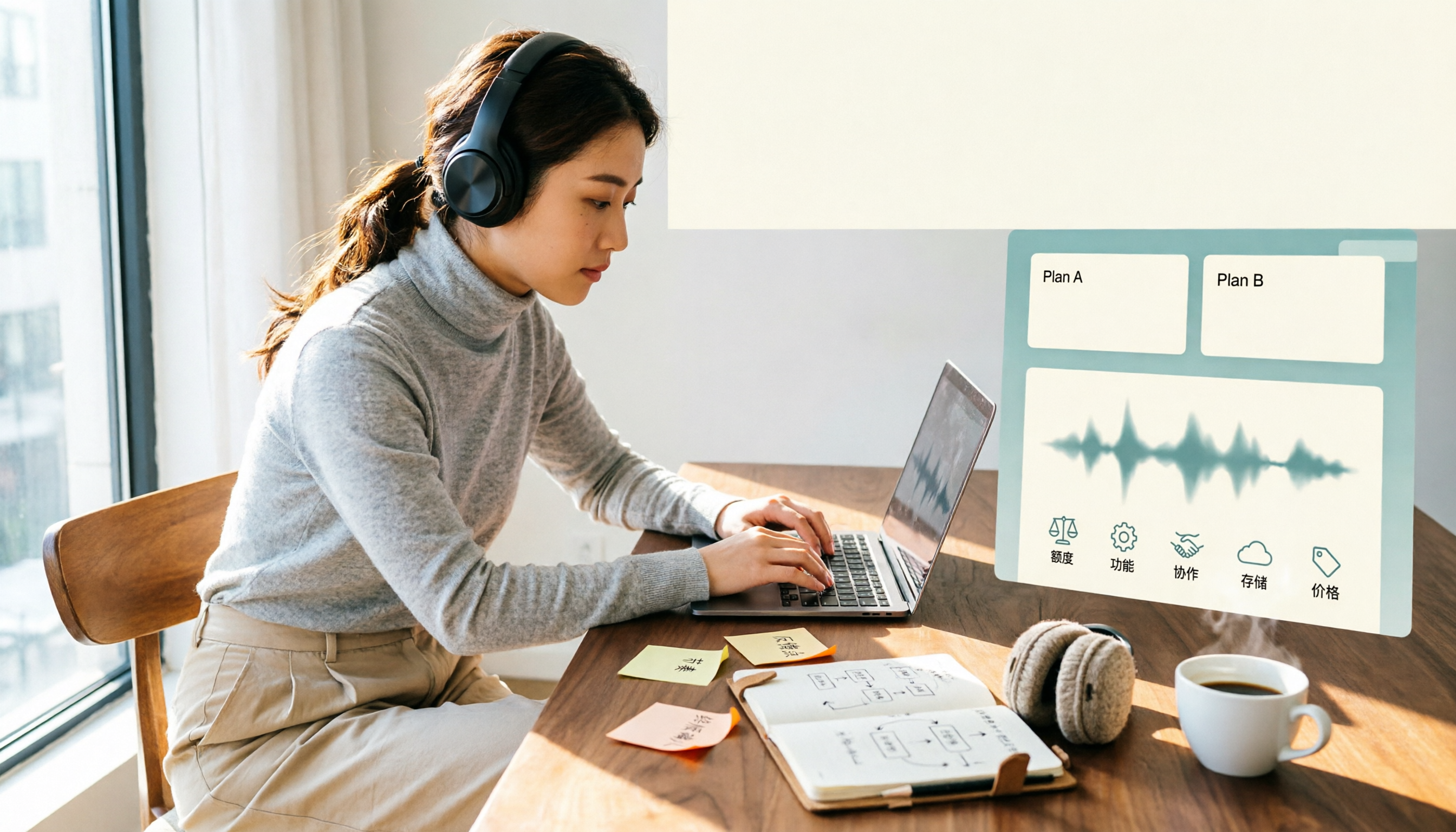
Notta Free vs Paid in 2026: 5-Factor Comparison to Find Your Best Plan
Notta's free plan offers 120 minutes per month with a 3-minute cap per recording—is that enough? This comparison of Notta Free vs Paid covers transcription limits, features, team collaboration, storage experience, and pricing across 5 factors to help you decide whether to upgrade.

How to Use Notta for Mac in 2026: 5 Steps to Meeting Notes & Transcripts
Should you install Notta for Mac as a desktop app, web app, or App Store version? This guide walks through the actual process in 5 steps, from macOS permissions and version selection to transcript proofreading and export, and compares Tinrec (秒聽錄音) on bot-free recording, post-meeting organization, and team collaboration to help you decide which fits your meeting scenario.

Notta Freemium in 2026: Free Plan Limits, Minutes, and Alternatives
Notta's free plan offers 120 minutes per month, but caps each file at 3 minutes and doesn't allow exports or translation. This guide breaks down the real limits of the free version based on actual use cases and outlines a workflow to make meeting recordings truly useful, including 5 checkpoints for choosing a tool and answers to common questions.

Notta Free Account 2026: Sign-Up Steps, 120-Minute Quota, and the 3-Minute Limit Workaround
Notta's free account gives you 120 transcription minutes per month, but each upload is capped at 3 minutes. This guide walks through the sign-up process, explains what the free tier is really good for, and shows how to adjust your workflow for longer meetings.

Notta Customer Support Guide 2026: Contact Channels, Reporting Tips & Alternative Tools
A roundup of Notta's publicly available customer support channels, self-service checks to do before emailing, and how to write a report. Plus, when the real issue is your meeting notes workflow, how Tinrec's bot-free recording, AI summary Q&A, and team spaces can reduce how often you need to ask for help.

Best Lecture Recording to Text Tools for Students in 2026: 6 Tested, Notta's 50% Education Discount Wins
A roundup of 6 popular lecture recording and note-taking tools for students, covering Notta's 50% education discount eligibility and free plan limits, Tinrec's no-bot online class recording with AI Q&A, and the quotas and pricing of Otter, TurboScribe, Granola, and PLAUD—helping you choose based on class format and budget.

2026 Comparison of 2 Audio-to-Text Tools: Notta Pricing Structure vs. Tinrec — How to Choose
Notta's pricing page looks clear, but the actual bill often includes add-on translation features and per-seat fees. This article starts from the real-world usage scenarios of mid-level managers, breaks down Notta's cost structure, free plan limitations, and team pricing, and compares Tinrec's differences in bot-free meeting recording, post-meeting summary and action items, AI Q&A, and team workspace governance, helping you calculate this cost before your next purchase.