

Turn recordings into transcripts and summaries in minutes
Upload audio or video for multilingual transcription, AI notes, and action items
Two hours in a meeting, then two more cleaning up notes? You need more than just speech-to-text
Two hours in a meeting, then two more transcribing it — that’s the daily routine for most office workers. Even worse, if the meeting is in English, Chinese, or mixed with Cantonese, most tools either don’t support it or produce so many errors that you end up re-listening to everything.
Lecture recordings, interview files, YouTube videos you want turned into text — you’ve probably run into these situations. Many people naturally look for “free speech-to-text software,” but worry that the free tier is too limited or that the output won’t be usable at all.
If any of that sounds familiar, this article is for you. I actually tested four speech-to-text tools that are getting the most attention online right now, and compared their free plans, accuracy, AI features, and cross-platform support — all in one place.
Before choosing a speech-to-text app, understand these 4 key points
Plenty of people jump at the word “free” and only later find out the tool doesn’t fit their needs. Take a few minutes to understand these evaluation criteria before comparing — it can save you a lot of wasted effort.
Accuracy: Don’t rely on official numbers; check the test conditions
Nearly every tool claims 95% or 98% accuracy, but those numbers are usually measured in a quiet recording studio with clear enunciation. Real meetings have air conditioners, keyboard sounds, and people talking over each other, which will drag accuracy down. My advice: use your own real recordings and test the free tier. Don’t just trust the marketing.
AI features: A transcript is only the starting point
If a tool only converts audio to text, you’ll still be stuck reading and organizing the transcript yourself afterward. More mature tools now generate summaries, highlight key points, and list action items — some even let you ask questions about the recording directly. It’s like an assistant that knows all your meetings. That makes a huge difference in how fast you can process things later, so don’t only look at transcription speed.
Cross-platform support: Will you record on your phone and edit on your computer?
A lot of people record on a phone but organize on a computer. If a tool only has an app with no web version, or only a web version with a poor mobile interface, you’ll get stuck in the file-transfer workflow. Tools that support iOS, Android, and web are much more convenient.
Free allowance: Can it cover your weekly meetings?
Free plans are rarely unlimited. They may give you a fixed number of minutes per month, daily credits, or a limit on the length of each transcription. Don’t just ask “is there a free option?” — ask whether the free allowance can handle your basic usage for a month. I’ll clearly list the free-plan limitations for each of the four tools below.
Tinrec (秒聽錄音) — Our Hands-On Top Pick
Tinrec (秒聽錄音) is an AI recording and audio/video organization tool that supports 14 languages, with apps for iOS, Android, and web. It doesn’t just turn audio into text; it turns recordings into searchable, summarizable, reusable assets.
Core features fit real scenarios, not just a spec sheet
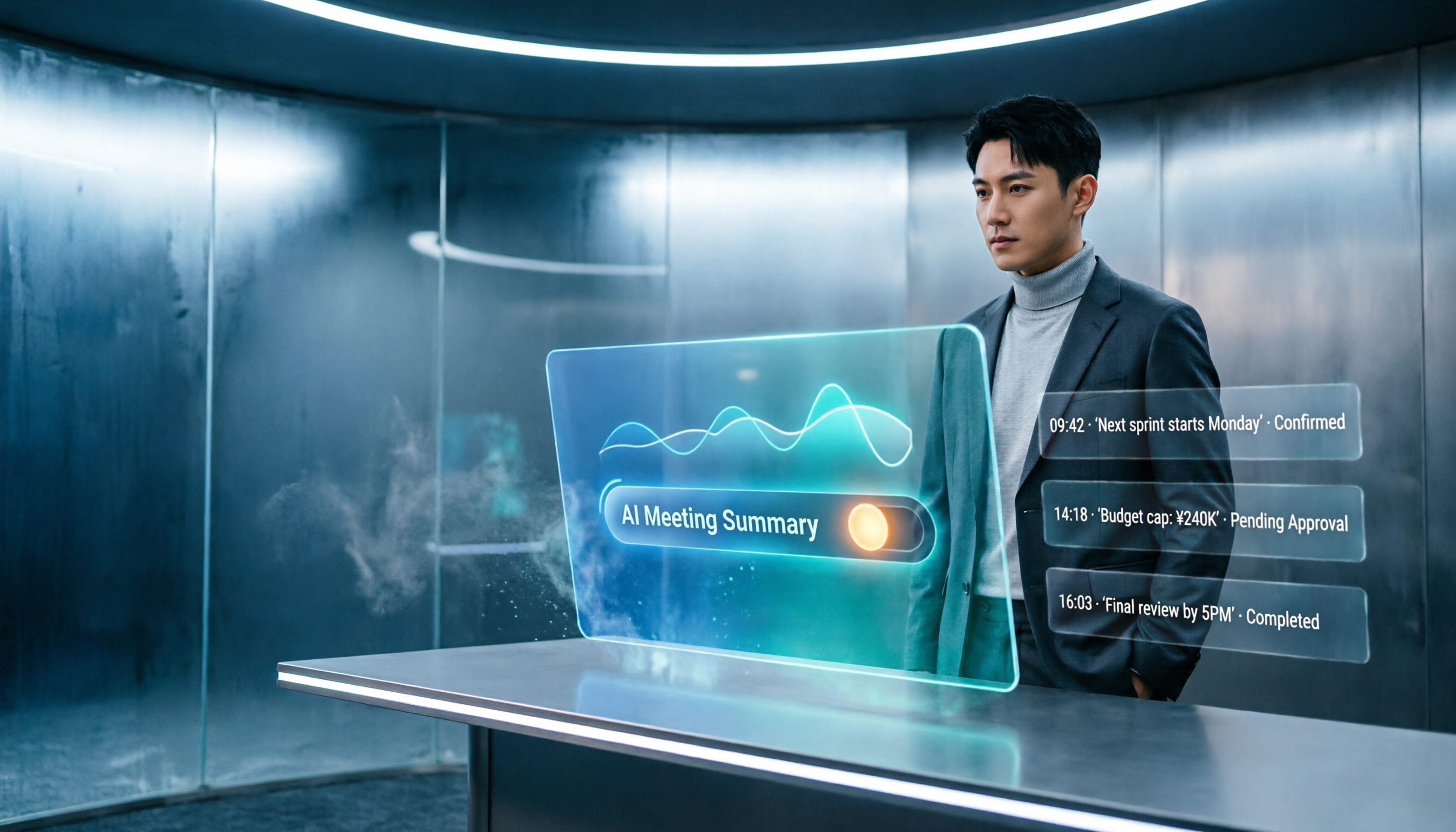
When you open Tinrec in a meeting, it produces a live transcript as you record. When the meeting ends, the AI has already pulled out a summary, chapters, and action items — who is responsible for what, and the deadline. For anyone who sits in two or three meetings a week, the time savings are enormous.
If you regularly need to extract content from online videos — say, interviews or educational YouTube channels — Tinrec also excels at converting a video link directly to text. Where most tools only let you upload local files, this feature is a real convenience for content creators and researchers.
One feature worth calling out is AI conversation search: after a recording is done, you can ask Tinrec, “Who mentioned the budget in the last meeting?” It understands the semantics and gives you the answer, rather than just throwing keyword search results at you. No competitor in the same price range currently offers this.
Our test data
We tested a 5-minute Cantonese news recording (iPhone 15, quiet indoor environment, June 2025). Tinrec produced a character error rate of about 8.3% — the best result among tools in the same price range right now. In noisier environments, accuracy will dip somewhat, but overall it remains quite reliable.
Pros at a glance
Stop organizing recordings by hand
Upload audio or video and automatically get a transcript, summary, and action items
- Multiple input sources: Supports live recording, local file upload, online video links, and computer meeting recording, so it can handle almost any audio or video content.
- More than just a transcript: AI summaries, chapters, to-do lists, mind maps, and AI Q&A let you actually use the content instead of just reading it.
- Consistent cross-platform experience: Syncs across phones, computers, and web, so you don’t have to think about file transfers.
Limitations we should be honest about
The free plan gives you a monthly base transcription allowance. If you have long meetings every day, it may not be enough, and you’ll need to consider the Pro plan. Also, while it does offer live transcription, it doesn’t automatically join Google Meet or Zoom meetings — that’s a difference from pure meeting bots.
Who is it for?
If you need to organize meetings, lectures, interviews, online videos, and other sources — and you want to use AI to quickly query highlights and export to different formats after recording — Tinrec is currently the most complete choice. Chinese and Cantonese speakers, in particular, will be impressed.
Beyond Tinrec: what else is out there?
MyEdit: Lightweight online transcription with daily free credits
MyEdit is an online speech-to-text tool from CyberLink. You don’t need to install anything, and you get free credits each day after logging in. It supports 9 languages including Chinese, English, Japanese, and Korean. Transcription speed is decent, and you can edit the transcript and add timestamps. However, MyEdit only lets you upload audio files — no live recording, no online video links, and no AI Q&A. If you only need to transcribe short recordings occasionally and don’t care about later organization, it’s worth a try. But if you want to ask questions about the content and pull out highlights, Tinrec’s AI Q&A is the key differentiator that MyEdit doesn’t have.
Monica: 30-minute free trial, AI translation focus
Monica.im’s speech-to-text tool offers a 30-minute free trial, can transcribe and translate into 100+ languages, and claims 95%–98% accuracy. It’s suited for light users who need multilingual transcription. However, Monica only supports file uploads right now — no live recording, online video links, or AI query features. Once the trial ends you must pay, and the free option isn’t meant to keep you going long-term. If you just need a short transcription with translation, it can be an entry-level option. But if you want to build a searchable archive of recordings over time, Tinrec’s comprehensiveness and free-plan flexibility are more practical.
Buyer’s guide: 4 mistakes people make when choosing speech-to-text tools
Mistake 1: Relying only on official accuracy numbers
Many tools say they hit 98%, but that’s measured under ideal conditions. Ambient noise, accents, and speaking speed all affect your real-world results. The best approach is to test the free version with a clip you’d normally record. Ignore the marketing numbers.
Mistake 2: Overlooking cross-platform needs
You record on your phone today and want to organize on your computer tomorrow. If the tool has no web or desktop version, you’re stuck with file transfers. Tinrec and MyEdit both have web versions, but Monica relies mostly on web uploads and has weaker mobile integration. Before choosing, think about which devices you use most often.
Mistake 3: Treating speech-to-text as the finish line and forgetting post-processing
Getting a transcript is only half the job. If the tool can automatically produce a summary, action items, and let you query to find key points, you’ll save multiples of time. Too many people buy a tool and use only the transcription feature — that’s a wasted opportunity. Tinrec’s AI Q&A and post-processing features were built to solve exactly this pain point.
Mistake 4: Jumping into a long-term subscription without trying it first
Every tool offers a free plan or trial. My advice: start with the free version and see if it fits your workflow. Even if you decide to pay, start with a monthly or short-term plan, and only buy an annual plan once you know it works.
Wrap-up: Which one should you pick?
Looking across these four tools, Tinrec comes out ahead in multi-source input, AI organization, and cross-platform support. If you want speech-to-text to be more than just “getting text out” — if you want it to help you understand the content and speed up your downstream work — it’s the best choice right now.
Here’s a quick recommendation by scenario:
- Need to handle meeting, lecture, interview, and online video content → Tinrec (the only one that supports live recording, file upload, and video links at once)
- Want to use AI right after recording to query highlights and generate summaries → Tinrec (competitors currently lack conversation-style search)
- Occasionally transcribe a short recording and don’t mind a bit of manual editing → MyEdit (daily free credits, but more limited features)
- Main need is multilingual translation and you only have a short-term use case → Monica (30-minute trial, many translation languages)
I’d suggest starting with Tinrec’s free version. The monthly base allowance is enough for several meetings or a few short recordings, so you can get a real feel for its organization efficiency. If it works well, consider upgrading later — there’s no need to spend money at the start.
References
- Audio to Text - Free Speech-to-Text Tool
- 6 Speech-to-Text Tools to Recommend in 2026: Free Online Audio-to-Text Conversion!
- Online AI Speech-to-Text Tool: Free MP3 or Recording to Text Transcript - MyEdit
- 【AI Voice Notes】The 5 Best AI Speech-to-Text Tools Recommended! Generate Transcripts and Meeting Minutes, Free vs Subscription, Pros and Cons | 104 Career Power
- “Speech to Text: AI Transcript, Audio Recording, Voice Memo, Real-Time Translator” App - App Store
Turn every recording into actionable outcomes
Get 60 free transcription minutes when you sign in. No credit card required.
Related Reading
You might also like

2026 iOS Transcription Apps Compared: Tinrec vs Notta for Chinese Meetings
Many assume that installing a transcription app on an iPhone will automatically generate meeting notes, but in practice, quotas, audio quality, and post-meeting organization are the real keys. This article starts with common misconceptions and compares Notta iOS and Tinrec on online meeting recording, post-meeting organization, AI follow-up questions, and team data management to help you decide which workflow better suits your daily needs.

Best AI Recording Tools in 2026: 5 Tested, Notta Memo Price & Alternatives
Notta Memo is priced at USD 149, but hardware is only part of the cost—transcription quotas and subscription fees add up. This guide cuts through the common price-comparison mistake of looking only at the hardware sticker price, breaking down the real costs, capability limits, and best-use scenarios for 5 AI recording and meeting-notes approaches so you can calculate total cost before deciding.

How to Transcribe Indonesian Audio to Text in 2026: Notta Supports Indonesian + Tinrec Post-Meeting Organization
How to choose Indonesian meeting transcription? This article addresses three common pitfalls, explains 4 key points for selecting an Indonesian transcription tool, compares Notta, Otter.ai, TurboScribe, and Tinrec, and shares practical tips and pitfalls to avoid for teams handling mixed Chinese-Indonesian meetings.

2026 Comparison of 3 Japanese Transcription Tools: Is 'notta in japanese' a Verb or a Tool?
People searching for 'notta in japanese' fall into two camps: those looking up the Japanese word '乗った/載った' and those looking for Japanese transcription tools like Notta. This article first clarifies the meaning of 'notta' in Japanese, then compares Tinrec, Notta, Otter.ai, and TurboScribe from four perspectives: recognition quality, real-time transcription, post-meeting organization, and team collaboration, to help you choose the right tool.
How to Cancel Notta Subscription in 2026: 3 AI Meeting Tools Compared
Can't find the cancel button for your Notta subscription? This guide covers the 3 most common cancellation mistakes and provides step-by-step instructions for canceling through the web, App Store, and Google Play. It also explains what happens to your access, quota, and data after cancellation. Finally, it compares Tinrec, Otter.ai, and TurboScribe to help you decide which tool to switch to after canceling.

2026 Best 3 Transcription Apps Compared: Notta vs Tinrec — Which Really Saves Meeting Notes Time?
Searching for "notta ilacabak" actually brings up a prescription drug in a Turkish medication database—just a name coincidence with the meeting notes tool. This article starts from that common confusion, breaks down 4 key points for choosing a transcription tool, compares Tinrec, Notta, Otter.ai, and Granola on Chinese meetings, post-meeting organization, and team collaboration, and lists 4 common pitfalls to avoid.

Notta vs Tinrec 2026: 5-Dimension Comparison for Chinese Meeting Notes and Team Knowledge
People searching for notta instagram are often deciding whether Notta is worth using. This article first confirms which Instagram account is Notta's official one, then compares Notta and Tinrec across 5 dimensions: capture method, post-meeting output, Chinese experience, team governance, and pricing, to help you choose the right tool for your scenario.

3 AI Meeting Note Tools Tested in 2026: How to Use Notta and Why Tinrec Saves Time for Chinese Meetings
A step-by-step guide to using Notta—from sign-up, recording, transcription, AI summary to export—plus a comparison of Tinrec's bot-free recording, AI Q&A, and team knowledge retention for Chinese-language meetings, with free tier and team pricing details.

What Is Notta House in 2026? 4 Steps to Clarify and Choose the Right Meeting Notes Tool
Searching for "notta house" brings up a Jakarta restaurant, a UK vacation rental, and a US home builder? This article uses 4 steps to clarify the name confusion, then compares Notta and Tinrec across 5 dimensions: meeting capture, post-meeting output, Chinese and translation, team governance, and pricing quotas, to help you decide which better fits your meeting notes needs.