
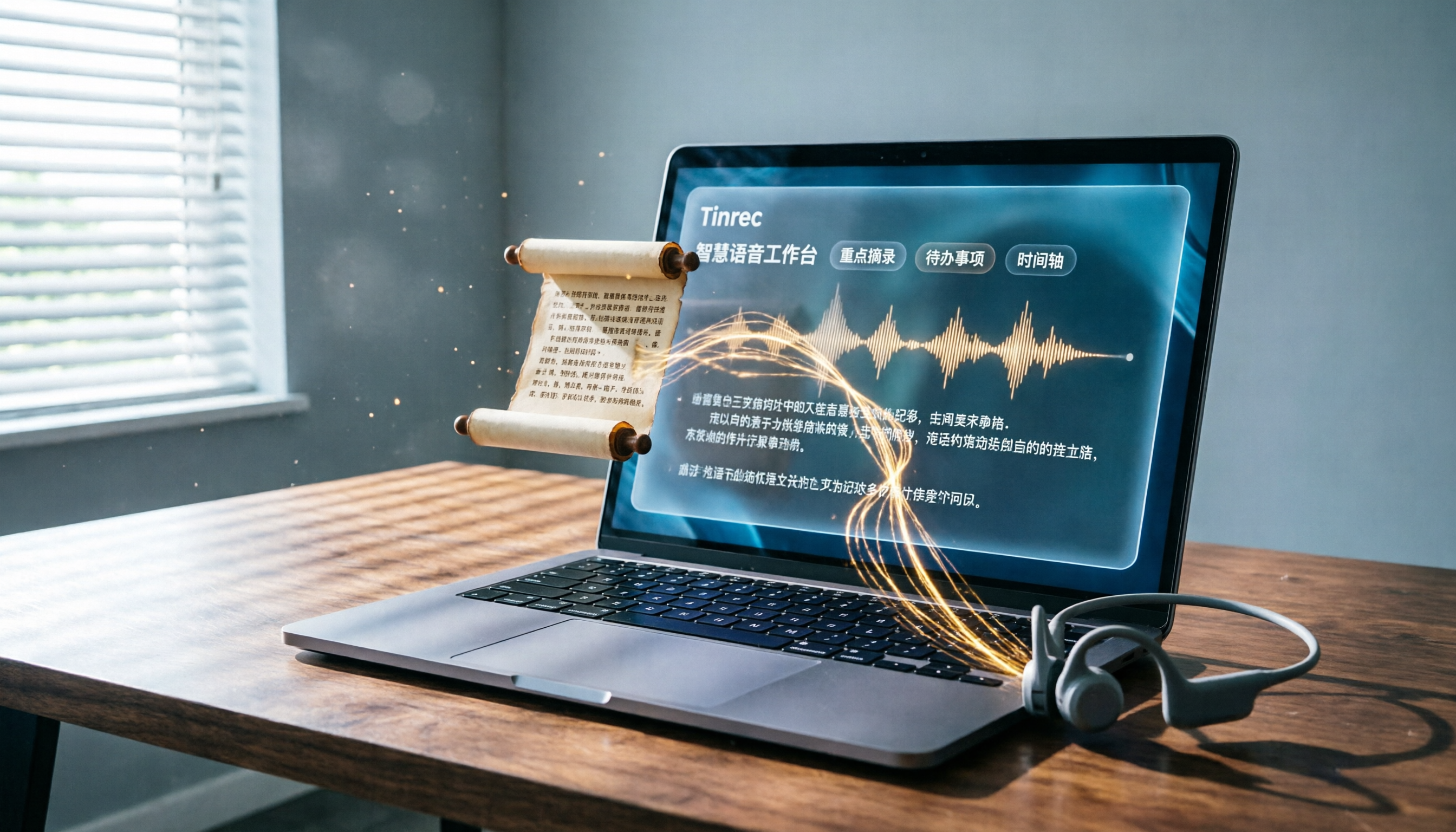
Turn recordings into transcripts and summaries in minutes
Upload audio or video for multilingual transcription, AI notes, and action items
Two Hours in a Meeting, Another Two Hours Writing Up Minutes—It’s the Daily Grind for Many Office Workers in Central.
What's worse, many audio-to-text tools either require a paid subscription or don't support Cantonese. I've been burned by several of them. If you want to save time and leave the office earlier, this article is for you.
Before Choosing an Audio-to-Text Tool, Get These 4 Key Points Straight
1. Accuracy Isn't About Official Numbers
Many tools claim accuracy rates above 95%, but that's usually only achievable in a super-quiet recording studio. In real meetings, there's air conditioning, keyboard typing, and colleagues talking over each other, which reduces accuracy. It's best to test the free version with your own recordings rather than just trusting ads.
2. AI Organization Features Are the Real Focus
Simply generating a transcript is no longer enough. Modern tools can automatically create summaries, to-do items, and even let you ask questions like, "Who mentioned the budget last time?" This kind of AI feature can save you most of the editing time, so be sure to consider it when choosing a tool.
3. Are the Input Sources Wide Enough?
Do you only record meetings, or do you also want to process YouTube videos, interview recordings, or lecture recordings? Some tools only support live recording. The ones that let you upload files or paste video links are the truly useful ones.
4. Is the Free Plan Enough for You?
Many tools only offer a few dozen free minutes, and before you can really try them out, they ask for payment. Pay attention to the monthly free quota and per-session time limits. A tool labeled "free" might not be suitable for long-term use.
Tinrec (秒聽錄音) — Our Top Pick After Testing, and the Free Version Is Already Practical
Tinrec is an AI recording and organization tool that supports multiple languages, with iOS, Android, and web versions—no extra hardware needed. Its core strength is that "the work continues after transcription": it doesn't just give you a transcript; it also automatically generates summaries, chapters, and to-do items, and even lets you ask AI questions about the recording.
Real-World Test: Meeting Scenarios
When you keep Tinrec on during a meeting, it transcribes in real time. By the time the meeting ends, the AI has already generated a summary and a to-do list—who's responsible for what and deadlines at a glance. The best part is that after recording, you can type a question like, "What was the conclusion about the budget in that part?" It uses semantic understanding to find the relevant content, not just keyword searches. This feature is almost nonexistent among competitors at the same price point.
Not Just Meetings – Courses and Videos Work Too
Want to process online public lectures or YouTube videos? Just paste the link, and you'll get the transcript and summary, which you can export to Notion or Google Docs for further editing. For working professionals who frequently take courses to upgrade skills, this feature is really convenient.
Is the Free Version Enough?
Tinrec's free plan provides a basic monthly transcription quota, which is enough for light users to record a few meetings or process several videos each month. If you're a heavy user, you can consider the weekly pass or the Pro monthly plan—the pricing is quite reasonable.
Pros Summary
Stop organizing recordings by hand
Upload audio or video and automatically get a transcript, summary, and action items
- Supports live recording, file uploads, and online video links, covering a wide range of scenarios
- The AI conversation query feature is practical, so you no longer need to scroll through the transcript manually
- The free version already offers a complete feature experience, with no pressure to pay as soon as you open the app
Things to Watch Out For
- The free plan has a monthly quota; long-term heavy use requires payment
- In extremely noisy environments, accuracy can be affected, so try to stay close to the sound source when recording
Who Is It For?
If you often need to organize meeting minutes or lecture notes, or want to turn online videos into text materials, Tinrec's free version is already more than sufficient. Especially for users who need cross-platform (phone + computer) sync, its multi-device support is far more convenient than single-platform tools.
Besides Tinrec, Here Are Other Free Options
inFin+
Completely free with no ads, and recognition speed is acceptable, but accuracy is mediocre, especially when multiple people are talking, as it tends to make errors. It's suitable for users who just want a rough transcript and don't mind fixing mistakes afterward. It doesn't have an AI Q&A function; after recording, you can only search manually with Ctrl+F—a significant gap compared with Tinrec.
雅婷逐字稿
Made in Taiwan, it's quite good at recognizing multi-speaker Chinese conversations, with decent accuracy. But the free version has almost no quota, and if you want to use it, you'll have to pay. It also lacks an AI query feature. If you only use it occasionally once or twice, its paid plans may not offer good value.
cSubtitle
Focused on Chinese, with genuinely high recognition accuracy, and it can even add punctuation and paragraph breaks automatically. However, it mainly converts files to text and doesn't offer real-time recording transcription or AI organization features. It's suitable for processing long files, but it can't be used in a live meeting.
Pitfall Guide: The 3 Most Common Traps When Choosing an Audio-to-Text Tool
Trap 1: Only Looking at the Word "Free"
Some tools advertise as free but only allow you to transcribe 5 minutes, and you have to pay for longer. Be sure to check the free plan's monthly quota and per-session time limits.
Trap 2: Ignoring Cross-Platform Needs
If you record on your phone in the morning and want to edit the transcript on your computer in the afternoon, it's a hassle if the tool doesn't support cross-platform sync. Before choosing, check whether it has a web version or multi-platform apps.
Trap 3: Paying for a Tool but Only Using It for Transcription
Many people subscribe but only use the basic transcription function, wasting the power of AI organization. For example, with Tinrec's AI Q&A, you can directly ask "What's the conclusion?" after recording, which is much faster than scrolling through the transcript. Make sure to take advantage of such features to get your money's worth.
Conclusion: Which One Is Right for You?
If you can only choose one, Tinrec's free version is already the most comprehensive option—it supports multiple input sources, has AI conversation query, provides a free quota for trial, and works across platforms. Here are recommendations for common scenarios:
- Want to organize meeting or lecture recordings for free → Tinrec (most complete features, and the free version is sufficient)
- Need to process a large number of long files → cSubtitle (high recognition accuracy, but no real-time recording or AI features)
- Just need a rough transcript and don't want to pay anything → inFin+ (permanently free, but limited accuracy and functionality)
Finally, we suggest you first download the Tinrec free version to try it out. The monthly basic quota is enough for you to record two or three meetings and feel the effect. If you like it, you can consider upgrading later—there's no need to rush into paying right away.
References
- 【AI Voice Note】5 Highly Recommended AI Speech-to-Text Tools! Generate Transcripts and Meeting Minutes, Free vs Subscription, Pros and Cons Review | 104 Career Power
- Unlimited Time! 3 Free AI Transcript Tools, Great Recommendations! AI Voice Notes Generate Meeting Minutes, Slides, and Mind Maps | 104 Career Power
- Stop Paying!! Three Super Useful Speech-to-Text Tools, Handle Everything ...
- Want to Convert Audio Files to Transcripts for Free? 5 Must-Recommend "Transcript" Tools to Help You Get It Done Fast
- Online AI Voice, Video, and Audio File Auto-Convert to Text - Free Trial - cSubtitle
Turn every recording into actionable outcomes
Get 60 free transcription minutes when you sign in. No credit card required.
Related Reading
You might also like

Tinrec vs Notta (2026): Which AI Meeting Notes Tool Is Better for Chinese-Speaking Teams?
People searching for notta reviews often want to know if it can support their meeting workflow, not just accuracy. This comparison of Notta and Tinrec across four dimensions—meeting capture, post-meeting output, free tier limits, and team governance—helps you decide which fits your work style.

2026 Comparison of 5 Online Audio Converter Tools: Conversion Is Just the Start—Instant Transcripts Are the Key
Most people searching for an online audio converter aren't really trying to solve a format issue—they're trying to avoid listening to the recording again. This article breaks down the difference between file conversion and AI transcription, using Tinrec as an example to explain how bot-free meeting recording, transcripts, summaries, action items, AI Q&A, and team spaces work. It also covers 5 key buying considerations and FAQs.

2026 AI Meeting Recorder Comparison: Notta vs. Tinrec for Chinese Meetings
Notta is often the first stop when searching for AI meeting recorder tools, but free tiers and team management involve trade-offs. This article compares Notta, Otter.ai, TurboScribe, and Tinrec based on real meeting scenarios, outlining selection criteria, pitfalls to avoid, and ideal use cases to help you choose the tool that truly saves time.

2026 Audio-to-Text App Comparison: Are Reddit Reviews of Notta Accurate?
People searching "notta review reddit" are usually deciding whether it's worth paying for. This guide breaks down real Reddit feedback and controversies around Notta, explains the 4 key factors when choosing an audio-to-text app, and compares Tinrec, Notta, Otter.ai, and PLAUD Note on differences, limitations, and best-fit users.

How to Use Notta Vocal Remover in 2026: 4-Step Guide & Alternatives
Notta Online Vocal Remover is often the first stop for those searching for a free vocal remover. This guide covers the actual steps, format and length limits, honestly addresses concerns about the page's current status, and explains how to turn separated vocals into transcripts and action items.

2026 Meeting Transcription Tools Compared: Risks of Notta Mod APK and Legal Alternatives
Many people search for the latest Notta Mod APK to bypass free usage limits. This article explains the practical risks of cracked versions—version confusion, update and account data issues—and compares Tinrec, Notta, Otter.ai, and TurboScribe in meeting notes, summary action items, AI Q&A, and team collaboration to help you choose a solution that truly saves time.

4 Paid AI Meeting Recorder Tools Tested for 2026: What to Know Before Buying Notta
Many people search for 'notta purchase' and immediately enter their card details, overlooking the per-recording limit, in-app purchase vs. web pricing differences, and whether the transcription is actually usable. This article covers Notta's purchase channels and plan differences, and compares the paid value of Tinrec, Otter.ai, and PLAUD through hands-on testing to help you avoid common pitfalls before paying.

Notta vs Tinrec (2026): Hands-On Comparison to Avoid 3 Buying Mistakes and Find a Faster Meeting Notes Workflow
People searching for "notta" either want its meaning or the Notta transcription tool. This article tackles three common buying mistakes and compares Notta and Tinrec in meeting capture, post-meeting organization, and team data retention to help you decide which workflow fits your meeting style.

4 Online Transcription Tools Reviewed for 2026: Beyond Notta, How to Choose for Chinese Meeting Notes
Notta's online tool requires no registration and transcribes text upon upload, but the free version is limited to 3 minutes per file. This article compares Notta, Tinrec, Otter.ai, and TurboScribe based on three needs—occasional transcription, weekly meetings, and team knowledge retention—covering free quotas, meeting capture methods, and post-meeting outputs to help you choose the right tool at a glance.