
Turn recordings into transcripts and summaries in minutes
Upload audio or video for multilingual transcription, AI notes, and action items
Why Do You Need Cantonese-to-Indonesian Translation?
One of my teammates is an Indonesian Chinese. Whenever we have meetings with Indonesian vendors, the biggest headache is not communication -- it's the work after the meeting: turning the Cantonese discussion into Indonesian and sending it to the other side for confirmation. In the past, I had to record the meeting, find someone to transcribe it, and then throw everything into Google Translate. That round trip took at least half a day.
Later, I found a way to split the workflow into two steps: first, use an AI recording tool to turn Cantonese into text; then, pick a reliable translation tool to convert the text into Indonesian. This method sped things up by more than 3x. Below, I compare three mainstream translation tools based on my team's hands-on tests, and explain how to combine them with Tinrec to turn Cantonese audio into Indonesian documents.
Core Feature Comparison of Three Translation Tools
1. OpenL Translate: AI-Powered with the Strongest Context Understanding
OpenL was the first translation tool I used. It supports 100+ languages, has a clean interface, and lets you paste text or upload files directly. What I especially like is its contextual translation -- for example, the Cantonese phrase '唔該' can mean 'thank you' or 'please' depending on the sentence. OpenL usually chooses the right Indonesian meaning based on context instead of translating mechanically.
The free version has daily usage limits, but it's enough for everyday short sentences. If you need to translate large volumes of meeting documents, I'd suggest a paid plan.
2. 繪影字幕: Convert Cantonese Audio Directly to Indonesian Subtitles
繪影字幕 focuses on video translation; its strongest feature is turning Cantonese audio into Indonesian subtitles. Upload a Cantonese recording, and the AI automatically transcribes, translates, and generates an Indonesian subtitle file. This is very convenient for people making videos, but if you only need plain-text translation, there is an extra conversion step.
In my tests, its recognition of conversational Cantonese was solid, but recordings with too much background noise can lead to errors. I recommend recording clean audio with Tinrec first, then feeding it to 繪影字幕 for translation.
3. 我愛翻譯: A Veteran Tool That Keeps It Simple
我愛翻譯 is a typical two-way translation website. It supports Cantonese and Indonesian: paste text and it translates directly. The upside is that it's free and does not require registration. The downside is that it doesn't optimize for context, so long sentences can come out fragmented. It's useful for quickly looking up single words or short phrases, but not suitable for a full set of meeting minutes.
Practical Scenarios: Tinrec + Translation Tools for Cantonese Audio to Indonesian
Scenario 1: Meeting Minutes Translation
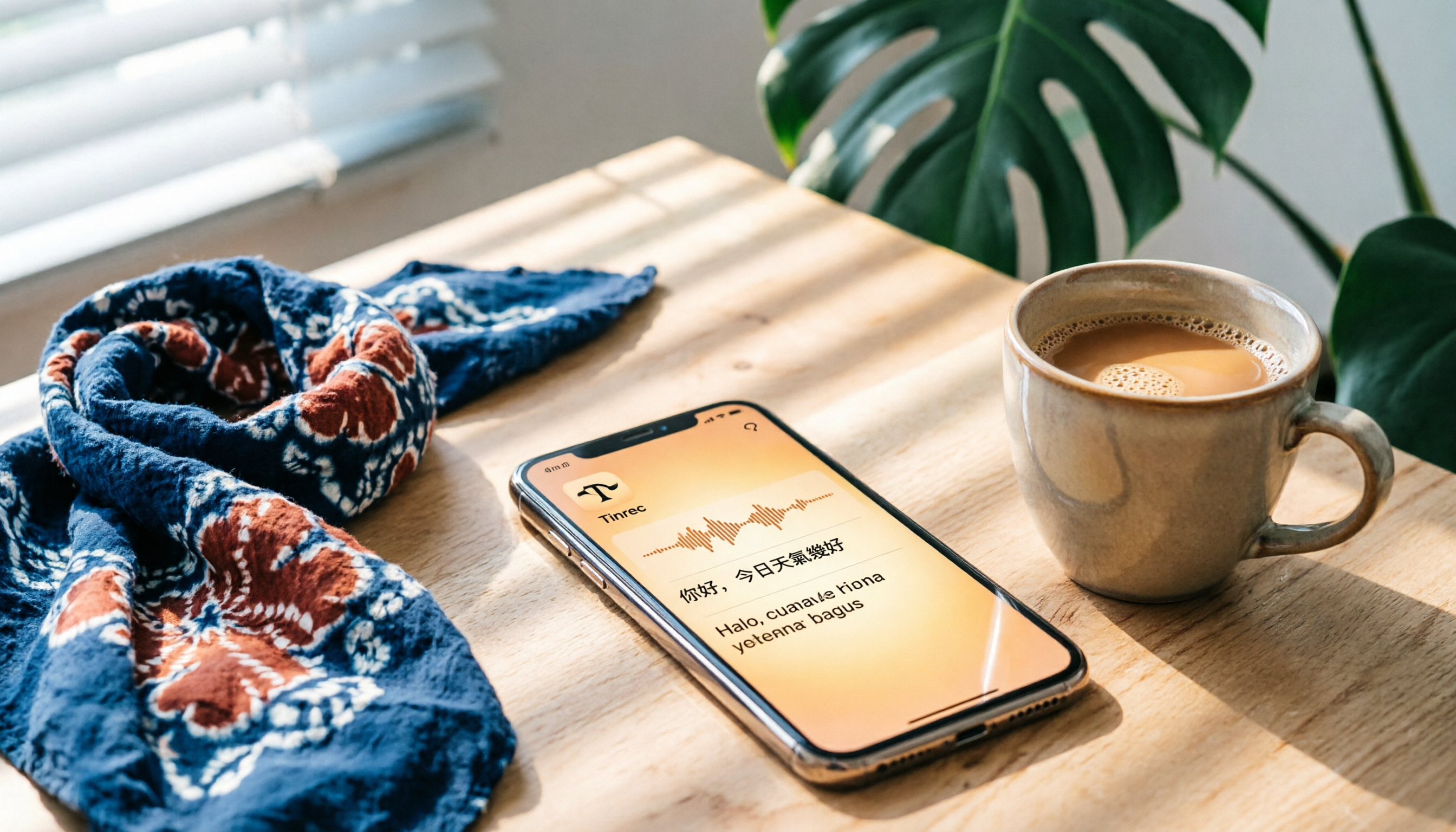
After every meeting with my Indonesian team, I use Tinrec's real-time voice-to-text feature to generate a Cantonese transcript while we talk. Tinrec's live transcription delay is less than 1 second, so I can check whether any key points were missed. By the time the meeting ends, the AI summary and action items are already generated.
Then I copy the transcript into OpenL, choose Cantonese → Indonesian, and get an Indonesian version in seconds. Finally, I use Tinrec's export function to save the summary and action items as a document and send it to my Indonesian colleagues and manager at once. It saves me at least one hour of follow-up work.
Stop organizing recordings by hand
Upload audio or video and automatically get a transcript, summary, and action items
Scenario 2: Interview Recording Processing
One time I needed to turn a 30-minute Cantonese interview audio file into Indonesian so an overseas interviewee could confirm the contents. First, I used Tinrec's audio-file-to-text feature to upload the recording and got a complete transcript within 5 minutes. Tinrec also split the content into chapters automatically, making it easy for me to jump to the key sections.
Then I put the text into 繪影字幕's translation function (plain-text mode) and generated an Indonesian draft. Finally, I asked an Indonesian colleague to polish it. What would normally take two days was done in half a day.
Scenario 3: Learning from Online Videos
I often watch Cantonese industry analysis videos on YouTube. Sometimes I need to extract key points and translate them for Indonesian partners. With Tinrec's online-video-to-text feature, I paste a video URL, and it automatically grabs the audio track, converts it to Cantonese text, and generates an AI summary. I then use 我愛翻譯 to quickly translate the summary into Indonesian. In 5 minutes, I have a bilingual key-point document.
4 Things to Watch When Choosing a Translation Tool
- Context Understanding: Cantonese has many colloquial expressions. If a translation tool works word by word, the Indonesian will sound unnatural. OpenL handled context the best out of all tools I tested, 繪影字幕 came second, and 我愛翻譯 was weaker.
- Input Flexibility: If you often translate audio, 繪影字幕 supports direct audio upload. If you prefer to convert audio to text with Tinrec first and then translate, OpenL offers the smoothest plain-text translation experience.
- Free Quotas and Pricing: For light use, the free versions of OpenL or 我愛翻譯 are enough. If you need to translate large amounts of meeting records, consider Tinrec Pro (more monthly transcription minutes) with a paid OpenL plan. The overall cost is still much lower than hiring someone to translate.
- Cross-Platform Support: Tinrec has iOS, Android, and web versions, so you can record and transcribe anywhere. OpenL and 繪影字幕 also have web versions, meaning the whole workflow can be completed from a phone.
FAQ
Q: Which tool translates Cantonese most accurately?
A: For everyday conversational speech, OpenL's AI contextual translation reads most naturally, but accuracy still depends on the clarity of the source and how technical the terms are. I suggest recording high-quality audio with Tinrec first, then translating it.
Q: Can I use a translation tool directly on a Cantonese recording?
A: 繪影字幕 can translate audio directly, but it has high requirements for recording quality. I prefer to use Tinrec first to get an accurate transcript and then feed the text into a translation tool. That way, I have more control.
Q: Do these tools cost money?
A: OpenL and 我愛翻譯 have free versions, and 繪影字幕 offers a trial for new users. Tinrec also gives basic monthly transcription minutes on its free plan, so you can test it before deciding whether to upgrade.
Q: Can I use these tools if I don't know Cantonese?
A: Yes. You only need to upload the Cantonese audio to Tinrec, and it will automatically convert it to text. Then you can use a translation tool to turn that text into Indonesian. No manual transcribing is needed.
Summary
To translate Cantonese into Indonesian, it's better to break the task into two stages -- 'recording to text' and 'text translation' -- rather than forcing one tool to do everything. My go-to combination is to use Tinrec to turn Cantonese audio into an accurate transcript and summary, then choose OpenL for precise translation, 繪影字幕 for video translation, or 我愛翻譯 for quick lookup. Download Tinrec's free version and you get 100 minutes of transcription time monthly, which is enough to test it on a few meetings -- see how much transcription and translation time AI can save you.
References
Turn every recording into actionable outcomes
Get 60 free transcription minutes when you sign in. No credit card required.
Related Reading
You might also like

2026 Nottage Hill Wine Prices in the Philippines: Shiraz vs Chardonnay Comparison
Buying Hardy's Nottage Hill in the Philippines? The same bottle has completely different pricing logic on Lazada, online wine shops, and Winery.ph. This guide covers the flavor differences between Shiraz, Cabernet Sauvignon & Shiraz, and Chardonnay, compares公开 listed prices and shipping-inclusive costs, and lists the four most common pitfalls that lead to overpaying or buying the wrong wine.

2026 AI Meeting Transcription Tools Compared: Notta Review and Chinese Transcription — Which Is Enough?
An honest Notta review covering its 58 languages, AI summaries, and meeting bot strengths, plus what to watch for: the free plan's 3-minute per-recording limit, bilingual add-on costs, and billing complaints. Tinrec is compared on the same basis to help you decide which tool fits your meeting style.

2026 Nottaa Collection 1/12 Female Body Guide: Xiaofang vs. Serena & Accessory Buying Tips
Nottaa Collection 1/12 Female Body NT-04 comes in two versions: Xiaofang and Serena. This guide addresses common concerns of customizers, covering key points to check before buying a 1/12 female body, the differences in character between the two versions, accessory lists, pre-order bonuses, plus common pitfalls and buying advice.

2026 Notta Comparison: NOTTA REAL Jacket Wholesale Pricing vs. Notta Transcription Subscription Costs
Many people search for "notta real jacket price" but confuse two things: the price of Turkish wholesale brand NOTTA REAL Jacket and the subscription plans for AI transcription tool Notta. This article separates the two, then compares Tinrec and Notta across 5 dimensions to help you decide which fits your needs.

6 Audio-to-Text Tools Tested and Compared for 2026: Notta Taj Law Reviews vs. Notta Explained
People searching for "Notta Taj Law reviews" often confuse two names: a London family law firm and the transcription tool Notta. This article first clarifies what each is and where to find reviews, then compares six audio-to-text and meeting notes tools in 2026 by positioning, pricing, and use cases to help you decide which one to use.

Notta Transcription in 2026: Notta Sin Spread vs. Tinrec Comparison Guide
Searching for "notta sin spread review" might bring up Notta Sin, an Indian sugar-free chocolate spread, or Notta.ai, a meeting transcription tool. This guide clarifies the two, then focuses on the transcription tool: bot-free recording, post-transcript summaries and action items, team roles and seats, and compares Tinrec, Notta, Otter.ai, and Granola to help you make an informed choice in 2026.

How to Identify Meeting Note Tools in 2026: 3-Step Verification + Tinrec Hands-On Test
When searching for "notta nother builder reviews," half the results are UK construction company registration data and half are meeting note tool reviews. This guide first shows you how to verify a company's background in 3 steps, then explains how to choose a meeting note tool, and includes a hands-on test of Tinrec's complete workflow for bot-free recording, summarization, action items, and team knowledge retention.

2026 Nottage Hill Wine Price Comparison: US, UK, and Taiwan Market Prices at a Glance
How much should a bottle of Nottage Hill cost to be reasonable? This article compiles reference prices for Hardys Nottage Hill in the US, UK, and Taiwan, along with volume conversion and actual tasting notes, and highlights 4 easily overlooked points before buying to help you quickly decide whether the price is worth it at the wine shelf.

4 Free YouTube Video Summary Tools Tested in 2026: Free Tiers Vary Widely, but Few Support Follow-Up Work
Most people use free YouTube video summary tools with a common misconception: they think pasting a link is all it takes. This article tests and compares four tools—Tinrec, Notta, NoteGPT, and TurboScribe—from four angles: free quota, summary structure, follow-up organization, and Chinese recognition. It explains who each tool suits, where the free versions fall short, and how to avoid getting a summary that still requires rewatching the video.