

Turn recordings into transcripts and summaries in minutes
Upload audio or video for multilingual transcription, AI notes, and action items
Why do most people still end up rewatching YouTube videos after using summary tools?
The most common misconception is thinking of "AI summary" as a single button: paste the link, hit generate, and you're done.
In reality, many people get three paragraphs of generic fluff—"This video introduces a topic, and the speaker shares several viewpoints." After reading the summary, you still don't know what the key data was at the 12-minute mark.
Another issue is the quota trap. The page says "free," and your first video goes smoothly, but the second one triggers a payment pop-up.
And a third scenario: the summary is generated, but to hand it to your boss or put it in a shared doc, you have to manually copy, paste, and reformat—five minutes for the summary, half an hour for organizing.
The problem usually isn't whether there's an AI summary, but whether the content can be used directly after summarization.
4 Key Points to Understand Before Choosing a YouTube Video Summary Tool
1. Is the free quota "one video" or "one month"?
These two are very different. Some tools only allow you to summarize one video for life, while others give you a fixed number of minutes per month.
If you just occasionally want to quickly grasp a long video, the former might barely suffice; but if you watch three or four courses or interviews per week, you need to check which type it is.
2. Does the summary have "structure"?
A good summary is divided into chapters, marks timestamps, and extracts conclusions and action items. A bad summary is just a block of text without any reference points.
It's easy to judge: if the summary lacks a timeline, you'll have to drag the progress bar and search from the beginning to find the original sentence.
3. Can you continue working after the summary?
This is the most overlooked point. A summary is just an intermediate product; what you really need is meeting notes, study notes, report paragraphs, or a to-do list.
So you should check: Can you ask further questions about the content? Can you export to Google Docs or Notion? Can it be directly turned into a table or document?
4. Recognition of Chinese and mixed Chinese-English content
Videos that Taiwanese users often watch are rarely pure Chinese or pure English. The speaker talks in Chinese, but the slides are full of English terms—this mixed content is the ultimate test of transcription quality.
It's recommended not to rely solely on official copy; try a video from a channel you frequently watch.
5. Privacy: Will the video content be retained?
Before throwing work interviews or internal training videos into a third-party tool, take a look at the privacy policy. This isn't paranoia; it's basic practice.
Tinrec (Miao Ting Lu Yin) — The Choice That Connects Summaries into Workflows
Tinrec (Miao Ting Lu Yin) is an AI meeting notes and collaboration tool for individuals and teams, available on web, desktop, and mobile.
Let's be clear about its positioning: Tinrec's main strength is meeting notes, not a dedicated YouTube summarizer.
It supports importing web links and can process some public video content, but this is a supplementary capability, not its core design. If you need to summarize twenty videos a day, it won't be the most convenient option.
So why still put it first? Because most people's real need isn't "summarization" itself.
The real value is after the summary
Suppose you're preparing a competitive analysis and watch three competitor interview videos.
A typical tool gives you three summaries and that's it.
Tinrec's workflow: after transcribing, it automatically generates a summary, chapters, and key points. Then you can directly ask it questions—"What did the speaker say about pricing strategy?" It answers based on semantics, not just keyword search results.
Furthermore, you can organize into to-dos, reports, tables, or documents, and export to tools you already use like Notion, Google Docs, and OneNote.
Hands-on experience (honest version)
I tested with several Chinese product interview videos and English technical lectures. The Chinese transcripts are generally readable, but you still need to manually correct proper nouns or fast speech.
I won't give you a nice accuracy number because it depends on video audio quality, accent, background music, and terminology density. Any claim of a fixed 98% or 99% should be taken with a grain of salt.
Meeting scenarios are its strength
If half of your video sources are online meetings, Tinrec's value becomes more obvious.
The desktop version directly captures system audio, handling Zoom, Google Meet, Microsoft Teams, and Webex meetings without needing to invite a bot into the meeting as a listener.
After recording, you get transcripts, summaries, chapters, to-dos, mind maps, and real-time translation support. For cross-language meetings, you can switch between original, translated, or bilingual views.
What the team version does
If an entire department needs to share these organized contents, the team version provides independent team spaces.
Stop organizing recordings by hand
Upload audio or video and automatically get a transcript, summary, and action items
Meeting data belongs to the team, not the person who uploaded it. Members can view, play, and read team data; recording, uploading, editing, and exporting require corresponding seats.
Admins can manage roles, assign seats, view usage trends and member rankings, and query and export audit logs.
When a member leaves or is removed, team resources don't disappear and can be handed over to other active members.
Currently, the team version offers a 7-day trial with 1 free seat and 300 minutes of shared import quota for first-time eligible users; monthly billing is USD 29.80 per paid seat per month, annual billing is USD 199 per paid seat per year (about USD 16.58 per month), and each paid seat provides 2,000 minutes of shared import quota per month. Actual prices and promotions are subject to the official purchase page.
Things to note
The personal version has a free quota to try, but heavy use requires payment.
Also, its documentation and operation logic are designed for "meetings and long audio files." If you just want to casually summarize a two-minute Short, this tool is overkill.
Who it's for: People who need to turn video or meeting content into deliverable documents, who repeatedly ask for details, or who want to accumulate data for the team.
Besides Tinrec, what other free options are there?
Notta
Notta's multilingual transcription and YouTube summary page is one of the most frequently mentioned options for this need, with an intuitive interface.
But note the free version limits are clearly stated: each user can only summarize one YouTube video. To continue, you need to upgrade.
The free plan offers 120 minutes per month, with a single content limit of 3 minutes; Pro annual billing is about USD 8.17 per month, with 1,800 minutes per month.
It lacks Tinrec's AI Q&A that continuously follows up on content, and doesn't have the complete team space accumulation mechanism. If you only need a one-time summary and don't plan to revisit details, it's sufficient.
NoteGPT
NoteGPT focuses on batch summarization of YouTube videos and playlists, emphasizing no video length limit, covering tutorials, lectures, and podcasts.
If you have a whole set of course playlists to scan at once, its batch processing is indeed convenient.
The trade-off is that it's more of a "summary generator"—it gives you the summary, and follow-up questions, export workflows, and team collaboration are up to you. Tinrec goes further in this regard.
TurboScribe
TurboScribe takes a cost-effective approach, with strengths in long documents and batch files. Free: 3 files per day, 30 minutes per file; Unlimited annual billing is USD 120 (about USD 10 per month), paid version supports up to 10 hours or 5 GB per file, and up to 50 files at once.
However, it's essentially a file transcription tool, not a service that summarizes from a link. To process YouTube, you need to figure out how to extract the audio yourself.
It has no AI Q&A, no team seats or audit design. Suitable for those who already have audio files and need mass subtitle generation.
Pitfall Guide: 4 Most Common Mistakes When Using Free YouTube Summary Tools
Pitfall 1: Only looking at the word "Free" without checking the quota unit
"Free" comes in three types: only one try, a few files per day, or a few minutes per month. The actual usability varies tenfold. Click through to the pricing page first and check the unit.
Pitfall 2: Summary without a timeline makes finding the original sentence like finding a needle in a haystack
Some tools write beautiful summaries, but you can't click from the summary back to that segment in the original video. Such summaries can only serve as "proof of watching," not as work material.
When choosing a tool, pay special attention to whether timestamps are next to the summary.
Pitfall 3: Using the summary as a transcript
Summaries always compress and omit. If you need to quote the speaker's exact words or capture precise numbers, you still need to go back to the transcript and original audio.
AI can miss or misunderstand; for important content, it's recommended to cross-check with the original.
Pitfall 4: Ignoring licensing and privacy
Before throwing someone else's video or company internal training content into a third-party service, confirm two things: whether you have the right to use it, and how the service provider handles your data.
This step takes thirty seconds and saves you trouble later.
Conclusion: Which one should you actually use?
In one sentence: If the summary is just the starting point and you need to turn the content into something deliverable, Tinrec's workflow is the most complete; if you just occasionally want to quickly know what a video is about, pick any free tool that feels convenient.
Recommendations by use case:
- Need to organize Chinese or mixed Chinese-English content → Tinrec (Chinese experience and real-time translation are design priorities)
- Want to ask follow-up questions or find a specific quote after summarizing → Tinrec (can continuously ask questions about content, not just keyword search)
- Need to export results to documents, reports, or to-dos → Tinrec (multi-format export and follow-up generation)
- Also need to record online meetings without inviting a bot → Tinrec (desktop version captures system audio)
- Need to batch scan an entire playlist → NoteGPT (batch processing is its strength)
- Just summarize one video to test the waters → Notta free version (but only one)
- Already have audio files and need mass subtitle generation → TurboScribe
Honestly, there's no "strongest" tool—only "whether it fits your usage."
It's recommended to first use the free quota on a video you actually need to process—not an official demo video, but one from your own work. After running it, check two things: whether the summary contains the information you need, and whether you can use that summary directly.
If both answers are "yes," then this tool is worth continuing to use.
References
Turn every recording into actionable outcomes
Get 60 free transcription minutes when you sign in. No credit card required.
Related Reading
You might also like

Notta Transcription in 2026: Notta Sin Spread vs. Tinrec Comparison Guide
Searching for "notta sin spread review" might bring up Notta Sin, an Indian sugar-free chocolate spread, or Notta.ai, a meeting transcription tool. This guide clarifies the two, then focuses on the transcription tool: bot-free recording, post-transcript summaries and action items, team roles and seats, and compares Tinrec, Notta, Otter.ai, and Granola to help you make an informed choice in 2026.
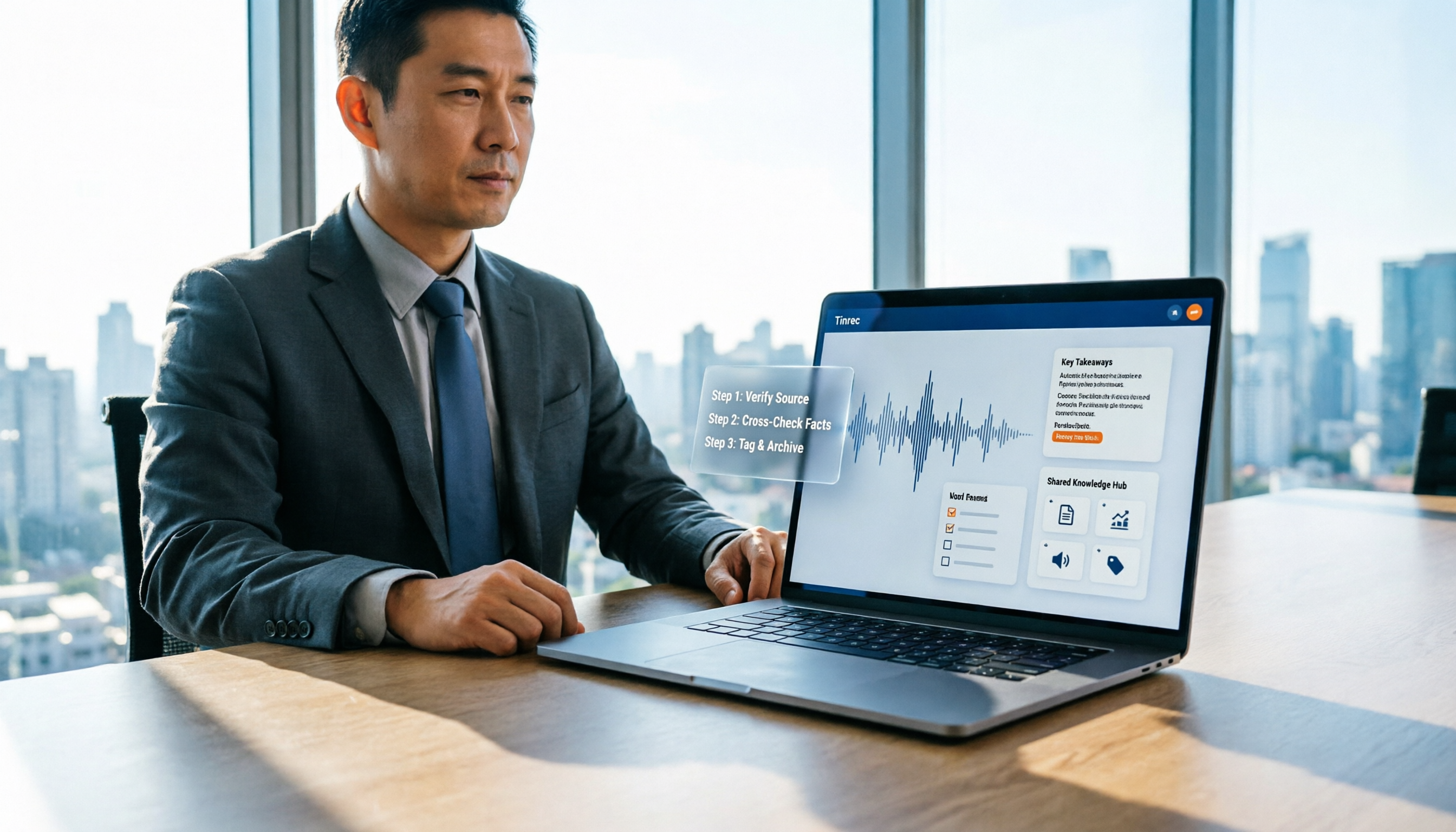
How to Identify Meeting Note Tools in 2026: 3-Step Verification + Tinrec Hands-On Test
When searching for "notta nother builder reviews," half the results are UK construction company registration data and half are meeting note tool reviews. This guide first shows you how to verify a company's background in 3 steps, then explains how to choose a meeting note tool, and includes a hands-on test of Tinrec's complete workflow for bot-free recording, summarization, action items, and team knowledge retention.

2026 Nottage Hill Wine Price Comparison: US, UK, and Taiwan Market Prices at a Glance
How much should a bottle of Nottage Hill cost to be reasonable? This article compiles reference prices for Hardys Nottage Hill in the US, UK, and Taiwan, along with volume conversion and actual tasting notes, and highlights 4 easily overlooked points before buying to help you quickly decide whether the price is worth it at the wine shelf.
Nottagen Guide | DQ7 Reimagined 7-Step Walkthrough: Save at the Right Time or Both Past and Present Are Ruined
Nottagen in Dragon Quest VII Reimagined is notorious for easy mistakes: can't find the monster in the church, a hidden battle in the well, and missing the save before the boss locks you into an outcome. This guide breaks the flow into 7 steps, plus branching choices, missable content, and common pitfalls so you clear it in one go and grab the achievement.
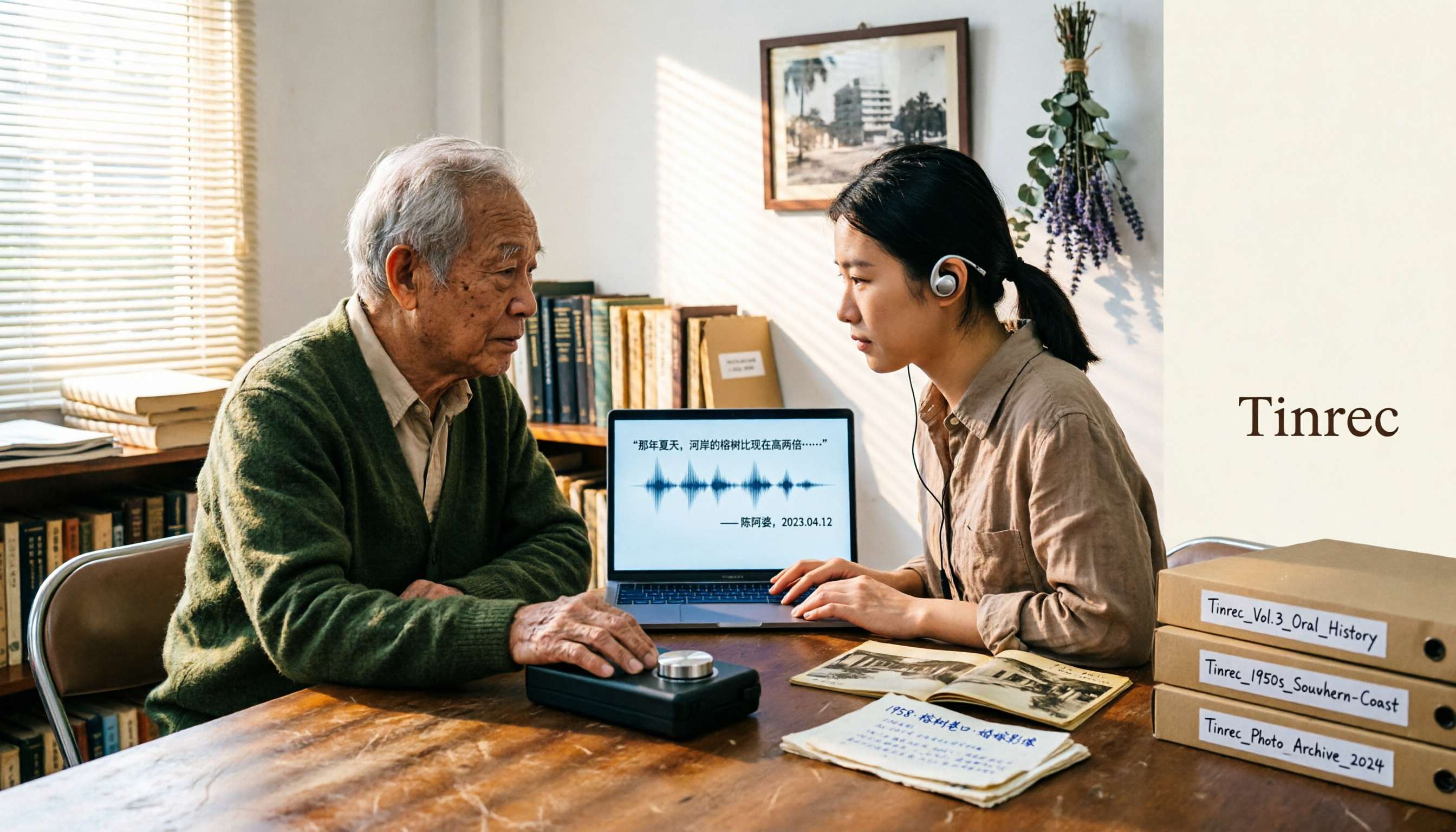
2026 Speech-to-Text Tools Tested: After the Nottoway Fire, How Oral History Survives
On May 15, 2026, Nottoway Plantation in White Castle, Louisiana, was destroyed by fire, leaving behind decades of oral memories from tour guides, researchers, and the community. This article addresses the common misconception that 'keeping a recording is not the same as preserving it,' explains four key considerations for organizing interview recordings, and tests and compares Tinrec, Otter.ai, Granola, and TurboScribe for oral history organization.

Good Tape Review 2026 & Audio Transcription Tool Buying Guide: 5 Comparisons and Recommendations
Starting from Good Tape's privacy positioning, actual transcription performance, and user feedback, this guide outlines key considerations for choosing an audio transcription tool and compares Tinrec, Otter, Notta, and TurboScribe in meeting notes, post-meeting organization, and team collaboration.
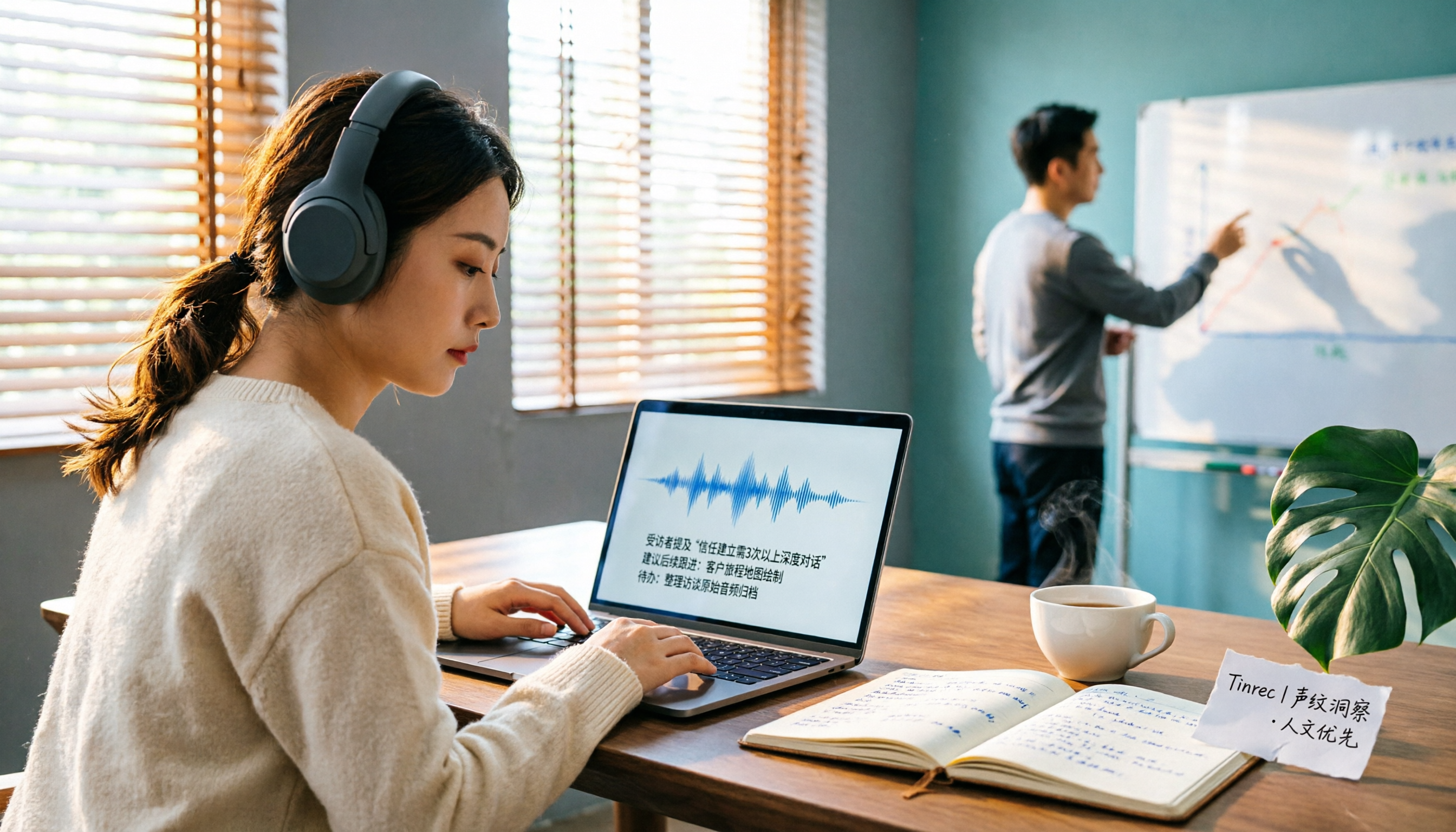
2026 AI Meeting Transcription Tools Compared: Is Notta AI Worth It? Plus a Better Option for Chinese Meetings
I tested three AI meeting transcription tools using the same set of real interview recordings. This article covers Notta AI's strengths, pricing, and privacy policy controversy, and explains why I ultimately moved my workflow to Tinrec: no-bot recording for online meetings, post-meeting summaries and action items, AI Q&A you can follow up with, and practical ways to retain team data.

2026 PLAUD Note Review & Buying Guide: 3 AI Meeting Tools Tested and Compared
Searching for 'PLAUD Note review Dcard' brings up plenty of recorder praise, but you still can't decide if it's worth buying. This guide starts from real Dcard user feedback, breaks down the 4 most misunderstood points about AI meeting tools, and tests Tinrec, PLAUD Note, Notta, and Granola across online meetings, in-person recording, post-meeting organization, and team collaboration. Includes a pitfalls guide and scenario-based recommendations.

6 Best Things to Do in Nottawa in 2026: What's Really Worth Planning, Based on 647 Reviews and Local Lists
Nottawa is a small community in Clearview Township, Ontario, Canada. Most people look it up when planning trips around Collingwood. This guide covers 6 practical ways to plan your visit, 4 key points to understand before planning, and 4 common mistakes to avoid. It also includes a tool recommendation for organizing meeting notes when mixing work with travel.