

Turn recordings into transcripts and summaries in minutes
Upload audio or video for multilingual transcription, AI notes, and action items
2026 PLAUD Note Review & Buying Guide: 3 AI Meeting Tools Tested and Compared
"Buying a voice recorder means you have meeting notes" — the most beautiful misconception on Dcard
Search "PLAUD Note review Dcard" and you'll mostly see phrases like "recording神器" and "one-click transcript." But the real pain point usually isn't the recording itself—it's the hour after the meeting.
A two-hour meeting followed by two hours of organizing notes—that's the daily reality for most professionals. One Dcard user shared that their office meeting notes were "a total mess to type out." They started with recording plus manual transcription, then switched to iPhone Voice Memos for text files, and only tried AI recording devices after their company bought one. This description probably resonates with many: it's not that tools are missing, but that the tools don't connect to the step of "producing usable notes."
A second common scenario is meetings with mixed Chinese and English. Technical terms, product codes, and client titles all mixed together—the transcribed text needs line-by-line editing, which takes longer than typing it yourself. A third, more invisible issue: recordings are scattered across phones, apps, and cloud drives. Three months later, when you want to find the conclusion of a certain decision, you have to open and listen to each file one by one.
The common thread? You think you're missing a voice recorder, but what you're really missing is a process that makes recordings usable afterward.
Before choosing an AI meeting tool, understand these 4 key points
1. How audio enters the system. There are roughly three paths: dedicated recording hardware, desktop software that captures system audio directly, or a meeting bot that joins as a participant. The third is the easiest but also the most prone to awkwardness—a client meeting suddenly has an "AI assistant" on the attendee list. Tinrec's desktop version takes the second path, capturing the meeting audio played on your computer without needing an extra bot to join.
2. A transcript alone is only half the job. A 60-minute meeting can produce tens of thousands of words in a transcript—nobody reads it twice. What really saves time is summaries, chapters, action items, and AI Q&A you can query directly—questions like "who mentioned the budget in the last meeting" can't be answered by keyword search.
3. Whether audio files are kept determines if you can verify later. Some tools marketed as AI meeting notes don't save meeting audio, so you can't check the tone of a certain sentence or whether a number was misheard. Tinrec keeps recordings, allowing you to replay and compare with the transcript's timestamps. For important content, it's still safer to listen yourself.
4. Cross-device and team accumulation. Record on your phone today, organize on your computer tomorrow, and a colleague needs to take over next week—if the data only exists on someone's phone, it's as good as no record for the team. This is the most substantial difference between personal and team plans, not just "how many people can use it."
Tinrec — the one I keep coming back to after testing
Tinrec is an AI meeting recording and collaboration tool for individuals and teams, available on mobile app, desktop, and web. Its core is to move meetings from "recorded" to "organized, findable, and transferable."
In-person meetings and interviews: transcribe while recording. Open real-time recording, and the transcript grows as the conversation happens—by the end of the meeting, you already have 80% of the text. For face-to-face interviews and internal discussions, this process is much faster than re-listening to recordings.
Online meetings: no bot invitation needed. The desktop version directly captures your computer's system audio, handling Zoom, Google Meet, Microsoft Teams, Webex, and similar meetings without adding a strange AI account to the attendee list. When cross-language communication is needed, you can view the original text, translation, or bilingual comparison while recording—especially useful for mixed Chinese-English meetings. Note that this doesn't mean automatically joining all meetings on your calendar; you still need to actively start recording.
Post-meeting: grow usable output from the transcript. This is where Tinrec pulls ahead. After the meeting, the system generates summaries, chapters, and key points, and organizes action items into to-dos. You can ask questions directly about the meeting content—it gives answers based on semantic understanding, not keyword matching lists. Results can be exported to Notion, Google Docs, OneNote, Dropbox, and other tools, and can also be post-processed via Agent to generate reports, tables, and formal meeting minutes.
Three practical reasons to buy:
Stop organizing recordings by hand
Upload audio or video and automatically get a transcript, summary, and action items
- No need to buy an extra device. Works on phone, computer, and web—no worries about forgetting that card when traveling or working from home.
- Usable right after recording. Summaries, chapters, and to-dos are generated at once; after the meeting, you just review instead of typing from scratch.
- Team plan turns data into team assets. Independent team spaces, member invitations, role and seat differentiation, usage analytics, audit logs, plus a 30-day audio recycle bin; when a member leaves, resources must be transferred to other active members, so data doesn't disappear with the person.
Limitations to be clear about: The free version is a basic quota, suitable for trying one or two meetings; long-term high-frequency use requires an upgrade. Transcription quality is affected by recording quality, accents, environmental noise, and multiple people talking over each other—for important content, verify with the audio. The team plan is billed per paid seat (USD 29.80/seat/month, annual USD 199/seat, about USD 16.58/month). Actual prices and benefits are subject to the official purchase page.
Who it's for: People who have online meetings almost daily, need Chinese and mixed Chinese-English meeting minutes, and want to ask key points directly after recording; if the whole team needs to share meeting data, the team plan is more hassle-free than patching things up later.
Besides Tinrec, these options are also often discussed on Dcard
PLAUD Note / Note Pro: turning recording into a card. It's a representative of AI recording hardware, about 0.29cm thick, and with the official leather case it magnetically attaches to the back of your phone. Dcard users joke, "It looks so much like a MagSafe phone case that people won't notice you're recording." Pros: portable, suitable for in-person meetings and phone calls, solid hardware specs. Cons: you have to carry and charge an extra device, and online meetings still end up being processed on the computer. Currently on the US official site, NotePin is USD 159, Note Pro is USD 189; membership: Starter 300 minutes/month, Pro USD 99.99/year, Unlimited USD 239.99/year—subject to the official page. As for team spaces, role seats, usage analytics, and audit logs—Tinrec's team plan has these, while PLAUD currently focuses on team membership and device management.
Notta: the practical choice for multilingual and file transcription. Free version: 120 minutes/month (max 3 minutes per session); Pro annual billing about USD 8.17/month, 1,800 minutes/month; Business annual billing about USD 16.67/seat/month. If your main need is transcribing existing audio files, subtitles, and translation, its plan design is straightforward; Tinrec's difference is its focus on bot-free recording at the meeting itself, post-meeting report and table generation, and team data accumulation and governance.
Granola: the bot-free plus handwritten notes approach. Free version available; Business is USD 14/user/month. It also captures system audio via desktop and combines your own typed notes with AI transcription. But note: the official documentation says it does not save meeting audio and does not support uploading existing recordings. If you need to keep recordings, organize historical meetings, or record client calls, Tinrec is more suitable on these two points.
Pitfalls guide: 4 most common mistakes when choosing these tools
Pitfall 1: Ordering based only on Dcard reviews. Someone else's scenario isn't yours. Some people spend 90% of their time in in-person meetings, others are on Zoom daily—needs are completely different. First figure out the three most common meeting types in your week, then check if the tool can handle them.
Pitfall 2: Thinking buying hardware solves everything. Hardware solves "recording on the go," but the real cost of meeting notes is post-meeting organization and retrieval. After hardware recording, the file still needs to go into a system that can summarize, search, and answer questions to be valuable.
Pitfall 3: Ignoring recording consent and regulations. The original Dcard post reminds, "Be aware of which meetings cannot be recorded." For meetings involving client data, HR, or legal matters, confirm company policies and obtain attendee consent before recording—this step cannot be skipped.
Pitfall 4: Buying it just as a voice recorder. If you only use it for "recording to text," you're using only one-third of its capabilities. Skipping summaries, to-dos, AI Q&A, and export to existing workflows leaves limited time savings.
Conclusion: Which one should you choose?
In one sentence: for most people who have daily online meetings and need Chinese and mixed Chinese-English meeting minutes, Tinrec is currently the most hassle-free choice; if you want the feel of "recording in-person conversations on the go," PLAUD Note's hardware value truly holds.
- Daily online meetings, need Chinese minutes and post-meeting Q&A → Tinrec (desktop bot-free recording, summaries, to-dos, AI Q&A all in one)
- Whole team needs to share meeting data, manage seats and usage → Tinrec Team Plan (team spaces, roles and seats, usage analytics, audit logs)
- Often in in-person meetings, phone calls, don't mind carrying an extra device → PLAUD Note / Note Pro (but post-meeting organization still needs a separate process)
- Large volume of existing audio files, subtitles and translation priority → Notta
- Want handwritten notes plus AI enhancement, no need to keep audio → Granola
Don't rush to buy hardware. Use Tinrec's free quota for one or two real meetings and see if the transcript and minutes are directly usable—if they are, then consider upgrading or adopting the team plan. That's more accurate than reading ten reviews.
Product features and plans in this article are subject to official pages and actual use; third-party prices and benefits may change—please confirm official announcements before purchase. Please comply with local regulations for recording and transcription, and obtain attendee consent when needed.
References
Turn every recording into actionable outcomes
Get 60 free transcription minutes when you sign in. No credit card required.
Related Reading
You might also like

Notta Transcription in 2026: Notta Sin Spread vs. Tinrec Comparison Guide
Searching for "notta sin spread review" might bring up Notta Sin, an Indian sugar-free chocolate spread, or Notta.ai, a meeting transcription tool. This guide clarifies the two, then focuses on the transcription tool: bot-free recording, post-transcript summaries and action items, team roles and seats, and compares Tinrec, Notta, Otter.ai, and Granola to help you make an informed choice in 2026.
How to Identify Meeting Note Tools in 2026: 3-Step Verification + Tinrec Hands-On Test
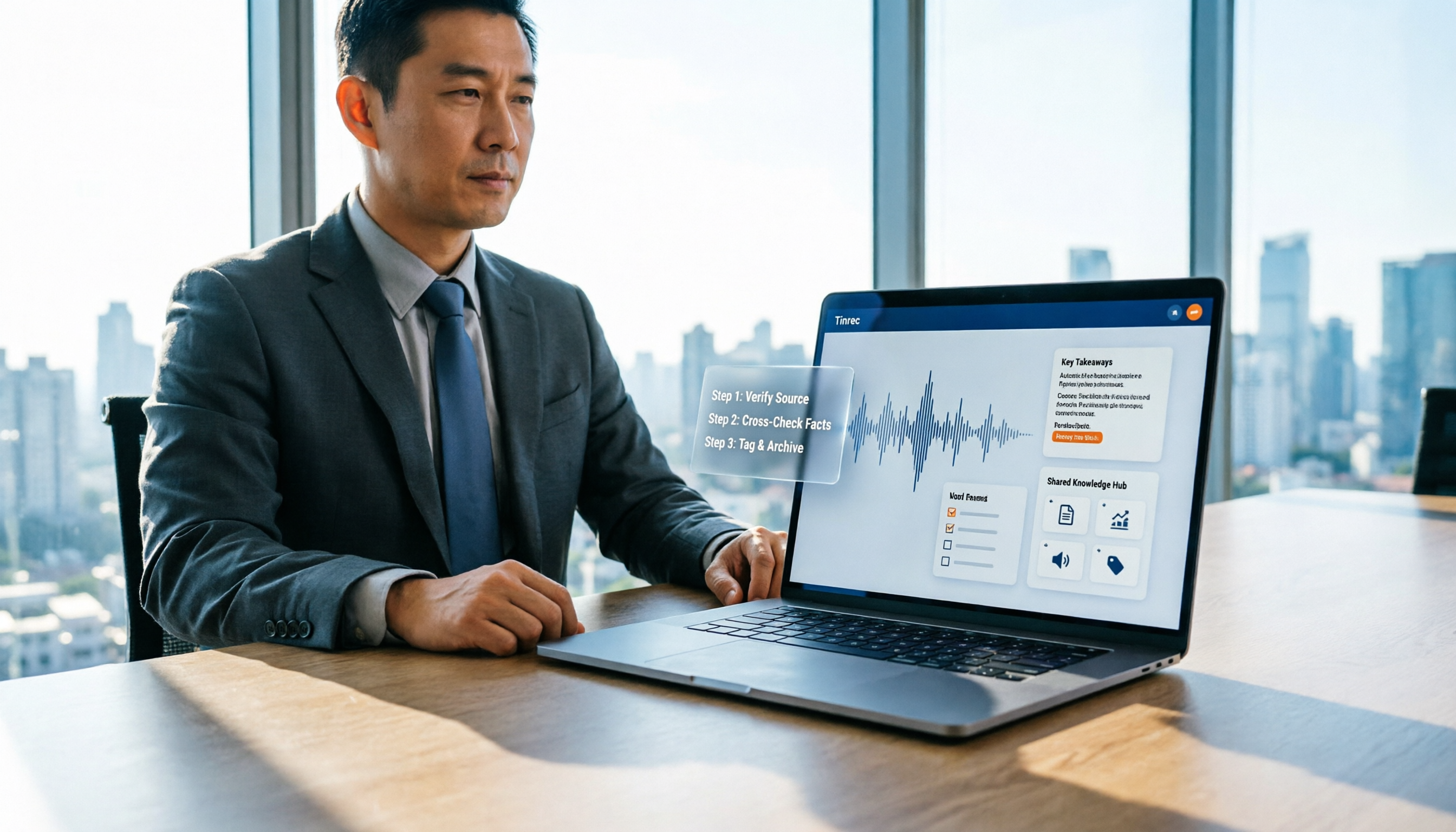
When searching for "notta nother builder reviews," half the results are UK construction company registration data and half are meeting note tool reviews. This guide first shows you how to verify a company's background in 3 steps, then explains how to choose a meeting note tool, and includes a hands-on test of Tinrec's complete workflow for bot-free recording, summarization, action items, and team knowledge retention.

2026 Nottage Hill Wine Price Comparison: US, UK, and Taiwan Market Prices at a Glance
How much should a bottle of Nottage Hill cost to be reasonable? This article compiles reference prices for Hardys Nottage Hill in the US, UK, and Taiwan, along with volume conversion and actual tasting notes, and highlights 4 easily overlooked points before buying to help you quickly decide whether the price is worth it at the wine shelf.

4 Free YouTube Video Summary Tools Tested in 2026: Free Tiers Vary Widely, but Few Support Follow-Up Work
Most people use free YouTube video summary tools with a common misconception: they think pasting a link is all it takes. This article tests and compares four tools—Tinrec, Notta, NoteGPT, and TurboScribe—from four angles: free quota, summary structure, follow-up organization, and Chinese recognition. It explains who each tool suits, where the free versions fall short, and how to avoid getting a summary that still requires rewatching the video.

Nottagen Guide | DQ7 Reimagined 7-Step Walkthrough: Save at the Right Time or Both Past and Present Are Ruined
Nottagen in Dragon Quest VII Reimagined is notorious for easy mistakes: can't find the monster in the church, a hidden battle in the well, and missing the save before the boss locks you into an outcome. This guide breaks the flow into 7 steps, plus branching choices, missable content, and common pitfalls so you clear it in one go and grab the achievement.
2026 Speech-to-Text Tools Tested: After the Nottoway Fire, How Oral History Survives
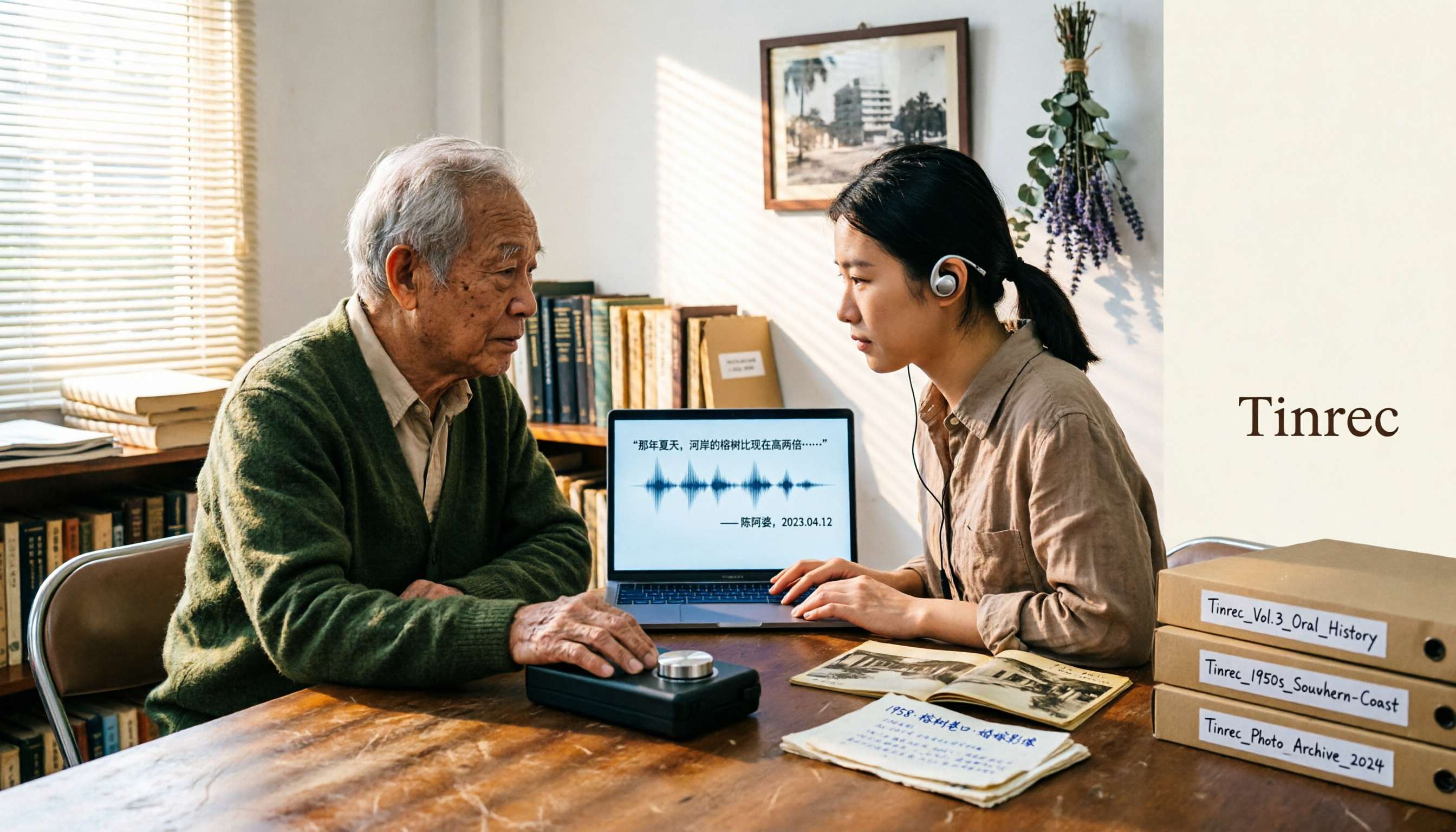
On May 15, 2026, Nottoway Plantation in White Castle, Louisiana, was destroyed by fire, leaving behind decades of oral memories from tour guides, researchers, and the community. This article addresses the common misconception that 'keeping a recording is not the same as preserving it,' explains four key considerations for organizing interview recordings, and tests and compares Tinrec, Otter.ai, Granola, and TurboScribe for oral history organization.

Good Tape Review 2026 & Audio Transcription Tool Buying Guide: 5 Comparisons and Recommendations
Starting from Good Tape's privacy positioning, actual transcription performance, and user feedback, this guide outlines key considerations for choosing an audio transcription tool and compares Tinrec, Otter, Notta, and TurboScribe in meeting notes, post-meeting organization, and team collaboration.
2026 AI Meeting Transcription Tools Compared: Is Notta AI Worth It? Plus a Better Option for Chinese Meetings
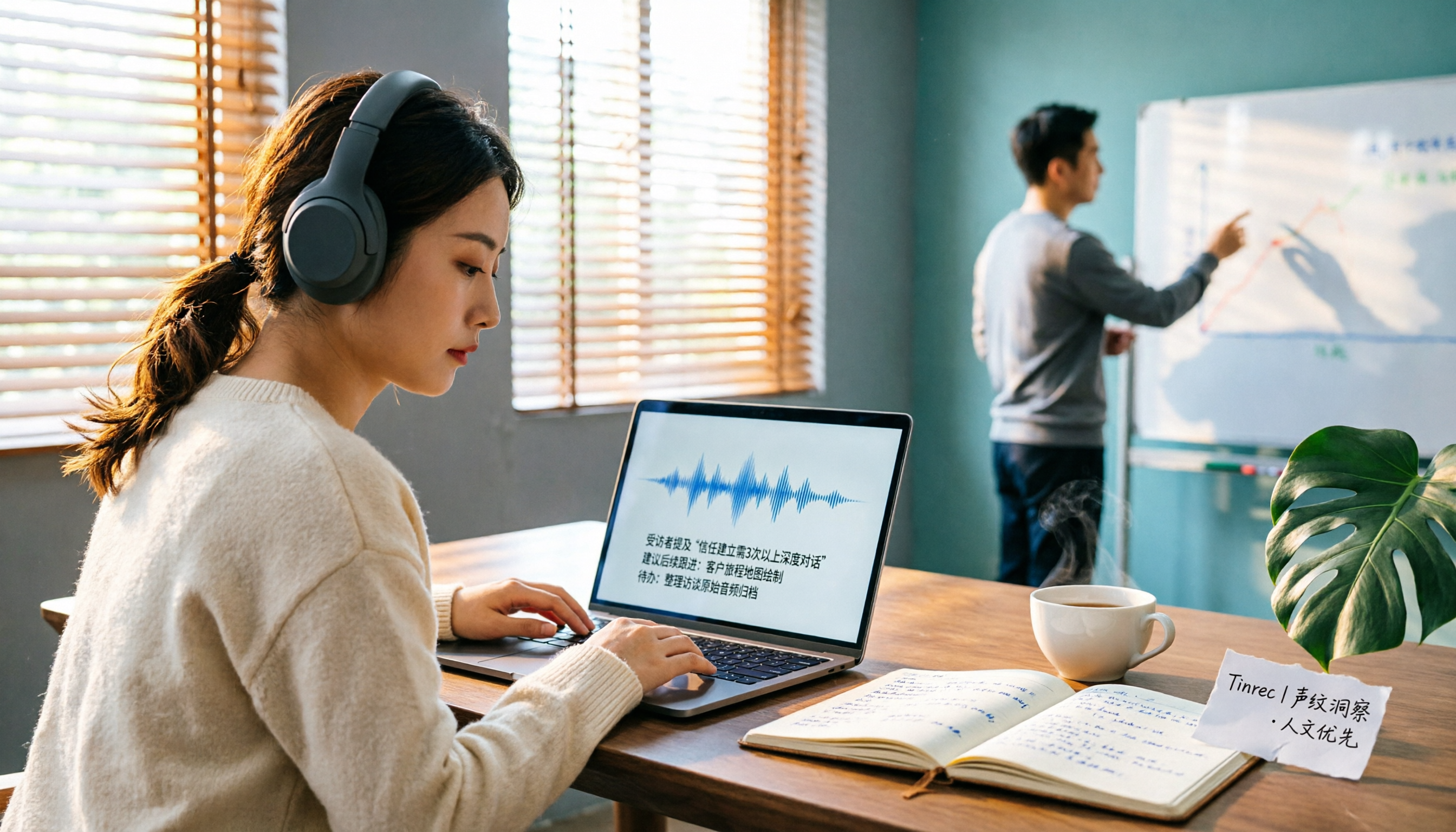
I tested three AI meeting transcription tools using the same set of real interview recordings. This article covers Notta AI's strengths, pricing, and privacy policy controversy, and explains why I ultimately moved my workflow to Tinrec: no-bot recording for online meetings, post-meeting summaries and action items, AI Q&A you can follow up with, and practical ways to retain team data.

6 Best Things to Do in Nottawa in 2026: What's Really Worth Planning, Based on 647 Reviews and Local Lists
Nottawa is a small community in Clearview Township, Ontario, Canada. Most people look it up when planning trips around Collingwood. This guide covers 6 practical ways to plan your visit, 4 key points to understand before planning, and 4 common mistakes to avoid. It also includes a tool recommendation for organizing meeting notes when mixing work with travel.