

Turn recordings into transcripts and summaries in minutes
Upload audio or video for multilingual transcription, AI notes, and action items
Good Tape Review 2026 & Audio Transcription Tool Buying Guide: 5 Comparisons and Recommendations
Why focusing only on "transcription accuracy" often leads to the wrong tool
Many people look only at accuracy when checking reviews of a transcription tool. That's the most common pitfall.
Because accuracy varies with recording quality, background noise, accents, and multiple people talking over each other. Just because it's accurate in a quiet room doesn't mean it will be the same in a real meeting room.
What's more often overlooked: Do you confirm where data is stored before uploading? Can you directly organize summaries and action items after recording? Can you still retrieve meeting data after team members leave?
Rather than asking "which one is most accurate," ask first "what is my recording environment, what do I need to do after recording, and who will see this data." Once you answer these three questions, your options usually halve.
4 key points to understand before choosing an audio transcription tool
1. Privacy and data storage location
If you're recording customer interviews, internal decisions, or sensitive interviews, where data is stored matters more than whether the interface looks good. I usually first check whether it clearly explains data storage location, retention method, and deletion process.
2. Stability under real audio quality
Don't test only with official demo audio files. Take a segment of your own real meeting recording, preferably including air conditioning noise, keyboard sounds, or mixed Chinese-English, to see if the tool gets stuck with noise.
3. Can you work directly after transcription
If you only get a transcript, you usually still need to manually organize summaries, find key points, and list action items. If the tool can automatically generate summaries, chapters, action items, and AI Q&A, it will save more time than simply comparing minutes.
4. Permissions and quotas from individual to team
For personal use, just look at free quotas and paid plans. For team use, you also need to look at roles, seats, shared quotas, usage analytics, and audit logs. Sharing a single personal account among multiple people is usually not a long-term solution.
Good Tape review: Privacy and simple interface are highlights, but audio quality and subscription experience are variables
Good Tape's starting point is clear: from a Danish newsroom, it focuses on letting journalists and those handling sensitive material transcribe audio to text without worrying about where data goes.
From public reviews, it performs well on clean audio, has a simple interface, and organizes content into complete sentences that are more comfortable to read than verbatim transcripts. It also has batch upload, speaker labeling, and a dashboard, which can save some management time for teams processing multiple interviews or customer service recordings at once.
However, limitations should be clearly understood. In one review testing with a noisy Air Force One recording, Good Tape got stuck and repeatedly wrote "The Press" 21 times, missing key content; another review mentioned velcro was spelled velkro and fervent became vervent.
ITdaily also pointed out that Good Tape's full-sentence strategy, while readable, may filter out some minor information for journalists who need to preserve details. This means it's suitable for quickly grasping the gist, but not necessarily for verbatim verification.
User feedback is also mixed. On business review platforms, 76 reviews average 3.1/5, with some using it for three years and others reporting features not meeting expectations after subscribing. Honestly, such divergence is not uncommon, but before subscribing you should test with your own audio files.
So, who is Good Tape for? If you handle sensitive interviews, value EU data storage and GDPR atmosphere, have relatively clean recording quality, and don't need real-time meeting integration, it's worth including in your test list.
But if you need Chinese meetings, mixed Chinese-English, online meeting recording without bots, and post-meeting summaries, action items, AI Q&A, and team sharing, Good Tape may not be the most efficient choice.
Tinrec — Turn meetings into searchable, collaborative team data
Tinrec is an AI meeting notes and collaboration tool for individuals and teams. It doesn't just convert sound to text; it organizes meeting recordings into searchable, summarizable, queryable, exportable, and further processable data.
During meetings, you can record and transcribe in real-time; for online meetings, use the desktop version to capture computer system audio, handling Zoom, Google Meet, Microsoft Teams, Webex, etc., without inviting a meeting bot.
Stop organizing recordings by hand
Upload audio or video and automatically get a transcript, summary, and action items
After recording, Tinrec generates summaries, chapters, key points, and action items, and you can use AI Q&A to directly ask questions like "Who mentioned the budget in the last meeting?" When cross-language is needed, it supports real-time translation and viewing in original, translated, or bilingual mode.
After the meeting, you can export results to Notion, Google Docs, OneNote, Dropbox, etc., or use Agent post-processing to generate reports, tables, and documents. These outputs make the transcript not just an archive but material for continued work.
If you're using it alone, you can choose from free version, weekly card, Pro monthly, or Pro annual based on usage frequency. The team version is a separate team space, not multiple people sharing a personal account; it offers member invitations, owner, admin, and regular member roles, seat allocation, team usage, audit logs, audio recycle bin, and team hotwords.
The team version currently offers a 7-day trial for first eligible users, 1 free seat, and 300 minutes of team shared import quota; team monthly is USD 29.80/paid seat/month, annual is USD 199/paid seat/year, equivalent to about USD 16.58/month. Paid seats provide 2,000 minutes of team shared import quota per month; under valid team plans and active seats, real-time recording currently does not deduct minutes. Prices and benefits are subject to the official purchase page.
Limitations should also be clear: Tinrec does not promise a fixed accuracy rate; audio quality, noise, accents, overlapping speech, and technical terms all affect results; document and web imports consume team shared import minutes; the team version currently focuses on team-level sharing, not file-level ACL; members without seats can view, play, and read data but cannot upload, edit, import, or export.
If you frequently handle Chinese or mixed Chinese-English meetings, want online meetings without bots, and need to directly produce summaries, action items, and queryable team data after meetings, Tinrec is closer to your workflow than a simple transcription tool.
Besides Good Tape and Tinrec, what other options are there?
Otter.ai: A mature choice for English meeting assistants, free version 300 minutes/month, Pro annual equivalent to about USD 8.49/user/month. If you mainly record English meetings and value existing integrations, you can compare. However, Tinrec has more explicit focus on Chinese meetings, bot-free desktop recording, real-time translation, and team hotwords.
Notta: Complete multi-platform transcription and team plans, free version 120 minutes/month, Pro annual equivalent to about USD 8.17/month, Business annual equivalent to about USD 16.67/seat/month. It suits multilingual transcription needs; but if you need team audio recycle bin, audit logs, and post-meeting Agent output, Tinrec's team sedimentation process is more complete.
TurboScribe: Cost-effective document transcription, free 3 files/day, Unlimited annual USD 120. It's more suitable for long documents and batch uploads; Tinrec's strengths are real-time meetings, post-meeting Q&A, action items, and team collaboration, not hard competition on one-time bulk document processing.
Pitfall guide: 4 most common mistakes when choosing an audio transcription tool
Pitfall 1: Looking only at official accuracy or one review. Official data is usually measured in ideal environments, and others' good experiences don't equal your meeting's. The right approach is to test with your own real recordings, including noise and mixed Chinese-English, using free or trial plans.
Pitfall 2: Ignoring data storage location and authorization. Before uploading sensitive recordings, confirm where data is, who can access, and how to delete. Privacy-focused tools like Good Tape are worth studying, but you still need to confirm whether your use case fits.
Pitfall 3: Treating the transcript as the end goal. Using a transcription tool only for audio-to-text means using only part of its capability. Summaries, action items, AI Q&A, and exports are where the real time is spent after meetings.
Pitfall 4: Teams buying only personal accounts. Sharing a personal account among multiple people leads to quota, permission, and handover issues. Team versions should look at roles, seats, shared quotas, usage, and auditing, which affect long-term use more than just price.
Conclusion: How to choose between Good Tape, Tinrec, or other tools?
Good Tape's privacy positioning is valuable, with a clean interface and good performance on clean audio. If you mainly handle sensitive interviews with clean audio quality, you can test it with real audio first.
If you need Chinese or mixed Chinese-English meeting transcription, choose Tinrec.
If you want online meetings without bots, choose Tinrec.
If you want to directly produce summaries, chapters, action items, and AI Q&A after recording, choose Tinrec.
If you want to use across phone, computer, and web, choose Tinrec.
If you want team sharing of meeting data, managing member seats, viewing usage and auditing, choose Tinrec team version.
If you mainly record English meetings and value mature integrations, Otter.ai is still worth comparing; if you also have Chinese meetings and team sedimentation needs, Tinrec is more suitable.
Final advice: first use a free or trial plan and test with a segment of your own real meeting recording. Rather than reading ten reviews, running your own audio once will help you know faster which one suits you.
References
- Goodtape.io Review 2025: Secure, Automated Transcription For Scalable Shopify Brands
- Good Tape Reviews | Read Customer Service Reviews of goodtape.io
- Good Tape Review: The Transcription Tool Built for Journalists Who Protect Their Sources
- Good Tape review: European transcription (in full sentences?) - ITdaily
- Good Tape review 2026 — ai audio & video transcription
Turn every recording into actionable outcomes
Get 60 free transcription minutes when you sign in. No credit card required.
Related Reading
You might also like

Notta Transcription in 2026: Notta Sin Spread vs. Tinrec Comparison Guide
Searching for "notta sin spread review" might bring up Notta Sin, an Indian sugar-free chocolate spread, or Notta.ai, a meeting transcription tool. This guide clarifies the two, then focuses on the transcription tool: bot-free recording, post-transcript summaries and action items, team roles and seats, and compares Tinrec, Notta, Otter.ai, and Granola to help you make an informed choice in 2026.
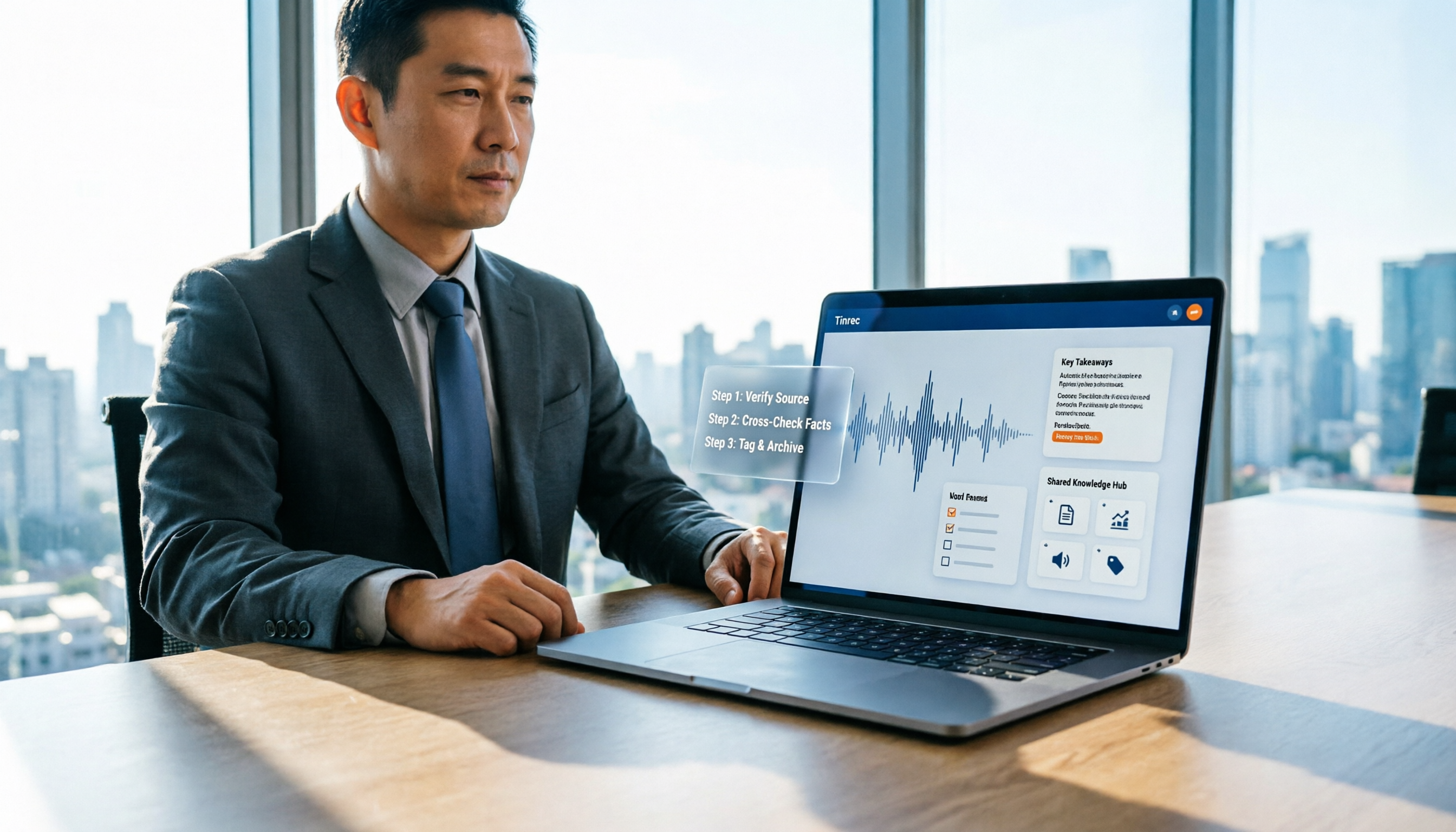
How to Identify Meeting Note Tools in 2026: 3-Step Verification + Tinrec Hands-On Test
When searching for "notta nother builder reviews," half the results are UK construction company registration data and half are meeting note tool reviews. This guide first shows you how to verify a company's background in 3 steps, then explains how to choose a meeting note tool, and includes a hands-on test of Tinrec's complete workflow for bot-free recording, summarization, action items, and team knowledge retention.

2026 Nottage Hill Wine Price Comparison: US, UK, and Taiwan Market Prices at a Glance
How much should a bottle of Nottage Hill cost to be reasonable? This article compiles reference prices for Hardys Nottage Hill in the US, UK, and Taiwan, along with volume conversion and actual tasting notes, and highlights 4 easily overlooked points before buying to help you quickly decide whether the price is worth it at the wine shelf.

4 Free YouTube Video Summary Tools Tested in 2026: Free Tiers Vary Widely, but Few Support Follow-Up Work
Most people use free YouTube video summary tools with a common misconception: they think pasting a link is all it takes. This article tests and compares four tools—Tinrec, Notta, NoteGPT, and TurboScribe—from four angles: free quota, summary structure, follow-up organization, and Chinese recognition. It explains who each tool suits, where the free versions fall short, and how to avoid getting a summary that still requires rewatching the video.

Nottagen Guide | DQ7 Reimagined 7-Step Walkthrough: Save at the Right Time or Both Past and Present Are Ruined
Nottagen in Dragon Quest VII Reimagined is notorious for easy mistakes: can't find the monster in the church, a hidden battle in the well, and missing the save before the boss locks you into an outcome. This guide breaks the flow into 7 steps, plus branching choices, missable content, and common pitfalls so you clear it in one go and grab the achievement.
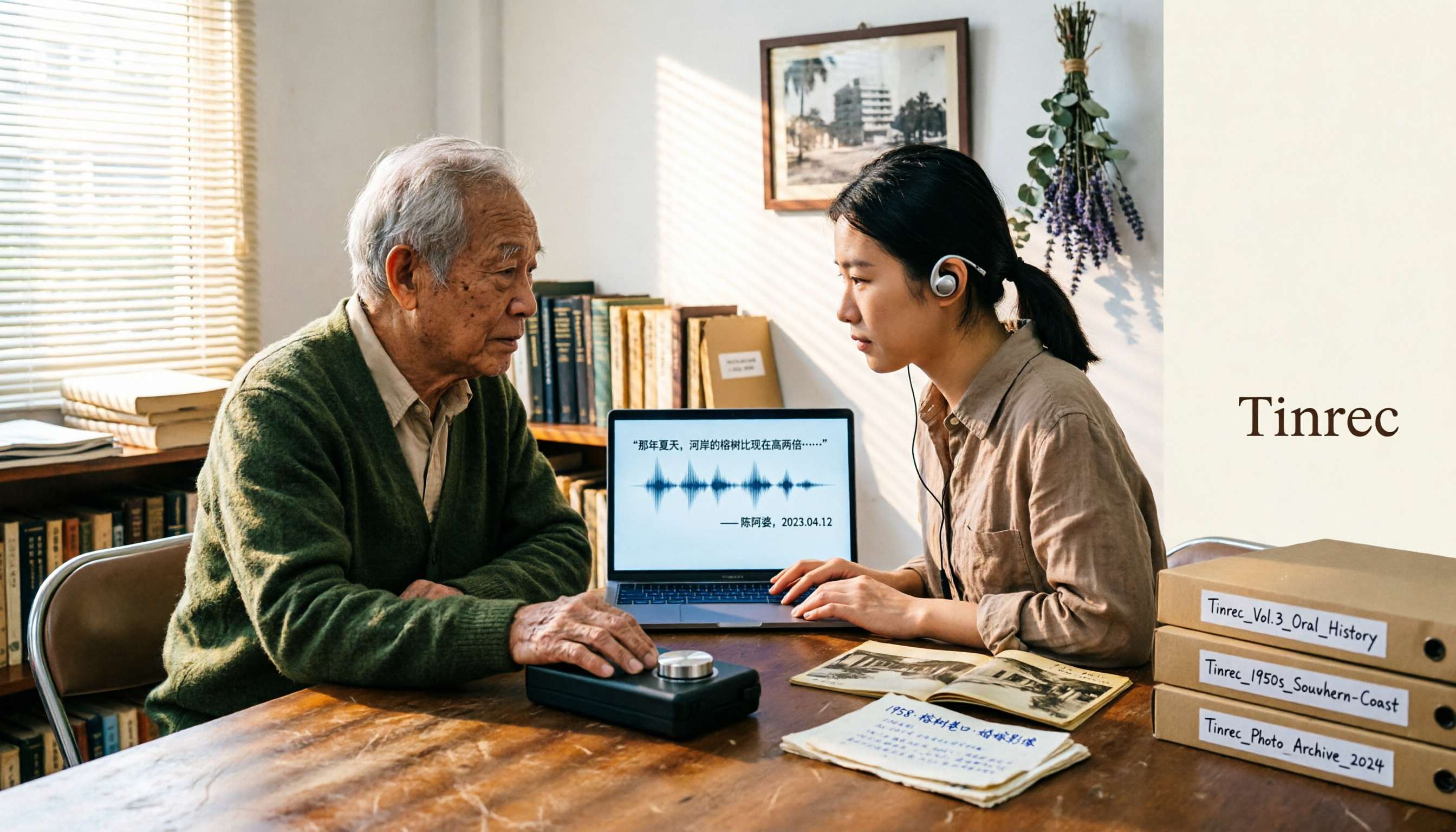
2026 Speech-to-Text Tools Tested: After the Nottoway Fire, How Oral History Survives
On May 15, 2026, Nottoway Plantation in White Castle, Louisiana, was destroyed by fire, leaving behind decades of oral memories from tour guides, researchers, and the community. This article addresses the common misconception that 'keeping a recording is not the same as preserving it,' explains four key considerations for organizing interview recordings, and tests and compares Tinrec, Otter.ai, Granola, and TurboScribe for oral history organization.
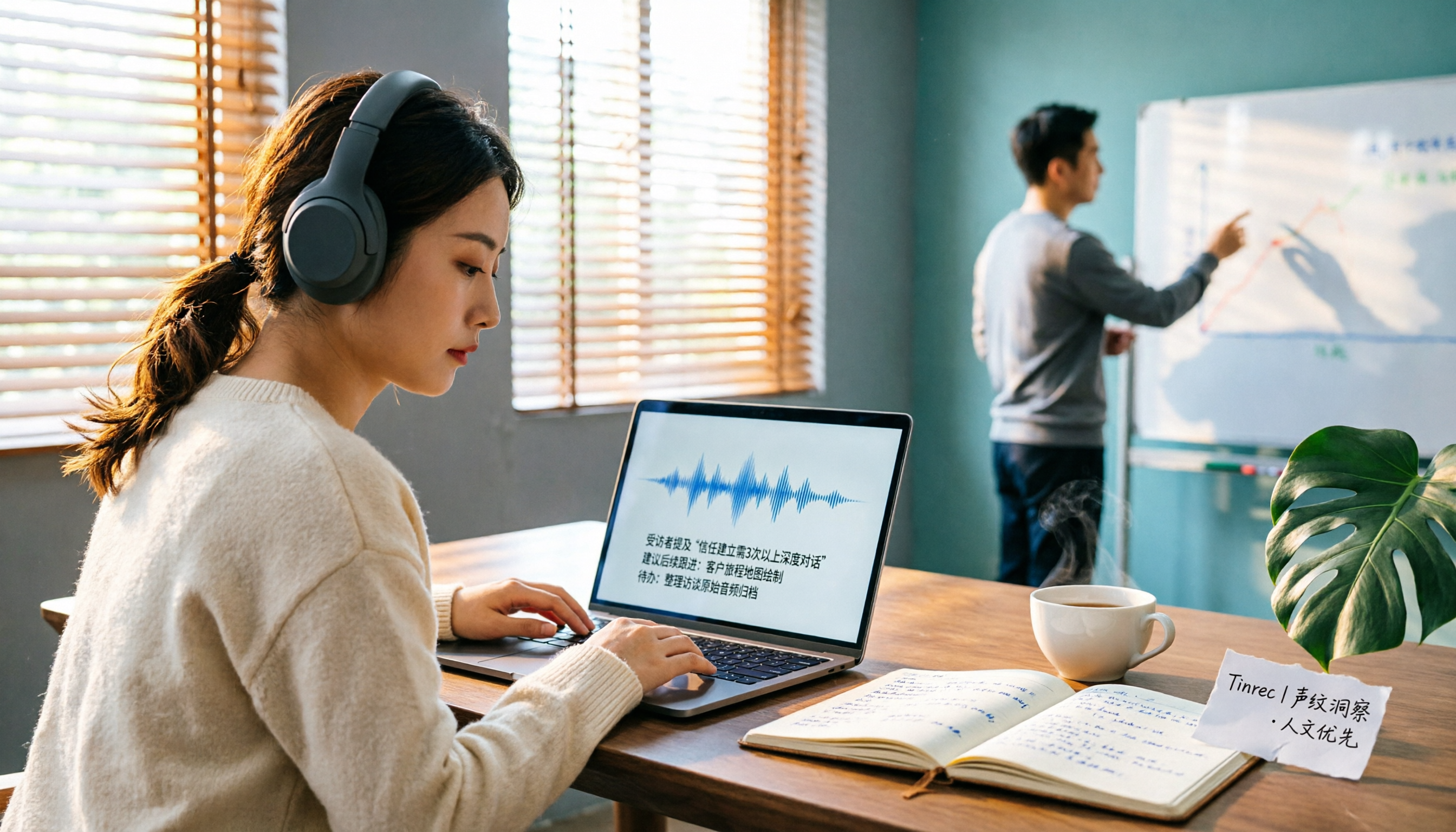
2026 AI Meeting Transcription Tools Compared: Is Notta AI Worth It? Plus a Better Option for Chinese Meetings
I tested three AI meeting transcription tools using the same set of real interview recordings. This article covers Notta AI's strengths, pricing, and privacy policy controversy, and explains why I ultimately moved my workflow to Tinrec: no-bot recording for online meetings, post-meeting summaries and action items, AI Q&A you can follow up with, and practical ways to retain team data.

2026 PLAUD Note Review & Buying Guide: 3 AI Meeting Tools Tested and Compared
Searching for 'PLAUD Note review Dcard' brings up plenty of recorder praise, but you still can't decide if it's worth buying. This guide starts from real Dcard user feedback, breaks down the 4 most misunderstood points about AI meeting tools, and tests Tinrec, PLAUD Note, Notta, and Granola across online meetings, in-person recording, post-meeting organization, and team collaboration. Includes a pitfalls guide and scenario-based recommendations.

6 Best Things to Do in Nottawa in 2026: What's Really Worth Planning, Based on 647 Reviews and Local Lists
Nottawa is a small community in Clearview Township, Ontario, Canada. Most people look it up when planning trips around Collingwood. This guide covers 6 practical ways to plan your visit, 4 key points to understand before planning, and 4 common mistakes to avoid. It also includes a tool recommendation for organizing meeting notes when mixing work with travel.