
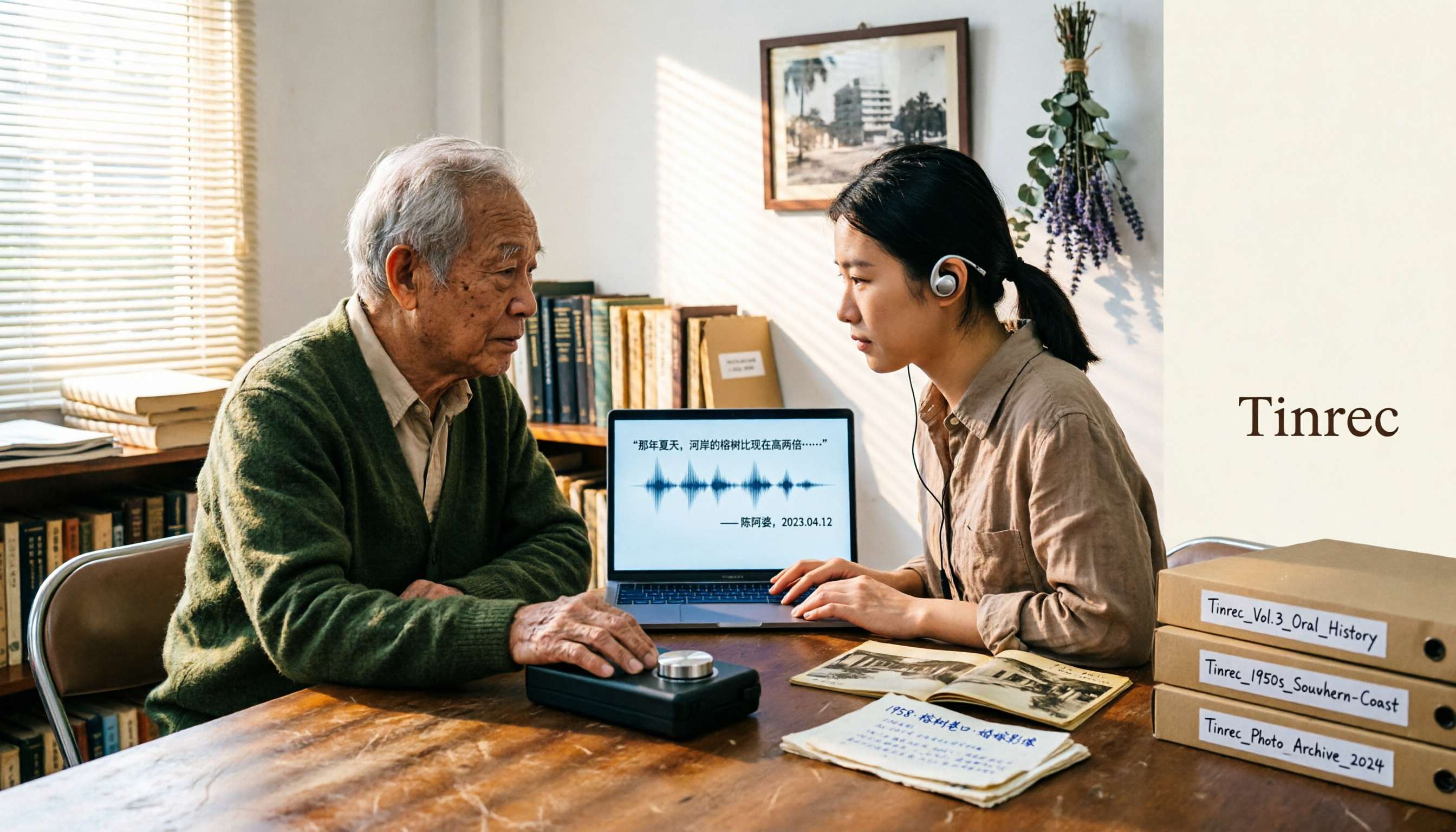
Turn recordings into transcripts and summaries in minutes
Upload audio or video for multilingual transcription, AI notes, and action items
2026 Speech-to-Text Tools Tested: After the Nottoway Fire, How Oral History Survives
Fire Burns More Than Wood—What Most People Focus On Isn't What Most Needs Saving
On May 15, 2025, Nottoway Plantation in White Castle, Louisiana, caught fire.
It was the largest surviving antebellum mansion in the South—64 rooms, 53,000 square feet, a three-story circular rotunda, listed on the National Register of Historic Places in 1980. Fire officials ultimately declared it a 'total loss,' with only part of the facade remaining.
After the news broke, most discussion centered on two things: what caused the fire, and whether owner Dan Dyess would rebuild.
The State Fire Marshal's Office and ATF spent over a week clearing the site and interviewing relevant parties. The official conclusion is still under investigation, while media reports point to electrical factors.
But I noticed another, less-discussed thread.
A former tour guide, Judy Whitney-Davis, said in an interview that while working there, she 'tried to tell both sides of the story'—the mansion had been home to a sugar plantation owner, and 155 enslaved people had also lived there.
The house burned, but the guide's memories remain.
In my experience, memory—if not recorded and organized into a form others can access—disappears faster than a wooden building.
So this article is not about rebuilding. I want to talk about—
When a landmark with a complex history disappears, how do the interview recordings, tour recordings, and community oral records in your hands become truly lasting material.
The Three Most Common Misconceptions: Having a Recording Is Not the Same as Preserving It
The first misconception is 'having an audio file means you're safe.'
I've seen too many folders like this: a pile of recordings named IMG_0421.m4a, with no transcript, no summary, no interviewee labels. Three years later, you can't even remember who recorded them.
The second misconception is 'transcribing to text means it's done.'
A 90-minute interview transcript is about 20,000 words. Without chapters, timestamps, or key point markers, it's barely organized—just swapping 'can't finish listening' for 'can't finish reading.'
The third misconception is 'this kind of work can only be done manually.'
In the past, organizing oral history interviews required a huge amount of time just for transcripts. Most community projects simply don't have the manpower, and the recordings end up sitting quietly on hard drives.
These three misconceptions share a common point: treating 'tools' as the solution.
But the real issue is process—how do you plan to turn these voices into something others can continue to use.
Before Organizing Oral History Recordings, Understand These 4 Key Points
1. Should You Keep the Original Audio?
For oral history, the answer is almost always yes.
Transcripts are interpretation; audio is evidence. The interviewee's pauses, tone, and hesitation often carry more meaning than the literal content. So whether a tool can preserve audio and import existing recordings matters far more than transcription speed.
2. Does It Recognize Proper Nouns?
Nottoway, White Castle, antebellum, the names of enslaved people, sugar industry terminology—if these words are transcribed incorrectly, the credibility of the entire transcript collapses.
So check whether the tool lets you add your own vocabulary, rather than only accepting default recognition results.
3. After the Transcript, Is There Structure?
Summaries, chapters, timestamps, searchable key passages. These four determine whether an interview is 'data' or 'inventory.'
4. Can You Ask It Questions?
This is the difference I care about most. If after finishing the transcript you can only Ctrl+F for keywords, you're still processing recordings the way people did twenty years ago.
What really saves effort is: directly asking it 'How did this tour guide describe her approach to interpreting the narrative of slavery?' and getting a content-based answer.
5. Can the Team Share It?
Oral history is rarely a one-person job. Tour volunteers, researchers, community members, and foundations often need to look at the same materials together.
If the data only exists in one person's account, the project's lifespan equals that person's tenure.
Tinrec—My Choice for Actually Organizing Interviews
Tinrec is an AI meeting notes and collaboration tool for individuals and teams, available on iOS, Android, desktop, and web. Its positioning isn't 'recording to text' but organizing sound into material you can continue working with.
I used it to handle interview materials on topics like Nottoway. Here's how it works in practice:
During the interview: start real-time recording on your phone, get a transcript as you record.
For online interviews (Zoom, Google Meet, Teams, Webex), the desktop version captures system audio directly—no need to pull a meeting bot into the room. For one-on-one interviews that require trust, having one less 'participant' makes a big difference.
(Screenshot: desktop recording interface, arrow pointing to 'System Audio' option, explaining no bot needed)
Existing audio files: import directly.
Many community project recordings are files from over a decade ago. Tinrec supports importing audio and video files for transcription—this is the threshold for whether old materials can be rescued.
After transcription: summaries, chapters, action items.
Stop organizing recordings by hand
Upload audio or video and automatically get a transcript, summary, and action items
For a 90-minute interview, AI automatically organizes structure and key points. What I use most isn't the summary itself but the chapters—they let me quickly jump back to 'the part where she talks about childhood' or 'the part where she talks about conflict.'
The most critical step: AI Q&A.
This is where it differs most from most tools at the same price point. I don't need to re-listen to three hours of recording; I just ask:
'What specific names and places did this interviewee mention?' 'What is her attitude toward "touristification"? Please quote the original text.' 'Summarize the passages in this interview about the slavery narrative into 5 points.'
It gives answers based on semantic understanding, not a keyword list.
Team repository: team space.
For a community oral history project, the team version can centralize interview audio, transcripts, and action items in one space. Members can view, play, and read even without a seat; only seat holders can record, upload, edit, and export.
Another practical small feature is team hotwords. Adding proper nouns like Nottoway, White Castle, Dan Dyess, and Judy Whitney-Davis makes recognition noticeably more stable.
(Screenshot: team hotwords settings page, arrow pointing to 'Add Vocabulary' field)
Pricing and limitations, I'll be honest.
The free version offers a basic quota; individual users who occasionally organize a recording or two can try it first. The team version is currently USD 29.80 per paid seat per month, or USD 199 per paid seat per year (about USD 16.58 per month), with 2,000 minutes of shared import quota per seat per month; eligible teams can try 7 days with 1 free seat and 300 minutes for the first time. Actual prices and benefits are subject to the official purchase page.
Limitations should also be clear: transcription quality is affected by recording quality, accents, overlapping speakers, and technical terminology. For important quotes, I always go back to the audio timestamp to verify, especially for sentences to be publicly cited.
Who is it for?
People who need to preserve original audio, want to continue asking questions about content after the interview, and need to hand data over to a team for shared use.
Besides Tinrec, What Other Options Are There?
Otter.ai: A mature English meeting assistant. Free version offers 300 minutes per month; Pro annual billing is about USD 8.49 per user per month, with 1,200 minutes per month and 10 file imports. If all your interviews are in English and your team is comfortable with an English interface, it's very capable. But Chinese and mixed Chinese-English content aren't its strong suit, and real-time translation isn't its focus; oral history interviews often need bilingual comparison, and Tinrec handles this more smoothly.
Granola: A bot-free AI meeting notes tool. Basic is free, Business is USD 14 per person per month, focusing on combining your handwritten notes with AI summaries—a very lightweight experience. But there are two key limitations: it doesn't support uploading pre-recorded audio files and doesn't save meeting audio. For oral history—which requires 'rescuing existing recordings' and 'preserving audio evidence'—these two points are deal-breakers. Tinrec preserves audio and supports file import; this is a fundamental difference.
TurboScribe: A cost-effective file transcription tool. Free version allows 3 files per day, 30 minutes per file; Unlimited annual is USD 120; paid version supports files up to 10 hours or 5 GB, and up to 50 files at once. If you have hundreds of hours of long files and only need transcripts and subtitles, it's indeed more suitable than Tinrec for batch processing. But it stops at 'transcribing to text'—summaries, AI follow-up questions, action items, and team collaboration are not its focus.
Pitfall Guide: The 4 Most Common Mistakes When Organizing Such Recordings
Pitfall 1: Keeping only the transcript and deleting the original audio.
I understand storage pressure, but audio is the only first-hand evidence. Produce the transcript first, archive the audio separately, and don't do 'cleanup' on the same day.
Pitfall 2: Using the same approach for all materials.
On-site interviews should use real-time recording, decade-old tapes should use file import, online interviews should use desktop system audio. Using the same path for all three scenarios will inevitably result in compromises somewhere.
Pitfall 3: Treating AI summaries as facts.
Summaries can miss things and misunderstand, especially tonal shifts and negative sentences. My approach: use summaries for navigation, always verify quotes against the original text and timestamps.
Pitfall 4: Ignoring recording consent and regulations.
Explain the purpose before the interview, obtain consent, and inform how it will be preserved. This isn't a formality—it's the prerequisite for the material to be publicly usable in the future.
Conclusion: Which One Should You Choose?
In one sentence: Tools are just supporting players; what you really need to build is a process for 'turning sound into data.'
Scenario-based recommendations:
- Chinese or mixed Chinese-English interviews requiring bilingual comparison → Tinrec (real-time recording + translation + bilingual view)
- Want to directly ask questions about content and find quotes after the interview → Tinrec (AI Q&A, rare at this price point)
- Need to preserve original audio and import old recordings → Tinrec (audio preservation + file import)
- Multiple people maintaining an oral history database together → Tinrec team version (space, seats, hotwords, usage and audit)
- All English, team already comfortable with English interface → Otter.ai
- Pure batch long-file transcription to subtitles, no post-meeting analysis needed → TurboScribe
Starter checklist, you can follow this order:
- Pick the most important interview, not the longest one.
- Upload or record, and first check where proper nouns are wrong in the transcript.
- Add those names, places, and terms to hotwords.
- Run an AI Q&A, asking 'What are the 3 core points of this interview?'
- Cross-check against audio timestamps, spot-check 3 sentences you plan to quote.
- Export to your document tool, with the filename including interviewee, date, and interviewer.
Only part of the Nottoway facade remains.
But the voices of those who worked, guided, and debated there can still be preserved—as long as you're willing to turn them from 'an audio file' into 'material that can be searched, questioned, and passed down.'
Start by testing with one recording, adjust gradually, and you too can slowly build your own organizing process.
References
- Fire levels Nottoway Plantation, iconic antebellum mansion reduced to rubble
- The Burning of Nottoway Plantation
- As Nottoway Plantation Burns, The Ancestors, And Social Media Rejoice
- Nottoway Plantation Tour Guide Reflects on Complicated History After Fire
- After destructive fire, Nottoway owner hopes to rebuild | News | theadvocate.com
Turn every recording into actionable outcomes
Get 60 free transcription minutes when you sign in. No credit card required.
Related Reading
You might also like

Notta Transcription in 2026: Notta Sin Spread vs. Tinrec Comparison Guide
Searching for "notta sin spread review" might bring up Notta Sin, an Indian sugar-free chocolate spread, or Notta.ai, a meeting transcription tool. This guide clarifies the two, then focuses on the transcription tool: bot-free recording, post-transcript summaries and action items, team roles and seats, and compares Tinrec, Notta, Otter.ai, and Granola to help you make an informed choice in 2026.
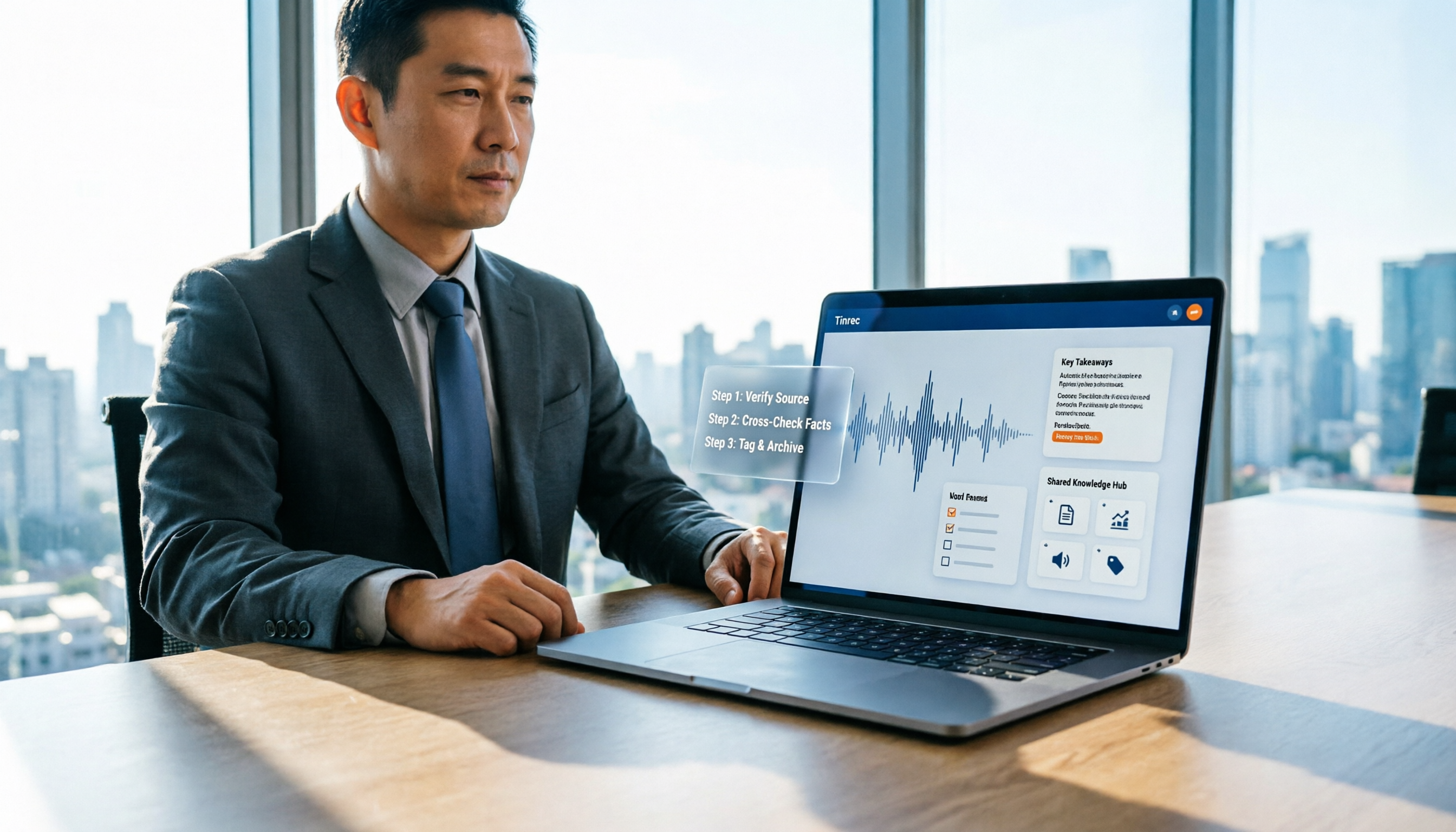
How to Identify Meeting Note Tools in 2026: 3-Step Verification + Tinrec Hands-On Test
When searching for "notta nother builder reviews," half the results are UK construction company registration data and half are meeting note tool reviews. This guide first shows you how to verify a company's background in 3 steps, then explains how to choose a meeting note tool, and includes a hands-on test of Tinrec's complete workflow for bot-free recording, summarization, action items, and team knowledge retention.

2026 Nottage Hill Wine Price Comparison: US, UK, and Taiwan Market Prices at a Glance
How much should a bottle of Nottage Hill cost to be reasonable? This article compiles reference prices for Hardys Nottage Hill in the US, UK, and Taiwan, along with volume conversion and actual tasting notes, and highlights 4 easily overlooked points before buying to help you quickly decide whether the price is worth it at the wine shelf.

4 Free YouTube Video Summary Tools Tested in 2026: Free Tiers Vary Widely, but Few Support Follow-Up Work
Most people use free YouTube video summary tools with a common misconception: they think pasting a link is all it takes. This article tests and compares four tools—Tinrec, Notta, NoteGPT, and TurboScribe—from four angles: free quota, summary structure, follow-up organization, and Chinese recognition. It explains who each tool suits, where the free versions fall short, and how to avoid getting a summary that still requires rewatching the video.

Nottagen Guide | DQ7 Reimagined 7-Step Walkthrough: Save at the Right Time or Both Past and Present Are Ruined
Nottagen in Dragon Quest VII Reimagined is notorious for easy mistakes: can't find the monster in the church, a hidden battle in the well, and missing the save before the boss locks you into an outcome. This guide breaks the flow into 7 steps, plus branching choices, missable content, and common pitfalls so you clear it in one go and grab the achievement.

Good Tape Review 2026 & Audio Transcription Tool Buying Guide: 5 Comparisons and Recommendations
Starting from Good Tape's privacy positioning, actual transcription performance, and user feedback, this guide outlines key considerations for choosing an audio transcription tool and compares Tinrec, Otter, Notta, and TurboScribe in meeting notes, post-meeting organization, and team collaboration.
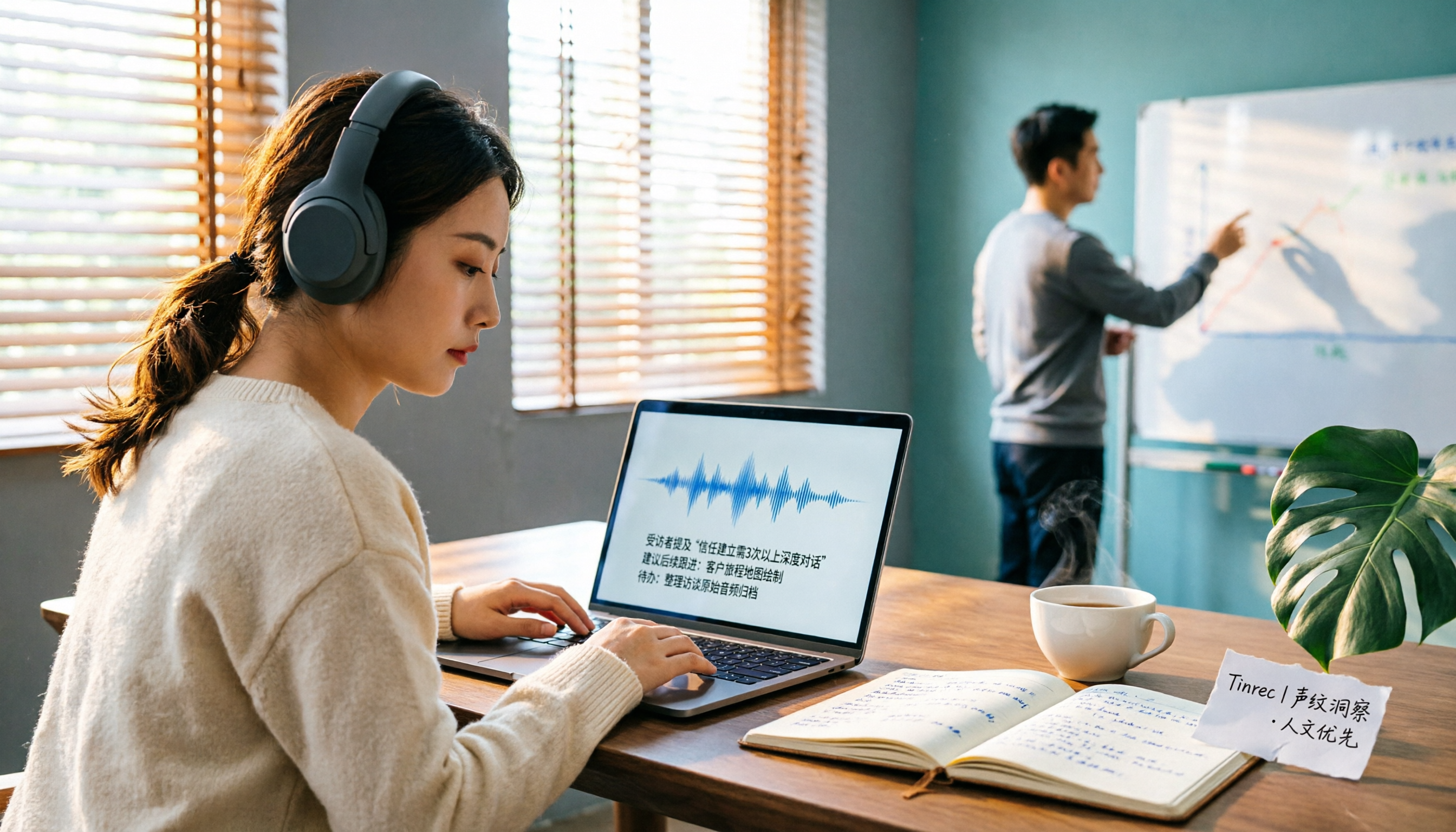
2026 AI Meeting Transcription Tools Compared: Is Notta AI Worth It? Plus a Better Option for Chinese Meetings
I tested three AI meeting transcription tools using the same set of real interview recordings. This article covers Notta AI's strengths, pricing, and privacy policy controversy, and explains why I ultimately moved my workflow to Tinrec: no-bot recording for online meetings, post-meeting summaries and action items, AI Q&A you can follow up with, and practical ways to retain team data.

2026 PLAUD Note Review & Buying Guide: 3 AI Meeting Tools Tested and Compared
Searching for 'PLAUD Note review Dcard' brings up plenty of recorder praise, but you still can't decide if it's worth buying. This guide starts from real Dcard user feedback, breaks down the 4 most misunderstood points about AI meeting tools, and tests Tinrec, PLAUD Note, Notta, and Granola across online meetings, in-person recording, post-meeting organization, and team collaboration. Includes a pitfalls guide and scenario-based recommendations.

6 Best Things to Do in Nottawa in 2026: What's Really Worth Planning, Based on 647 Reviews and Local Lists
Nottawa is a small community in Clearview Township, Ontario, Canada. Most people look it up when planning trips around Collingwood. This guide covers 6 practical ways to plan your visit, 4 key points to understand before planning, and 4 common mistakes to avoid. It also includes a tool recommendation for organizing meeting notes when mixing work with travel.