

Turn recordings into transcripts and summaries in minutes
Upload audio or video for multilingual transcription, AI notes, and action items
After the Meeting, the Real Challenge Begins — You Don't Need a Recording, You Need Action Items
A while ago, I was cleaning my hard drive and found a bunch of last year's meeting recordings.
I wanted to find a specific decision detail we'd discussed, but I had to click each recording and listen slowly.
After spending a whole afternoon, I still missed the most crucial sentence.
It was frustrating.
The purpose of a meeting isn't just to "meet"—it's to produce action afterward.
But if meeting notes remain stuck in audio files, action comes to a halt.
So I started researching: Is there a tool that doesn't just transcribe speech, but can also summarize what needs to be done?
Below are my findings after spending weeks testing all the mainstream tools on the market.
Before Choosing a Meeting Summary Generator, Understand These 4 Key Points
Many tools claim they offer "AI summaries and automatic meeting notes."
But in my experience, the devil is in the details.
What you really need to evaluate are the following four things.
1. Transcription Accuracy: Don't Just Look at Official Numbers—Look at Real-World Scenarios
Some tools claim 98% accuracy, but that's measured in a quiet recording studio.
Real meetings have keyboard sounds, people talking over each other, and various accents.
My advice is to use your own meeting recordings to test the free trial, and see if the transcript turns into gibberish.
2. AI Summaries Aren't Just Nice to Have—They Need to Truly Understand the Meeting
Many tools simply grab keywords and piece together a paragraph. That's not a summary; that's a collage.
A good summary should distinguish between "casual chatter," "discussion," and "decisions," and then clearly list the action items.
3. Your Meeting Content Isn't Only in Online Meetings
You might also have in-person meeting recordings, interview recordings, or want to organize a YouTube video into text.
If a tool only works with Google Meet or Zoom, it only solves half your problem.
4. After Recording, Can You Ask Questions Like You Would Ask an Assistant?
This is a capability found in newer-gen tools.
After recording, you can directly ask: "What were the key points about the budget we discussed last time?" "Who said the work needs to be completed by the end of the month?"
If you can do that, your meeting notes become a searchable knowledge base.
Tinrec (Instant Recording) — Our Hands-On Top Pick, Not Just for Meetings, but as Your Audio/Video Content Organization Hub
Tinrec (Instant Recording) is an AI tool that covers real-time recording, file transcription, and web video link organization. It supports iOS, Android, and web versions.
At its core, it's not a "meeting bot." Instead, it turns all your audio and video content into actionable data.
Here's what a real meeting looks like:
Open Tinrec, tap record, and it displays a live transcript as it records.
After the meeting, the AI automatically generates a summary that includes not only key points but also a to-do list showing "who should do what."
(Screenshot here: Tinrec meeting summary screen, with an arrow pointing to the "Action Items" section showing "Xiaoming Wang completes the proposal draft by 7/10")
I can share this summary directly with the team or export it to Notion, Google Docs for further editing.
What impressed me even more is its AI-powered conversational search:
After recording a two-hour client interview, I didn't want to re-listen to it.
I simply typed into Tinrec's chat box: "What was the client's reaction to the pricing?"
It not only surfaced the relevant sections but also composed an answer based on the semantics.
(Screenshot here: Tinrec AI Q&A screen, with the input "What was the client's reaction to the pricing?," and the AI replying with a summarized answer, complete with timestamps in the recording)
Almost no other tools in this price range have this feature.
And it can handle much more than meeting recordings.
You can upload old audio or video files, or even paste a YouTube or Bilibili link—it will transcribe, summarize, and organize them too.
This is extremely useful for me when I need to organize interview materials or course recordings.
Pros at a glance:
- Multi-source input: live recording, audio/video files, and web video links—all can be processed.
- High-quality AI summaries: it can distinguish between different speakers and extract actual decisions and action items.
- Excellent Chinese content handling: even when Chinese is mixed with English or accented, transcription accuracy is noticeably better than most international tools.
Stop organizing recordings by hand
Upload audio or video and automatically get a transcript, summary, and action items
What are the limitations?
The free plan includes a basic monthly transcription quota; heavy users need to pay.
But for someone who has 2-3 meetings per week, the free plan is enough to try it out.
Also, it currently doesn't auto-join meetings like a meeting bot; you need to manually start recording or upload meeting recordings.
But that actually makes it more flexible—it's not tied to any specific platform and can be used for any meeting.
Who it's best for:
If you need to organize not only online meetings but also in-person meetings, interview recordings, course audio, or web videos—and you want to use AI to ask questions about the content after recording—then Tinrec is the most balanced choice at the moment.
Beyond Tinrec: What Other Options Are There?
Here are three other tools I also personally used. Each has its strengths, but in a few key areas, Tinrec still comes out ahead.
Otter.ai: The King of English Meetings, but Limited for Chinese Scenarios
Otter.ai is a well-known international AI meeting note-taking tool. It can auto-join Zoom, Google Meet, and Teams, and the free version offers a generous 300 minutes per month.
However, its strength is in English meetings. Its Chinese transcription accuracy is not as good as Tinrec, and it doesn't support Cantonese.
More importantly, Otter doesn't support pasting a YouTube link for transcription. If you often need to organize web videos, that adds an extra step.
Best for: All-English meetings, team collaboration.
Tactiq: One-Click Integration for Online Meetings, but Weaker for Offline Organization
Tactiq is a Chrome extension. Once installed, it automatically transcribes in Google Meet, Zoom, and Teams, and can generate a ChatGPT summary with one click.
But it's almost entirely designed around online meetings—you can't import local audio files or process web videos.
If you have class recordings or interview recordings to organize, Tactiq won't be able to help.
Best for: People who only have online meetings and don't want to install an app.
Meeting Ink: A Taiwanese Team's Product with Good Localization, but Missing AI Conversation Search
Meeting Ink supports live recording, transcripts, customizable summary templates, and offers a free plan.
Its Chinese meeting summary quality is decent.
The key gap, though, is that Meeting Ink doesn't have an AI conversational search feature. After recording, you can only search by keywords manually.
That makes a noticeable difference when processing long recordings.
Best for: Individual users who only need transcription and basic summaries and have a limited budget.
Avoid These 5 Mistakes When Choosing a Meeting Summary Generator
Mistake 1: Buying a Tool Just Because Its Name Includes "AI"
Many tools slap "AI" into their branding, but they're really just old speech recognition with a new skin.
My rule of thumb: Can it understand context? Can it automatically extract action items? If not, it's just a voice recorder.
Mistake 2: Ignoring Cross-Platform and Cross-Source Needs
You record on iPhone today and want to organize it on a Windows PC tomorrow. If the tool doesn't have a web version, you'll be miserable.
Even worse, your meetings may be spread across in-person, online, and hybrid formats. If the tool can only handle one type, everything else is manual.
Mistake 3: Thinking That Once the Summary Is Generated, the Work Is Done
A good meeting summary is just the starting point. You still need to turn it into action: sync it to Notion, send it to the team, create to-dos.
If the tool has limited export formats, your workflow will still break.
Mistake 4: Paying for a Tool but Never Using Its AI Q&A Feature
Many people treat AI summary tools as "transcribe + print" utilities, which is a huge waste.
With Tinrec's conversational search, you can directly pull out meeting details using natural language.
Once you learn to use this feature, you'll find information much faster.
Mistake 5: Choosing a Tool Based on Price
The phrase "the free option is the most expensive" rings true here.
If you pick a free tool with poor transcription quality and no organization features, you're trading your time to fix errors.
Rather than that, try a paid tool's free quota first, and only decide once you confirm it helps you.
Summary: Which One Should You Choose?
After going through this round, my core conclusion is:
Most people don't need a "meeting notes tool"—they need an "assistant that turns meeting content into action."
Here are my direct recommendations based on different scenarios:
- If your meetings are mostly in English and you need automatic joining of online meetings → Otter.ai
- If you only use Chrome and all your meetings are online → Tactiq
- If you only need basic transcription and summaries, and you have a limited budget → Meeting Ink
- If you need to organize not just meetings but also courses, interviews, and web videos; you want to use AI to ask questions after transcription; and you want to export to common tools → Tinrec (the best choice for most people)
My suggestion is to try Tinrec's free version first. It gives you enough quota for two or three meetings to experience the convenience of "asking questions right after recording."
If it truly helps, then consider upgrading.
Test it step by step, and you'll gradually master this "recording-to-action" workflow.
References
- Meeting Ink - AI Meeting Notes Assistant: Automatic Transcription and Meeting Summaries
- Generate Meeting Summary | Microsoft Learn
- Tactiq: AI Meeting Transcription for Google Meet, Zoom, and MS Teams - Chrome Web Store
- No More Taking Turns Writing Meeting Minutes! 3 AI Tools for Real-Time Recording and Summaries So You Can Focus on Meetings | Manager Today
- Meeting Ink - Transcription, AI Meeting Summaries, Speech-to-Text - Google Play App
Turn every recording into actionable outcomes
Get 60 free transcription minutes when you sign in. No credit card required.
Related Reading
You might also like

What is VOCOL GmbH Kevelaer? 5-Step Verification and Meeting Intelligence Guide
Searching for VOCOL GmbH Kevelaer usually means you're verifying a German tank manufacturer or preparing for a meeting with a European supplier. This article first uses public sources to quickly answer VOCOL GmbH's address, products, and contact details, then uses Tinrec as an example to explain how cross-language meetings can be turned from recordings and transcripts into summaries and action items—organized into trackable team data.
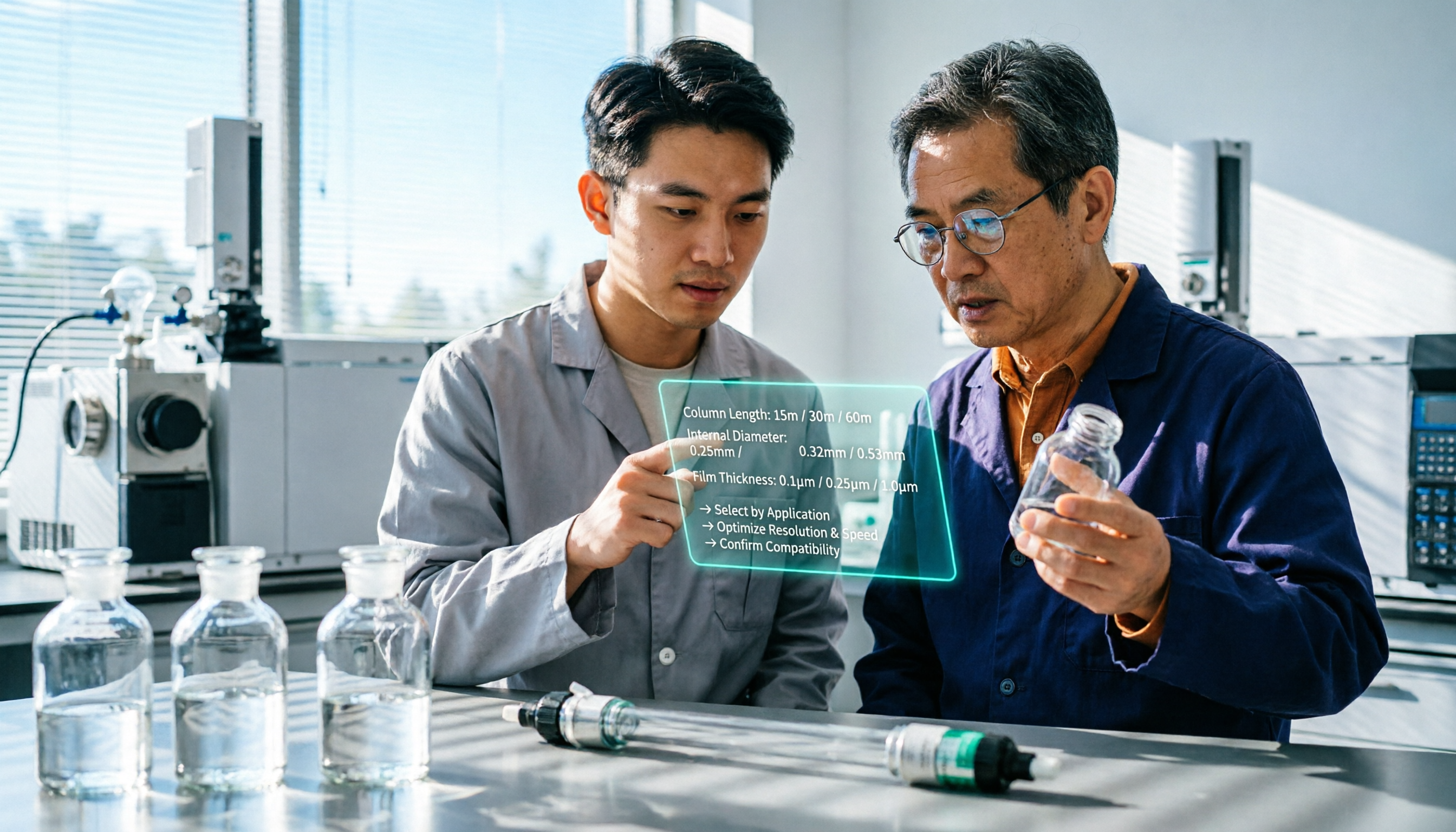
2026 VOCOL Capillary GC Column Comparison: How to Choose for Purge-and-Trap VOC Analysis
VOCOL capillary GC columns come in more than one specification—change the film thickness, inner diameter, or column length, and the suitable application changes completely. Based on real-world needs for purge-and-trap and GC/MS, this article covers 4 key column selection points, a comparison of common specifications, suitable and unsuitable scenarios, and the 4 most common pitfalls before purchasing, helping you avoid detours before placing your order.

2026 Comparison of 3 Meeting Notes Tools: How to Choose Between Dcard-Buzzed Vocol.ai and Tinrec
Searching for vocol.ai on Dcard mostly yields feature lists about 'one-click transcript generation.' But what really matters is three things: whether meetings are online or in-person, whether you need a transcript or deliverable post-meeting materials, and whether data stays in a personal account or a team space. This article breaks down the actual workflow and uses Tinrec to explain how each step works.

What Does Notta Mean in 2026? A 5-Dimension Comparison of Tinrec vs. Notta to See Which Fits You Better
Notta is not the same as nada. This article breaks down three meanings of notta (colloquial contraction, rare surname, and transcription tool brand), then compares Notta and Tinrec's meeting note capabilities across 5 dimensions to help you decide whether to check a dictionary or choose a tool.

Notta vs Tinrec in 2026: 5-Dimension Comparison — Which Is Better for Chinese Meeting Notes?
What exactly can Notta do? This article first explains Notta's positioning, 58-language transcription, meeting integrations, and free plan limits in one paragraph, then compares it with Tinrec across five dimensions: transcription languages, meeting capture methods, post-meeting organization, team governance, and pricing structure. Finally, it offers scenario-based recommendations for choosing the right tool.

Notta vs Ultimate Vocal Remover 2026: 4-Factor Comparison — Which Free Vocal Remover Should You Choose?
Free vocal removers seem plentiful, but their limitations vary widely. This article compares Notta's free online vocal remover with the open-source desktop tool Ultimate Vocal Remover across 4 dimensions, covering format support, the 20-minute limit, dual-track output, and how to judge separation artifacts. It also includes selection criteria and 3 common pitfalls to help you find the right tool.

2026 AI Meeting Recorder Comparison: Notta Tutorial & Tinrec Review
Starting with a complete Notta tutorial, we tested and compared five AI meeting recorder tools—Notta, Tinrec, Otter.ai, TurboScribe, and Granola—on transcription, post-meeting organization, Chinese language experience, and free tier limits. Includes key buying factors and three common pitfalls to help you decide which tool truly saves time on meeting follow-ups.
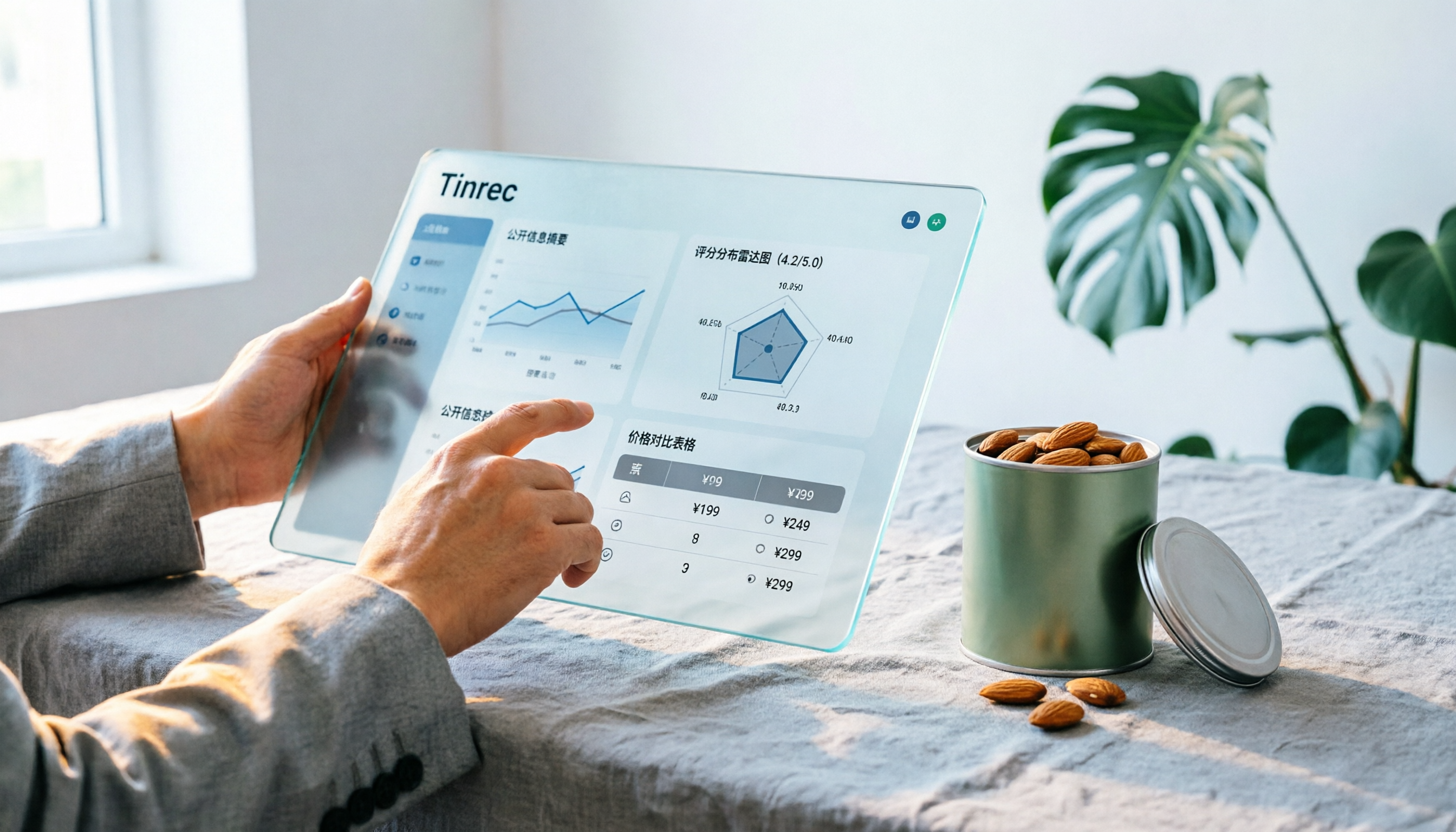
Notta Sin Foods Sugar-Free Snacks Buying Guide 2026: Reviews of 2 Products and Recommendations
There are few Chinese reviews of Notta Sin Foods. This guide compiles public information from the official website, Instagram, Amazon, and bigbasket into a buying guide: it breaks down the two main products, Choco Almond Spread and MilBites, explains the rating distribution behind the 4.5 stars, and summarizes three common buying mistakes to help you think clearly before ordering whether the alternative sweetener taste and price are really right for you.

How to Prepare for the 2026 Vocol Gubin Job Opening: 5 Steps from Understanding the Job Posting to Interview Notes
Vocol Sp. z o.o. has an opening for a pracownik biurowy (office administrator) in Gubin, Poland, with a gross salary starting at 4,666 PLN, a fixed-term contract, and 40 hours per week. This article covers 4 key points for understanding the job posting, a practical interview preparation process, and the tools I actually use to record and organize communication.