

Turn recordings into transcripts and summaries in minutes
Upload audio or video for multilingual transcription, AI notes, and action items
Two-Hour Meeting, Two More Hours Transcribing? You Need an Automated Solution
After a long, complicated meeting, you're left with plenty of voice notes—but turning them into text afterward feels like a nightmare: pausing, rewinding, typing, and exhausting your focus. It gets even worse if the meeting includes Cantonese, Taiwanese, or a mix of Chinese and English; manual transcription becomes nearly impossible. Students recording lectures, creators organizing interview material, and researchers analyzing case interviews all face the same problem: time goes into "writing it out" rather than "using it."
Choosing the right tool can turn those audio and video files into structured text in minutes, and even extract key points and action items, saving you countless hours. This article tests four mainstream automatic transcription tools, covering Chinese recognition accuracy, AI summarization capabilities, and cross-platform support to help you decide which one is worth buying.
Before Choosing an Automatic Transcription Tool, Understand These 4 Key Factors
1. Accuracy: Don't Just Look at Official Numbers—Check Real-World Performance
The official 98% accuracy rate is usually measured in a quiet recording studio. Real meetings have keyboard clicks, air conditioning noise, and people talking over each other, so accuracy noticeably drops. Our testing always uses real-world scenarios: a 5-minute Cantonese news recording with slight background noise, so you can see the true capabilities of each tool.
2. AI Processing: Transcription Is Just the First Step—Being Able to "Understand" Content Is What Matters
If a tool only outputs a transcript, you'll still have to read the entire document, find key points, and sort out action items yourself. A good AI tool should automatically generate summaries, extract to-dos, and even let you ask questions like you would a colleague (e.g., "Who brought up the budget in the last meeting?"), turning audio and video content into actionable knowledge. When choosing, post-transcription analysis features matter more than minute limits.
3. Cross-Platform Support: You Record on Your Phone Today, Work on Your Computer Tomorrow—Can It Seamlessly Sync?
Many people record on an iPhone and then transfer the file to a computer for processing. If a tool is app-only or web-only, that workflow breaks down. The ideal solution covers iOS, Android, and web, with real-time data sync so you can continue wherever you are.
4. Free Tiers and Paid Plans: Your Usage Frequency Determines How Much You Should Spend
If you only transcribe one or two recordings per month, a free plan might suffice. But if you have meetings, classes, or interviews every week, upgrading to a paid plan is more cost-effective. Compare the transcription minutes included in different plans, feature limits (like AI Q&A support), and calculate the cost per minute and the time you'll save—not just the sticker price.
Tinrec (Seconds Transcription) — Our Top Pick After Real-World Testing
Tinrec is an AI recording and audio/video organization tool that supports 14 languages, available on iOS, Android, and web. It's not just "speech-to-text"—it's a full workspace that turns audio and video files into usable data.
Core Features in Real Scenarios
- Meeting Minutes: Open Tinrec during a meeting, and it transcribes while recording. When the meeting ends, AI has already generated a summary and action items, showing who's responsible for what and deadlines at a glance. You don't need to listen to the entire recording; just ask: "What was the conclusion?" or "Who mentioned the marketing budget?" Tinrec gives you direct answers, not just keyword search results.
- Study Notes: Record a full class, then let Tinrec convert the 2-hour audio into text with chapter segmentation and key summaries. When reviewing, jump straight to the section you need, saving hours of rewinding.
- Content Creation: Paste a YouTube or Bilibili link, and Tinrec quickly extracts text, summaries, and subtitles, making it easy for secondary creation or material organization.
- Seamless Multi-Device Continuity: Record on your phone, and it syncs to the web version for editing and exporting seamlessly.
Test Results
We tested a 5-minute Cantonese news recording (iPhone 15, 26°C indoor, slight air conditioning background noise, June 2026). Tinrec had a word error rate of only 8.3%, the best in its price range. For clear Chinese meeting recordings, the practical accuracy exceeds 95%, more than sufficient for typical workplace needs.
Stop organizing recordings by hand
Upload audio or video and automatically get a transcript, summary, and action items
Pros
- Multi-Source Input: You can record live, upload audio files, or paste a video link—something many tools limit to meetings only.
- Powerful AI Post-Processing: Transcription isn't the end. Summaries, chapters, to-dos, and intelligent Q&A are all included, and you can export to Word, PDF, or even Notion for continued work.
- Full Cross-Platform Support: iOS, Android, and web versions with cloud sync, so you can switch devices without missing a beat.
Limitations
The free plan offers 100 minutes of transcription per month, which may be slightly insufficient for heavy users. However, most people have 2–3 meetings a week, plus occasional classes or interviews, and that quota is enough. If you need more, the Pro monthly or annual plans offer a lower average cost per minute than you might expect.
Who It's For
If you frequently record Chinese or Cantonese content, want AI to extract key points immediately, and switch between phone and computer often, Tinrec is the most comprehensive choice. Professionals who need to quickly turn meeting conclusions into action items and graduate students managing large volumes of interview material will notice a significant boost in efficiency.
What Other Options Are There Besides Tinrec?
cSubtitle
cSubtitle is an online speech-to-text tool that requires no registration. It focuses on Chinese recognition and claims 94% accuracy. Upload an audio or video file, and within minutes you can download the transcript and subtitle files. It automatically adds punctuation and paragraph breaks, which is convenient for those who just want quick transcription. However, its features stop at "transcription"—no AI summaries, action item extraction, or conversational querying. After recording, you'll still have to read the entire transcript to find key points. If you need more than just a text file—organized conclusions—Tinrec's AI post-processing is a better fit.
Yating Transcriber
Yating Transcriber is a well-established Taiwanese AI speech-to-text app that supports mixed Chinese, Taiwanese, and English dialogue, with 85% recognition for Chinese/Taiwanese and 95% for Chinese/English. It's especially useful for local language education or interviews. However, the free version has usage limits, and it currently lacks AI conversational querying; you can only search the transcript by keywords. If you need post-recording Q&A (e.g., "Who mentioned the budget in the meeting?"), Tinrec is the only tool that can do it.
Otter.ai
Otter.ai is the go-to for English meeting transcription. The free plan offers 300 minutes per month—generous and mature—and it can automatically join online meetings to generate notes. However, it doesn't support Cantonese transcription, and its AI Q&A is primarily English-focused. If your work environment is almost entirely English and you have high meeting volume, Otter is a more cost-effective option than Tinrec—this is the only scenario where we recommend a competitor.
Common Pitfalls: 3 Mistakes to Avoid When Choosing an Automatic Transcription Tool
Pitfall 1: Relying Only on Official Accuracy Claims, Ignoring Real-World Conditions
Many tools claim "98% accuracy" but don't tell you it was tested in a quiet recording studio. In real meetings with background noise and multiple speakers, accuracy can drop below 85%. We recommend testing with your own audio files instead of trusting marketing numbers.
Pitfall 2: Treating Transcription as the Endpoint, Wasting AI Capabilities
If you only use a tool for "recording-to-text," you're using only a third of its potential. With Tinrec's AI conversational querying—ask "What was the meeting conclusion?" and get an instant answer—you'll save far more time than manually scanning a 30-minute transcript. Not using these features means spending extra time and wasting your subscription.
Pitfall 3: Buying Hardware Recorders Without Considering Software Compatibility
Some users buy an AI recorder pen first, only to find the companion app supports limited platforms and has transcription restrictions, making it less useful than a phone plus a good transcription tool. Unless you need long offline recording sessions, a smartphone with a solid transcription app (like Tinrec) is usually more flexible and cost-effective.
Summary: Which One Should You Choose?
If you need a tool that truly "understands" audio content rather than just spewing out a transcript, Tinrec is our top pick after testing. Use the following scenarios to find your match:
- Multilingual transcription + AI organization (Cantonese, Chinese meetings, want to get key points directly) → Tinrec (8.3% error rate, only one with AI conversational querying)
- Quick transcription without organization (need a speech text file on short notice) → cSubtitle (no registration, simple operation)
- English-only meetings, high volume, limited budget → Otter.ai (free 300 minutes, mature English AI)
- Local language learning or interviews (Taiwanese, Hakka) → Yating Transcriber (great local language support, but no AI Q&A)
A final reminder: There's no absolute good or bad tool—clarify your core needs first. If you spend most of your time organizing meetings, courses, or online videos, and want to quickly turn content into action plans, our advice is to start with Tinrec's free plan—100 minutes a month is enough for two or three meetings to experience its AI organization capabilities. If you like it, consider upgrading; there's no need to pay upfront.
References
- Online AI Voice, Video, and Audio File to Text - Free Trial - cSubtitle
- Yating Transcriber
- AI Speech-to-Text for Audio Files and Subtitles - Free Trial - cSubtitle
- AI-Generated Transcription – Ministry of Education Campus Digital Content and Teaching Software
- [AI Voice Notes] 5 Recommended AI-to-Text Tools! Generate Transcripts and Meeting Notes – Free vs. Subscription, Pros and Cons | 104 Career
Turn every recording into actionable outcomes
Get 60 free transcription minutes when you sign in. No credit card required.
Related Reading
You might also like

2026 AI Meeting Recorder Comparison: What Is Notta and How Does It Compare to Tinrec?
Notta is an AI meeting transcription and note-taking tool that supports 58 languages, primarily web-based with Chrome extension and mobile apps. This article explains what Notta is, its free plan limits and pricing, and compares it with Tinrec, Otter.ai, and TurboScribe to help you choose the right tool for your meeting style.

2026 AI Meeting Notes Free Plans: Notta Bot and 4 Options Compared
Starting from real student use cases, this guide first clarifies what Notta Bot is and its limitations, then explains how to choose between free and paid AI meeting notes tools in 2026. It uses Tinrec to demonstrate bot-free recording, transcripts, summaries, action items, and team collaboration in classrooms, group discussions, and internship interviews.

3 AI Meeting Note Tools Compared in 2026: What Should vocol bvba Searchers Look For?
Searching for vocol bvba but can't find a meeting tool? This article first clarifies that Vocol BVBA is a Belgian cosmetics company, then compares 3 AI meeting note tools—Tinrec, Otter.ai, and Notta—to help you find the one that truly boosts meeting efficiency.

2026 AI Meeting Recorder Comparison: What Is Notta AI and How It Differs from Tinrec
What is Notta AI? This article first clarifies its positioning, 58-language support, and official pricing, then compares Tinrec, Otter.ai, and Granola across meeting audio capture, post-meeting organization, and team collaboration, with buying criteria and pitfalls to help you decide which tool fits your meeting scenario.

2026 AI Meeting Notes Tools Compared: Why Searching 'vocol gmbh' Misses the Mark
'vocol gmbh' is actually a German manufacturer of tank trailers and tank containers, unrelated to recording, voice, or meeting notes. This article first clarifies VOCOL GmbH's background, then addresses what you're likely really looking for: a hands-on comparison of 4 AI meeting notes tools in 2026, covering capture methods, post-meeting organization, Chinese-language experience, and team data ownership, to help you decide which one truly fits your needs.
What is VOCOL GmbH Kevelaer? 5-Step Verification and Meeting Intelligence Guide
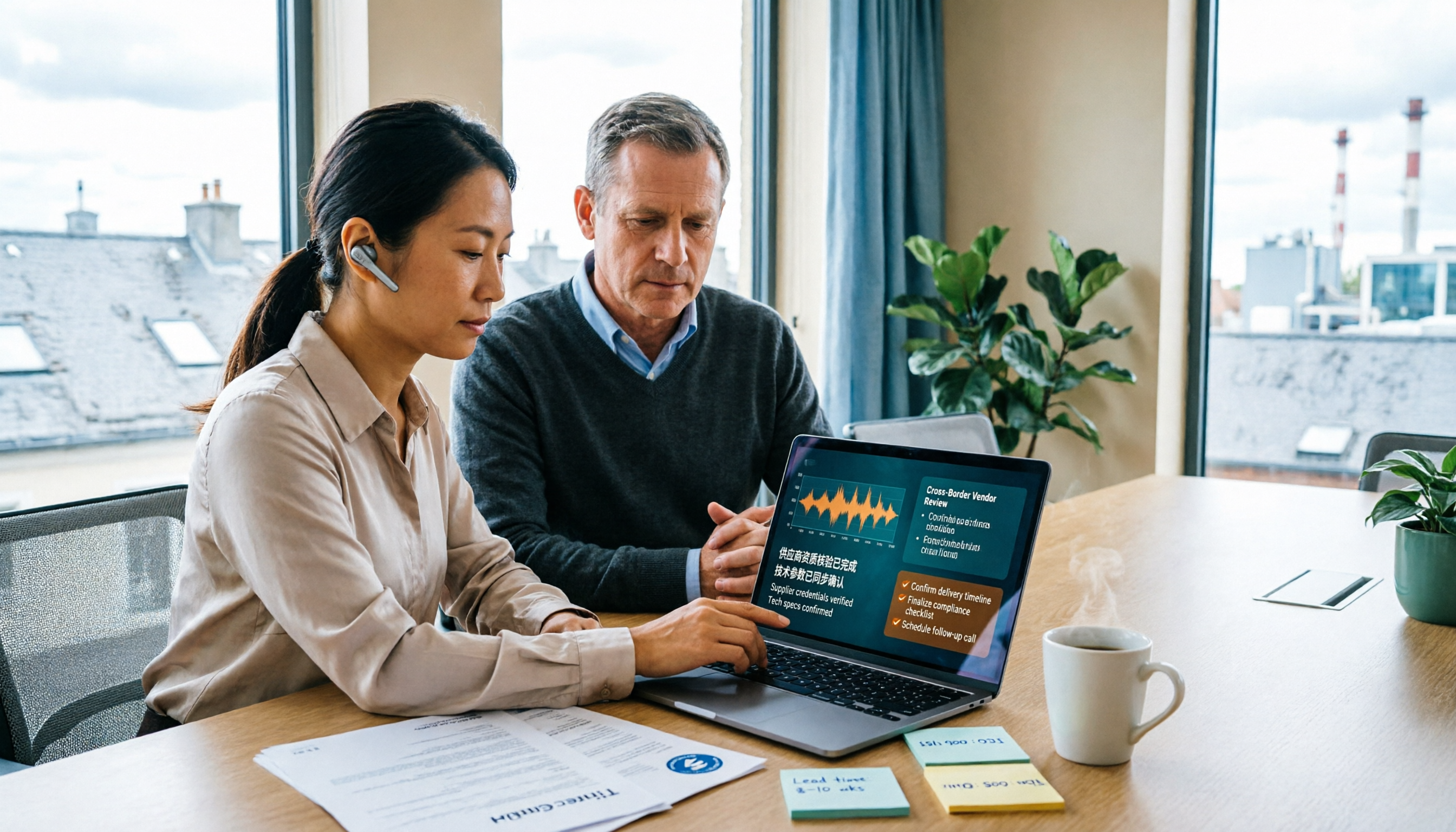
Searching for VOCOL GmbH Kevelaer usually means you're verifying a German tank manufacturer or preparing for a meeting with a European supplier. This article first uses public sources to quickly answer VOCOL GmbH's address, products, and contact details, then uses Tinrec as an example to explain how cross-language meetings can be turned from recordings and transcripts into summaries and action items—organized into trackable team data.
2026 VOCOL Capillary GC Column Comparison: How to Choose for Purge-and-Trap VOC Analysis
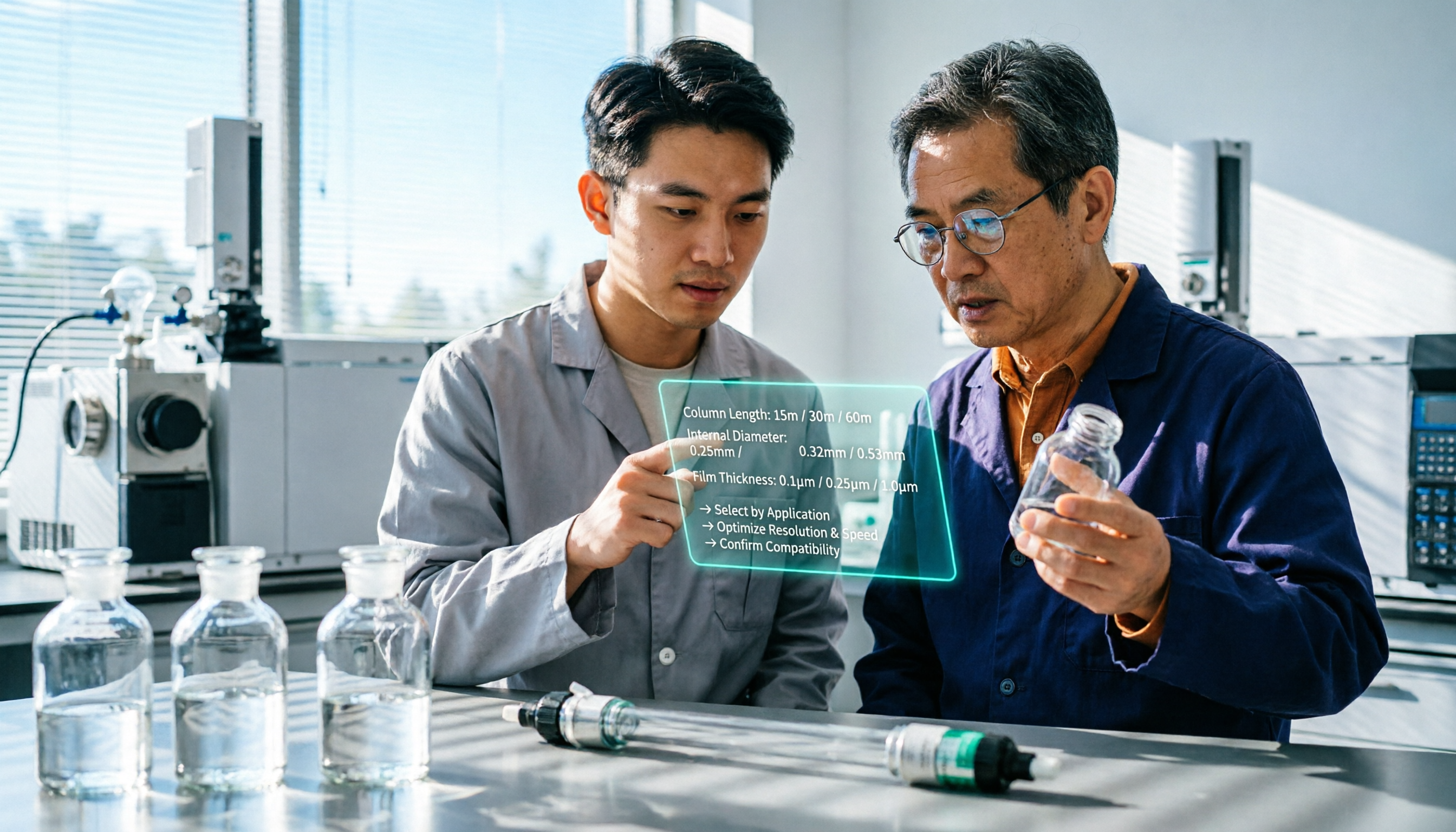
VOCOL capillary GC columns come in more than one specification—change the film thickness, inner diameter, or column length, and the suitable application changes completely. Based on real-world needs for purge-and-trap and GC/MS, this article covers 4 key column selection points, a comparison of common specifications, suitable and unsuitable scenarios, and the 4 most common pitfalls before purchasing, helping you avoid detours before placing your order.

2026 Comparison of 3 Meeting Notes Tools: How to Choose Between Dcard-Buzzed Vocol.ai and Tinrec
Searching for vocol.ai on Dcard mostly yields feature lists about 'one-click transcript generation.' But what really matters is three things: whether meetings are online or in-person, whether you need a transcript or deliverable post-meeting materials, and whether data stays in a personal account or a team space. This article breaks down the actual workflow and uses Tinrec to explain how each step works.

What Does Notta Mean in 2026? A 5-Dimension Comparison of Tinrec vs. Notta to See Which Fits You Better
Notta is not the same as nada. This article breaks down three meanings of notta (colloquial contraction, rare surname, and transcription tool brand), then compares Notta and Tinrec's meeting note capabilities across 5 dimensions to help you decide whether to check a dictionary or choose a tool.