

Turn recordings into transcripts and summaries in minutes
Upload audio or video for multilingual transcription, AI notes, and action items
Two hours in a meeting, another two hours sorting out the transcript? We understand the pain of Microsoft Teams users.
After every Teams meeting, the most headache-inducing part isn't the meeting itself, but organizing the records afterwards.
Teams' built-in transcription can produce text in real time, but accuracy often drops in noisy environments or when multiple people speak, and it only works for Teams meetings—you can't process your local recordings, course audio, or YouTube videos at all.
Worse, even if you get the transcript, you still have to page through it to find key points and summarize action items. It doesn't save you any time.
If you've run into these problems, this article is for you. We tested 4 tools, including Teams' built-in transcription, to help you find a choice that truly lightens your paperwork burden.
Before Choosing a Teams Transcription Tool, Understand These 4 Key Points
Accuracy: Don't Just Look at Official Numbers, Real Test Conditions Are the Key
Many tools claim "98% accuracy," but that's usually measured in a quiet recording studio with a single speaker. Real Teams meetings have air-conditioning noise, keyboard sounds, and people talking over each other—the gap becomes obvious.
Our testing used a real meeting recording (with mixed Chinese and English, plus background noise) and compared each tool's performance under the same conditions. That's how the real differences emerge.
AI Features: What Can the Tool Do for You After Transcription?
Simply converting speech to text isn't enough. The key to saving time is whether it can automatically summarize, extract action items, and even let you search for key points via Q&A.
Some tools give you nothing but a transcript, leaving you to read it from start to finish. A good tool acts like an assistant, telling you directly, "Last meeting covered three topics" and "Who is responsible for tracking the budget."
Cross-Platform and Input Sources: Teams-Only or All Audio Files?
Teams' built-in transcription only works for Teams meetings. But your audio sources may include phone recordings, old course recordings, YouTube videos, and more.
If you want one tool to handle all audio sources, choose one that supports multiple input channels—such as pasting video links or uploading files directly.
Free Allowance: Don't Just Check If a Free Plan Exists—Calculate Whether It's Enough for You
Free versions usually have minute limits. If you only have two or three meetings a week, a few hundred minutes a month may be plenty. Conversely, if you have meetings every day or need to process long recordings, you must compare the value of paid plans.
We'll lay out the allowances and pricing for each plan to help you find the best fit for your usage frequency.
Tinrec (秒听录音) — Our Top Pick After Testing
Tinrec is an AI recording assistant that integrates real-time recording, audio upload, and web video parsing. It supports iOS, Android, and web, with a complete Traditional Chinese interface.
It's not just a "record-to-text" tool—it's an AI workstation for organizing audio data.
Core Features: From Recording to Action List in One Go
Multiple Input Sources—Handles Teams Recordings Too
You can directly record a meeting with your phone, upload local audio or video files, or even paste a YouTube link, and Tinrec will transcribe them all. That is, your Teams meeting recordings can also be processed, without being limited to the Teams platform.
AI Summaries and Action Items—No More Digging Through Transcripts
After transcription, Tinrec automatically generates a summary, chapters, and key points, and also pulls out action items from the conversation—who needs to do what and by when, all at a glance. That's far more practical than Teams' built-in transcription, which only gives you a plain text transcript.
AI Conversational Search—Ask Questions to Uncover Key Content
This is a rare feature among tools at this level. After transcription, you can ask Tinrec things like "Who mentioned the budget at the last meeting?" or "What was the instructor's conclusion about the marketing strategy?" It gives you direct answers based on semantics, rather than just keyword search results.
Stop organizing recordings by hand
Upload audio or video and automatically get a transcript, summary, and action items
Pros Summary
- Versatile for Many Scenarios: Handles any audio source—meetings, courses, interviews, videos.
- Excellent Traditional Chinese Support: In our test with a mixed Chinese-English meeting, the quality of summaries and action item extraction was consistently solid.
- Seamless Cross-Platform Sync: Record on your phone, edit on your computer, view on the web—progress syncs instantly.
Limitations to Note
- Free plan has limits: It includes a base number of transcription minutes per month; heavy users may need the Pro plan. But for most people who have 2–3 meetings a week, it's enough to try out.
- AI Q&A requires internet: When offline, you can only view history; you can't ask questions in real time.
Who Is It For?
If you frequently need to turn Teams meeting recordings, course audio, or online videos into a searchable and reviewable database, and you want the AI to pull out key points and create action items right after recording, Tinrec is currently the most complete choice.
What Other Options Are There Besides Tinrec?
Microsoft Teams Built-in Transcription: Basic, Adequate but Not Ideal
Teams itself has real-time transcription and meeting recording transcription, and after the meeting you can view a timestamped transcript in Stream. The advantages are no extra installation needed and deep integration with Teams.
But the limitations are also obvious: it only works for Teams meetings, can't handle external audio files, has no AI summary or Q&A features, and accuracy drops noticeably in noisy environments or with non-English content. If you just need simple text records, it can work; but if you want to actually save time organizing, it won't help.
Otter.ai: Top Choice for English Meetings, Weaker in Chinese
Otter.ai is a well-known international AI meeting notes tool. Its free plan offers a generous 300 minutes per month, with high English transcription accuracy and solid meeting summaries.
However, it doesn't support Cantonese, and its Chinese transcription accuracy isn't as good as its English. It also lacks Tinrec's AI conversational search—after recording, you can only manually search keywords. If your meetings are primarily in English, Otter may be a better deal; but for mainly Chinese content, Tinrec's performance is more reliable.
Notta: Feature-Rich, but Lacks AI Interactivity
Notta and Tinrec have a lot of feature overlap—both support multi-platform transcription and meeting notes. But Notta's strengths are transcription and translation, and paid plans offer higher minute allowances.
However, Notta lacks Tinrec's AI conversational search. Users can't directly ask about recording content, so you still have to search the transcript yourself. Also, Notta's free plan only includes 120 minutes, fewer than Tinrec's base allowance. If you need high-value pure transcription, Notta is worth considering; but if you want smarter post-transcription organization, Tinrec remains the top pick.
Pitfall Guide: 3 Mistakes to Avoid When Choosing a Teams Recording-to-Text Tool
Pitfall 1: Only Looking at Accuracy, Ignoring the Use Case
Many tools claim high accuracy, but those are lab numbers. In real meetings, background noise, people talking over each other, and accents all matter. We recommend testing the free version with your real recordings—don't just trust the ads.
Pitfall 2: Assuming Built-in Transcription Is Enough, Ignoring Post-Processing Cost
Teams' built-in transcription only gives you a transcript. You still spend a lot of time reading, marking highlights, and writing action items. If you still have to manually organize after meetings, it only solves one-third of the problem.
Pitfall 3: Overlooking AI Features and Treating the Tool as a Mere Transcriber
If you only use the transcription function, you're wasting half of the tool's value. Tinrec's AI conversational search, for example, lets you "ask" the recording directly and jump to key decisions—far more effective than manually digging through 30 minutes of transcript.
Conclusion: Which One Should You Choose?
Overall, if you want a single tool that can handle Teams meeting recordings, external audio files, and online videos at the same time, and you need AI to summarize, extract action items, and even answer conversational queries, Tinrec is currently the most well-rounded option.
Here's how each scenario maps:
- Need to handle multiple audio sources (meetings, courses, videos) → Tinrec
- Want to use AI to ask questions and generate to-dos after transcription → Tinrec (the only one with mature AI Q&A)
- Use only Teams and just need a basic transcript → Teams built-in transcription
- Pure English meetings and zero budget → Otter.ai
- Heavy transcription needs with no need for AI interactivity → Notta
We recommend downloading Tinrec's free version first—the base allowance is enough for two or three meetings to see how it works. If you like it, consider upgrading; no need to spend money right away.
References
- Admin - Manage transcription and captions for Teams meetings - Microsoft Teams | Microsoft Learn
- Overview - Recording and transcription in Teams meetings, events, and calls - Microsoft Teams | Microsoft Learn
- Teams Meeting Transcription Recording Tutorial: AI Makes Meeting Records Easy | AI Transcription Service—Mr. Transcription
- Set up call recording, transcription, and captions in Teams - Microsoft Teams | Microsoft Learn
- How to Transcribe and Translate Microsoft Teams Meetings to Text - Edimakor
Turn every recording into actionable outcomes
Get 60 free transcription minutes when you sign in. No credit card required.
Related Reading
You might also like

2026 AI Voice-to-Text Tools Compared: Do These 4 Apps Really Save You Time Beyond Transcriptions?
We tested Tinrec, Otter.ai, Notta, and Fireflies across meetings, classes, and online videos to find the best AI meeting and recording assistant for Chinese-speaking users.
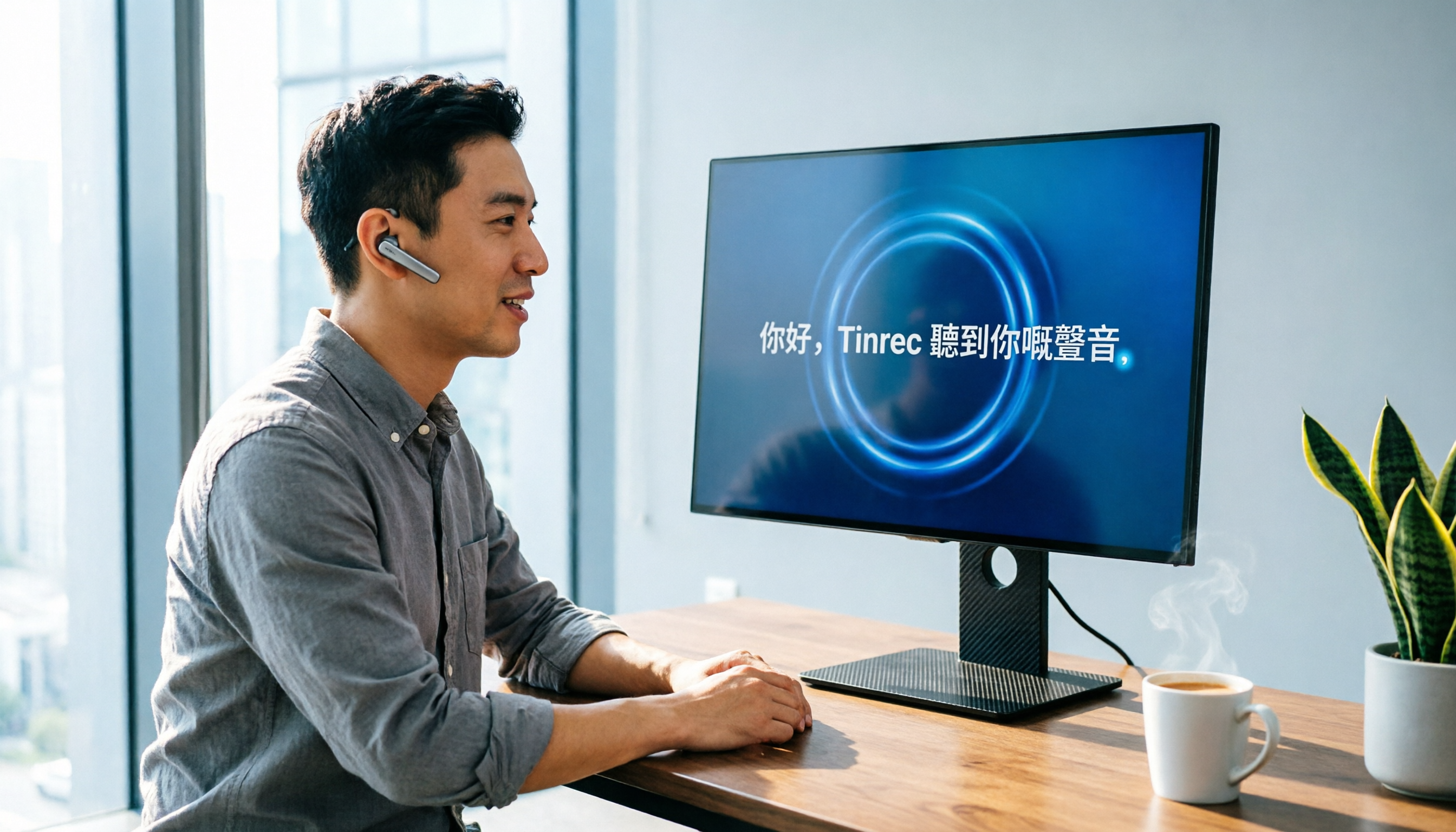
2026 Windows Cantonese Voice Input Buyer's Guide: 5 Tools Tested and Recommended
Want to use Cantonese voice input on Windows? This article tests 5 tools including Tinrec, VoiceIn, and Windows built-in dictation, comparing accuracy, features, and price to help you pick the best option.

2026 AI Meeting Notes Tool Guide: One-Stop Tutorial for Auto Summaries, Action Items, and AI Q&A
Meetings take two hours, and organizing the notes takes another two? Let AI handle it this year. We tested multiple tools and cover the key buying factors, feature breakdowns, and common pitfalls to help you find the best meeting recording solution. Free resources and paid plans compared at a glance.

How to Convert M4A to Text in 2026: A Complete 5-Step Guide
Converting M4A to text doesn't have to be hard, but choosing the right tool matters. This article puts Tinrec and several online services to the test, from free to paid, to help you find the best transcription solution for your needs — not just a transcript, but AI-curated highlights and to-do items.
2026 Guide: Import Audio Files to Generate Transcripts – Accurate AI Transcription & Auto Summaries
Generating transcripts from audio files no longer has to be time-consuming. This article tests Tinrec and other tools, covering accuracy, AI summaries, and cross-platform support, so you can choose the right option—plus a full guide and common pitfalls to avoid.

How to Transcribe Online Meeting Recordings in 2026? 3 Steps to Choose the Best Tool: Tinrec Tops Our Test
Need to convert recordings from meetings, classes, or interviews into text? Which free tools are most useful this year? This article hands-on tests three tools—Tinrec, Otter.ai, and Notta—comparing accuracy, AI summaries, cross-platform support, and free allowances to help you save time on meeting minutes.

2026's 4 Best Lecture Recording to Transcript Tools Compared: From Recording to Review, Which Is the Most Effortless?
Lecture recording-to-transcript tools are multiplying, but which one is best for Taiwanese students organizing class notes? This article tests 4 popular tools, covering accuracy, AI summaries, free allowances, and cross-platform support, to help you find the most time-saving choice.
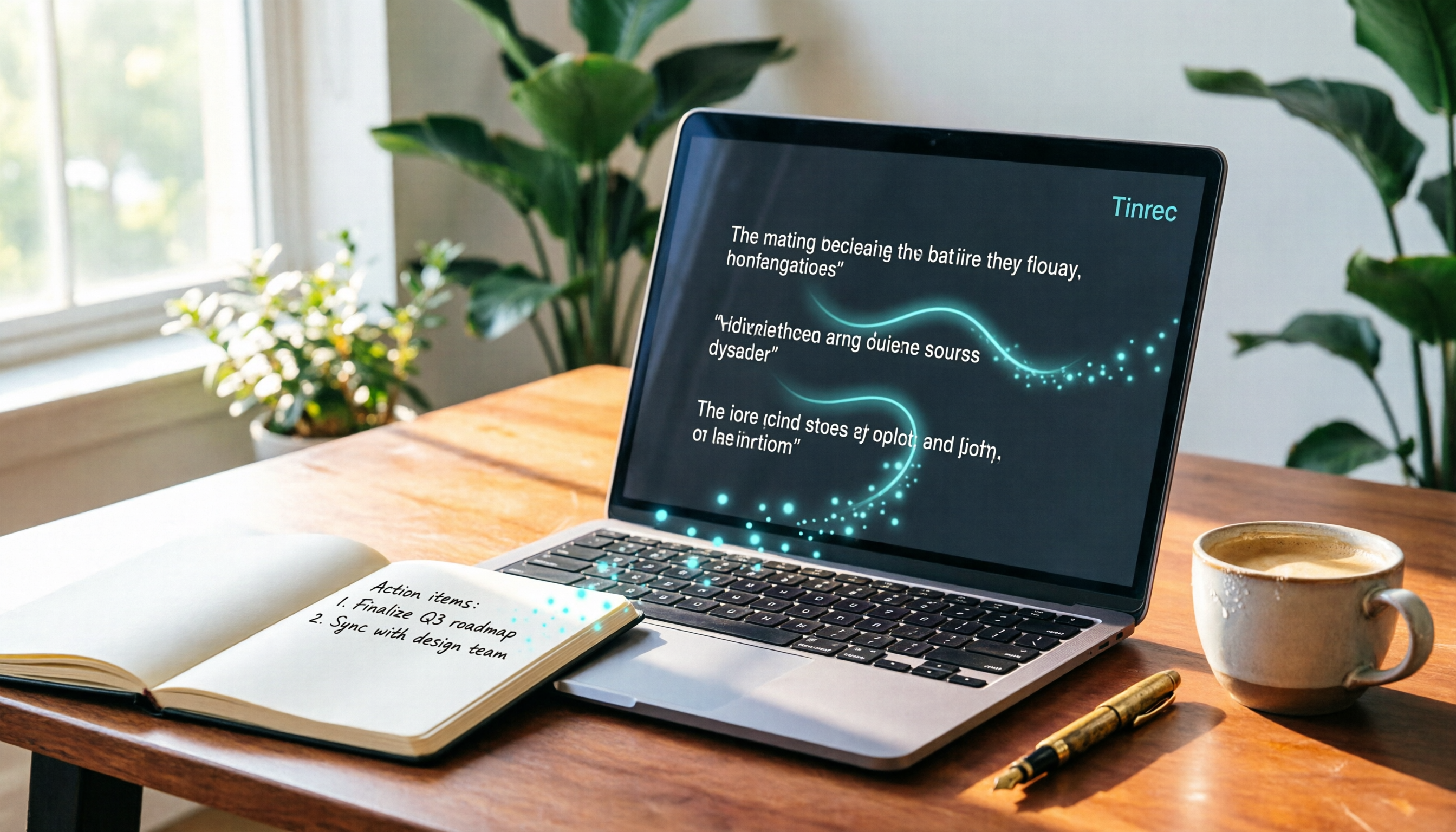
2026 Speaker Summarizer Tools Compared: Which AI Actually Saves You Time on Meeting Notes?
Meeting for two hours, then organizing notes for another two? We tested Tinrec, inFin, and Plaud NotePin across accuracy, AI summarization, and cross-platform support to find the most time-saving meeting notes solution.

2026 Hands-on Comparison of 4 Recording Tools with Automatic Speaker Recognition: Why Tinrec Remains the Top Choice for Meeting Notes
We tested Plaud Note, Otter.ai, Notta, and Tinrec to see if automatic speaker recognition is truly useful. We found that AI summarization and cross-platform capabilities matter more than speaker labels. This article helps you choose the best recording-to-text tool.