

Turn recordings into transcripts and summaries in minutes
Upload audio or video for multilingual transcription, AI notes, and action items
The Pain Point of Chinese Meeting Notes—You Don't Need a Transcript, You Need a Transcript You Can Understand
An hour-long meeting, then another hour to organize the notes—this is the daily routine for most office workers. What's more troublesome is Chinese meetings: a recording contains product codes, English abbreviations, and colleagues' names, and the output looks like gibberish.
Interviews are the same. After recording 40 minutes, you open the transcript and find that proper nouns are all wrong, speakers are swapped, and timestamps don't match. Proofreading takes longer than listening to the recording again.
If you're searching for 'Good Tape Chinese,' you're probably stuck at this decision point: can its Chinese output be used directly? Is there a more time-saving approach? This article starts from that decision focus.
Before Choosing a Chinese Transcription Tool, Understand These 4 Key Points
1. A language list does not equal Chinese capability. Almost every tool claims to 'support Chinese,' but Chinese has no spaces for word segmentation. Proper nouns, mixed Chinese-English, and multiple people talking over each other are the real dividing lines. Looking at the list is useless; you need to see performance under real meeting conditions.
2. Is there processing after transcription? A transcript is just raw material. Whether it can automatically generate summaries, chapters, and action items determines whether you save 10 minutes or 2 hours.
3. How is the meeting recorded? Some tools require sending a bot to join the meeting as a participant; others use a desktop version to directly capture the computer's system audio. The latter doesn't require changing the meeting agenda or explaining that extra account to external clients.
4. Who ultimately owns the data? Meeting notes stored in a personal account are lost when a colleague leaves. Teams need data to stay in the team space, so it can be handed over even when members change.
Tinrec—Our Top Choice After Real Testing
Tinrec is an AI meeting notes and collaboration tool for individuals and teams, covering iOS, Android, and web versions. The desktop version can handle online meetings on Zoom, Google Meet, Microsoft Teams, Webex, and more.
No meeting bot. The desktop version directly captures computer system audio. When you press start recording, it begins transcribing, and no bot participant appears in the meeting. For those who need to meet with clients, this saves a lot of explanation.
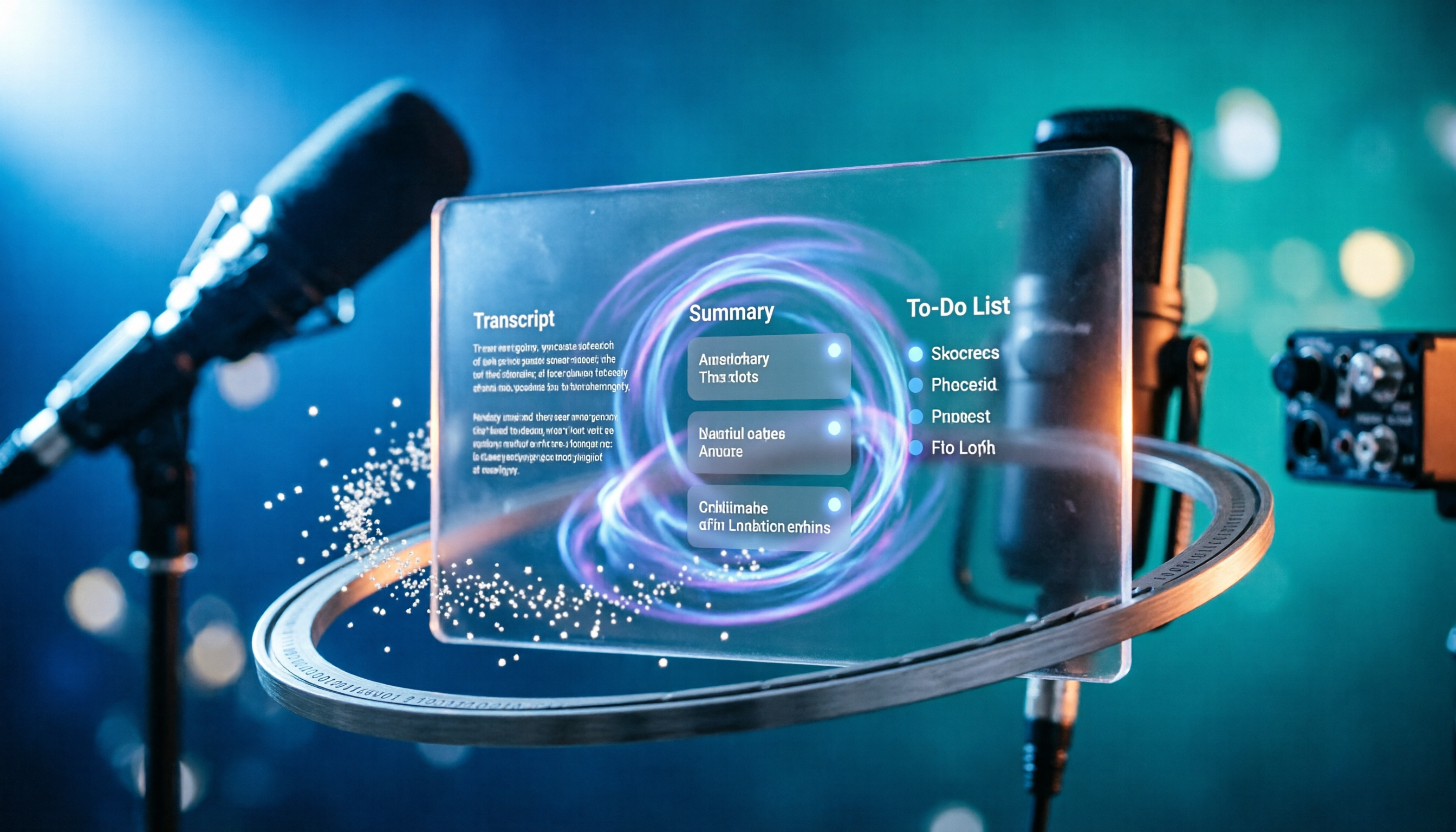
Live transcript while recording, automatic organization after the meeting. When the meeting ends, summaries, chapters, key points, and action items are already generated—who is responsible for what, what to follow up on next time—no need to dig through a 40-minute recording yourself. Chinese meetings and mixed Chinese-English content are within its main scope, and proper nouns can be maintained using team hotwords.
You can continue asking questions after recording. This is where it stands out from most transcription tools: you can ask questions directly about one or multiple meetings, such as 'Who mentioned the budget in the last meeting?' It answers based on the content instead of giving you a list of keyword search results. Most tools at the same price point still stop at 'giving you a transcript.'
Real-time translation for cross-language meetings. During recording, you can switch between original text, translation, or bilingual display. Mixed Chinese-English meetings don't require separate translation afterward.
Stop organizing recordings by hand
Upload audio or video and automatically get a transcript, summary, and action items
The advantages are clear: bot-free recording, a one-stop process from transcription to summary, Q&A, and action items, and team spaces that retain historical meetings and handover materials. The limitations should also be stated clearly: the free version has limited quota, and heavy use requires payment; Chinese transcription quality is still affected by audio quality, accents, noise, and overlapping speakers, so important content should be checked against timestamps; the team version currently offers team-level sharing, not per-file permissions.
Who it's for: people who frequently hold Chinese meetings, want to use AI to find key points directly after meetings, and need meeting data to stay in the team rather than on someone's phone.
Besides Tinrec, What Other Options Are There?
Good Tape: Developed by the Danish news organization Zetland, using OpenAI Whisper technology, it supports Chinese and more than 40 other languages, and outputs transcripts with timestamps and .SRT subtitle files. After registration, you get 3 free uses per month, with a maximum of 90 minutes per file. For Chinese, it's recommended to manually specify the language for better accuracy. It has no AI Q&A or action item extraction; after recording, you have to go through the transcript yourself.
Notta: Started with multilingual transcription. The free version offers 120 minutes per month, with a 3-minute limit per session; Pro annual billing is about USD 8.17/month, with 1,800 minutes per month; Business has unlimited transcription and role permissions. File transcription and subtitles are its strengths, but it lacks bot-free desktop recording, and post-meeting action items must be organized manually.
Pitfall Guide: The 3 Most Common Mistakes When Choosing a Chinese Transcription Tool
Pitfall 1: Looking only at the language list. 'Supports 40 languages' sounds sufficient, but the key to Chinese is proper nouns and mixed Chinese-English. Tools like Good Tape, which are based on Whisper, perform well on clean Chinese spoken recordings, but some reviews mention that accuracy is noticeably affected with Taiwanese, Cantonese, or noisy environments. Testing with your own recording is the most accurate.
Pitfall 2: Not specifying the language and relying entirely on auto-detection. Most tools have auto-detection, but manually specifying the language is usually more accurate. Also, details like Good Tape's transcript time interval (0 to 20 seconds) can only be adjusted after logging in, so you need to explore these details first.
Pitfall 3: Treating the transcript as the end goal. Getting the text file is only the first step. After the meeting, you still need summaries, action items, follow-up questions, and export to existing workflows. If a tool only gives you plain text, you're only using one-third of its capability.
Conclusion: Which One Should You Choose?
For Chinese meetings as the main use case, needing bot-free recording and post-meeting AI Q&A → Tinrec.
Mixed Chinese-English, needing real-time bilingual → Tinrec (real-time translation).
Team sharing of meeting data, needing seat and usage management → Tinrec Team version: first-time eligible users can try 7 days, 1 free seat, 300 minutes shared import quota; monthly USD 29.80 per paid seat, annual USD 199 per paid seat (about USD 16.58/month), 2,000 minutes shared import quota per paid seat per month, real-time recording is not deducted by minute under an active plan. Prices and benefits are subject to the official purchase page.
Occasional single recording, zero budget → Good Tape, 3 free uses per month, 90 minutes per file is enough.
Need large-volume file transcription and subtitle output → Notta, but note the free version has a 3-minute limit per session.
If unsure, first use the free quota to run a segment of your own Chinese meeting recording, see if the transcript can be used directly, and then decide whether to upgrade. This is more accurate than any review.
References
- Good Tape Tutorial | Audio-to-Transcript Tool, Supports Chinese and 40 Other Languages | Manager Today
- Good Tape Automated Audio-to-Transcript Tool, Supports Chinese and Other Languages
- Good Tape: Audio File to Transcript Software Recommendation! The Tool That Best Understands Journalists' Needs | Comprehensive AI Tool Introduction - Future Commerce
- Is Good Tape Good? 2026 Speech-to-Text Tool Comparison: Chinese Recognition, AI Summary, and Efficiency Test - Tinrec Blog
- Good Tape Speech-to-Text Software: Meetings, Interviews, Video Subtitles Quickly and Easily, Better Than Whisper? | by Kevin Malamute | 凱文-馬拉穆 | Medium
Turn every recording into actionable outcomes
Get 60 free transcription minutes when you sign in. No credit card required.
Related Reading
You might also like

2026 Comparison of 4 AI Meeting Summary Tools: Free Tiers, Summary Quality, and Team Collaboration Explained
From student classes and group projects to internship meetings, this article breaks down the differences among 4 common approaches to AI meeting summary tools, explains how free tiers are calculated, what you can do after getting a transcript, and uses Tinrec to demonstrate the complete workflow from recording, transcription, summarization, action items, to AI Q&A and team knowledge retention.

2026 AI Transcription Tools Comparison: Vocol, Yating, Good Tape, and Tinrec — Which One Should You Choose?
If you're searching for 'Vocol comparison,' you're probably not looking for a spec sheet but wondering whether the tool you already use is still worth keeping. This article examines four key criteria: what you get after transcription, how meetings are recorded, whether you can search back through past meetings, and how teams manage data. We put Vocol.ai, Yating Transcription, Good Tape, and Tinrec through real-world tests and honestly list each tool's limitations and ideal users.

2026 Comparison of 3 Audio-to-Transcript Tools: Beyond the Good Tape Tutorial, Tinrec Offers a More Complete Chinese Meeting Workflow
Starting with the actual steps from the Good Tape tutorial, we cover the complete process from registration, upload, transcription to export, along with usage limitations. Then we compare Tinrec's differences in Chinese meetings, bot-free recording, AI summary action items, and team data retention, helping you decide which tool fits your meeting scenario.

2026 Voice Collaboration Platforms Compared: Vocol vs. Tinrec — Which Should You Choose?
Vocol and Tinrec are both tools that turn meeting audio into usable data, but they address different parts of the workflow. This article examines four key criteria: transcription quality, how meetings are recorded, data ownership, and post-meeting outputs. We walk through a real mixed Chinese-English meeting workflow and honestly list Tinrec's free plan limits, team plan seats, and pricing to help you determine which collaboration approach suits your team.

4 AI Voice Collaboration Tools Tested in 2026: Vocol vs. Tinrec Team Edition — Which Should You Choose?
Team meeting notes aren't just about dropping an audio file into a group chat. This article starts with common misconceptions and compares Tinrec, Vocol, Otter.ai, and Notta on meeting capture, post-meeting organization, AI Q&A, team governance, and Chinese-language experience. It also covers team edition seats, usage, and pricing to help you choose a tool that truly turns meetings into lasting assets.
4 LINE Call Recording Methods Tested and Compared in 2026: How to Quickly Turn Recordings into Transcripts
LINE does not have a built-in call recording feature. Most people's first attempt either has no sound or only records their own voice. This article starts with common pitfalls and tests four methods: iPhone's "Local Capture," Android screen recording with Cube ACR, and hardware recorders. It then compares how to use Tinrec to turn audio files into transcripts, summaries, and to-dos, with honest disclosure of costs and limitations.

Free iPhone Audio Editing Options in 2026: 2 Tools Compared
First, learn how to trim, replace, and delete/restore recordings in iPhone Voice Memos. Then compare Apple Voice Memos and Tinrec across transcription, summaries and action items, AI Q&A, team collaboration, and export workflows to see which fits your needs.

4 Free LINE Call Recording Methods Tested for 2026: How to Organize Recordings with the Least Time
LINE has finally opened free trials for call recording, but the trial only lasts until late January 2027, after which a LINE Premium monthly fee applies. This article compiles 4 currently available free LINE call recording methods, compares their limitations, recording file retention periods, and actual operation steps, and explains how to use Tinrec after recording to turn audio files into searchable, queryable transcripts and action items.

3 LINE Call Recording Methods Tested and Compared for 2026: How to Quickly Organize After Recording
LINE doesn't have built-in call recording. This article covers three common methods—Android screen recording, iPhone external microphone, and computer system audio capture—and tests a complete workflow with Tinrec for transcription, AI summaries, action item extraction, and team knowledge retention, helping you turn call content into searchable, trackable data.