

Turn recordings into transcripts and summaries in minutes
Upload audio or video for multilingual transcription, AI notes, and action items
Common Team Collaboration Misconception: Treating "Having a Recording" as "Having Notes"
Many teams assume that as long as the meeting recording is dropped into a group chat, everyone can find the key points themselves. The result is that everyone has to re-listen to a 40-minute audio file, and the people who actually need to make decisions have no time to review it.
Another common misconception is thinking that "multiple people sharing a single personal account" counts as team collaboration. It may look like a money-saver in the short term, but data ownership, seat permissions, and handover when a member leaves quickly turn into another meeting.
A more reasonable approach is to choose a team tool that turns meetings into something "searchable, queryable, and actionable." This article compares Tinrec, Vocol, Otter.ai, and Notta from that perspective.
4 Key Points to Understand Before Choosing a Team Voice Collaboration Tool
1. How are meetings recorded?
Some tools require a meeting bot to join the meeting, while others use a desktop app to capture system audio directly. For external client meetings, not needing an extra bot to join is usually more acceptable. Tinrec's desktop version records computer playback audio from Zoom, Google Meet, Microsoft Teams, and Webex without a bot.
2. Is the post-meeting output just a transcript?
Transcripts are basic, but what teams really need are summaries, chapters, action items, and queryable Q&A. If you only get a large block of text, most people still won't read it.
3. Is team governance in place?
A team edition must distinguish roles and seats. Roles determine who can manage members and settings, while seats determine who can record, upload, edit, and import/export. Members without seats can still view team data but cannot perform resource-consuming operations.
4. Is the Chinese and multilingual experience sufficient?
Taiwanese teams often mix Chinese and English, and sometimes need real-time translation. Whether a tool supports bilingual viewing, team hotwords, and multilingual transcription directly affects daily usage frequency.
Tinrec — Our Pick for the Best Team Tool to Turn Meetings into Lasting Assets After Testing
Tinrec is an AI meeting notes and collaboration tool for individuals and teams. It doesn't just convert audio to text; it organizes meetings into searchable, summarizable, queryable, exportable, and further processable data, which accumulates in a team space as collaborative meeting assets.
In actual use, you can start real-time recording directly, suitable for offline meetings and interviews; you can also record online meetings via the desktop version without inviting a meeting bot. After the meeting, Tinrec generates transcripts, AI summaries, chapters, and action items, and you can continue asking questions about the meeting content. For example, ask it "Who mentioned the budget in the last meeting? What was the conclusion?" It will organize answers based on semantics, not just throw keyword search results at you.
Besides meetings, Tinrec also supports uploading audio and video files, suitable for organizing historical interviews and course recordings. Post-meeting outputs can be exported to Notion, Google Docs, OneNote, Dropbox, and other tools, and can also be post-processed via Agent to generate reports, tables, and meeting minutes.
For the team edition, Tinrec provides an independent team space where members can view and reuse historical meeting data. Admins can manage roles, seats, sharing permissions, usage analytics, and audit logs, and there is also an audio recycle bin and team hotwords. When a member leaves or loses a seat, team resources can be handed over to other active members and won't disappear with the personal account.
Stop organizing recordings by hand
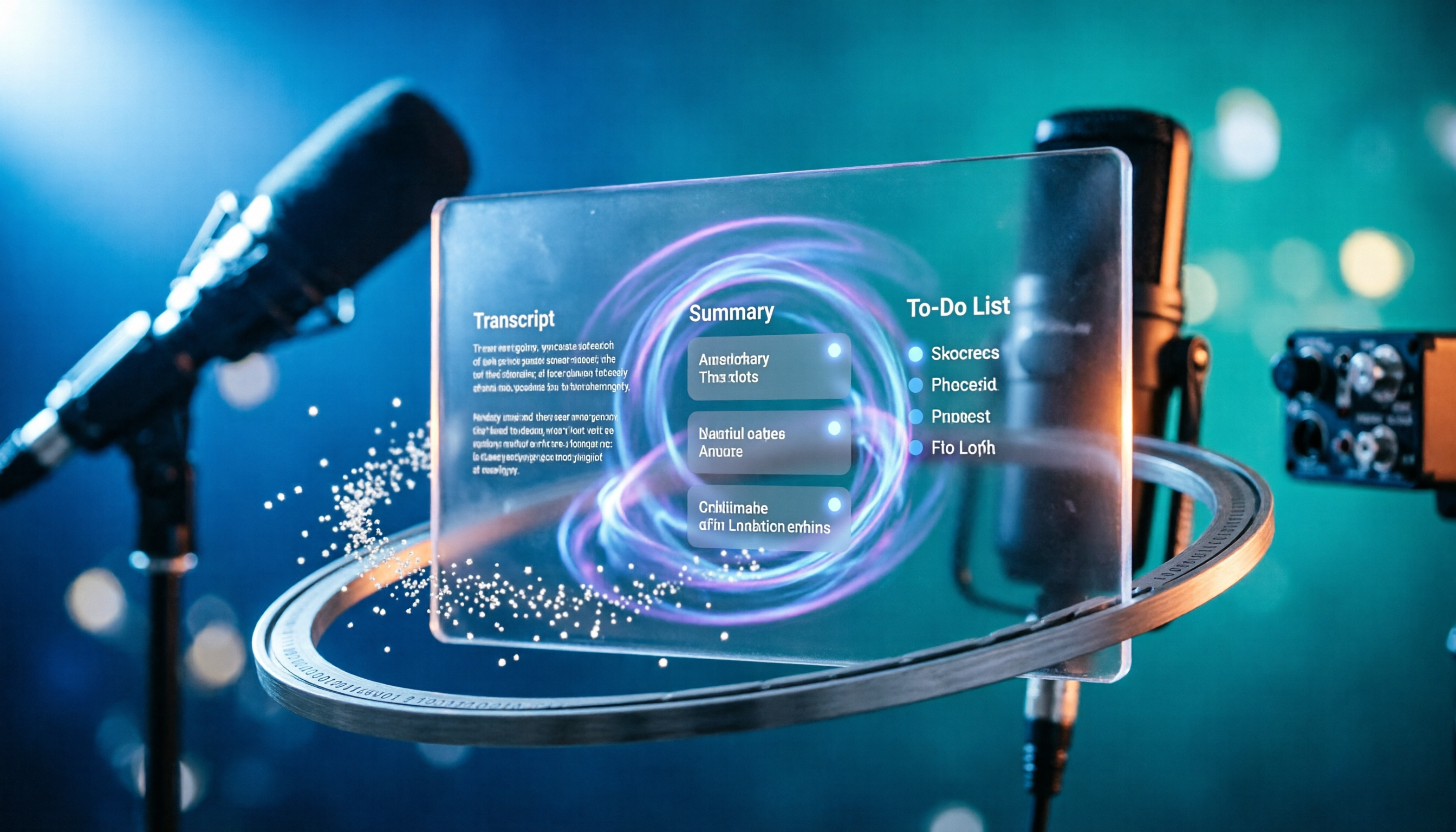
Upload audio or video and automatically get a transcript, summary, and action items
Currently, the team edition's first eligible trial is 7 days, 1 free seat, and 300 minutes of team shared import quota. Paid seats are USD 29.80 per paid seat per month, or USD 199 per paid seat per year (about USD 16.58 per month). Each paid seat provides 2,000 minutes of team shared import quota per month; under an active team plan and active seat, real-time recording is currently not deducted by minutes.
Note that the free version has limited quota, and heavy use still requires payment; AI summaries and Q&A may also miss details, so important information should be verified against transcript timestamps and recording playback. Overall, if your team needs Chinese meeting notes, bot-free online meeting recording, post-meeting AI Q&A, and team governance, Tinrec is a choice worth trying first.
Besides Tinrec, What Other Options Are There?
Vocol
Vocol.ai is a voice collaboration platform whose name combines Voice and Collaboration. Founded in 2019, the team has about 60+ people, total funding of about USD 10.6M, and offers free use. It can convert voice to text and use AI to generate transcripts, summaries, and topics, and supports team sharing, comments, and highlight collections, suitable for teams that want to quickly share meeting highlights. However, in the official materials we reviewed, we did not see bot-free desktop recording, AI Q&A, action item extraction, or seat audit management; if you value these workflows, Tinrec's team edition is a better fit.
Otter.ai
Otter.ai is a mature AI meeting assistant with a strong focus on English business meetings. The free version offers 300 minutes per month, and Pro annual billing is about USD 8.49 per user per month, including 1,200 minutes of in-app recording and 10 file imports per month. Suitable for teams that mainly hold English meetings and need extensive integrations. Tinrec emphasizes Chinese meeting experience, bot-free desktop recording, and team data accumulation.
Notta
Notta covers multi-platform transcription, meeting notes, file import, and translation. The free version offers 120 minutes per month, up to 3 minutes per session; Pro annual billing is about USD 8.17 per month, 1,800 minutes per month; Business annual billing is about USD 16.67 per seat per month, offering unlimited transcription, role permissions, and usage reports. Suitable for teams that need multilingual transcription and subtitles. Tinrec's difference lies in putting AI Q&A, action item extraction, and team space into a single post-meeting workflow.
Pitfall Guide: 3 Most Common Mistakes When Choosing a Team Meeting Tool
Pitfall 1: Only looking at transcription minutes and ignoring the post-meeting workflow.
Minutes matter, but what really takes time for teams is "post-meeting organization." If a tool only provides transcripts without summaries, chapters, and action items, you still have to organize manually. When choosing a tool, first see if it can shorten your post-meeting processing time.
Pitfall 2: Treating a team edition as multiple people sharing a personal account.
A team edition should have an independent team space, roles, and seats. Data belongs to the team, so it can be handed over when members leave. If you just share account credentials, permissions and data ownership will both become problems.
Pitfall 3: Thinking a transcript is enough.
Transcripts are for verification, not for quick reading. A truly useful tool lets you find conclusions directly through AI Q&A and automatically organizes action items. Tinrec's AI Q&A and action item extraction are designed for this pain point.
Conclusion: Which One Should Your Team Choose?
Need Chinese meetings, bot-free online meeting recording, post-meeting AI Q&A and action items, and management of seats and usage → Tinrec.
Zero budget, mainly recording English meetings → Otter.ai's free version is worth considering.
Need extensive file transcription, subtitles, and multilingual processing → Notta or TurboScribe are more suitable.
Want to quickly share meeting highlights and don't mind manual organization → Try Vocol's highlight collections and comments.
We recommend starting with Tinrec's free version or team trial, running through the process with your own meeting recordings, and then deciding whether to upgrade. After all, the best way to know if a tool works is to try it.
References
Turn every recording into actionable outcomes
Get 60 free transcription minutes when you sign in. No credit card required.
Related Reading
You might also like

2026 Comparison of 3 Chinese Speech-to-Text Tools: Good Tape Chinese Performance vs. Tinrec—Which Saves More Time?
People searching for 'Good Tape Chinese' really want to know: can its Chinese transcripts be used directly? This article starts from that decision point, first explaining 4 key criteria for choosing a Chinese transcription tool, then compares Tinrec, Good Tape, and Notta in real tests on Chinese meetings, post-meeting organization, and team collaboration, with a guide to avoiding pitfalls and selection advice.

2026 Comparison of 4 AI Meeting Summary Tools: Free Tiers, Summary Quality, and Team Collaboration Explained
From student classes and group projects to internship meetings, this article breaks down the differences among 4 common approaches to AI meeting summary tools, explains how free tiers are calculated, what you can do after getting a transcript, and uses Tinrec to demonstrate the complete workflow from recording, transcription, summarization, action items, to AI Q&A and team knowledge retention.

2026 AI Transcription Tools Comparison: Vocol, Yating, Good Tape, and Tinrec — Which One Should You Choose?
If you're searching for 'Vocol comparison,' you're probably not looking for a spec sheet but wondering whether the tool you already use is still worth keeping. This article examines four key criteria: what you get after transcription, how meetings are recorded, whether you can search back through past meetings, and how teams manage data. We put Vocol.ai, Yating Transcription, Good Tape, and Tinrec through real-world tests and honestly list each tool's limitations and ideal users.

2026 Comparison of 3 Audio-to-Transcript Tools: Beyond the Good Tape Tutorial, Tinrec Offers a More Complete Chinese Meeting Workflow
Starting with the actual steps from the Good Tape tutorial, we cover the complete process from registration, upload, transcription to export, along with usage limitations. Then we compare Tinrec's differences in Chinese meetings, bot-free recording, AI summary action items, and team data retention, helping you decide which tool fits your meeting scenario.

2026 Voice Collaboration Platforms Compared: Vocol vs. Tinrec — Which Should You Choose?
Vocol and Tinrec are both tools that turn meeting audio into usable data, but they address different parts of the workflow. This article examines four key criteria: transcription quality, how meetings are recorded, data ownership, and post-meeting outputs. We walk through a real mixed Chinese-English meeting workflow and honestly list Tinrec's free plan limits, team plan seats, and pricing to help you determine which collaboration approach suits your team.
4 LINE Call Recording Methods Tested and Compared in 2026: How to Quickly Turn Recordings into Transcripts
LINE does not have a built-in call recording feature. Most people's first attempt either has no sound or only records their own voice. This article starts with common pitfalls and tests four methods: iPhone's "Local Capture," Android screen recording with Cube ACR, and hardware recorders. It then compares how to use Tinrec to turn audio files into transcripts, summaries, and to-dos, with honest disclosure of costs and limitations.

Free iPhone Audio Editing Options in 2026: 2 Tools Compared
First, learn how to trim, replace, and delete/restore recordings in iPhone Voice Memos. Then compare Apple Voice Memos and Tinrec across transcription, summaries and action items, AI Q&A, team collaboration, and export workflows to see which fits your needs.

4 Free LINE Call Recording Methods Tested for 2026: How to Organize Recordings with the Least Time
LINE has finally opened free trials for call recording, but the trial only lasts until late January 2027, after which a LINE Premium monthly fee applies. This article compiles 4 currently available free LINE call recording methods, compares their limitations, recording file retention periods, and actual operation steps, and explains how to use Tinrec after recording to turn audio files into searchable, queryable transcripts and action items.

3 LINE Call Recording Methods Tested and Compared for 2026: How to Quickly Organize After Recording
LINE doesn't have built-in call recording. This article covers three common methods—Android screen recording, iPhone external microphone, and computer system audio capture—and tests a complete workflow with Tinrec for transcription, AI summaries, action item extraction, and team knowledge retention, helping you turn call content into searchable, trackable data.