
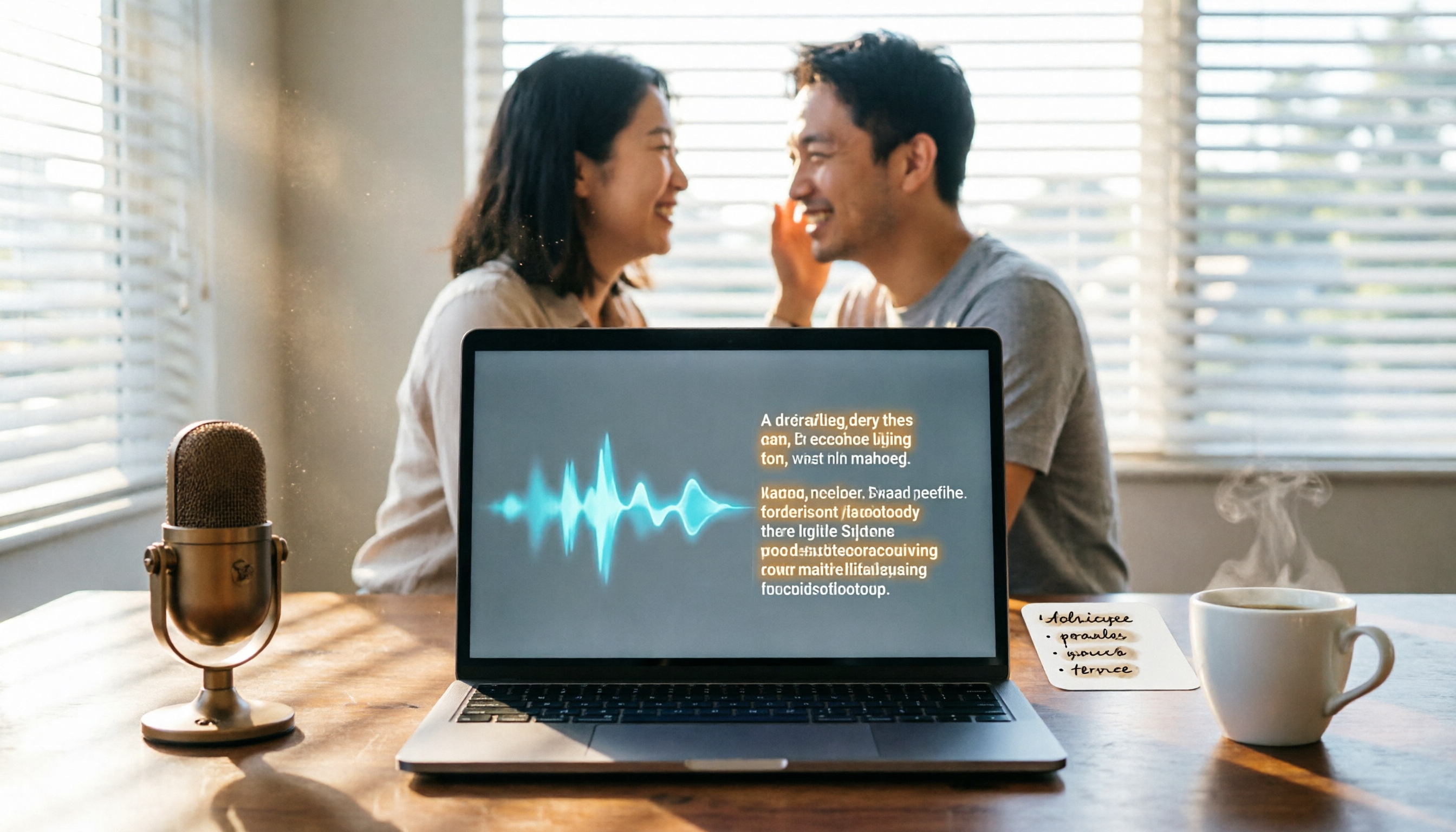
Turn recordings into transcripts and summaries in minutes
Upload audio or video for multilingual transcription, AI notes, and action items
Do You Still Manually Type Every Meeting and Lecture Transcript? What You Need Isn’t Faster Typing
After a two-hour meeting, cleaning up the transcript can take another half a day. Not to mention constantly pausing and replaying while listening, or having to start over if you miss a sentence. When the recording mixes English with background noise, the frustration level doubles.
Students taking class notes face the same issue—the teacher talks fast and key points flash by, while the audio file sits unopened on their phone. It’s not that they don’t want to organize it; they just don’t have time to slowly type it out.
You’re surely familiar with these scenarios: interview recordings, online courses, YouTube videos you want to turn into text... In every case, you need to convert an audio file into editable text. Fortunately, AI speech-to-text technology has matured. You can now import an audio file and generate a transcript, complete with automatic paragraph breaks, punctuation, and even summaries. In this article, we test several mainstream tools to help you find the best one.
Before Choosing a Speech-to-Text Tool, Get These 3 Key Points Straight
Don’t Rely Only on the Numbers on a Website for Accuracy
Many tools advertise “98% accuracy,” but that figure comes from a quiet lab environment. In real-world settings—air-conditioning noise, keyboard clicks, multiple people speaking at once—accuracy drops. We recommend trying out free tiers with your own recordings for the most accurate comparison. For this test, we used typical meeting, interview, and classroom recordings, and we include the actual word error rate to give you a baseline.
AI Post-Processing Features Matter More Than You Think
Simply converting speech to text isn’t enough; what you really need is information that’s been organized. Features like automatic paragraphing, key-point extraction, to-do item detection, and the ability to ask AI about recording content can save a lot of cleanup time. If you only need plain text, almost every tool can do that. But if you want a ready-to-use summary or meeting minutes, you’ll need a tool with built-in AI organization.
Cross-Platform Support and Export Flexibility Determine How Useful a Tool Is
Recordings might happen on your phone, but organizing them always happens on your computer. If a tool doesn’t sync across platforms, or only exports plain text, your workflow will stall. A good tool should let you record on your phone, upload files from your computer, and even paste a YouTube link directly. It should also export to Word, TXT, SRT, and other formats so you can continue editing in Google Docs, Notion, or other note apps.
Tinrec (秒聽錄音) — Our Top Pick After Testing
Tinrec is an AI recording and audio/video organization tool designed for Chinese-language environments, with iOS, Android, and web versions. It doesn’t just convert audio into transcripts—it also includes built-in AI summaries, chapter detection, to-do extraction, and even lets you query recording content through conversation. For people who regularly handle meeting, class, or interview recordings, it’s the most feature-complete option.
Hands-On Testing of Core Features
Import Audio Files to Generate Transcripts
Open the Tinrec web version or app, click the upload button, and import common audio formats like MP3 and WAV. The system generates a punctuated, segmented transcript within minutes. In our test, a 5-minute meeting recording with slight background noise produced a word error rate of about 8%, which is quite good for Chinese recognition. When exporting, you can choose plain text, Word, or a time-coded subtitle file, making it easy to create meeting minutes or video subtitles.
Not Just Transcripts—AI Highlights the Key Points
After transcription, click “AI Summary” to instantly get a key-point summary of the entire recording. If it’s a meeting, it will automatically extract action items, listing who is responsible for what and deadlines clearly. The “AI Q&A” feature is even more practical: you can ask, “Which parts of the meeting mentioned the budget?” and Tinrec will answer based on the recording, so you don’t have to manually scan the whole transcript. Few competitors at this price point offer this yet.
Stop organizing recordings by hand
Upload audio or video and automatically get a transcript, summary, and action items
Online Video Links Can Be Converted to Text Too
Besides local files, Tinrec lets you paste public video links from YouTube, Bilibili, and others, then parses the audio into transcripts and summaries. This saves writers and students who need online video content from having to download and convert files first.
Key Strengths at a Glance
- Chinese-friendly: It’s trained specifically for Chinese speech, maintaining high accuracy even in meetings that mix Chinese and English or contain slight accents.
- Unique AI Q&A: Instead of just keyword matching, it truly understands the content, vastly improving review efficiency.
- Comprehensive cross-platform support: Record on your phone, upload from your computer, or open in the web browser—all data syncs, so you can keep organizing anywhere.
Limitations to Keep in Mind
The free plan offers 100 minutes of transcription per month, which is enough for someone who only has 2–3 meetings a week. However, heavy users (e.g., those who transcribe more than an hour of classes daily) may need to upgrade to a Pro monthly or yearly plan. Also, AI Q&A is currently only available on the web version, not in the app—hopefully that will come in a future update.
Who is it for?
If you frequently handle Chinese meetings, interviews, or class recordings, and want to produce summaries and action items right after recording—or even search for specific content in past recordings—Tinrec is currently the best overall experience.
What Other Options Are There Besides Tinrec?
Otter.ai is a leader in English meetings, offering a generous 300 free minutes per month, with strong real-time transcription and speaker identification. However, its Chinese recognition is clearly not as good as Tinrec’s, and it doesn’t support Cantonese. If your use is primarily English, Otter.ai is a better value than Tinrec. That said, Otter doesn’t have Tinrec’s AI conversation feature for asking questions about the recording, so you’ll still need to filter out the meeting key points yourself.
Notta does a great job with transcription and translation, supports multiple languages, offers 120 free minutes per month, and its paid plans include solid quotas. But it lacks the ability to transcribe online video links and AI conversation queries, making it better suited to users who only need clean transcripts or subtitles. If you also want quick summaries and Q&A alongside transcription, Notta can’t deliver.
Yating Transcript is a long-standing Taiwanese tool with decent Chinese accuracy, and it used to be many people’s go-to transcription helper. However, the current version has very limited free usage and no advanced AI summarization or Q&A features. Compared with Tinrec, Tinrec offers more free minutes and a fuller AI feature set, so it delivers better value for budget-conscious users.
Pitfall Guide: 3 Most Common Mistakes When Choosing a Speech-to-Text Tool
Mistake 1: Only Looking at Price, Not Output Quality
Many people choose the cheapest or free plan, only to receive a messy plain-text transcript that still requires hours of cleanup. Spending a bit more on a plan with AI summaries and to-do extraction can actually save time. Tinrec’s free plan already lets you try these features, so test it before you decide.
Mistake 2: Ignoring Audio Format and Source Restrictions
Some tools only support certain audio formats, or can’t directly convert online videos, forcing you to convert or download files first—an extra step. When choosing a tool, confirm that the sources you use most (phone recordings, computer files, online meetings, video links) can be imported directly. Tinrec covers a wide range here, solving the problem in one go.
Mistake 3: Overlooking Cross-Device Needs
You may record a meeting on your phone but want to organize it on your computer. If the tool doesn’t sync, you’ll need to manually transfer files—a hassle. Choose a tool with cloud sync and multi-device support so you’re not tied to a single device.
Conclusion: Which One Should You Choose?
If you primarily handle Chinese audio recordings and want more than just a transcript—quick key-point insights and searchable history—Tinrec is our most recommended option after testing. Here are our recommendations by scenario:
- Need Chinese meeting minutes + automatic summaries and action items → Tinrec (most complete AI features)
- Lots of English meetings, no Chinese support needed → Otter.ai (generous free quota, strongest for English)
- Only need clean transcripts, no advanced organization → Notta (stable transcription quality)
- Zero budget, light usage → Tinrec free plan (100 minutes per month, AI summaries included)
We recommend starting with Tinrec’s free plan—upload one of your own recordings and experience how convenient AI transcription and Q&A can be. If you find it useful, then consider upgrading; there’s no need to pay from the start.
References
- Online AI Speech, Video, and Audio to Text – Free Trial – cSubtitle
- Online AI Speech-to-Text Tool – Convert MP3 or Audio Files to Text Transcripts for Free – MyEdit
- 2026: 6 Recommended Speech-to-Text Tools – Convert Audio Files to Text Online for Free!
- AI Speech-to-Text – Quickly Convert Recordings to Text, Transcripts, and Video Subtitles Online – Free Trial – cSubtitle
- No Time Limit! 3 Free AI Transcript Tools—Highly Recommended! AI Voice Notes Generate Meeting Minutes, Slide Decks, and Mind Maps | 104 Career Force
Turn every recording into actionable outcomes
Get 60 free transcription minutes when you sign in. No credit card required.
Related Reading
You might also like

Which Voice-to-Text Tool Is Best? 2026 Hands-On Test of 3 Tools: Tinrec Is Better for Chinese Meeting Notes
Spending 2 hours in a meeting and then 2 more hours on notes? This hands-on test of Tinrec, Otter.ai, and Notta compares transcription quality, AI summaries, Chinese support, and free plans to help you find the most efficient solution for meeting notes.

Which Meeting Notes Tool Is Best? We Tested 4 in 2026—This One with Integrated AI Q&A Is the Most Practical
Stop scrambling during meetings. We tested 4 meeting notes tools for AI transcription, summaries, action items, and one-of-a-kind AI Q&A to help you pick the right solution.

Best Recording-to-To-Do List Tools: 3 Tested in 2026, This AI Q&A Tool Saves the Most Effort
Struggling to organize meeting or lecture recordings after the fact? This article tests Tinrec, Plaud Note, and Otter.ai—three recording-to-to-do list tools—covering transcription accuracy, AI summaries, pricing, and cross-platform support to help you find the best automated to-do list generator for busy professionals.

Tinrec vs Notta 2026: 5-Dimension Comparison for Zoom Meeting Transcription – Which Is Better for Chinese Users?
Which Zoom meeting transcription tool should you choose? This article compares Tinrec and Notta across five dimensions—accuracy, AI organization, pricing, cross-platform support, and Chinese experience—based on hands-on testing to help you find the best fit.

4 MP4-to-Text Tools Compared in 2026: Which AI Organization Feature Is Most Useful?
Want to convert MP4 videos to text but aren't sure which tool is both free and accurate? We tested 4 online MP4-to-text services — from transcription quality and AI organization features to free plans — to help you find the best fit.

2026 AI Voice-to-Text Tools Compared: Do These 4 Apps Really Save You Time Beyond Transcriptions?
We tested Tinrec, Otter.ai, Notta, and Fireflies across meetings, classes, and online videos to find the best AI meeting and recording assistant for Chinese-speaking users.
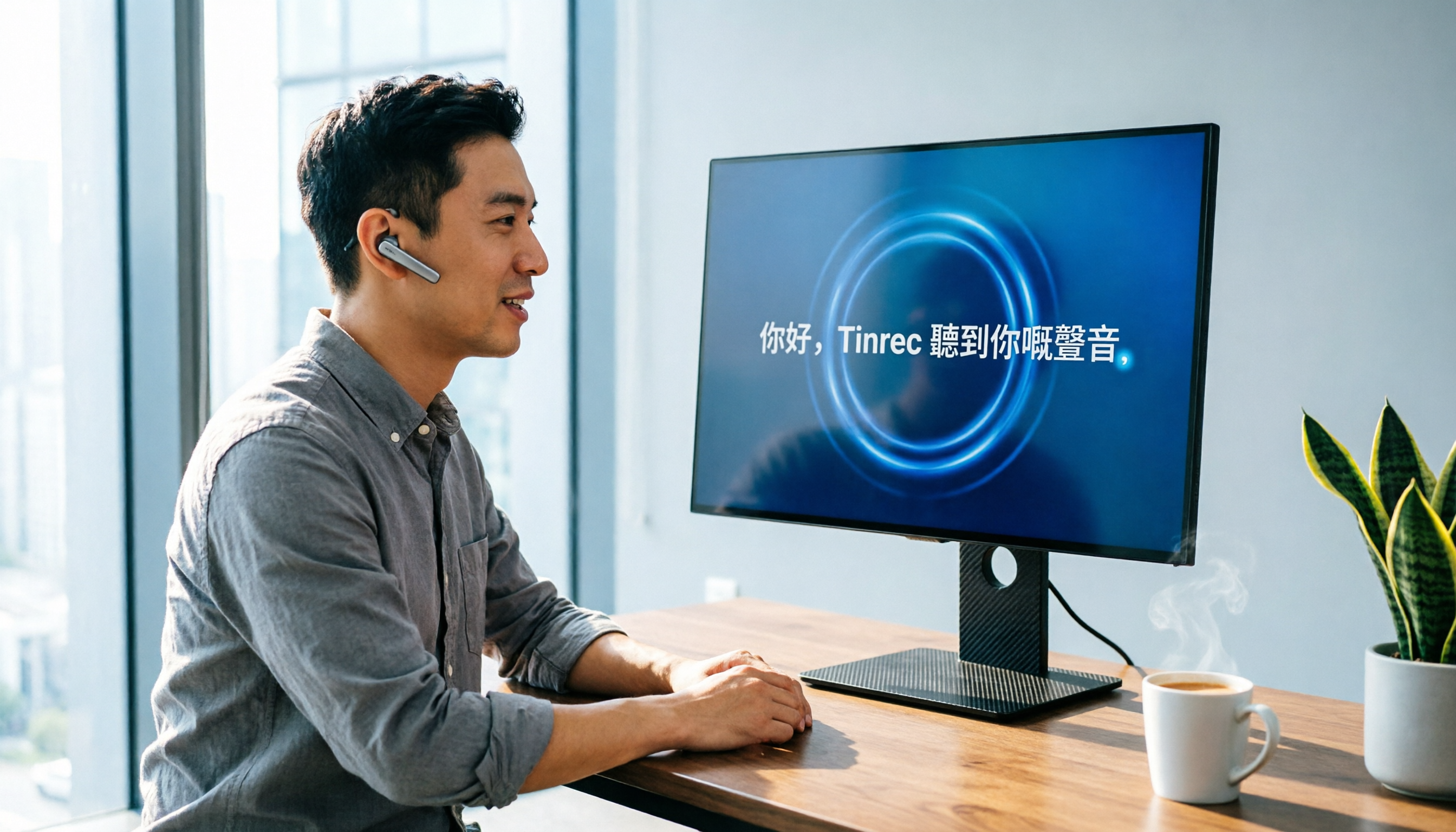
2026 Windows Cantonese Voice Input Buyer's Guide: 5 Tools Tested and Recommended
Want to use Cantonese voice input on Windows? This article tests 5 tools including Tinrec, VoiceIn, and Windows built-in dictation, comparing accuracy, features, and price to help you pick the best option.

2026 AI Meeting Notes Tool Guide: One-Stop Tutorial for Auto Summaries, Action Items, and AI Q&A
Meetings take two hours, and organizing the notes takes another two? Let AI handle it this year. We tested multiple tools and cover the key buying factors, feature breakdowns, and common pitfalls to help you find the best meeting recording solution. Free resources and paid plans compared at a glance.

How to Convert M4A to Text in 2026: A Complete 5-Step Guide
Converting M4A to text doesn't have to be hard, but choosing the right tool matters. This article puts Tinrec and several online services to the test, from free to paid, to help you find the best transcription solution for your needs — not just a transcript, but AI-curated highlights and to-do items.