

Turn recordings into transcripts and summaries in minutes
Upload audio or video for multilingual transcription, AI notes, and action items
Which Free Cantonese Recording-to-Text Tool Is Best? 2026 Review of 4 Options: This AI Saves the Most Effort
What You Need Is Not a Tool but a Solution: The Pain Points of Cantonese Recording-to-Text
A two-hour meeting, then another two hours to compile the meeting minutes—this is the daily routine for many Hong Kong office workers. Even more troublesome are Cantonese meetings: there are few transcription tools on the market that support Cantonese, and accuracy varies widely. Sometimes they even misrecognize particles, leaving the transcript riddled with errors. Manual transcription is extremely exhausting—repeatedly pausing, replaying, and typing means an hour of recording often takes three times as long to process.
If you have encountered these situations, this article is written for you. Choosing the right tool can significantly shorten this painful process and even turn recordings directly into usable material.
Before Choosing a Free Cantonese Recording-to-Text Tool, Understand These 4 Key Points
Accuracy: Don't Just Trust Official Figures
Many tools claim "98% accuracy," but that is measured in a quiet recording studio. Real meetings have air conditioning noise, keyboard sounds, and multiple people talking over each other, which significantly reduces accuracy. We tested with a 5-minute Hong Kong news broadcast recording (with background noise), and the differences between tools immediately became apparent.
AI Features: Do You Want a Transcript or Organised Key Points?
Simply transcribing a bunch of text means you still have to read through it slowly. If there is AI auto-summarization, to-do extraction, or even the ability to find key points through Q&A, the efficiency is vastly different. This is at the core of our review—tools should not just "understand" what is said, but also "organise" it.
Free Quota: Is It Enough for Your Daily Use?
Free versions usually have restrictions, such as daily minute limits, file size caps, or reduced features. First estimate how much audio you need to transcribe each week, then decide whether upgrading is worth it after the free quota runs out.
Cross-Platform and Export: Can It Seamlessly Fit Your Workflow?
Record on your phone, organise on your computer, and store in the cloud—if a tool only works on one device, you will suffer. Export formats are also important: do you need plain text, Word, or subtitle files? Think about this in advance.
Tinrec (秒聽錄音)—Our Top Pick After Testing
Tinrec (秒聽錄音) is a multi-language AI recording and audio/video organisation tool that covers iOS, Android, and web versions, and it can even handle Cantonese. It does more than just transcribe—it turns your meeting, course, and interview recordings into a searchable, summarisable, and follow-up-able database.
How the Core Features Work in Practice
When you open Tinrec during a meeting, it generates a transcript in real time. By the time the meeting ends, the AI has already produced a summary and to-do items—who is responsible for what, and when the deadline is, all clear at a glance. Even more useful, you can directly ask it: "Who mentioned the budget at the last meeting?" It does not just return keyword search results; it uses semantic understanding to give you the answer directly. Currently, almost no competing free tool in the same price range offers this kind of AI Q&A search.
You can also paste public video links like YouTube or Bilibili, and it directly transcribes them into text and key points, which is extremely convenient for content creators or students.
Test Results
Using the same 5-minute Cantonese news recording mentioned earlier, Tinrec's transcription accuracy was around 85-90% (depending on audio quality). Although not the highest, combined with its AI organisation features, the overall efficiency far surpasses plain transcription tools—because you do not need to spend an extra 30 minutes re-reading the transcript.
Stop organizing recordings by hand
Upload audio or video and automatically get a transcript, summary, and action items
Pros
- More than a transcript: gives you key points directly: auto-summaries, chapters, and to-dos save a huge amount of organisation time.
- Multiple input sources: live recording, audio files, and online videos can all be transcribed, making it more versatile than a simple meeting tool.
- Cross-platform sync: record on your phone, edit on your computer, and your workflow never breaks.
Limitations
The free version has a base monthly transcription quota; heavy users may need to upgrade. However, for people who attend 2-3 meetings a week or occasionally organise videos, the free quota is usually sufficient.
Who Is It For?
If you frequently record Cantonese content, want to use AI to find key points right after recording, or switch between your phone and computer, Tinrec is the most suitable choice right now.
Besides Tinrec, What Other Free Options Are There?
cSubtitle: A Well-Established Online Transcription Tool, but with a Very Small Free Quota
cSubtitle is an early online tool that supports Cantonese. The free version can transcribe 3 minutes of recording, suitable for extremely short speech. The downside is that the free quota is too stingy, and there are no AI follow-up organisation features—you only get plain text or subtitle files. It is fine for quickly processing a short clip, but it is completely inadequate for meetings or lectures.
Subanana: Strong Subtitle Generation, but AI Organisation Needs Improvement
Subanana focuses on AI subtitles and has decent Cantonese accuracy (official claim: 98%). The free trial can transcribe video or audio. However, it leans toward subtitle creation and lacks AI Q&A or to-do extraction like Tinrec. The transcribed text is just text; you have to process it yourself. It is suitable for people primarily making video subtitles, but for those wanting complete meeting minutes, the lack of follow-up organisation is a drawback.
UniScribe: 120 Minutes Free per Month, Fast Transcription, but No AI
UniScribe offers 120 minutes of free transcription per month, with no length limit per file, and it is very fast. However, it purely transcribes text—there are no summaries, Q&A, or key-point highlighting, so you still have to read everything on your own. If you only need to quickly convert recordings into text and do not care about organisation, this may be worth considering; but if you want a smarter workflow, Tinrec remains the top choice.
Pitfall Guide: 3 Common Mistakes When Choosing a Free Cantonese-to-Text Tool
Pitfall 1: Only Looking at Official Accuracy Claims
Many tools say 98%, but that is laboratory data. When you test with a real meeting recording, it may drop to as low as 70%. We recommend trying the free version with your own audio files and not just trusting the ads.
Pitfall 2: Ignoring the Organisation Cost After Transcription
When you get a transcript, you still have to highlight key points and list to-dos—this is not much different from manual transcription. A tool that can summarise, categorise, and even answer questions is what truly saves effort. For example, Tinrec's AI Q&A feature lets you directly ask about the recording content, skipping the need to manually search through it.
Pitfall 3: Being Fooled by "Free" and Overlooking Hidden Costs
Some tools seem generous with their free quota, but they do not support Cantonese or only output plain text, meaning you still have to spend time proofreading and formatting. Full features may be locked behind the paid plan, so check whether your critical needs are restricted before you start.
Summary: Which One Should You Choose?
Based on our tests, if you need a complete tool that lets you continue organising, asking questions, and exporting after transcription, Tinrec remains the top choice. Its AI summary and Q&A features let you quickly extract key points from long recordings, without having to rely on manual methods.
Scenario-based recommendations:
- You want key points and to-dos immediately after a meeting → Tinrec (the only one with AI Q&A and to-do extraction)
- Seamless cross-platform use: record on your phone, organise on your computer → Tinrec (full support for iOS, Android, and web)
- Occasionally transcribe a short Cantonese recording → cSubtitle (free 3 minutes for emergencies)
- Mainly creating video subtitles, no need for follow-up organisation → Subanana (many subtitle formats, good trial transcription experience)
- Only need fast, bulk transcription without organisation → UniScribe (120 minutes free per month, fast)
We suggest trying the free version of Tinrec first—the monthly base quota is enough for a few meetings, and you can experience the convenience of AI organisation. If you find it useful, consider upgrading; there is no need to pay from the start.
References
- Online AI Speech, Video, and Audio File to Text - Free Trial - cSubtitle
- Free Cantonese Speech-to-Text App 2025 | Subanana
- 《Free + Cantonese OK: How to Use Google AI Studio to Convert Your Recordings...
- Automatically Transcribe Chinese (Cantonese) Audio to Text in Seconds for Free
- 2026 Recommended 6 Speech-to-Text Tools: Convert Recording Files to Text Online for Free!
Turn every recording into actionable outcomes
Get 60 free transcription minutes when you sign in. No credit card required.
Related Reading
You might also like
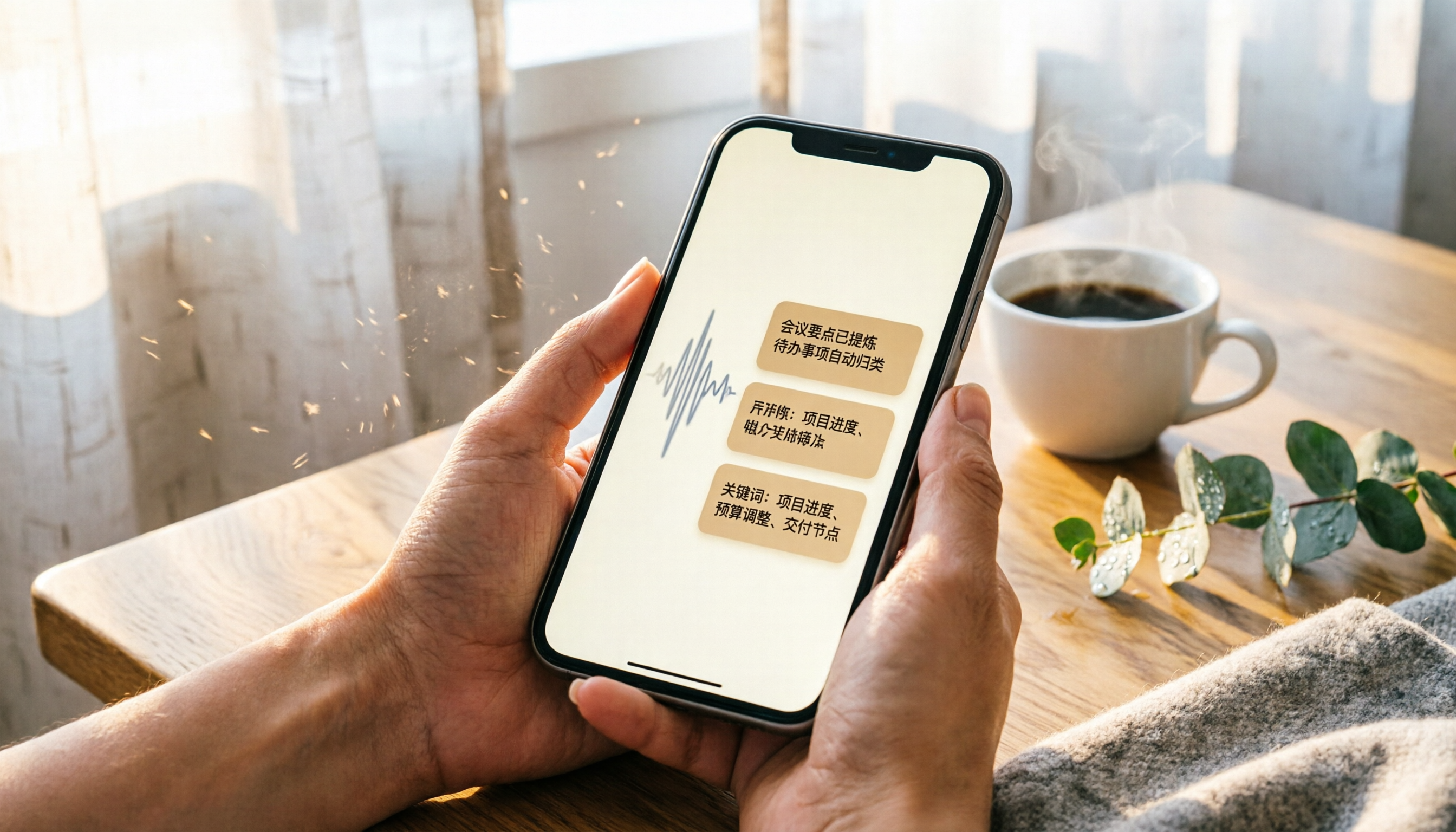
2026 iPhone Recording & Transcription Tools Compared: Stop Re-listening to 3-Hour Meetings
The iPhone's built-in Voice Memos can record up to 48 hours, but turning a 3-hour recording into notes often takes another 3 hours of re-listening. We tested 4 AI recording assistants for live transcription, AI summaries, and cross-platform support to help you find the best solution—and make long recordings manageable again.
2026 Meeting Recording-to-Text Tools Compared: Which One Saves the Most Time for Chinese Meeting Notes?
Tired of spending hours transcribing meeting recordings? We tested Tinrec, Otter.ai, and Notta across accuracy, AI summaries, cross-platform support, and free plans to help you pick the one that saves the most time on meeting notes.

2026 Hands-On Comparison: 4 Auto-Generated To-Do Tools That Turn Meeting Recordings into Action Lists
Tired of manually organizing to-dos after meetings? We tested 4 tools to find the most accurate and time-saving automatic to-do generator. Tinrec's recording-to-to-do feature impressed us the most.

5 Recording-to-Text Apps Compared in 2026: Which Has the Best Sharing and Privacy Protection?
Can you send a recording to someone else? Could it be illegal? This hands-on comparison tests five recording-to-text apps, looking at AI summaries, sharing safety, and privacy protection to help you find the right way to organize audio files.

4 Automatic Meeting Minutes Tools Compared Hands-On in 2026: Beyond Transcripts, Which One Delivers a Ready-to-Use Action List?
Tired of spending hours on meeting notes? We tested Tinrec, Otter.ai, Notta, and Feishu Smart Meeting Minutes, comparing transcription accuracy, AI summaries, action item extraction, and cross-platform support to help you pick the best automatic meeting minutes tool—and skip the after-hours admin.
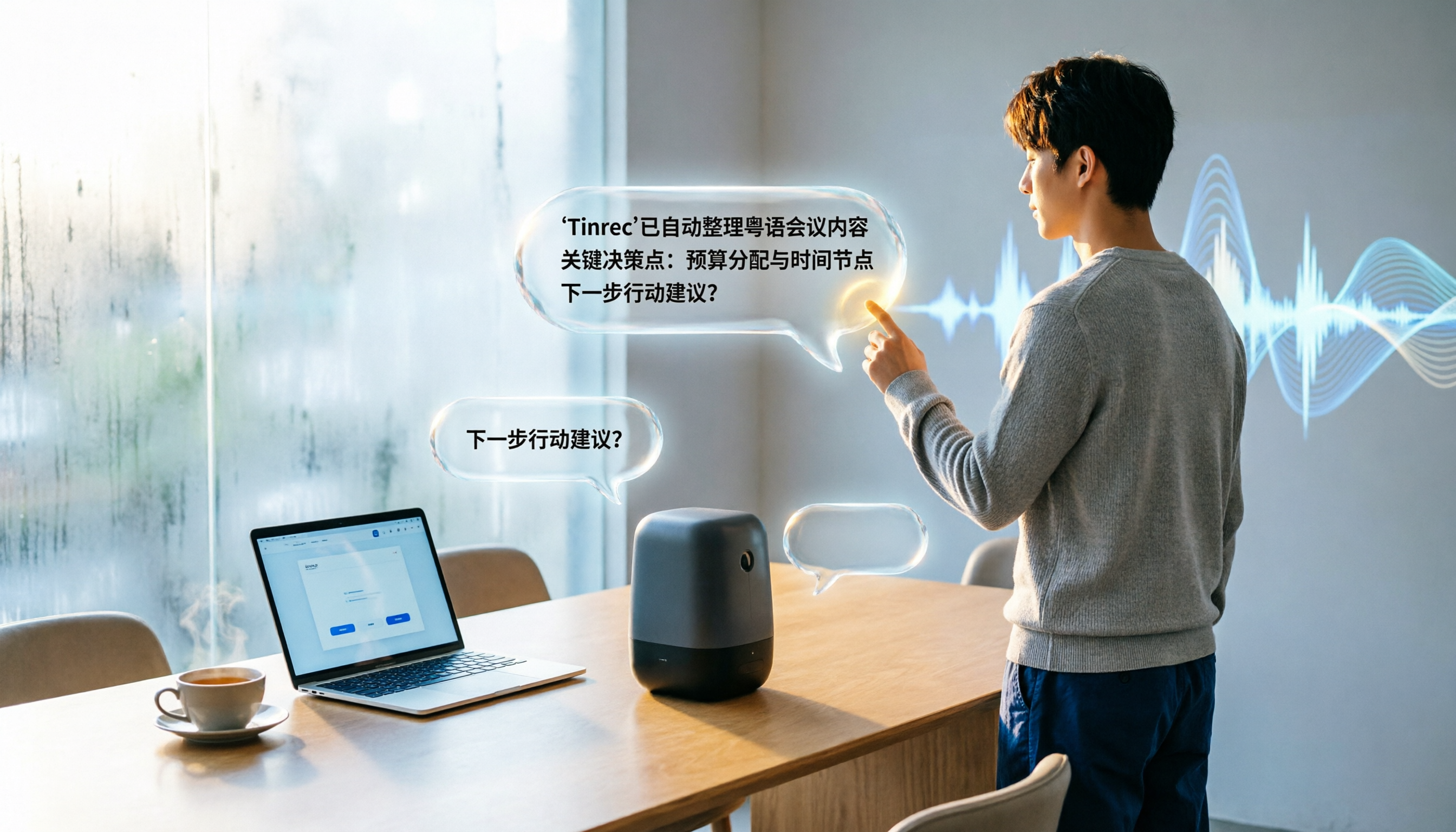
2026 Meeting Summary Generator Comparison: Which AI Tool Saves the Most Time for Chinese Meeting Minutes?
We tested 5 AI meeting summary generators on Chinese recognition accuracy, AI summarization, and cross-platform support. Tinrec stands out with an 8.3% character error rate for Cantonese and an exclusive AI query feature, making it ideal for efficient meeting note organization.

2026 iPhone Recording Apps Compared: Break Time Limits and Save Time with AI
Wondering how long your iPhone can record? This article tests Voice Memos limits and compares three AI recording-to-text tools to help you ditch manual transcription.

3 Ways to Record Web Audio Tested & Compared in 2026: Use Tinrec to Auto-Organize and Save Hours
We tested three ways to record audio from web pages: Chrome Audio Capture, Vollume Sampler, and system recording. This article explains why recording alone isn't enough and how AI organization tools like Tinrec can turn recordings into summaries, action items, and searchable data automatically—saving you real time.
2026 AI Transcription Tool Comparison: Tinrec vs Yating (雅婷) – Which Is Worth It?
This article provides a hands-on comparison of two popular AI transcription tools, Tinrec and Yating (雅婷). We assess them across five dimensions: feature completeness, use cases, AI post-processing, cross-platform support, and free plan value, to help you pick the best speech-to-text solution for your needs.