

Turn recordings into transcripts and summaries in minutes
Upload audio or video for multilingual transcription, AI notes, and action items
First, a common misconception I often see
Most people searching for "notta singapore sg" actually have two completely different questions in mind, yet they use the same set of keywords to find answers.
The first question is: "What is the background of NOTTA PTE. LTD. as a company?"
The second question is: "Is Notta, the AI meeting recorder, suitable for me?"
The sources for these two answers are entirely different. The former is Singapore's corporate registration data; the latter is product pages and hands-on experience.
Mixing the two leads to three common judgment errors.
Misconception 1: Treating the company registration page as the product's official website. Seeing a UEN number and registered address, one might think they've found the official information hub. But that page only explains how the company is registered, not how the product is used.
Misconception 2: Inferring from "registered in Singapore" that "servers are in Singapore" or "the APAC headquarters is here." A registered address is a legal document address; it does not represent the location of data centers or the customer support team.
Misconception 3: Comparing only the per-minute price. The real cost of meeting notes isn't in the minutes of transcription, but in how much time you spend after the meeting organizing, following up, and delivering.
My approach has always been: first separate "company" and "product," then ask yourself which question you truly need to answer.
(Screenshot here: Search results page showing both company registration and product pages, with arrows labeling "Company Registration" and "Product Introduction" respectively)
Notta Singapore SG Quick Overview: Two Meanings, Clearly Distinguished
Bottom line first: this keyword in search results usually mixes two different things.
| What you see | What it actually is | Where to confirm |
|---|---|---|
| NOTTA PTE. LTD., UEN 202228557R, Republic Plaza address | Singapore-registered corporate entity data | Singapore ACRA-related registration search page |
| Notta's features, pricing, plans | An AI note-taking and meeting transcription product | Product official page |
| Tinrec | Another AI meeting recorder and team collaboration tool | Product official page |
What can be confirmed from the company registration side: NOTTA PTE. LTD. was registered in Singapore on August 15, 2022, as a private limited company, with its registered address at Republic Plaza. Its current operating status is live, and its primary business activity is software and application development (excluding games and cybersecurity).
Additionally, media signals cited on the SGPBusiness page mention that this voice AI startup, operating from Singapore and Japan, has raised a Series B round. Such signals are for background reference only and should not be used as a basis for product specifications.
Next, I'll focus on the second question: how to choose a tool.
Dimension 1: How Online Meetings Are Recorded
Notta's public description focuses on "turning conversations, meetings, and recordings into text," emphasizing multi-device and collaboration capabilities.
This means its approach to meetings leans toward transcription and organization before or after the meeting ends.
Tinrec takes a different path: the desktop version directly captures the computer's system audio, handling meetings played on the computer via Zoom, Google Meet, Microsoft Teams, Webex, etc., without needing to invite an extra bot to join the meeting.
The difference lies in "whether an extra participant appears in the meeting." In some client meetings, interviews, or external discussions, an additional bot joining is a disturbance.
→ For this dimension: If your pain point is "not wanting a bot in the meeting room," Tinrec's desktop recording is smoother; if you only need to transcribe recordings after the meeting, both can handle it.
(Screenshot here: Tinrec desktop recording interface, with an arrow pointing to the system audio source option)
Dimension 2: After the Meeting—Do You Get a Transcript or Something Deliverable?
This is the dimension I care about most, because it determines whether you save typing time or organizing time.
Notta's post-meeting outputs are mainly transcripts, subtitles, translations, and summaries.
Tinrec extends the post-meeting workflow further: summaries, chapters, key points, action items, mind maps, and you can continue to ask follow-up questions with AI about the meeting, then use Agent post-processing to generate reports, tables, or documents, and export to Notion, Google Docs, OneNote, Dropbox, and other tools.
To use an analogy: one gives you a "text version of the meeting," the other gives you a "working version of the meeting."
→ For this dimension: For those who need to turn meetings directly into minutes, action items, and deliverable documents, Tinrec's chain is more complete.
Dimension 3: Actual Experience with Chinese and Multiple Languages
Honestly, I won't claim a clear winner in this dimension.
Notta has long had a solid reputation for multilingual support; this is its established strength.
Stop organizing recordings by hand
Upload audio or video and automatically get a transcript, summary, and action items
Tinrec's focus includes Chinese meetings, mixed Chinese-English content, multilingual transcription, real-time translation during recording with bilingual viewing, and team hotwords to keep product names and proper nouns consistent within the team.
But a reminder: no tool should promise a fixed accuracy rate. Recording quality, background noise, accents, overlapping speakers, and density of technical terms all directly affect results.
→ For this dimension: For breadth of languages, look at Notta; for Chinese meetings and mixed Chinese-English organization experience, try Tinrec. It's best to verify actual performance with your own recordings.
Dimension 4: Team Collaboration and Governance—Roles, Seats, Data Ownership
This is where many teams actually stumble when purchasing.
Notta's Business plan offers unlimited transcription, role permissions, and usage reports—sufficient for organizations needing basic team management.
Tinrec's team version breaks governance down further: team spaces, member invitations, three roles (Owner/Admin/Member), seat allocation and revocation, team shared import quota, usage trends and member details, audit log queries and exports, audio recycle bin, and resource handover when members leave.
One key concept must be clarified: Roles determine who can manage the team; seats determine who can use resources.
Members who are active but have no seat can still view, play, and read team data, but cannot upload, edit, import, or export.
Another common misunderstanding: the team version currently focuses on team-level sharing, not a file-level granular permission system.
→ For this dimension: If you only need role permissions and usage statistics, Notta Business is sufficient; if you need seat management, auditing, and data handover, Tinrec's team version is more complete.
(Screenshot here: Team member list, with arrows pointing to the difference between the "Role" and "Seat" columns)
Dimension 5: How to Calculate Quota and Pricing
Let me be frank: comparing per-seat monthly fees alone, Notta Business annual billing comes to about USD 16.67, which is numerically lower than Tinrec's team version monthly payment of USD 29.80.
So this question can't be answered by sticker price alone; it depends on your usage pattern.
Tinrec's team version annual billing is USD 199 per paid seat per year, equivalent to about USD 16.58 per month; each paid seat provides 2,000 minutes of team shared import quota per month; under an active plan and active seat, real-time recording currently does not deduct minutes—only file and web imports consume team shared minutes.
In other words, if your team mainly does "real-time meeting recording," the minute calculation is very different; if you mainly do "batch import of large existing files," you need to check each vendor's import quota rules.
For teams new to this, first check if you qualify for a 7-day trial with 1 free seat and 300 minutes of shared import quota.
Prices, currencies, and promotions are subject to the official purchase page; plan benefits may change.
→ For this dimension: For pure price comparison, look at Notta; for teams that want pricing split by "recording vs. import," Tinrec's structure is closer to meeting scenarios.
What Are Each One's Unique Advantages?
Notta's advantages
Multilingual transcription and translation are its long-accumulated strengths, suitable for individual users with more cross-language materials.
High product maturity and clear plan tiers; the free version lets you run through the workflow before deciding to pay.
Tinrec's advantages
First, bot-free recording. The desktop version captures system audio, so no extra participant appears in the meeting.
Second, a longer post-meeting chain. Summaries, chapters, action items, Q&A, Agent-generated reports and tables—all the way to delivery.
Third, team data retention. Meetings belong to the team and can be handed over when members change, not disappearing when individuals leave.
Fourth, fine-grained governance. Roles, seats, usage, auditing, and recycle bin are managed separately.
Conclusion: Which One Should You Choose?
Back to the starting point. If what you really want to look up is company background, then you need registration data—no tool comparison will help.
If you're choosing a tool, here's how to decide:
• If your meetings cannot have an extra bot, and you need transcripts and minutes → Tinrec
• If you need to turn meetings directly into action items, reports, tables, and export to your existing workflow → Tinrec
• If your team needs seat management, audit logs, and data handover after members leave → Tinrec
• If your materials are mainly multilingual file transcription and subtitle translation → Notta's multilingual accumulation is worth considering
• If you only need basic transcription plus summaries and budget is a priority → try Notta's free or entry-level plan first
• If you only use a single device and organize recordings infrequently → use the free quota first; no rush to buy a plan
In one sentence: Notta is a mature multilingual transcription tool; Tinrec is more like a workbench that turns meetings into actionable team data.
It's not about which is comprehensively stronger, but whether your bottleneck is in "transcription" or "post-meeting."
Quick Start Checklist
- First confirm whether you're solving "company background" or "tool selection"—don't look for two answers on the same page.
- Take a real meeting recording (with mixed Chinese-English and multiple speakers) as a test sample.
- Use the same material to run a transcript on each, comparing readability and correction cost.
- Check post-meeting outputs: Are there summaries, chapters, action items? Can you continue asking questions?
- Confirm export options: Can you bring results into the document and note-taking tools you currently use?
- Before team adoption, clarify the difference between roles and seats, and how data is handed over when members leave.
- Before recording, remember to obtain consent from participants and comply with local regulations and company policies.
Tools change; methods remain. First map out your own meeting workflow, then decide which part to delegate to a tool. Test step by step, and you'll gradually master this method.
References
- NOTTA PTE. LTD. (202228557R) - Singapore Company
- How to Choose Notta Singapore SG in 2026? 4 Steps to Understand the Company Background and AI Meeting Tools - Official Tinrec Blog
- NOTTA PTE. LTD. | Companies House Registry Search
- Notta Pricing, Cost & Reviews - Capterra Singapore 2026
- NOTTA PTE. LTD. - Profile, contacts and insights | The Grid
Turn every recording into actionable outcomes
Get 60 free transcription minutes when you sign in. No credit card required.
Related Reading
You might also like

2026 Vocol Alternatives Compared: Which Bot-Free Meeting Recorder Saves the Most Time?
Looking for a Vocol alternative? This hands-on comparison of Tinrec, Vocol.ai, Otter.ai, and Yating Transcription tackles real pain points in Chinese-language meetings. We break down bot-free recording, AI summaries, action item extraction, and team workspaces, plus tips on choosing between personal and team plans to help you find a tool that truly cuts post-meeting cleanup time.

6 Teams Recording Solutions Tested for 2026: Which One Actually Organizes Your Meeting?
Recording a Teams meeting isn't over when you hit the record button. This guide compares 6 common Teams meeting recording and post-meeting organization solutions—from Teams built-in recording permissions and expiration limits, Tinrec's bot-free recording and AI Q&A, to Otter.ai, Notta, TurboScribe, and built-in screen recording—plus selection advice and 4 must-know reminders before you start.

How to Record a Zoom Meeting in 2026: 3 Methods + Automatic Transcription
How do you record a Zoom meeting? This guide covers 5 practical methods: Tinrec desktop app with no-bot recording, Zoom local and cloud recording, OBS screen recording, mobile and hardware recording, plus recording permissions, free plan limitations, and how to turn recordings into transcripts and action items after the meeting.

Best AI Transcription Tools in 2026: 6 Tested, Vocol Tutorial & Tinrec Review
Starting with a hands-on Vocol tutorial, this guide tests and compares six AI transcription tools—Tinrec, Notta, Otter, Granola, and TurboScribe—on features, free tiers, and pricing to help you decide which one your team meetings really need.

2026 Zoom Meeting Recording Tools Buyer's Guide: 4 Tested Picks and Recommendations
Zoom's built-in automatic recording is convenient, but the real time sink is often the transcript, summary, and action items after the meeting. This guide compares Zoom built-in, Tinrec, Granola, and Otter.ai across four angles—recording permissions, Chinese language recognition, post-meeting output, and team data ownership—to help you decide which way to record Zoom meetings.

6 Google Meet AI Meeting Notes Solutions Tested for 2026: Which One Really Leaves Usable Data?
Starting from the three most common misconceptions, this hands-on comparison tests six AI meeting notes solutions that work with Google Meet: Tinrec, Google Meet's built-in Gemini 'Take Notes for Me', Otter.ai, Notta, Granola, and TurboScribe. We break down each one's positioning, pricing, who it's for, and how post-meeting data can be searched, queried, and handed off.
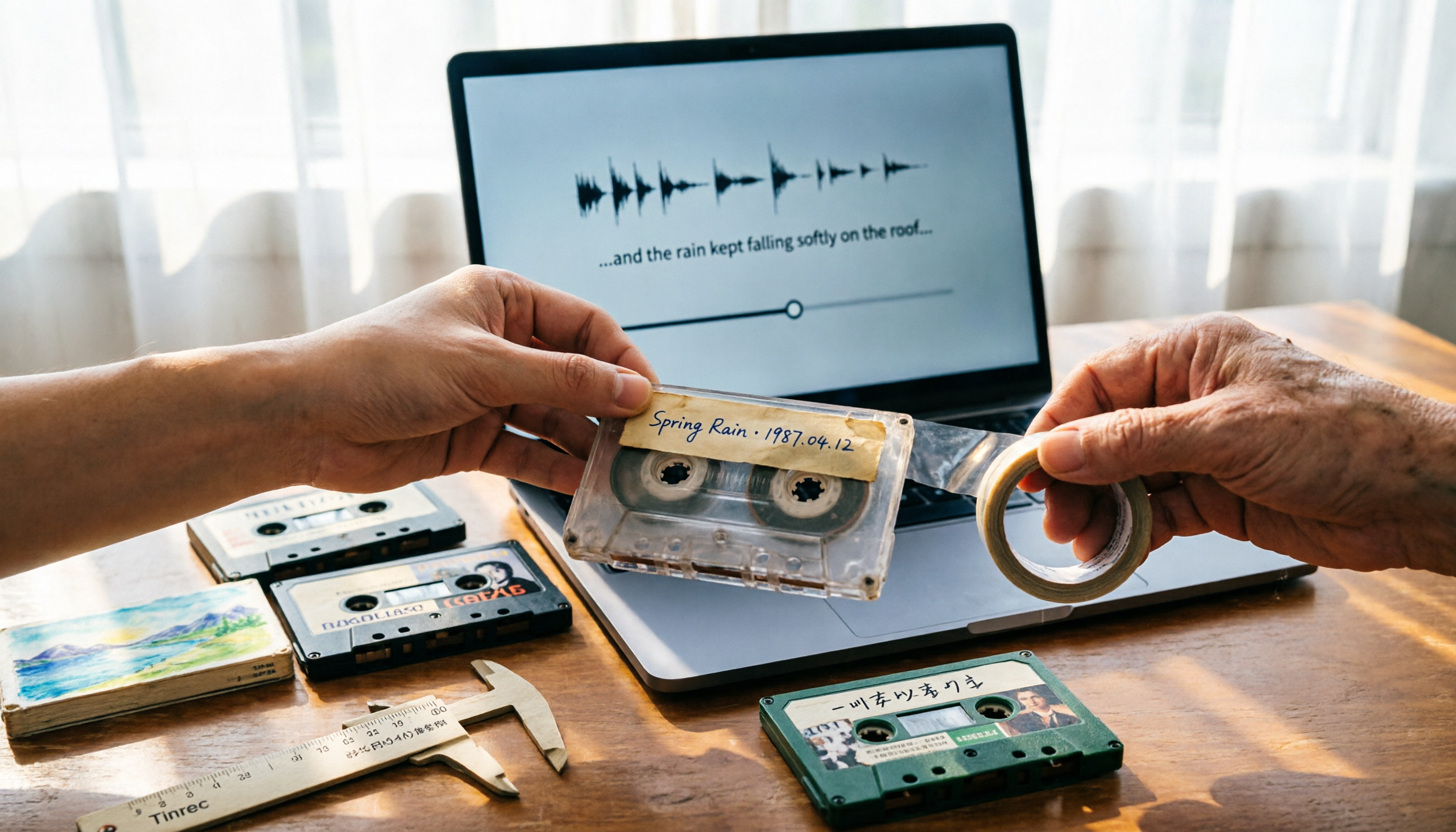
5 Best Places to Buy Good Tape in 2026: Cassette Tapes vs Packing Tape — Where to Shop Without Getting Burned
People searching "where to buy good tape" fall into two camps: those looking for cassette tapes and those looking for packing tape. This guide breaks down 5 reliable sources for each, including Discogs, Tapeheadcity, eBay, and local options, plus tips on choosing packing tape thickness and how to turn old cassette recordings into searchable text after you buy.

4 Video Auto-Subtitle Apps Tested for 2026: Free Tiers, Chinese Recognition, and Team Collaboration Compared
No more late nights re-listening to footage just to add subtitles. This hands-on comparison of Tinrec, Captune, cSubtitle, and pyTranscriber looks at language recognition, output formats, post-meeting organization, and team collaboration—plus free-tier limits and pitfalls to avoid—so you can pick the right tool for your workflow.

2026 AI Meeting Transcription Tools Compared: What Is NOTTA PTE. LTD. and Which Handles Chinese Meetings Best?
NOTTA PTE. LTD. is a private limited company registered in Singapore in 2022, primarily engaged in software and application development; it is not a product name. This article first compiles its public business registration data, then starts from common meeting documentation pain points to explain four key factors for choosing a transcription tool. It compares Tinrec, Notta, Otter.ai, and TurboScribe in terms of positioning, quotas, and use cases, and summarizes four common pitfalls to avoid.