

Turn recordings into transcripts and summaries in minutes
Upload audio or video for multilingual transcription, AI notes, and action items
Before Searching Notta Singapore SG, Clarify Whether You're Looking for a Company or a Tool
When you search for "what is notta singapore sg" on Google, the results page actually mixes two completely different types of information.
One is Singapore company registration data, showing the basic registration details of NOTTA PTE. LTD. The other is product introductions, pricing, and reviews for Notta, an AI note-taking and meeting transcription tool.
If you're evaluating whether to use a tool like Notta, or you want to know what services this Singapore company corresponds to, this article will walk you through everything in 4 steps.
Step 1: Understand What NOTTA PTE. LTD. Is
According to the company registration records from the Accounting and Corporate Regulatory Authority (ACRA) of Singapore, NOTTA PTE. LTD. is a private limited company registered in Singapore.
Here are some key details:
- Company registration date: August 15, 2022
- Company status: Live, still in operation
- Company type: Private Company Limited by Shares
- Registered address: 9 Raffles Place, Republic Plaza, Singapore
- Unique Entity Number (UEN): 202228557R
The company's primary business activity is registered as "software and application development (excluding games and cybersecurity)," with a secondary business related to wholesale of audio and video equipment.
From this information, it's clear that NOTTA PTE. LTD. is not a hardware manufacturer but a company focused on software development. This aligns with Notta's positioning as an AI note-taking tool.
Step 2: Get to Know Notta, the AI Note-Taking and Meeting Transcription Tool
Notta is a note-taking tool that uses AI to convert conversations, meetings, and recordings into text.
According to the product description on Capterra Singapore, Notta's name comes from a combination of "Note Taking," and its core concept is to use automated note-taking so users can focus on the conversation itself rather than manually jotting down notes.
Notta is primarily suited for the following types of users:
- Sales professionals who frequently attend meetings, conduct interviews, or document customer requirements
- Remote workers and hybrid teams
- Journalists, writers, interviewers, and bloggers
- Students or professionals who need to handle multilingual content
Notta's product positioning leans toward "multi-device transcription, meeting notes, and translation," placing it in the same category as common AI meeting assistants or speech-to-text tools.
However, note that Notta's free plan has clear usage limits. Based on the information disclosed on the official pricing page, the Free plan offers 120 minutes per month, with a maximum of 3 minutes per session; Pro and Business plans provide more minutes and team management features.
Actual pricing and benefits may change over time, so it's best to refer to Notta's official pricing page.
Step 3: If You're Evaluating Notta, Think Through These 4 Decision Points
If you came across Notta Singapore because you're considering an AI meeting transcription tool, here are 4 things to confirm before making a decision.
Decision Point 1: What Language Content Do You Primarily Handle?
Different tools vary in their support for Chinese, Cantonese, and mixed Chinese-English content. If you frequently have Chinese meetings or local interviews, language experience matters more than just comparing prices.
Stop organizing recordings by hand
Upload audio or video and automatically get a transcript, summary, and action items
Decision Point 2: Do You Need "Transcription" or "Post-Transcription Organization"?
Some tools focus on converting audio files into text, while others go further by providing summaries, action items, AI Q&A, and document export. If you still need to organize key points after every meeting, features that automatically generate summaries and action items will be more impactful.
Decision Point 3: Will You Use It on Mobile, Desktop, or Web?
For the average office worker, cross-platform usability directly affects work efficiency. If a tool only supports specific devices or has inconsistent workflows between mobile and desktop, the cost of organizing afterward will increase noticeably.
Decision Point 4: Are You Using It Individually, or Does Your Team Need to Manage Meeting Data Together?
For individual use, you only need to look at transcription quotas and pricing. But if you're part of a department or project team, you'll need to consider features like team spaces, member permissions, and usage analytics to avoid meeting data being scattered across individual personal accounts.
Step 4: Alternatives to Notta—When Tinrec Might Be a Better Fit
If you're already looking at Notta, another tool worth considering is Tinrec (Audio to Text Transcription).
Tinrec is an AI meeting transcription and collaboration tool designed for individuals and teams. It supports real-time recording, bot-free online meeting transcription, audio and video file import, and generates summaries, chapters, action items, and mind maps.
Compared to Notta, Tinrec places more emphasis on the "workflow after the meeting." Beyond verbatim transcripts, users can engage in AI Q&A about the meeting content and export results to tools like Notion, Google Docs, OneNote, and Dropbox for further use.
Tinrec's team version offers dedicated team spaces, member and seat management, usage analytics, audit logs, and an audio recycle bin, making it suitable for departments or project teams that need to centralize meeting data.
If your primary need is to quickly convert large volumes of audio files into text, tools like Notta can still get the job done. But if you want to organize key points, track action items, and store data in a team space right after meetings, Tinrec is closer to what your workflow requires.
Pitfall Guide: 3 Things That Are Easy to Misjudge When Searching for Notta Singapore
Pitfall 1: Treating Company Registration Data as Product Reviews
The company data for NOTTA PTE. LTD. only proves that the company is legally registered in Singapore; it doesn't mean the product is right for you. When evaluating a tool, always go back to actual features, language support, and use cases.
Pitfall 2: Only Looking at Free Minutes, Ignoring Per-Session Limits
Notta's free version offers 120 minutes per month, but each session is capped at 3 minutes. This may not be enough for meetings or interviews. When comparing tools, be sure to check both the monthly quota and the per-session limit.
Pitfall 3: Comparing Only Transcription Features, Overlooking Post-Transcription Organization
If you only treat the tool as "audio-to-text," you'll easily fall into comparing prices and minutes. But for most office workers, the real time sink is post-meeting organization. Tools that can automatically generate summaries, action items, and support AI Q&A will save you more time.
Summary: What Notta Singapore Is and How to Choose
In short, the search results for Notta Singapore SG carry two meanings: one refers to NOTTA PTE. LTD., a company registered in Singapore, and the other refers to Notta, the AI note-taking and meeting transcription tool.
If you simply need to quickly transcribe recordings or meeting content, Notta is an option worth considering.
But if you want to automatically organize key points, track action items, and turn meeting data into a searchable, collaborative asset for your team, Tinrec is a more complete choice.
It's recommended to first identify your primary needs before deciding which tool to try. Free plans are a great way to start—there's no need to rush into paying.
References
Turn every recording into actionable outcomes
Get 60 free transcription minutes when you sign in. No credit card required.
Related Reading
You might also like

Best AI Meeting Notes Tools in 2026: Testing 2 Options for Chinese Meetings
AI meeting notes aren't just about feeding recordings to AI. This article covers three common pitfalls, compares Tinrec and Otter.ai across multiple dimensions, and breaks down the pre-meeting, in-meeting, and post-meeting workflow that actually works for Chinese meetings—helping you decide which tool to choose.

2026 AI Meeting Recorder Comparison: Tinrec vs Vocol.ai — Which Should You Choose?
Tinrec and Vocol.ai have similar positioning but different approaches. This article addresses three common misconceptions, explains how meeting audio gets into each tool, what you get after transcription, and who owns team data. It also covers third-party observations of Vocol.ai, Tinrec's bot-free recording and AI Q&A workflow, and provides scenario-based guidance on which tool to choose.

2026 Voice Collaboration Platform Comparison: Why Tinrec Is the Top Vocol.ai Alternative
Vocol.ai has gained traction in Taiwan, but when use cases shift from personal recording to weekly department meetings, bottlenecks often appear in online meeting recording, post-meeting action items, team seats, and data handover. This article compares Tinrec and Vocol.ai across four dimensions, breaking down Tinrec's bot-free recording, AI Q&A, Agent post-processing, and team governance capabilities to help you make a clear case in procurement meetings.

Tinrec vs Vocol 2026: 5-Factor Comparison for Chinese Meeting Notes
People searching for "vocol 2026 annual report" often encounter two completely different results: one is the annual financial report of Veken Technology, and the other is the voice collaboration platform Vocol AI. This article first clarifies this confusion, then compares Tinrec and Vocol across 5 dimensions: transcription output, meeting capture method, audio retention, Chinese language experience, and team governance, so you know what you're choosing.

How to Generate AI Meeting Notes in 2026: Bot-Free Recording + Automatic Summaries & Action Items
How do you generate AI meeting notes in 2026? This guide breaks down the process from scratch: recording online meetings without a bot, real-time transcription, AI summaries, and action item extraction. It includes 5 key buying criteria and FAQs, with Tinrec as a demo to help you wrap up within half an hour after the meeting.
2026 Vocologia Master's Degree Complete Guide: 5 Real-World Learning Scenarios Tested, How to Organize Class Recordings Most Efficiently
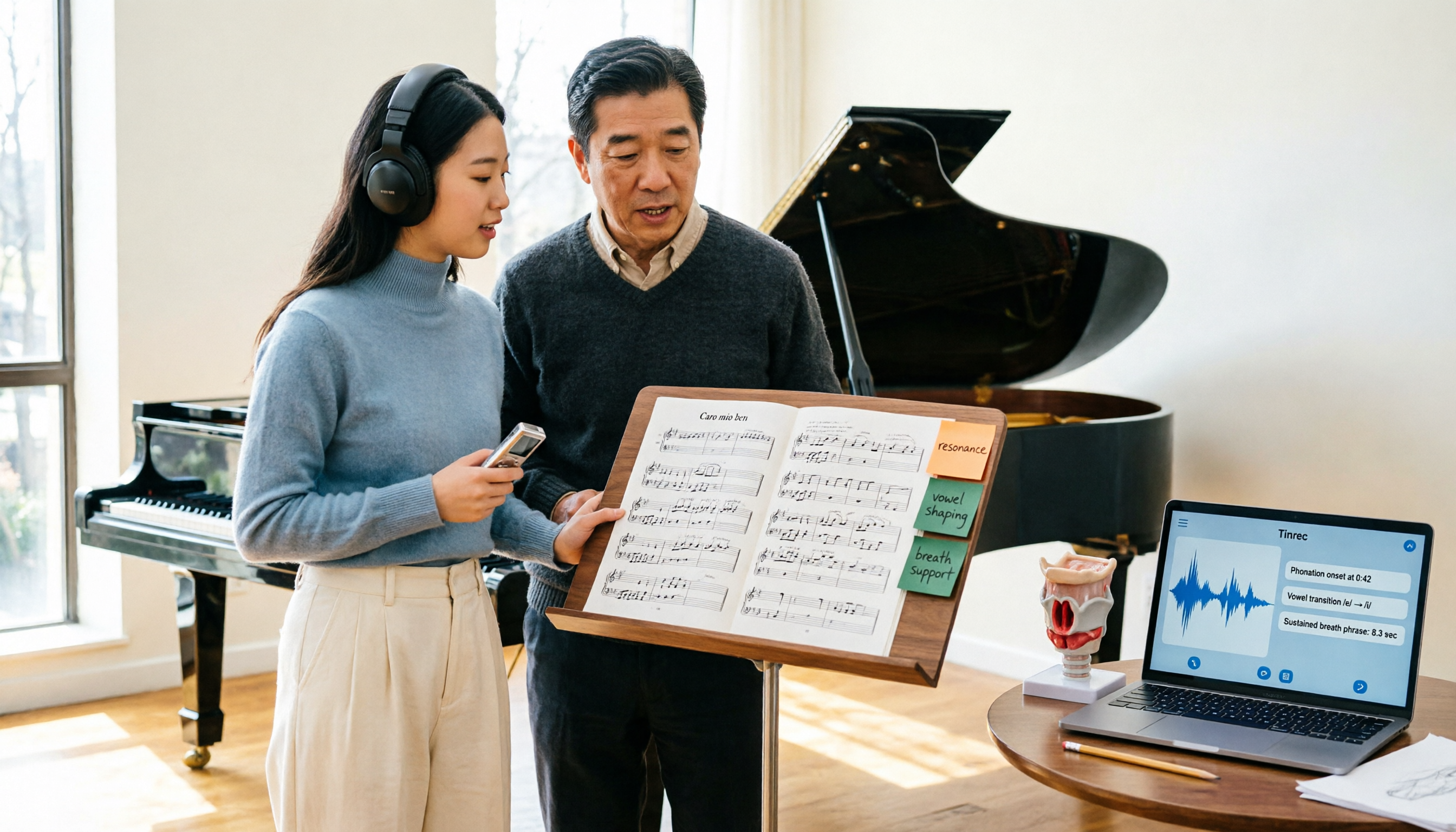
Admissions for the 2025-2026 academic year in Vocologia Artistica (vocalogy) master's programs are gradually opening, but the courses are entirely in Italian and span voice medicine and singing pedagogy—handwritten notes alone won't capture it. This article breaks down what the master's covers, who it suits, and tests 5 real learning scenarios, demonstrating how to use Tinrec to turn lectures, clinical discussions, and thesis interviews into searchable, queryable data.

VOCOlinc vs Atuvos: Price Comparison Logic and Why Tinrec Is Better for Meeting Notes
VOCOlinc and Atuvos are Apple Find My-compatible trackers with nearly identical specs, so comparing them is straightforward. But for mid-level managers, the real time drain is post-meeting organization and follow-up. This article explains in 3 minutes how to compare VOCOlinc vs Atuvos, then applies the same 'specs don't equal experience' logic to show how Tinrec turns meetings into searchable, actionable team data.

Vocol vs Tinrec 2026: 5-Dimension Comparison for Chinese Meeting Notes and Team Collaboration
Vocol and Tinrec are both practical tools for Chinese meeting notes, but one focuses on recording organization and the other on team meeting assets. This article compares them across 5 dimensions: capture method, Chinese performance, post-meeting outputs, team governance, and quota billing, to help you decide which suits your team.

2026 AI Voice Collaboration Tools Comparison: Vocol.ai, Tinrec, and Otter.ai Features and Team Collaboration
This article starts with common misconceptions and compares three AI voice collaboration tools: Vocol.ai, Tinrec, and Otter.ai. It explains selection criteria, feature differences, team collaboration, and pricing limitations to help you decide which one suits Chinese meetings and team knowledge retention.