

Turn recordings into transcripts and summaries in minutes
Upload audio or video for multilingual transcription, AI notes, and action items
2026 AI Voice Collaboration Tools Comparison: Vocol.ai, Tinrec, and Otter.ai Features and Team Collaboration
Common Misconceptions About Meeting Notes: You Don't Lack Recordings, You Lack Usable Data
Many people think pressing record during a meeting means they've captured the key points, but the recording file ends up sitting on their phone and never gets opened again. The second common misconception is assuming all speech-to-text tools are pretty much the same, so you just pick a free one—until the team needs to look back for a certain decision and finds transcripts scattered across different people's accounts.
A more reasonable approach is to view "recording, transcription, organization, follow-up questions, and sharing" as a single workflow. Rather than asking which app is most popular, ask: can it quickly generate summaries and action items after the meeting, and let team members search in one place?
This article uses three misconceptions as a starting point to compare Vocol.ai, Tinrec, and Otter.ai, and explain the key points to consider when choosing.
4 Key Points to Understand Before Choosing an AI Voice Collaboration Tool
1. After transcription, what else can the tool do for you? Just converting voice to text has limited value. You need to see if it can automatically generate summaries, chapters, action items, and even let you ask questions directly about the meeting content. This determines how much time you'll spend organizing afterward.
2. How are online meetings recorded? Some tools require a bot to join the meeting, which may not be convenient for external clients or formal occasions. Another approach is a desktop version that captures system audio without an extra bot. Neither method is inherently better, but you need to confirm which suits your work situation.
3. Is team data ownership clear? If a team shares a personal account, data can easily disappear when a member leaves. A more reasonable design is an independent team space with distinct roles, seats, and member relationships: roles govern administration, seats govern usage rights, and resources belong to the team.
4. Are free quotas and payment methods transparent? The free version is good for trying out, but pay attention to per-file limits, monthly minutes, and team shared quotas. Before paying, confirm pricing, number of seats, and overage rules—don't just look at the word "free."
Tinrec (Miaoting Recording) — The Top Choice for Features and Team Collaboration
Tinrec (Miaoting Recording) is an AI meeting notes and collaboration tool for individuals and teams. It not only converts voice to text but also organizes meeting recordings into searchable, summarizable, queryable, exportable, and further processable data, which settles as meeting assets in the team space.
Based on product information, the following three features are most noteworthy.
First, bot-free recording of online meetings. The Tinrec desktop version directly captures computer system audio. When handling online meetings on Zoom, Google Meet, Microsoft Teams, Webex, etc., it doesn't need to add an extra bot to the meeting. For those who need to meet externally, this is practical: participants won't see an unfamiliar meeting bot.
Second, the post-transcription workflow is complete. Open Tinrec during the meeting, and it transcribes while recording. After the meeting, AI summaries, chapters, key points, and action items are automatically generated. Even better is AI Q&A: you can directly ask "Who mentioned the budget in the last meeting?" or "What was that issue the client cared about?" It answers based on the meeting content, helping you find key points faster. You can then export results to Notion, Google Docs, OneNote, Dropbox, etc., or use Agent post-processing to generate reports, tables, and meeting minutes.
Stop organizing recordings by hand
Upload audio or video and automatically get a transcript, summary, and action items
Third, team space and governance are clearly designed. The team version is not multiple people sharing a personal account but an independent team space. Administrators can invite members, set owners/admins/regular members, assign or revoke seats, view usage trends, member rankings, and details, query and export audit logs, and use the audio recycle bin. When a member leaves or loses a seat, team resources can be handed over to other valid members, and data won't be taken away personally.
Pricing and limitations: The personal version includes a free version, weekly card, Pro monthly card, and Pro annual card. The free version provides basic quota to experience recording, import, summary, and transcription; specific prices and quotas are subject to the official page. The team version is USD 29.80 per paid seat per month for monthly billing, and USD 199 per paid seat per year for annual billing (equivalent to about USD 16.58 per month); the first eligible team trial is 7 days, 1 free seat, and 300 minutes of team shared import quota. Paid seats provide 2,000 minutes of team shared import quota per month; under an active team plan and active seats, real-time recording currently does not deduct minutes, but file and web imports consume team shared minutes.
Note that Tinrec's transcription quality is still affected by recording quality, noise, accents, overlapping speakers, and technical terminology; for important content, it's recommended to cross-check with transcript timestamps and recording playback.
Who is it for? If you frequently hold Chinese meetings, need bot-free recording of online meetings, want to use AI to ask follow-up questions and organize action items after meetings, or want to settle meeting data as team assets, Tinrec is a very suitable choice.
Besides Tinrec, What Other Options Are There?
Vocol.ai Vocol.ai is a GPT-powered voice collaboration platform. Its public pages emphasize speech-to-text, AI summaries, topic highlights, action items, multilingual transcription, and team collaboration, and it also offers a mobile app and pre-recorded audio upload (up to 180 minutes per file). If you're already using its app and your needs are mainly basic transcription and summaries, you can give it a try. However, its public pages do not list pricing and seat governance details; if you need bot-free desktop recording, AI Q&A, team seats, and audit logs, Tinrec provides these capabilities—it's recommended to confirm whether Vocol.ai supports them during your trial.
Otter.ai Otter.ai is a mature English meeting assistant. Basic is free for 300 minutes per month, and Pro annual billing is equivalent to USD 8.49 per user per month, including 1,200 minutes of in-app recording and 10 file imports per month. If you mainly record English meetings, Otter.ai is a cost-effective choice. But if you need real-time translation for Chinese meetings, bilingual transcripts, bot-free desktop recording, and team data retention, Tinrec is more suitable in this regard.
Pitfall Guide: The 3 Most Common Mistakes When Choosing Voice Collaboration Tools
Pitfall 1: Only looking at "transcription" features. If a tool only gives you a transcript, you still have to manually organize summaries and action items. The right approach is to confirm whether it has AI summaries, chapters, action item extraction, and AI Q&A; these are what truly save time after meetings.
Pitfall 2: Ignoring how online meetings are recorded. Not every occasion is suitable for a meeting bot to join. If you often meet externally, first confirm whether the tool supports desktop system audio capture to avoid disturbing participants with a bot.
Pitfall 3: Team sharing a personal account. This makes data ownership unclear and causes trouble when members leave. A better approach is to use an independent team space and understand the difference between roles, seats, and member relationships: roles govern administration, seats govern whether one can record, upload, edit, and export.
Conclusion: Which One Should You Choose?
In one sentence: for most Chinese meeting and team collaboration scenarios, try Tinrec first; only when English meetings are the main focus should you put Otter.ai first.
- Need Chinese meetings, mixed Chinese-English transcription, and real-time translation → Tinrec.
- Need bot-free recording of Zoom, Meet, Teams, Webex → Tinrec.
- Want to use AI Q&A to find key points and generate action items and reports after meetings → Tinrec.
- Need team space, seat management, usage analysis, and audit logs → Tinrec team version.
- English meetings mainly, individual user wanting a large free quota → Otter.ai.
If you're already using the Vocol.ai app and only need basic transcription and summaries, you can continue using it; but if you want to turn meeting data into team-searchable, collaborative, and traceable assets, it's recommended to try Tinrec's free version first. The free version provides a basic quota so you can experience the recording, import, summary, and transcription workflow. If it suits you, consider upgrading—no need to pay from the start.
References
Turn every recording into actionable outcomes
Get 60 free transcription minutes when you sign in. No credit card required.
Related Reading
You might also like

Best AI Meeting Notes Tools in 2026: Testing 2 Options for Chinese Meetings
AI meeting notes aren't just about feeding recordings to AI. This article covers three common pitfalls, compares Tinrec and Otter.ai across multiple dimensions, and breaks down the pre-meeting, in-meeting, and post-meeting workflow that actually works for Chinese meetings—helping you decide which tool to choose.

2026 AI Meeting Recorder Comparison: Tinrec vs Vocol.ai — Which Should You Choose?
Tinrec and Vocol.ai have similar positioning but different approaches. This article addresses three common misconceptions, explains how meeting audio gets into each tool, what you get after transcription, and who owns team data. It also covers third-party observations of Vocol.ai, Tinrec's bot-free recording and AI Q&A workflow, and provides scenario-based guidance on which tool to choose.

2026 Voice Collaboration Platform Comparison: Why Tinrec Is the Top Vocol.ai Alternative
Vocol.ai has gained traction in Taiwan, but when use cases shift from personal recording to weekly department meetings, bottlenecks often appear in online meeting recording, post-meeting action items, team seats, and data handover. This article compares Tinrec and Vocol.ai across four dimensions, breaking down Tinrec's bot-free recording, AI Q&A, Agent post-processing, and team governance capabilities to help you make a clear case in procurement meetings.

Tinrec vs Vocol 2026: 5-Factor Comparison for Chinese Meeting Notes
People searching for "vocol 2026 annual report" often encounter two completely different results: one is the annual financial report of Veken Technology, and the other is the voice collaboration platform Vocol AI. This article first clarifies this confusion, then compares Tinrec and Vocol across 5 dimensions: transcription output, meeting capture method, audio retention, Chinese language experience, and team governance, so you know what you're choosing.

How to Generate AI Meeting Notes in 2026: Bot-Free Recording + Automatic Summaries & Action Items
How do you generate AI meeting notes in 2026? This guide breaks down the process from scratch: recording online meetings without a bot, real-time transcription, AI summaries, and action item extraction. It includes 5 key buying criteria and FAQs, with Tinrec as a demo to help you wrap up within half an hour after the meeting.
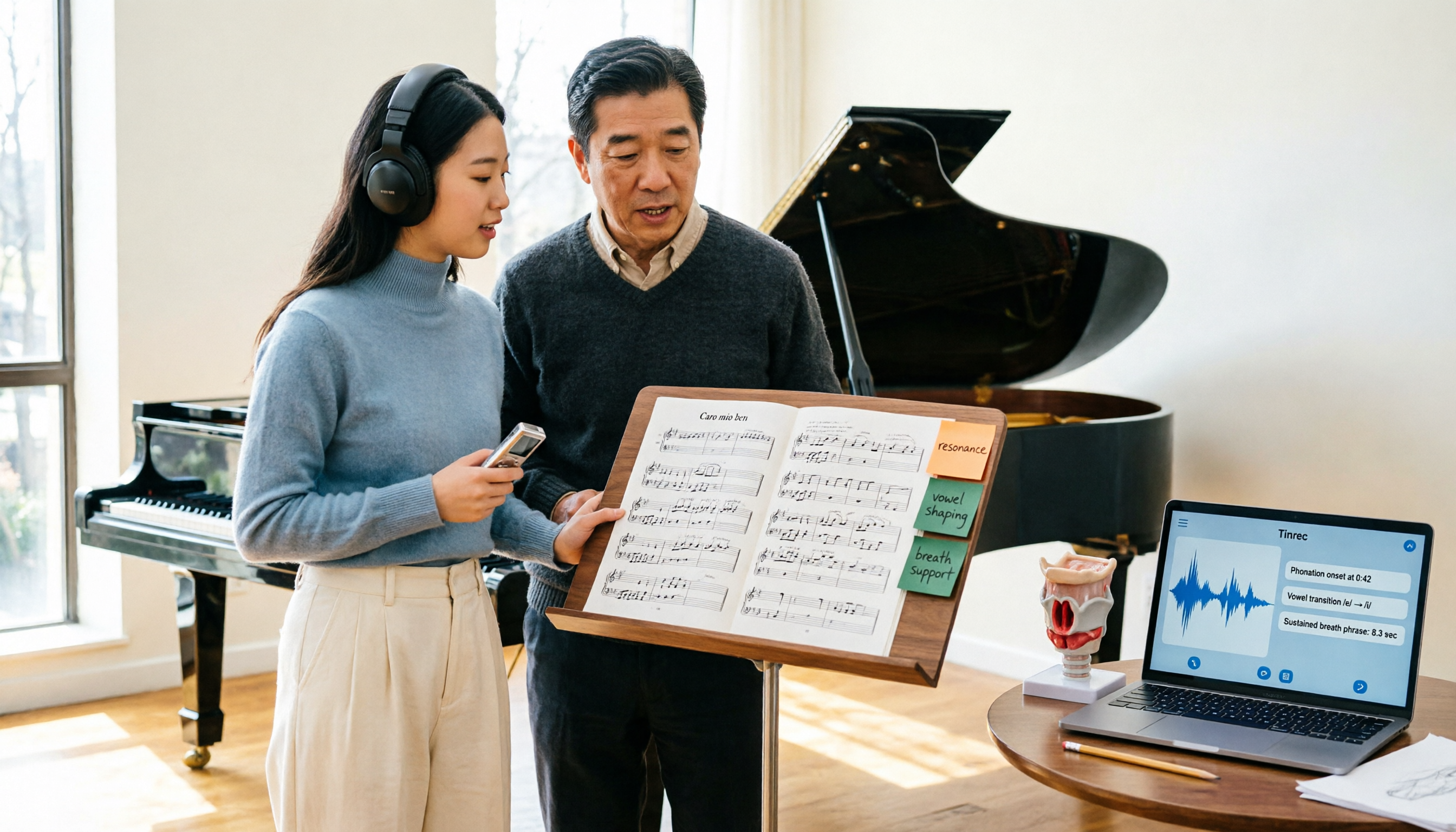
2026 Vocologia Master's Degree Complete Guide: 5 Real-World Learning Scenarios Tested, How to Organize Class Recordings Most Efficiently
Admissions for the 2025-2026 academic year in Vocologia Artistica (vocalogy) master's programs are gradually opening, but the courses are entirely in Italian and span voice medicine and singing pedagogy—handwritten notes alone won't capture it. This article breaks down what the master's covers, who it suits, and tests 5 real learning scenarios, demonstrating how to use Tinrec to turn lectures, clinical discussions, and thesis interviews into searchable, queryable data.

VOCOlinc vs Atuvos: Price Comparison Logic and Why Tinrec Is Better for Meeting Notes
VOCOlinc and Atuvos are Apple Find My-compatible trackers with nearly identical specs, so comparing them is straightforward. But for mid-level managers, the real time drain is post-meeting organization and follow-up. This article explains in 3 minutes how to compare VOCOlinc vs Atuvos, then applies the same 'specs don't equal experience' logic to show how Tinrec turns meetings into searchable, actionable team data.

Vocol vs Tinrec 2026: 5-Dimension Comparison for Chinese Meeting Notes and Team Collaboration
Vocol and Tinrec are both practical tools for Chinese meeting notes, but one focuses on recording organization and the other on team meeting assets. This article compares them across 5 dimensions: capture method, Chinese performance, post-meeting outputs, team governance, and quota billing, to help you decide which suits your team.

2026 AI Meeting Transcription Tools Cost Comparison: How Does Vocol Pricing Work?
How does Vocol pricing work? The official stance is billing by transcript minutes and file storage, with v-point redemption also available in the market. This article breaks down Vocol's three payment methods, the hidden costs of usage-based pricing, and compares the billing logic and use cases of Tinrec, Otter.ai, Notta, and TurboScribe, plus 4 common budgeting mistakes.