

Turn recordings into transcripts and summaries in minutes
Upload audio or video for multilingual transcription, AI notes, and action items
Why "getting by with the free version first" is the most costly misjudgment
Most people start their search for AI meeting tool costs by looking for free versions. The free version itself is fine; the problem is estimating long-term costs based on the impression of the free version.
Three common misjudgments:
- Looking only at the monthly fee, not the billing unit. Monthly subscription, per transcript minute, and point deductions are three completely different calculation methods; comparing the numbers side by side is meaningless.
- Assuming your usage is "very small." A 60-minute meeting, plus re-listening, correcting errors, and organizing action items, actually consumes more than twice the meeting length in time.
- Not factoring in the team. Individual plans are cheap, but when colleagues need to view materials together, you often have to buy another round or are forced to share one account.
This article doesn't talk sentiment; it breaks costs down to a calculable level.
Before choosing an AI meeting transcription tool, understand these 4 key cost points
1. Is the billing unit time, number of uses, or points? Per-minute billing seems fair, but costs fluctuate with meeting volume; subscription is fixed, but unused quota is wasted. First, confirm roughly how many hours of meetings you need recorded per month.
2. Does the free quota reset monthly or is it one-time? Some tools reset monthly, some only give a one-time amount upon registration. The difference is huge, yet rarely prominently displayed.
3. Are you paying for transcripts or post-meeting organized results? Transcripts alone mean you still have to read through an hour of text yourself. Summaries, chapters, action items, and queryable AI Q&A are the parts that truly save time.
4. Does the team need shared quota and seats? "Multiple people sharing one account" is cheapest in cost but most expensive in management: unclear data ownership, and recordings can't be taken away when members leave.
How does Vocol pricing work? First, break down the three payment forms
According to Vocol's official pricing page, users pay based on "transcript minutes" and "file storage space," and the official statement emphasizes no hidden fees and a transparent overall price structure. This actually clarifies the billing logic: it leans toward a combination of "usage + storage" rather than a single fixed monthly fee.
In practice, you'll encounter three forms in the market:
- Free / Freemium entry: Third-party tool databases classify Vocol as a Free/freemium model, suitable for first testing transcription quality and interface usability.
- Subscription plans: Tiered by transcript minutes and storage space; the higher the usage, the higher the cost.
- Point (v-point) redemption: E-commerce channels show "Vocol.AI Voice Collaboration Platform 888 v-point redemption voucher (two vouchers)" priced at about NT$980, which is a prepaid point concept.
Note two things: channel prices and point plans change over time; per-minute rates and storage tiers vary by plan. For actual amounts, refer to the official pricing page and checkout page; don't budget using old numbers from search snippets.
Additionally, Vocol focuses on converting audio or video files from meetings, podcasts, and online courses into transcripts, summaries, and topics. For those who "already have a pile of recording files sitting in the drawer to organize," usage-based pricing is actually reasonable; but if you have meetings every day and need records for each, the fluctuating cost quickly becomes a burden.
Tinrec (秒聽錄音) — Same budget, our top choice after hands-on testing
Tinrec (秒聽錄音) is an AI meeting transcription and collaboration tool for individuals and teams, covering iOS, Android, desktop, and web. Its biggest difference from Vocol is not the feature list, but "what you pay for."
Record online meetings without inviting a bot. The desktop version directly captures computer system audio, handling Zoom, Google Meet, Microsoft Teams, Webex, and other meetings without an additional meeting bot joining. This is practical for external client meetings—you don't have to explain to the other party "why there's an extra account in the meeting."
Meeting ends, data is already organized. Transcripts are searchable, AI automatically generates summaries, chapters, and action items, and can output mind maps, documents, reports, and tables, or export to Notion, Google Docs, OneNote, Dropbox for further processing. What you need is not an hour-long text file, but key points you can read in five minutes.
Ask follow-up questions after recording. This is where it differs most from most tools at the same price: you can directly ask "Who mentioned the budget in the last meeting?" "What were the client's concerns about the quote?" and it answers based on semantics, rather than throwing a bunch of keyword search results at you.
Stop organizing recordings by hand
Upload audio or video and automatically get a transcript, summary, and action items
The team version turns costs into manageable fixed expenses. The team version is not multiple people sharing one account, but independent team spaces: you can create multiple teams, invite members via link, set owner/admin/member roles, and allocate and reclaim seats. Current configuration: first eligible team trial for 7 days, 1 free seat, 300 minutes of team shared import quota; team monthly payment USD 29.80/paid seat/month, annual payment USD 199/paid seat/year, equivalent to about USD 16.58/month; each paid seat provides 2,000 minutes of team shared import quota per month, and under an active team plan and active seat, real-time recording currently does not deduct minutes. Admins can also view usage trends, member rankings, and audit logs, and accidentally deleted audio can be recovered from a 30-day recycle bin.
Limitations should also be clear. The personal version includes free, weekly card, Pro monthly, and Pro annual; after the free quota is used up, payment is required, and actual prices are subject to the official checkout page; transcription accuracy is affected by recording quality, noise, accents, and multiple people talking over each other, and is not recommended as 100% error-free; the team version focuses on team-level sharing and does not have fine-grained file-level permissions.
Who is it for? If your meetings are mainly in Chinese or mixed Chinese-English, you don't want a bot in the meeting, and you want to directly ask key points after recording, Tinrec is currently the most hassle-free option; if colleagues need to share meeting materials and you also need to manage seats and usage, go straight to the team version.
Besides Vocol and Tinrec, what other options are there?
Otter.ai: A mature choice for English meetings. Basic is free with 300 minutes per month; Pro annual billing is about USD 8.49/user/month, including 1,200 minutes of in-app recording per month and 10 file imports. If 90% of your meetings are in English, it offers good value; but it is centered on English business meetings, and Chinese meetings and desktop bot-free recording are not its strong suit, nor does it have Tinrec's post-meeting workflow that regenerates reports and tables from meetings.
Notta: Strong in multi-platform transcription and translation. Free is 120 minutes per month (single content limit 3 minutes); Pro annual billing is about USD 8.17/month, 1,800 minutes per month; Business annual billing is about USD 16.67/seat/month. Suitable for those who need multilingual translation and file transcription; however, its strength is "converting files to text," while Tinrec focuses on post-meeting follow-up questions, action items, and team data accumulation.
TurboScribe: A cost-effective file transcription tool. Free allows 3 files per day, single file limit 30 minutes; Unlimited annual payment USD 120 (about USD 10/month), single file up to 10 hours or 5 GB, up to 50 files uploaded at once. For batch processing of long recordings, it has almost no rival; but it lacks real-time meeting recording, team seat governance, and is not designed for "post-meeting follow-up actions."
Pitfall guide: The 4 most common mistakes in calculating AI meeting tool costs
Pitfall 1: Treating the free quota as a permanent solution. Free quotas are usually monthly resets or one-time trial amounts; once they enter daily workflows, exceeding them is inevitable. First calculate your monthly meeting hours, then look back at the plans.
Pitfall 2: Comparing only monthly fees, not billing units. Per-minute tools are cheap in off-peak seasons and painful in peak seasons; subscriptions are the opposite. Use your busiest month for a trial calculation to get the real cost.
Pitfall 3: Ignoring storage space. Transcripts and audio both take up space; for many plans, the dividing line is not minutes but storage. Think clearly about how long you need to keep recordings.
Pitfall 4: Buying AI features but only using them for transcription. Using the tool only as "audio-to-text" means you're using only a small part of it. For example, Tinrec's AI Q&A lets you directly ask "What was the conclusion of this meeting?" after recording, which is much faster than manually flipping through a 30-minute transcript—this is also key to judging whether a tool is worth paying for.
Conclusion: Which one should you choose?
- Individuals who want to first confirm Vocol pricing and have variable usage → Check Vocol's official pricing page first, try the free/freemium entry to test the waters, and discuss payment only after confirming usage-based pricing is worthwhile.
- Chinese or mixed Chinese-English meetings, don't want a bot in the meeting → Tinrec (desktop bot-free recording)
- Want to directly ask follow-up questions about meeting content after recording → Tinrec (AI Q&A is rare at this price point)
- Need team sharing of meeting materials, manage seats and usage → Tinrec team version (USD 29.80/seat/month, annual billing equivalent to about USD 16.58/month)
- Batch transcription of large long recording files → TurboScribe
- 90% of meetings are in English → Otter.ai
Vocol's cost structure itself is transparent; the problem is that "usage-based" means the bill follows meeting volume. If meetings are the norm, calculating fixed costs first is usually more practical than reviewing bills afterward.
It is recommended to first run your own real recordings through each provider's free quota—not demo audio, but last week's meeting with background noise and people talking over each other. Pay only after it transcribes accurately and you can find the key points.
(Reminder: Recording and transcription involve others' privacy; obtain consent from participants in accordance with local regulations before use.)
References
- Pricing and Plans | Vocol.ai Voice Collaboration Platform
- vocol.ai price recommendations - October 2026 | BigGo price comparison
- Home | Vocol.ai Voice Collaboration Platform
- Vocol.AI: Enhance collaboration with AI-driven transcription | Creati.ai
- vocol ai - FindPrice price network September 2026 featured shopping recommendations
Turn every recording into actionable outcomes
Get 60 free transcription minutes when you sign in. No credit card required.
Related Reading
You might also like

Best AI Meeting Notes Tools in 2026: Testing 2 Options for Chinese Meetings
AI meeting notes aren't just about feeding recordings to AI. This article covers three common pitfalls, compares Tinrec and Otter.ai across multiple dimensions, and breaks down the pre-meeting, in-meeting, and post-meeting workflow that actually works for Chinese meetings—helping you decide which tool to choose.

2026 AI Meeting Recorder Comparison: Tinrec vs Vocol.ai — Which Should You Choose?
Tinrec and Vocol.ai have similar positioning but different approaches. This article addresses three common misconceptions, explains how meeting audio gets into each tool, what you get after transcription, and who owns team data. It also covers third-party observations of Vocol.ai, Tinrec's bot-free recording and AI Q&A workflow, and provides scenario-based guidance on which tool to choose.

2026 Voice Collaboration Platform Comparison: Why Tinrec Is the Top Vocol.ai Alternative
Vocol.ai has gained traction in Taiwan, but when use cases shift from personal recording to weekly department meetings, bottlenecks often appear in online meeting recording, post-meeting action items, team seats, and data handover. This article compares Tinrec and Vocol.ai across four dimensions, breaking down Tinrec's bot-free recording, AI Q&A, Agent post-processing, and team governance capabilities to help you make a clear case in procurement meetings.

Tinrec vs Vocol 2026: 5-Factor Comparison for Chinese Meeting Notes
People searching for "vocol 2026 annual report" often encounter two completely different results: one is the annual financial report of Veken Technology, and the other is the voice collaboration platform Vocol AI. This article first clarifies this confusion, then compares Tinrec and Vocol across 5 dimensions: transcription output, meeting capture method, audio retention, Chinese language experience, and team governance, so you know what you're choosing.

How to Generate AI Meeting Notes in 2026: Bot-Free Recording + Automatic Summaries & Action Items
How do you generate AI meeting notes in 2026? This guide breaks down the process from scratch: recording online meetings without a bot, real-time transcription, AI summaries, and action item extraction. It includes 5 key buying criteria and FAQs, with Tinrec as a demo to help you wrap up within half an hour after the meeting.
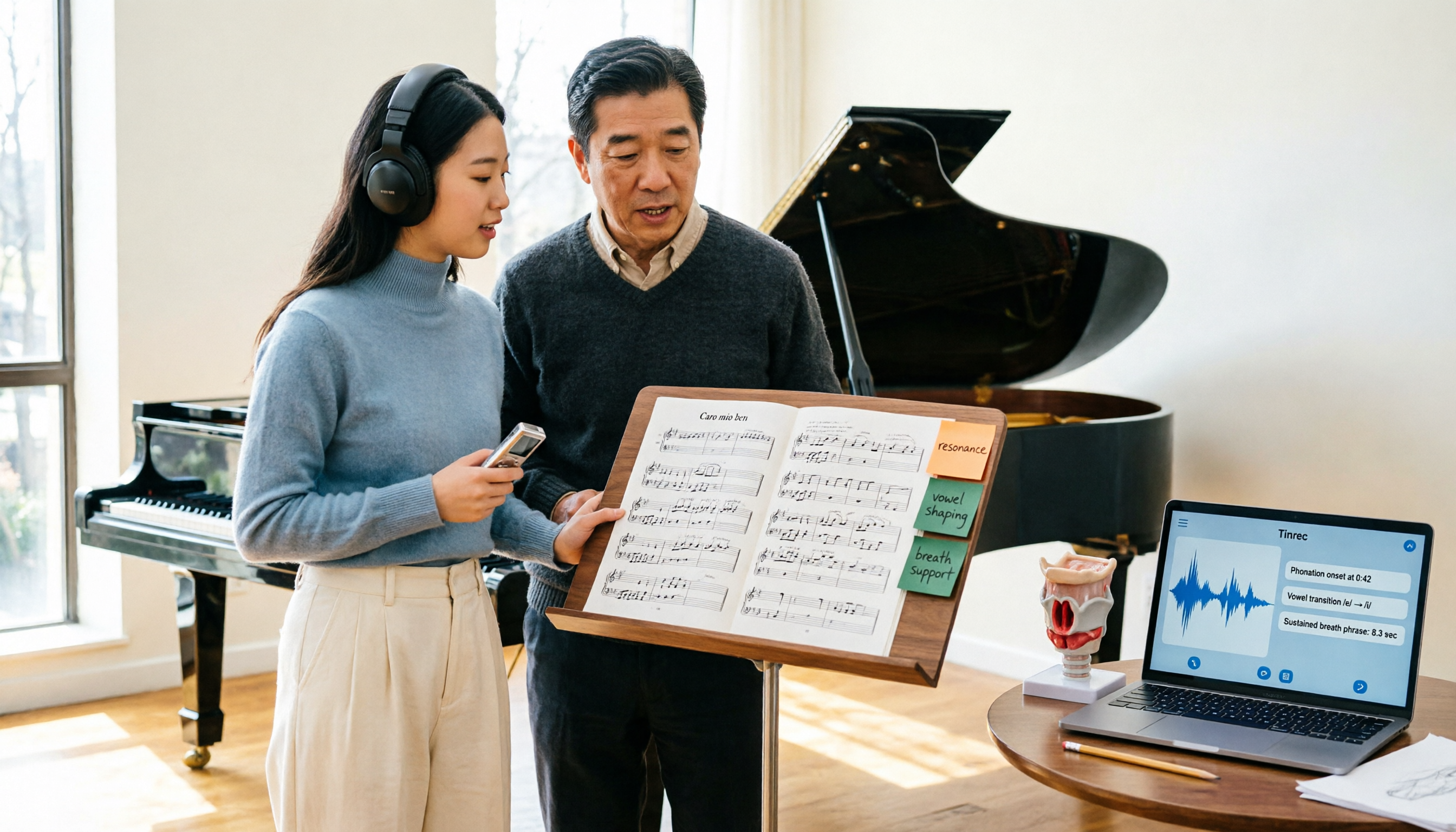
2026 Vocologia Master's Degree Complete Guide: 5 Real-World Learning Scenarios Tested, How to Organize Class Recordings Most Efficiently
Admissions for the 2025-2026 academic year in Vocologia Artistica (vocalogy) master's programs are gradually opening, but the courses are entirely in Italian and span voice medicine and singing pedagogy—handwritten notes alone won't capture it. This article breaks down what the master's covers, who it suits, and tests 5 real learning scenarios, demonstrating how to use Tinrec to turn lectures, clinical discussions, and thesis interviews into searchable, queryable data.

VOCOlinc vs Atuvos: Price Comparison Logic and Why Tinrec Is Better for Meeting Notes
VOCOlinc and Atuvos are Apple Find My-compatible trackers with nearly identical specs, so comparing them is straightforward. But for mid-level managers, the real time drain is post-meeting organization and follow-up. This article explains in 3 minutes how to compare VOCOlinc vs Atuvos, then applies the same 'specs don't equal experience' logic to show how Tinrec turns meetings into searchable, actionable team data.

Vocol vs Tinrec 2026: 5-Dimension Comparison for Chinese Meeting Notes and Team Collaboration
Vocol and Tinrec are both practical tools for Chinese meeting notes, but one focuses on recording organization and the other on team meeting assets. This article compares them across 5 dimensions: capture method, Chinese performance, post-meeting outputs, team governance, and quota billing, to help you decide which suits your team.

2026 AI Voice Collaboration Tools Comparison: Vocol.ai, Tinrec, and Otter.ai Features and Team Collaboration
This article starts with common misconceptions and compares three AI voice collaboration tools: Vocol.ai, Tinrec, and Otter.ai. It explains selection criteria, feature differences, team collaboration, and pricing limitations to help you decide which one suits Chinese meetings and team knowledge retention.