

Turn recordings into transcripts and summaries in minutes
Upload audio or video for multilingual transcription, AI notes, and action items
You probably came here after seeing "NOTTA PTE. LTD." somewhere.
Maybe it was on an app's terms of service or privacy policy page, or perhaps a strange company name appeared on your credit card statement.
Bottom line first: NOTTA PTE. LTD. is a private limited company registered in Singapore. It is a legal entity, not a product name, and not a feature of some app.
What Is NOTTA PTE. LTD.? A Quick Look at Singapore Business Registration Data
According to public business registration data from the Accounting and Corporate Regulatory Authority (ACRA) of Singapore, NOTTA PTE. LTD.'s registration information is as follows:
| Item | Details |
|---|---|
| Company Type | Private Company Limited by Shares |
| Registration Location | Singapore |
| Incorporation Date | August 15, 2022 |
| Unique Entity Number (UEN) | 202228557R |
| Registered Address | 9 Raffles Place, #26-01, Republic Plaza, Singapore 048619 |
| Current Status | Live |
| Primary Business | Software and application development (excluding games and cybersecurity) |
| Secondary Business | Wholesale of audio-visual equipment (excluding electronic components) |
Note that this type of business registration lookup only answers "what this company is legally." Revenue, team size, product lines, and customer lists are not visible in public data.
If you saw this name on Notta transcription service's terms or billing and want to confirm the relationship between the two—the registration data does not state this. It is advisable to refer to official announcements or contract records, and not to infer product capabilities from the registered address.
"Registered at Raffles Place" does not mean the tool is good, and "business is software development" does not mean the product it makes is for meeting notes. These are two different levels of things.
After Looking Up Company Data, Most People Really Want to Ask Something Else
People usually look up a company's registration not to do homework, but to solve an immediate problem.
The three most common versions we see in reader letters are:
- After an online meeting, the recording sits on your phone, and you still have to listen to it again to get a transcript.
- In meetings with mixed Chinese and English, the transcribed names and product codes are almost all wrong, and editing takes longer than retyping.
- Two weeks later, you need to find "who said the budget would be cut," and you can only drag the timeline segment by segment.
The common thread among these three: what you lack is not "recording," but something you can use directly after recording.
Before Choosing a Meeting Transcription Tool, Understand These 4 Key Points
1. How meeting audio gets in The most common approach for online meetings is to have a meeting bot join as a listener. It's convenient, but you need to inform participants first, and some external clients may mind. Another approach is for the desktop version to directly capture the computer's audio output, without adding a participant. The latter interferes much less with external meetings.
2. What remains after transcription Having only a transcript is like swapping "listening" for "reading"—the organizing work is not reduced at all. Whether there are automatic summaries, chapters, action items, and whether you can ask questions directly about the content—that's where real time savings come from.
3. Performance with Chinese and mixed Chinese-English There are many options for pure English meetings, but meetings in Taiwan are often not like that. Supervisors speak Chinese, clients mix in English, and product names are abbreviations—this kind of setting tests tools the most. Actual results are affected by recording quality, accents, noise, and multiple people talking over each other; don't just look at promotional numbers.
4. Who ultimately holds the data Personal recordings staying in a personal account is fine. But if a team needs to share, you need to think clearly: will data still exist after a member leaves, who has edit permissions, how is usage calculated. These are account design issues, not feature issues.
Tinrec — After Hands-On Use, the One We Most Often Recommend
Tinrec is an AI meeting notes and collaboration tool for individuals and teams, available on web, desktop, and mobile.
Its most noticeable aspect is "no need to pull a bot into the meeting." The desktop version directly captures the computer's system audio and can handle meetings on Zoom, Google Meet, Microsoft Teams, Webex, and similar platforms. Press it during a meeting to start recording, and participants won't see an extra account join. For those who frequently meet with external clients, this saves a lot of explanation effort.
During recording, the transcript appears in real time, and for cross-language settings you can switch between original text, translation, or bilingual. After the meeting ends, summaries, chapters, and action items are already organized—who is responsible for what and when it's due are directly visible, so you don't have to re-listen for two hours.
Stop organizing recordings by hand
Upload audio or video and automatically get a transcript, summary, and action items
Even better is the part after the meeting ends. You can ask questions directly about this meeting, such as "What was the budget cap the client mentioned?" or "Who opposed this plan last time?" It answers based on the content instead of throwing you a bunch of keywords to search yourself. For someone with twenty meetings a month, the difference is significant.
The organized content can also flow onward: export to Notion, Google Docs, OneNote, Dropbox, or use Agent post-processing to generate reports, tables, and meeting documents.
To be honest about limitations: the free version provides a basic quota, suitable for trying a few meetings first; heavy usage requires an upgrade. Recording quality, accents, and multiple people speaking simultaneously all affect transcription results; for important content, it's advisable to cross-check with recording playback. Also, Tinrec is currently not a "bot that automatically joins all calendar meetings" mode—you need to start recording yourself.
For team use, the team version is an independent collaboration space, not multiple people sharing one account. Meeting data belongs to the team; you can create multiple team spaces, invite members via link, and distinguish roles and seats. Admins can see usage trends, member rankings, and operation audits, and accidentally deleted audio files can be recovered from the recycle bin. When a member leaves or loses a seat, their team resources must be handed over to others and will not disappear with the person.
Current team version terms: eligible teams can try free for 7 days, 1 free seat, 300 minutes of team shared import quota; monthly payment USD 29.80 per paid seat per month, annual payment USD 199 per paid seat per year (equivalent to about USD 16.58 per month), each paid seat provides 2,000 minutes of shared import quota per month. Under an active plan and active seat, real-time recording currently does not deduct minutes; file and web imports consume team shared quota. Actual prices and benefits are subject to the official purchase page.
If you have meetings to organize every week, want to find key points directly by asking after recording, or need to switch between phone and computer—Tinrec is currently one of the smoothest choices.
Besides Tinrec, What Other Options Are There?
Notta: The competitor with the highest overlap with Tinrec, offering multi-platform transcription, file import, translation, and team plans. Free version: 120 minutes per month, max 3 minutes per item; Pro annual billing equivalent to about USD 8.17 per month, 1,800 minutes per month; Business annual billing equivalent to about USD 16.67 per seat per month, including unlimited transcription, role permissions, and usage reports (subject to official pricing page). The difference is that Tinrec builds team governance into the same space—roles, seats, usage, operation audits, and audio recycle bin as a complete set.
Otter.ai: A veteran choice for English business meetings. Basic free: 300 minutes per month; Pro annual billing equivalent to about USD 8.49 per user per month, including 1,200 minutes of in-app recording per month and 10 file imports. It also has desktop capabilities, not just a meeting bot. If your recordings are almost all in English, Otter is a very cost-effective option; but for Chinese and mixed Chinese-English settings, Tinrec's experience will be closer to your needs.
TurboScribe: Positioned more toward file transcription, with strengths in long files and batch processing. Free version: 3 files per day, max 30 minutes per file; Unlimited annual payment USD 120 (about USD 10 per month), paid version supports files up to 10 hours or 5 GB, and up to 50 files uploaded at once (subject to official pricing page). For processing a large number of recording files at once, it is more suitable than Tinrec; but it does not handle "during the meeting" and "asking questions directly after the meeting"—that is exactly Tinrec's strong suit.
Pitfall Guide: The 4 Most Common Mistakes When Choosing a Transcription Tool
Pitfall 1: Only looking at free minutes. A large number of minutes sounds great, but if you still have to manually organize for two hours after transcription, what you save is actually your own time cost. First calculate "how long it takes from a meeting to final meeting minutes"—that's more practical than counting minutes.
Pitfall 2: Thinking a transcript is enough. A transcript is raw material, not a finished product. Summaries, action items, whether you can ask questions, and whether you can export to existing workflows are the keys to whether you'll use it long-term.
Pitfall 3: Ignoring team data ownership. Using a personal account to handle team meetings sounds convenient, but data breaks when the person leaves. Team data should belong to the team, with a clear handover method when members change.
Pitfall 4: Treating company registration data as a product review. Looking up a company name, registered address, and year of incorporation confirms legal identity, not whether the tool is good. Judging a tool should still come back to features, quotas, actual hands-on experience, and whether it solves your problem.
Conclusion: Which One Should You Choose?
First, answer the initial question: NOTTA PTE. LTD. is a private limited company established in Singapore in 2022, with primary registered business in software and application development. It is a legal entity name, not a product feature description.
As for how to choose a tool, you can route by scenario:
- Mainly Chinese or mixed Chinese-English meetings → Tinrec; Chinese experience and bilingual transcripts are its focus.
- Don't want a meeting bot to join, need to record external client meetings → Tinrec desktop version directly captures system audio.
- Want to find key points directly by asking after recording, need automatic summaries and action items → Tinrec's AI Q&A and post-processing workflow.
- Team needs to share meeting data, manage members and usage → Tinrec team version (roles, seats, usage, audit, recycle bin).
- Pure English meetings, zero budget → Otter.ai free version's 300 minutes per month is a reasonable exception.
- Need to transcribe many long recording files at once → TurboScribe is more suitable for long files and batch processing.
If you're still unsure, just start with the free version. Testing with one of your own real meetings is more accurate than reading ten comparison articles.
References
Turn every recording into actionable outcomes
Get 60 free transcription minutes when you sign in. No credit card required.
Related Reading
You might also like

2026 Vocol Alternatives Compared: Which Bot-Free Meeting Recorder Saves the Most Time?
Looking for a Vocol alternative? This hands-on comparison of Tinrec, Vocol.ai, Otter.ai, and Yating Transcription tackles real pain points in Chinese-language meetings. We break down bot-free recording, AI summaries, action item extraction, and team workspaces, plus tips on choosing between personal and team plans to help you find a tool that truly cuts post-meeting cleanup time.

6 Teams Recording Solutions Tested for 2026: Which One Actually Organizes Your Meeting?
Recording a Teams meeting isn't over when you hit the record button. This guide compares 6 common Teams meeting recording and post-meeting organization solutions—from Teams built-in recording permissions and expiration limits, Tinrec's bot-free recording and AI Q&A, to Otter.ai, Notta, TurboScribe, and built-in screen recording—plus selection advice and 4 must-know reminders before you start.

How to Record a Zoom Meeting in 2026: 3 Methods + Automatic Transcription
How do you record a Zoom meeting? This guide covers 5 practical methods: Tinrec desktop app with no-bot recording, Zoom local and cloud recording, OBS screen recording, mobile and hardware recording, plus recording permissions, free plan limitations, and how to turn recordings into transcripts and action items after the meeting.

Best AI Transcription Tools in 2026: 6 Tested, Vocol Tutorial & Tinrec Review
Starting with a hands-on Vocol tutorial, this guide tests and compares six AI transcription tools—Tinrec, Notta, Otter, Granola, and TurboScribe—on features, free tiers, and pricing to help you decide which one your team meetings really need.

2026 Zoom Meeting Recording Tools Buyer's Guide: 4 Tested Picks and Recommendations
Zoom's built-in automatic recording is convenient, but the real time sink is often the transcript, summary, and action items after the meeting. This guide compares Zoom built-in, Tinrec, Granola, and Otter.ai across four angles—recording permissions, Chinese language recognition, post-meeting output, and team data ownership—to help you decide which way to record Zoom meetings.

6 Google Meet AI Meeting Notes Solutions Tested for 2026: Which One Really Leaves Usable Data?
Starting from the three most common misconceptions, this hands-on comparison tests six AI meeting notes solutions that work with Google Meet: Tinrec, Google Meet's built-in Gemini 'Take Notes for Me', Otter.ai, Notta, Granola, and TurboScribe. We break down each one's positioning, pricing, who it's for, and how post-meeting data can be searched, queried, and handed off.
5 Best Places to Buy Good Tape in 2026: Cassette Tapes vs Packing Tape — Where to Shop Without Getting Burned
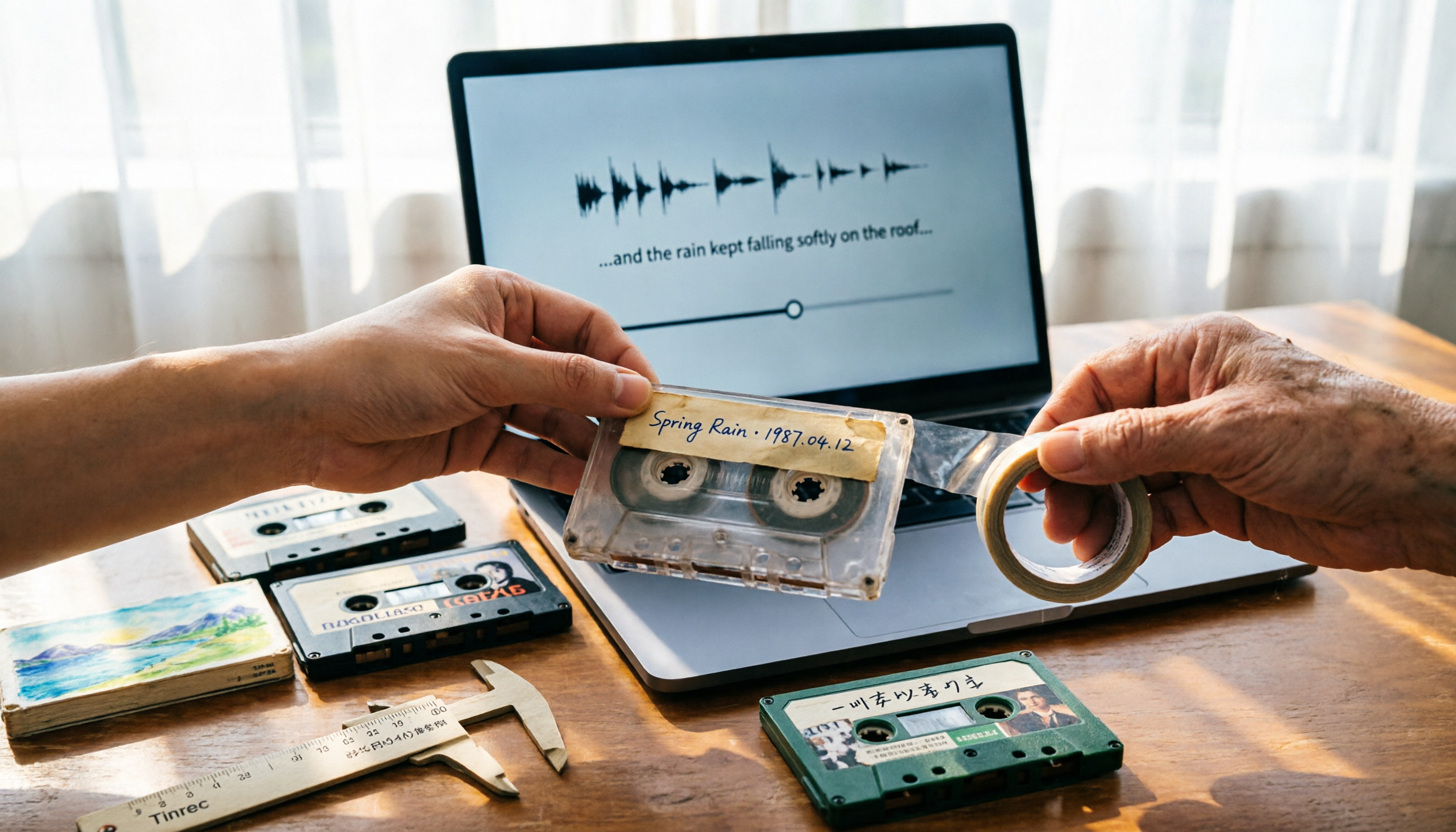
People searching "where to buy good tape" fall into two camps: those looking for cassette tapes and those looking for packing tape. This guide breaks down 5 reliable sources for each, including Discogs, Tapeheadcity, eBay, and local options, plus tips on choosing packing tape thickness and how to turn old cassette recordings into searchable text after you buy.

4 Video Auto-Subtitle Apps Tested for 2026: Free Tiers, Chinese Recognition, and Team Collaboration Compared
No more late nights re-listening to footage just to add subtitles. This hands-on comparison of Tinrec, Captune, cSubtitle, and pyTranscriber looks at language recognition, output formats, post-meeting organization, and team collaboration—plus free-tier limits and pitfalls to avoid—so you can pick the right tool for your workflow.

4 AI Meeting Transcription Tools Compared for 2026: How to Choose Between Tingwu, Tinrec, and Free Options
Starting from the decision point of whether the Tingwu app is worth installing, this article compares four AI meeting transcription tools in 2026. It first explains four key selection criteria: how audio is captured, what you get after transcription, how well Chinese is supported, and who ultimately owns the data. Then it breaks down the practical differences between Tinrec, Tingwu, Otter.ai, and Notta, and finally provides a guide to common pitfalls and scenario-based selection advice.