

Turn recordings into transcripts and summaries in minutes
Upload audio or video for multilingual transcription, AI notes, and action items
4 AI Meeting Transcription Tools Compared for 2026: How to Choose Between Tingwu, Tinrec, and Free Options
First, ask yourself: Do you want to "record it," or do you want to "never have to re-listen"?
When you type "Tingwu app" into the search bar, you already have a decision to make: Is this tool worth installing, spending time learning, and even paying to upgrade?
Honestly, most people don't just need a recording app—they need a solution that saves them from re-listening to a two-hour meeting afterward.
In my experience, the real frustration comes after the meeting, not during it. After a two-hour meeting, you still have to pull out key points from the transcript, write action items, and email those who couldn't attend.
So this article won't pile on specs. Instead, it starts with "how you should choose" and explains the four tools I've personally tested and had colleagues try out.
Before Choosing an AI Meeting Transcription Tool, Understand These 4 Key Points
1. How does the meeting audio get in?
There are three common methods: invite a meeting bot to join as a participant, use desktop software to capture system audio, or upload a recording afterward.
Bots are convenient, but they can run into corporate meeting room permissions or security policies. Desktop capture doesn't require inviting anyone, so it's less disruptive during external meetings.
2. What do you get after transcription?
Getting only a transcript is completely different from getting summaries, chapters, action items, and the ability to ask follow-up questions. A tool that only gives you text just hands the organizing work right back to you.
3. Does it handle Chinese and mixed Chinese-English well?
Meetings in Taiwan are rarely pure Chinese; you'll often hear sentences like "We need to confirm the KPI for this campaign." This kind of content is much harder for transcription models than reading a news script.
Actual performance depends on recording quality, accents, background noise, and people talking over each other. Any claim of a fixed accuracy rate should be taken with a grain of salt.
4. Who ultimately holds the data?
For personal use, it doesn't matter much. But for a team, you need to ask: Who owns the meeting records? Will the data still be there after a member leaves? Are there distinctions for members, roles, and seats?
These questions usually only get asked after something goes wrong.
Once you've thought through these four points, evaluating tools becomes much faster.
Tinrec (Miaoting Recording) — The One I Recommend Most After Testing
Tinrec (Miaoting Recording) is an AI meeting transcription and collaboration tool for individuals and teams, available on iOS, Android, web, and desktop.
Its biggest difference from meeting bots is how it captures audio: the desktop version directly captures your computer's system audio, so for online meetings on Zoom, Google Meet, Microsoft Teams, or Webex, you don't need to invite an extra bot. This is practical when meeting with external clients—you don't have to explain "this is an AI."
The real value comes after the meeting. Once recording ends, the system generates a transcript, summary, chapters, and action items. You can directly see "who is responsible for what and by when" without searching through a 40-minute transcript.
Even better is the AI Q&A. You can ask it directly, "What was the budget cap decided in the last meeting?" and it will answer based on the content instead of dumping a bunch of keywords on you. Few tools in this price range currently offer this level of follow-up questioning.
Output also fits into existing workflows: you can export to Notion, Google Docs, OneNote, Dropbox, and other tools, and further generate reports, tables, and meeting minutes.
The team version is on another level. It provides a separate team space where meeting data belongs to the team. Admins can manage members, roles, and seats, view usage trends, and query and export audit logs. When a member leaves or loses a seat, the data is transferred to other members instead of disappearing with the personal account.
Stop organizing recordings by hand
Upload audio or video and automatically get a transcript, summary, and action items
There are two limitations to be clear about. First, the free version only has a basic quota, suitable for light use; regular meeting users will need to upgrade. The official pricing includes weekly, Pro monthly, and annual plans—check the official website for actual prices. Second, the team version currently shares at the team level, not with fine-grained file-level permissions. If you need "different visibility for each file," confirm whether it meets your expectations.
As for accuracy, I won't give a fixed number. It performs reliably with clear audio in typical meeting environments, but in noisy places, with heavy accents, or when multiple people speak over each other, I still recommend checking against the original text and recording.
Who is it for? People who frequently handle Chinese and mixed Chinese-English meetings, don't want to add a bot to meetings, and want to ask follow-up questions and retain team data after the meeting.
Besides Tinrec, What Other Options Are There?
Tingwu
An AI work and study assistant launched by Alibaba Cloud and based on the Tongyi Qianwen large model, focusing on transcription of audio and video content, multilingual real-time translation, and smart summaries.
Official and third-party introductions mention that one hour of audio can be transcribed in about five minutes, with automatic speaker separation, full-text summaries, chapter overviews, and action items. It integrates with Alibaba Cloud Drive, so audio and video files in cloud storage can be imported directly for analysis, and subtitles can be automatically matched during online playback.
Platforms include web, Windows, and mobile apps. Note that the source materials do not provide clear pricing plans; for registration flow and service availability, refer directly to the official page.
Also, in currently available public information, team governance capabilities such as members, roles, seats, and audit logs are not clearly described. If you plan to use it with an entire team, you'll need to ask about this first.
Otter.ai
A mature choice for English business meetings. The free version offers 300 minutes per month, which is quite generous; Pro annual billing is about USD 8.49 per user per month, including 1,200 minutes per month and 10 file imports per month.
If your meetings are almost entirely in English, it will be smoother than Tinrec. Conversely, Chinese and mixed Chinese-English are not its strong suit, and it lacks Tinrec's team-space-centered data retention and audit design.
Notta
A multi-platform transcription tool with significant overlap with Tinrec. The free version offers 120 minutes per month, up to 3 minutes per session; Pro annual billing is about USD 8.17 per month, with 1,800 minutes per month.
It suits users who mainly need file transcription and subtitle processing. The difference is after the meeting: Notta's strengths are subtitles, translation, and summaries, while Tinrec adds AI Q&A around meeting content and post-processing workflows for generating reports, tables, and documents.
Pitfall Guide: The 4 Most Common Mistakes When Choosing an AI Meeting Transcription Tool
Pitfall 1: Taking advertised accuracy rates as actual performance.
Those numbers are usually measured in quiet environments. Real meeting rooms have air conditioning noise, keyboard sounds, and people talking over each other. Test with your own meeting recording—it's more reliable than ads.
Pitfall 2: Assuming "has transcription" means "can organize."
A transcript is just raw material. If the tool can't conveniently give you summaries, chapters, and action items, you've only saved typing time—not organizing time.
Pitfall 3: Ignoring team data ownership.
If you record a year's worth of meetings on a personal account, the data leaves when the person does. For team use, confirm from the start whether data belongs to the team or the individual, and how it's transferred when members change.
Pitfall 4: Forgetting recording compliance.
Recording meetings involves local regulations and participant consent, especially for international meetings. No matter how convenient the tool is, you still need to inform participants.
Conclusion: Which One Should You Choose?
In one sentence: If you care about Chinese meetings, don't want to add a bot to meetings, and want to ask follow-up questions and retain data after the meeting, Tinrec is currently the most suitable choice.
- Want bot-free recording of online meetings → Tinrec (desktop captures system audio)
- Meetings mix Chinese and English, need bilingual and real-time translation → Tinrec
- Want to ask AI directly after recording, "Who mentioned the budget last time?" → Tinrec (has AI Q&A)
- Need team space, seat management, and audit logs → Tinrec Team version
- Meetings almost entirely in English, zero budget → Otter.ai (free 300 minutes/month)
- Mainly handle long audio files and subtitles, no post-meeting collaboration needed → Notta
The recommended approach is to first use the free version for two or three real meetings to see if transcription quality and summaries fit your context, then decide whether to upgrade. You'll know if a tool works after one meeting.
References
- Tongyi Tingwu - Your AI Work and Study Assistant
- Tongyi Tingwu - Free Download and Install on Windows | Microsoft Store
- Tongyi Tingwu Official App Latest Version Download - Tongyi Tingwu Official Website App Download and Installation_3DM Mobile Games
- Tingwu Web Version - Now Fully Upgraded to Tongyi Tingwu
- Tongyi Tingwu Official Website: Alibaba Cloud Large Model AI Audio and Video Assistant | Real-time Speech to Text - Smart Summary Translation - AI Portal
Turn every recording into actionable outcomes
Get 60 free transcription minutes when you sign in. No credit card required.
Related Reading
You might also like

2026 Vocol Alternatives Compared: Which Bot-Free Meeting Recorder Saves the Most Time?
Looking for a Vocol alternative? This hands-on comparison of Tinrec, Vocol.ai, Otter.ai, and Yating Transcription tackles real pain points in Chinese-language meetings. We break down bot-free recording, AI summaries, action item extraction, and team workspaces, plus tips on choosing between personal and team plans to help you find a tool that truly cuts post-meeting cleanup time.

6 Teams Recording Solutions Tested for 2026: Which One Actually Organizes Your Meeting?
Recording a Teams meeting isn't over when you hit the record button. This guide compares 6 common Teams meeting recording and post-meeting organization solutions—from Teams built-in recording permissions and expiration limits, Tinrec's bot-free recording and AI Q&A, to Otter.ai, Notta, TurboScribe, and built-in screen recording—plus selection advice and 4 must-know reminders before you start.

How to Record a Zoom Meeting in 2026: 3 Methods + Automatic Transcription
How do you record a Zoom meeting? This guide covers 5 practical methods: Tinrec desktop app with no-bot recording, Zoom local and cloud recording, OBS screen recording, mobile and hardware recording, plus recording permissions, free plan limitations, and how to turn recordings into transcripts and action items after the meeting.

Best AI Transcription Tools in 2026: 6 Tested, Vocol Tutorial & Tinrec Review
Starting with a hands-on Vocol tutorial, this guide tests and compares six AI transcription tools—Tinrec, Notta, Otter, Granola, and TurboScribe—on features, free tiers, and pricing to help you decide which one your team meetings really need.

2026 Zoom Meeting Recording Tools Buyer's Guide: 4 Tested Picks and Recommendations
Zoom's built-in automatic recording is convenient, but the real time sink is often the transcript, summary, and action items after the meeting. This guide compares Zoom built-in, Tinrec, Granola, and Otter.ai across four angles—recording permissions, Chinese language recognition, post-meeting output, and team data ownership—to help you decide which way to record Zoom meetings.

6 Google Meet AI Meeting Notes Solutions Tested for 2026: Which One Really Leaves Usable Data?
Starting from the three most common misconceptions, this hands-on comparison tests six AI meeting notes solutions that work with Google Meet: Tinrec, Google Meet's built-in Gemini 'Take Notes for Me', Otter.ai, Notta, Granola, and TurboScribe. We break down each one's positioning, pricing, who it's for, and how post-meeting data can be searched, queried, and handed off.
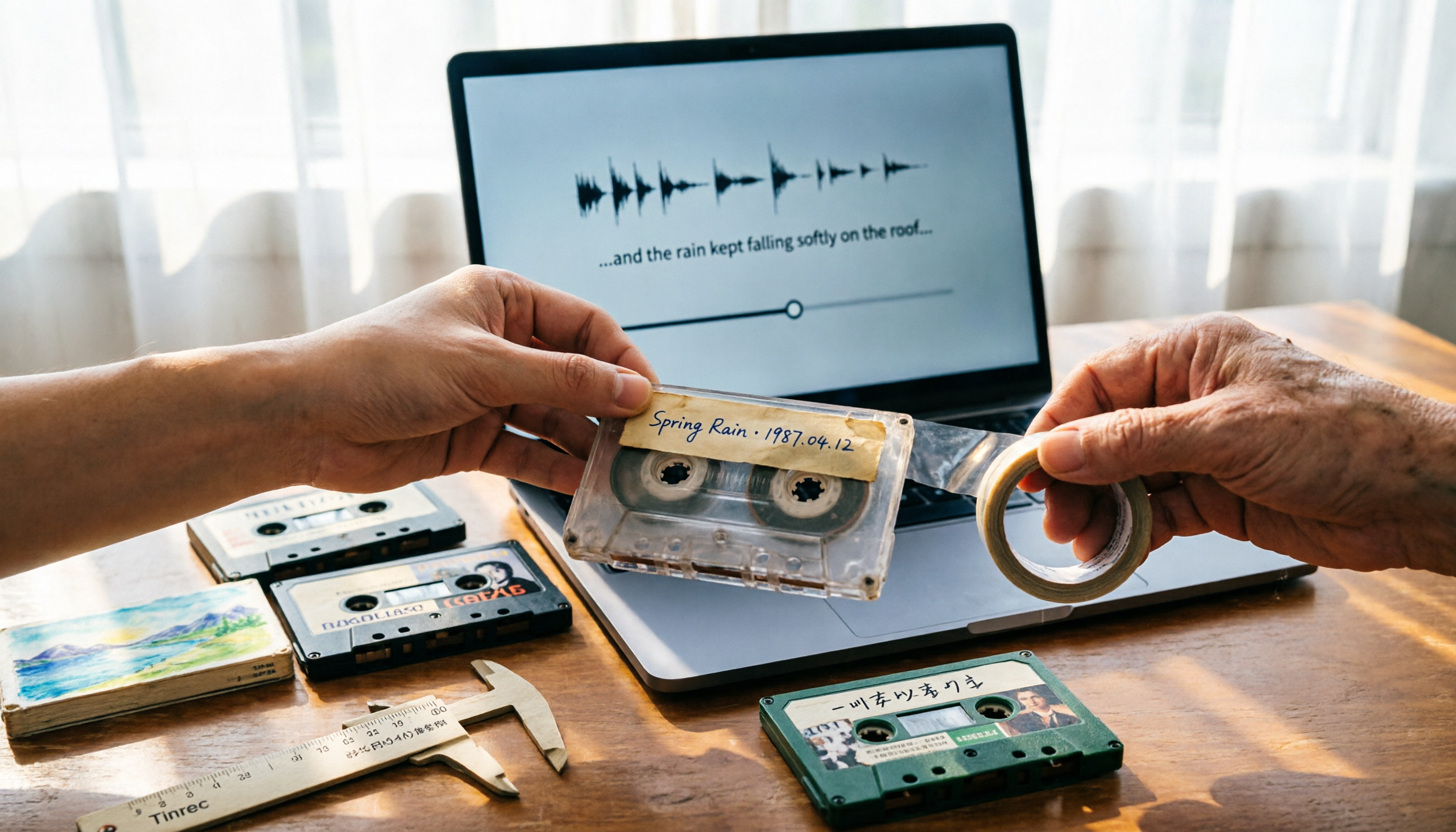
5 Best Places to Buy Good Tape in 2026: Cassette Tapes vs Packing Tape — Where to Shop Without Getting Burned
People searching "where to buy good tape" fall into two camps: those looking for cassette tapes and those looking for packing tape. This guide breaks down 5 reliable sources for each, including Discogs, Tapeheadcity, eBay, and local options, plus tips on choosing packing tape thickness and how to turn old cassette recordings into searchable text after you buy.
4 Video Auto-Subtitle Apps Tested for 2026: Free Tiers, Chinese Recognition, and Team Collaboration Compared
No more late nights re-listening to footage just to add subtitles. This hands-on comparison of Tinrec, Captune, cSubtitle, and pyTranscriber looks at language recognition, output formats, post-meeting organization, and team collaboration—plus free-tier limits and pitfalls to avoid—so you can pick the right tool for your workflow.

2026 AI Meeting Transcription Tools Compared: What Is NOTTA PTE. LTD. and Which Handles Chinese Meetings Best?
NOTTA PTE. LTD. is a private limited company registered in Singapore in 2022, primarily engaged in software and application development; it is not a product name. This article first compiles its public business registration data, then starts from common meeting documentation pain points to explain four key factors for choosing a transcription tool. It compares Tinrec, Notta, Otter.ai, and TurboScribe in terms of positioning, quotas, and use cases, and summarizes four common pitfalls to avoid.