

Turn recordings into transcripts and summaries in minutes
Upload audio or video for multilingual transcription, AI notes, and action items
Why Do You Need AI Meeting Notes?
Most people, when taking meeting notes in Google Meet for the first time, are actually doing the same thing: after the meeting, they go back along the timeline, listening and typing at the same time.
The most time-consuming part of online meetings is often not the meeting itself, but the post-meeting organization. Manual notes easily miss key points, and recordings are too long—no one has time to re-listen.
The value of AI meeting notes is to convert speech to text, then generate summaries, action items, and even let you query the meeting content later in a Q&A format.
This article covers 6 solutions that can be used with Google Meet. I've ordered them by 'after the meeting ends, can this data still be used?'
Solution 1 | Tinrec — Turn Meetings into Searchable, Collaborative Team Data
Tinrec's positioning is not a 'recording-to-text tool' but an AI meeting notes and collaboration tool. The difference is after the meeting ends.
The first highlight is no bot invitation needed. Tinrec's desktop version directly captures computer system audio, processing meeting audio played on the computer from Google Meet, Zoom, Teams, and Webex, without adding an extra participant.
The second highlight is the organization after transcription. Transcripts, AI summaries, chapters, key points, action items, and mind maps are all produced, and you can continue to ask questions about the meeting content.
The third highlight is output to your existing workflow. It supports multi-format export and can be brought to Notion, Google Docs, OneNote, Dropbox for further processing, or use Agent post-processing to generate reports, tables, and meeting minutes.
The fourth highlight is team spaces. Meeting data belongs to the team, with management of members, roles, seats, usage, audit logs, audio recycle bin, and team hotwords. When a member leaves, resources can be handed over to other active members.
Plan structure: Personal plan has a free version, weekly card, Pro monthly card, and Pro annual card; team plan offers a 7-day trial for first-time eligible users, 1 free seat, 300 minutes of team shared import quota, monthly payment USD 29.80 per paid seat per month, annual payment USD 199 per paid seat per year (about USD 16.58 per month), each paid seat provides 2,000 minutes of team shared import quota per month, and real-time recording within an active package is currently not deducted by minutes.
Who it's for: People who need Chinese meeting notes, don't want a bot to join the meeting, and want to turn data into team assets after the meeting.
Solution 2 | Google Meet Built-in Gemini 'Take Notes for Me' — The Most Painless In-Place Solution
If your entire meeting is in Google Meet, this is the most hassle-free option. Turn on 'Take Notes for Me' during the meeting, and Gemini will record and organize action items in real time.
After the meeting, the transcript and next steps are automatically organized into Google Docs, saved to Google Drive, and an email with the document link is sent to you. Participants who join midway can quickly catch up with the 'summary so far'.
Now this feature also supports in-person meetings: start it on the Meet web or mobile homepage, use the device microphone to capture audio, and after the meeting, it also produces transcripts, summaries, and action items.
Limitations to be clear about: Gemini version of Meet is included with certain Workspace plans, or requires an eligible Google AI Pro or Ultra subscription. Also, its data is scattered in personal Google Drives, and cross-platform meetings cannot be uniformly stored.
Who it's for: People whose company already uses Google Workspace and whose meetings are almost all on Meet.
Solution 3 | Otter.ai — A Mature Choice for English Business Meetings
Otter is a mature AI meeting assistant that supports Zoom, Teams, and Google Meet, with real-time transcription, speaker identification, AI Chat, and team management.
Official pricing page shows: Basic free, 300 minutes per month; Pro annual payment equivalent to about USD 8.49 per user per month, including 1,200 minutes of in-app recording per month and 10 file imports; Business offers unlimited meetings and more management capabilities.
Stop organizing recordings by hand
Upload audio or video and automatically get a transcript, summary, and action items
Its English meeting experience has been accumulated early, but Chinese meeting organization experience is not its strong suit, and it mainly joins as a meeting bot.
Who it's for: Companies with team members across countries and meetings primarily in English.
Solution 4 | Notta — Multilingual Transcription and File Processing
Notta overlaps more with Tinrec, both covering multi-device transcription, meeting notes, file import, translation, and team plans, with multilingual capability as its strength.
Official statement: Free 120 minutes per month, single content limit 3 minutes; Pro annual payment equivalent to about USD 8.17 per month, 1,800 minutes per month; Business annual payment equivalent to about USD 16.67 per seat per month, offering unlimited transcription, role permissions, and usage reports.
Who it's for: Content workers who frequently need to process foreign language recordings, subtitles, and translations.
Solution 5 | Granola — No Bot, but Centered on Your Notes
Granola also uses a no-bot approach, transcribing in real time through desktop system audio and microphone, then combining with your handwritten notes to generate more targeted meeting content.
Official pricing: Basic free, Business USD 14 per user per month, Enterprise USD 35 per user per month. It supports viewing, copying, and searching real-time transcripts, but does not support uploading pre-recorded audio files, nor does it save meeting audio.
Who it's for: People who are used to typing keywords while listening and want AI to help complete their notes.
Solution 6 | TurboScribe — A Cost-Effective Option for Pure File Transcription
TurboScribe is closer to a file transcription tool, focusing on long files, batch uploads, subtitles, and translation.
Official statement: Free 3 files per day, single file limit 30 minutes; Unlimited annual payment USD 120, equivalent to about USD 10 per month, paid version single file up to 10 hours or 5 GB, can upload 50 files at once.
It does not handle real-time meeting processes, but if you just want to transcribe accumulated meeting recordings into text at once, it's very cost-effective.
Who it's for: People with limited budget who only need post-meeting batch transcription.
With So Many Solutions, How Should You Choose?
Ask yourself one question first: Do you want 'a record of one meeting' or 'a team's meeting database'?
• Want transcription + AI Q&A + automatic minutes all in one → Tinrec, few solutions currently have all these features at once. • Don't want a bot to join the meeting but need to record Google Meet → Tinrec desktop version or Granola; but only Tinrec simultaneously retains audio, supports file import, and team spaces. • Need Chinese, mixed Chinese-English, and real-time translation → Tinrec, and can use team hotwords to handle technical terms. • Need to hand over to colleagues after the meeting, members may change → Tinrec team version, manage with roles and seats, data belongs to the team. • Company fully uses Google Workspace, only wants built-in features → Google Meet built-in Gemini. • Meetings primarily in English → Otter.ai. • Mainly processing foreign language recordings and subtitles → Notta. • Just want to transcribe your recordings into text, zero budget → TurboScribe free version.
Before Using AI Meeting Notes, Here Are 4 Things to Know
First, inform participants and obtain consent before recording. This is not a formality; it's a legal and trust issue, especially for cross-border meetings where local regulations must be noted.
Second, confirm the plan thresholds first. Google Meet built-in features are tied to Workspace plans or subscription eligibility, not available on every account; third-party tools also require careful reading of free quotas and import minute calculations.
Third, summaries cannot replace transcripts. AI may miss or misunderstand details; for amounts, deadlines, and commitments, it's recommended to go back to the transcript timestamps and recording for verification.
Fourth, teams should not treat a shared personal account as collaboration. The correct approach is like Tinrec team version: use independent team spaces, roles, and seats for separate management, so that when members change, data does not follow the person.
Conclusion
The difference in Google Meet AI meeting notes is not 'whether text is transcribed', but whether you can find it, query it, and hand it over to others after the meeting.
Built-in Gemini is suitable for teams already in the Google ecosystem, Otter for English meetings, Notta for multilingual files, Granola for note-taking users, TurboScribe for batch transcription.
If you want meeting data that will be continuously used, Tinrec puts bot-free recording, summary action items, AI Q&A, and team spaces in the same workflow, making it the most complete starting point on this list.
Start by trying it on a regular meeting you have every week, and after the meeting, check once whether the data can be found—then you can judge whether this method is worth keeping.
References
- Use AI meeting notes and 'Take Notes for Me' with Gemini in Google Meet | Google Workspace
- Leverage AI in meetings and video conferences | Google Workspace
- How to do Google Meet AI meeting notes in 2026? 5-step complete tutorial - Tinrec Blog
- Using Google Meet real-time captions for meeting notes | Venus's Fantasy World
- Google Meet 'Take Notes for Me' now works for in-person meetings too! One click lets Gemini automatically organize meeting content | T客邦
Turn every recording into actionable outcomes
Get 60 free transcription minutes when you sign in. No credit card required.
Related Reading
You might also like

2026 Vocol Alternatives Compared: Which Bot-Free Meeting Recorder Saves the Most Time?
Looking for a Vocol alternative? This hands-on comparison of Tinrec, Vocol.ai, Otter.ai, and Yating Transcription tackles real pain points in Chinese-language meetings. We break down bot-free recording, AI summaries, action item extraction, and team workspaces, plus tips on choosing between personal and team plans to help you find a tool that truly cuts post-meeting cleanup time.

6 Teams Recording Solutions Tested for 2026: Which One Actually Organizes Your Meeting?
Recording a Teams meeting isn't over when you hit the record button. This guide compares 6 common Teams meeting recording and post-meeting organization solutions—from Teams built-in recording permissions and expiration limits, Tinrec's bot-free recording and AI Q&A, to Otter.ai, Notta, TurboScribe, and built-in screen recording—plus selection advice and 4 must-know reminders before you start.

How to Record a Zoom Meeting in 2026: 3 Methods + Automatic Transcription
How do you record a Zoom meeting? This guide covers 5 practical methods: Tinrec desktop app with no-bot recording, Zoom local and cloud recording, OBS screen recording, mobile and hardware recording, plus recording permissions, free plan limitations, and how to turn recordings into transcripts and action items after the meeting.

Best AI Transcription Tools in 2026: 6 Tested, Vocol Tutorial & Tinrec Review
Starting with a hands-on Vocol tutorial, this guide tests and compares six AI transcription tools—Tinrec, Notta, Otter, Granola, and TurboScribe—on features, free tiers, and pricing to help you decide which one your team meetings really need.

2026 Zoom Meeting Recording Tools Buyer's Guide: 4 Tested Picks and Recommendations
Zoom's built-in automatic recording is convenient, but the real time sink is often the transcript, summary, and action items after the meeting. This guide compares Zoom built-in, Tinrec, Granola, and Otter.ai across four angles—recording permissions, Chinese language recognition, post-meeting output, and team data ownership—to help you decide which way to record Zoom meetings.
5 Best Places to Buy Good Tape in 2026: Cassette Tapes vs Packing Tape — Where to Shop Without Getting Burned
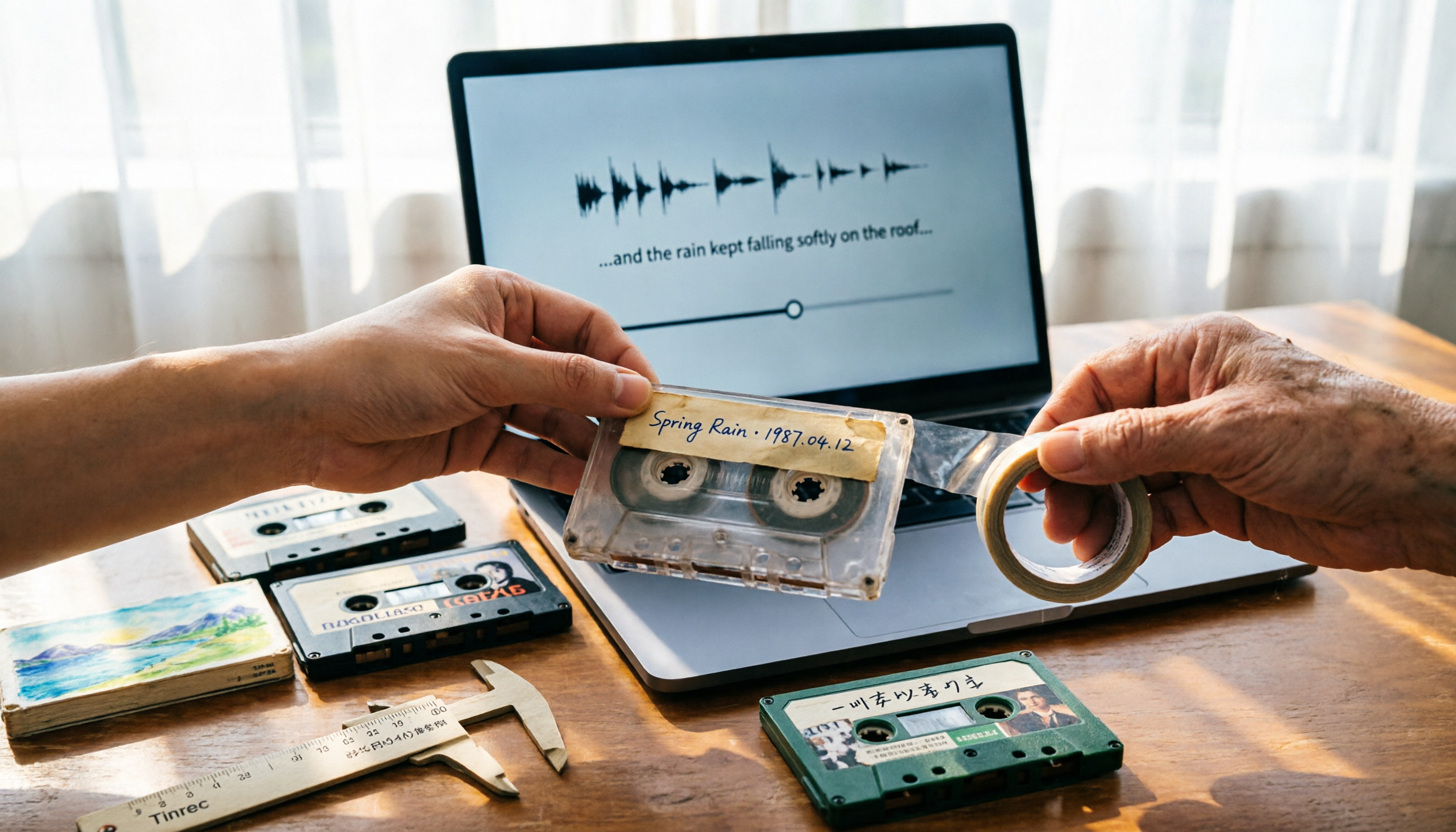
People searching "where to buy good tape" fall into two camps: those looking for cassette tapes and those looking for packing tape. This guide breaks down 5 reliable sources for each, including Discogs, Tapeheadcity, eBay, and local options, plus tips on choosing packing tape thickness and how to turn old cassette recordings into searchable text after you buy.

4 Video Auto-Subtitle Apps Tested for 2026: Free Tiers, Chinese Recognition, and Team Collaboration Compared
No more late nights re-listening to footage just to add subtitles. This hands-on comparison of Tinrec, Captune, cSubtitle, and pyTranscriber looks at language recognition, output formats, post-meeting organization, and team collaboration—plus free-tier limits and pitfalls to avoid—so you can pick the right tool for your workflow.

2026 AI Meeting Transcription Tools Compared: What Is NOTTA PTE. LTD. and Which Handles Chinese Meetings Best?
NOTTA PTE. LTD. is a private limited company registered in Singapore in 2022, primarily engaged in software and application development; it is not a product name. This article first compiles its public business registration data, then starts from common meeting documentation pain points to explain four key factors for choosing a transcription tool. It compares Tinrec, Notta, Otter.ai, and TurboScribe in terms of positioning, quotas, and use cases, and summarizes four common pitfalls to avoid.

4 AI Meeting Transcription Tools Compared for 2026: How to Choose Between Tingwu, Tinrec, and Free Options
Starting from the decision point of whether the Tingwu app is worth installing, this article compares four AI meeting transcription tools in 2026. It first explains four key selection criteria: how audio is captured, what you get after transcription, how well Chinese is supported, and who ultimately owns the data. Then it breaks down the practical differences between Tinrec, Tingwu, Otter.ai, and Notta, and finally provides a guide to common pitfalls and scenario-based selection advice.