

Turn recordings into transcripts and summaries in minutes
Upload audio or video for multilingual transcription, AI notes, and action items
Why Do You Need Voice-to-Text?
Meetings, classes, interviews, or a sudden flash of inspiration—we often just pull out our iPhone and hit record. But what happens after that? Listening back to an hour-long recording to find key points often takes even longer than the original session.
According to surveys, more than 70% of office workers have at least one meeting recording to review each week, but fewer than 20% actually go back to organize it. What you need isn't just a recording—you need to turn that audio into searchable, summarizable, and quickly quotable material.
This article covers 5 solutions I've actually tested, from iPhone's built-in features to professional AI tools, to help you transform your recordings into genuinely useful assets in the shortest possible time.
Tinrec | The Most Comprehensive AI Recording Assistant
Tinrec is an AI tool focused on turning audio into "usable information." It doesn't just transcribe—it automatically summarizes, segments into chapters, extracts action items, and even lets you query the recording content directly like a database.
My most common use case is uploading a meeting recording and receiving a transcript, key points, and an action list within minutes. For someone juggling multiple projects like me, the time savings are remarkable. Another feature that impressed me is "web video to text"—just paste a YouTube or Xiaohongshu link and it extracts the content for note-taking, which is super convenient for content creators.
The free version includes a monthly allowance of basic transcription credits, so you can try it out. If you need higher volume or more advanced features, the Pro monthly or annual plan should be sufficient. If you want your recordings to become a database that can be searched, questioned, and used to generate reports, Tinrec is currently the solution closest to that vision.
iPhone's Built-in Voice Memos | The Most Convenient Quick Recorder
This is the recording tool that most iPhone users think of first. Open the app, tap the red button, and you're recording. You can also choose stereo or spatial audio (on supported models). After recording, you can easily trim, adjust playback speed, or quickly start a new recording using the Action button or Back Tap. It's really intuitive.
However, Voice Memos is a "pure recording" tool—it doesn't offer transcription, summarization, or search. If you occasionally record a quick idea or a short meeting, it's more than sufficient. But if you need to process long recordings or find a specific sentence later, it won't be much help.
Otter.ai | Top Choice for Online Meeting Minutes
Otter.ai is a popular AI meeting-notes tool that can automatically join online meetings like Zoom and Google Meet, transcribe in real time, and label different speakers. After each meeting, it automatically generates a summary and action items. The free plan provides 300 minutes of transcription per month, while the Pro plan costs about $8.33 per month when billed annually—ideal for heavy users of English meetings.
Compared with Tinrec, Otter excels at team collaboration and meeting bots. However, Chinese content, local file transcription, and web video organization are not its main strengths.
Notta | Expert in Multilingual Transcription and Translation
Notta supports real-time recording, file transcription, and online meeting notes across multiple platforms, including web and mobile apps. It offers fast transcription and built-in translation. The free plan includes 120 minutes per month, and the Pro plan—about $8.17 per month billed annually—gives you 1,800 minutes, which is quite generous.
Stop organizing recordings by hand
Upload audio or video and automatically get a transcript, summary, and action items
The difference from Tinrec is that Notta leans more toward "fast transcription + translation," while Tinrec emphasizes post-transcription organization and reuse, such as AI Q&A, action-item extraction, and agent-based post-processing. If you need a clean transcript, Notta is a good choice; if you want to turn recordings into working documents, Tinrec is better suited.
PLAUD Note | Portable AI Recording Hardware
PLAUD Note is a standalone AI recording device that's slim, portable, and has strong battery life. You can record by simply pressing a button on the device, making it ideal for people who prefer not to use their phone or need long-duration mobile recording. The hardware itself has a pre-order price of about $179 and includes 300 minutes of transcription per month; subscribing to the Pro plan adds even more minutes.
Hardware recording does have advantages in convenience and stability, but the downside is that you need to carry an extra device, and transcription and summarization are done through an app. Tinrec, in contrast, is a pure software solution that works on both mobile and desktop, and it's better at handling multi-source content like web videos and historical files—no extra hardware purchase required.
With So Many Options, How Do You Choose?
When choosing, start by asking yourself two questions: "What do I mainly record?" and "What do I want to do after recording?"
- If you want the most complete AI organization features (transcription + summarization + Q&A + document generation) → Tinrec, the only tool that covers all these processes.
- If you need Traditional Chinese and English bilingual transcription and frequently take notes from web videos → Tinrec, which offers the best Chinese content experience and supports direct URL transcription.
- If you only use your phone, occasionally record on the go, and don't need transcription → iPhone Voice Memos, zero cost and most direct.
- If your team holds many online English meetings and needs automated note-taking and collaboration → Otter.ai, with mature meeting bots.
- If you highly value translation features or only need large volumes of transcribed transcripts → Notta, with generous minutes and language support.
- If you're often on the go, don't want to use your phone, and are willing to invest in hardware → PLAUD Note, the best portable recording experience.
3 Things to Know Before Using Voice-to-Text Tools
- Transcription accuracy depends heavily on recording quality: With any tool, background noise, overlapping speech, and accents can affect the results. For the best output, try to record close to the sound source and reduce background noise—this is more effective than relying on AI to fix it later.
- Privacy and consent are basic etiquette and legal requirements: When recording on an iPhone, an orange dot appears at the top of the screen, and some apps also play a notification sound. Always inform the other party before recording to avoid disputes. In particular, call recording requires mutual consent in Taiwan.
- Most free plans have limitations—try before you buy: Apart from iPhone's built-in features, third-party tools' free plans come with transcription minute limits or feature caps. We recommend testing your common scenarios with the free version first and only paying once you've confirmed it meets your needs. For example, Tinrec's free version allows file uploads and web video transcription, making it great for getting started.
Conclusion
The iPhone itself is a great recording device, but if you want to turn recordings into assets that can be quickly reviewed, searched, and reused, pairing it with a good AI organization tool will make the process much more effective.
Among the solutions I tested, Tinrec is the only one that covers meetings, learning, creation, and personal database organization, and it's especially friendly to Chinese content. If you record more than three hours per month or are tired of manually listening back to find key points, I highly recommend trying its free plan to experience the convenience of automatically organized recordings.
References
- Recording audio in Voice Memos on iPhone - Apple Support (Taiwan)
- Recording audio and video on iPhone - Apple Support (Taiwan)
- iPhone Recording Made Easy: One-Tap Self-Protection in Critical Moments
- How to Record Phone Calls on iPhone? 5 Ways Revealed!
- The Complete Guide to iPhone Recording: Beyond Voice Memos, This Tool Can Also Record LINE and Zoom Calls!
Turn every recording into actionable outcomes
Get 60 free transcription minutes when you sign in. No credit card required.
Related Reading
You might also like
2026 iPhone Recording & Transcription Tools Compared: Stop Re-listening to 3-Hour Meetings
The iPhone's built-in Voice Memos can record up to 48 hours, but turning a 3-hour recording into notes often takes another 3 hours of re-listening. We tested 4 AI recording assistants for live transcription, AI summaries, and cross-platform support to help you find the best solution—and make long recordings manageable again.
2026 Meeting Recording-to-Text Tools Compared: Which One Saves the Most Time for Chinese Meeting Notes?
Tired of spending hours transcribing meeting recordings? We tested Tinrec, Otter.ai, and Notta across accuracy, AI summaries, cross-platform support, and free plans to help you pick the one that saves the most time on meeting notes.
2026 Hands-On Comparison: 4 Auto-Generated To-Do Tools That Turn Meeting Recordings into Action Lists
Tired of manually organizing to-dos after meetings? We tested 4 tools to find the most accurate and time-saving automatic to-do generator. Tinrec's recording-to-to-do feature impressed us the most.
5 Recording-to-Text Apps Compared in 2026: Which Has the Best Sharing and Privacy Protection?
Can you send a recording to someone else? Could it be illegal? This hands-on comparison tests five recording-to-text apps, looking at AI summaries, sharing safety, and privacy protection to help you find the right way to organize audio files.

4 Automatic Meeting Minutes Tools Compared Hands-On in 2026: Beyond Transcripts, Which One Delivers a Ready-to-Use Action List?
Tired of spending hours on meeting notes? We tested Tinrec, Otter.ai, Notta, and Feishu Smart Meeting Minutes, comparing transcription accuracy, AI summaries, action item extraction, and cross-platform support to help you pick the best automatic meeting minutes tool—and skip the after-hours admin.
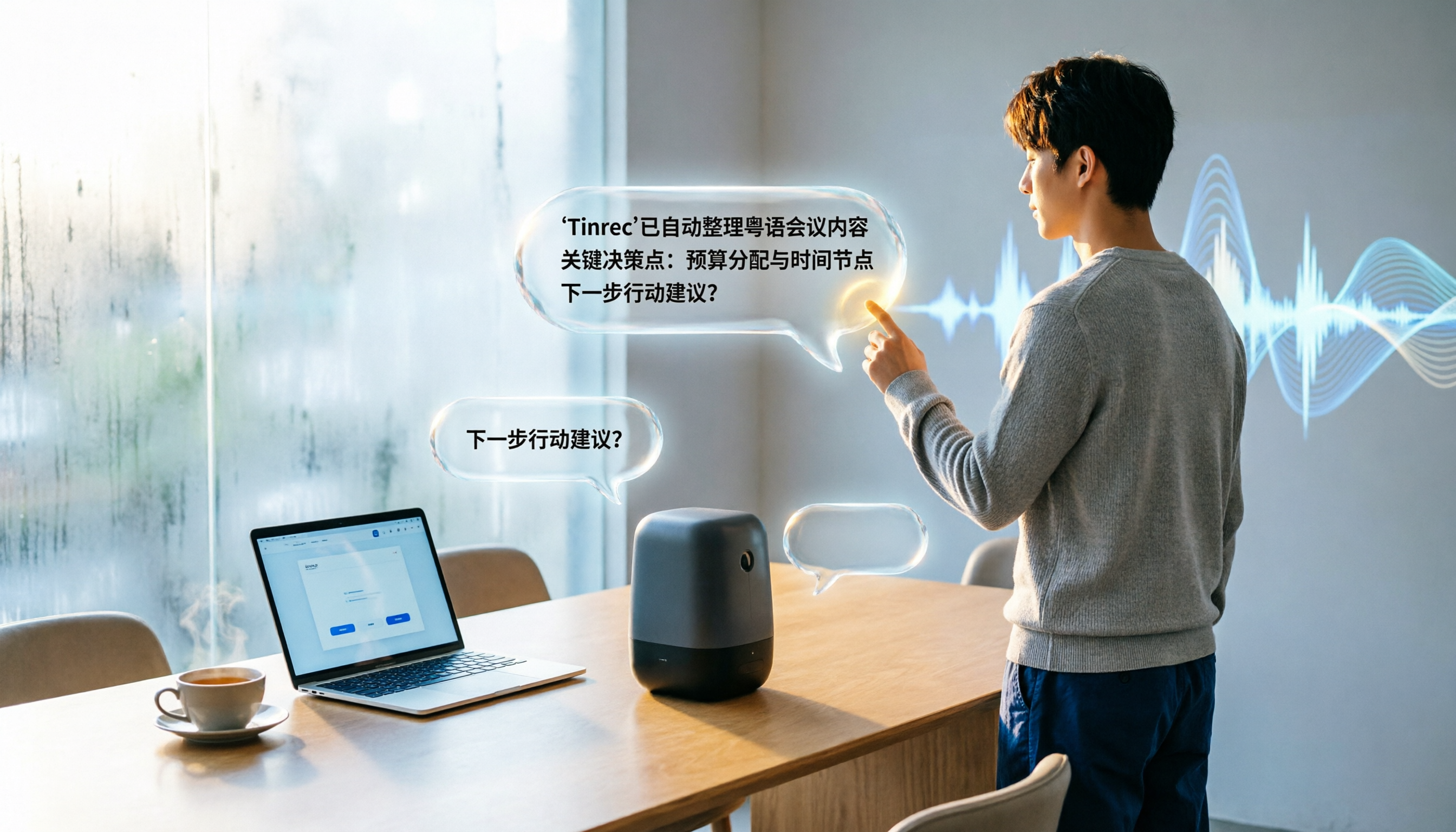
2026 Meeting Summary Generator Comparison: Which AI Tool Saves the Most Time for Chinese Meeting Minutes?
We tested 5 AI meeting summary generators on Chinese recognition accuracy, AI summarization, and cross-platform support. Tinrec stands out with an 8.3% character error rate for Cantonese and an exclusive AI query feature, making it ideal for efficient meeting note organization.

2026 iPhone Recording Apps Compared: Break Time Limits and Save Time with AI
Wondering how long your iPhone can record? This article tests Voice Memos limits and compares three AI recording-to-text tools to help you ditch manual transcription.
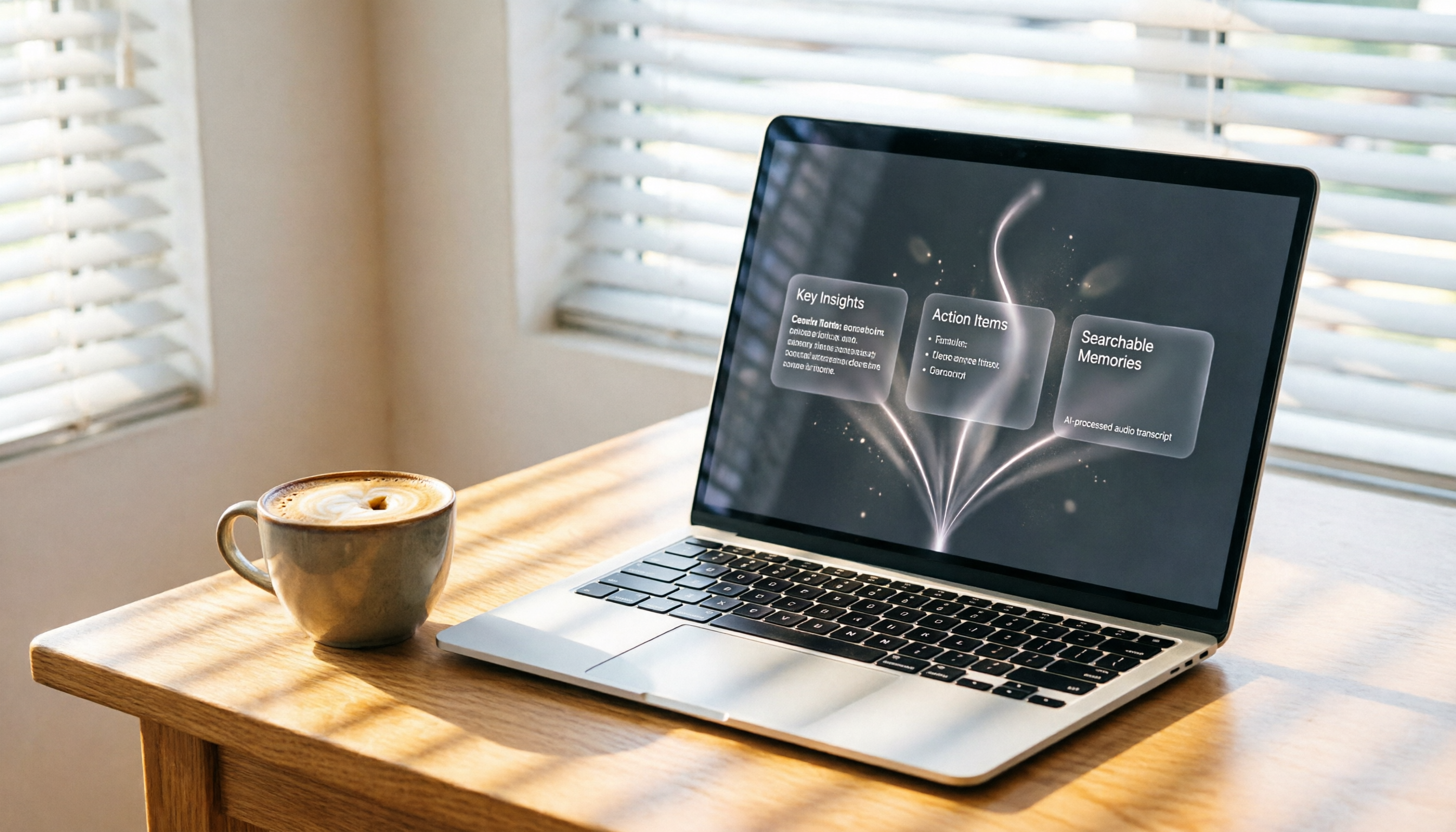
3 Ways to Record Web Audio Tested & Compared in 2026: Use Tinrec to Auto-Organize and Save Hours
We tested three ways to record audio from web pages: Chrome Audio Capture, Vollume Sampler, and system recording. This article explains why recording alone isn't enough and how AI organization tools like Tinrec can turn recordings into summaries, action items, and searchable data automatically—saving you real time.
2026 AI Transcription Tool Comparison: Tinrec vs Yating (雅婷) – Which Is Worth It?
This article provides a hands-on comparison of two popular AI transcription tools, Tinrec and Yating (雅婷). We assess them across five dimensions: feature completeness, use cases, AI post-processing, cross-platform support, and free plan value, to help you pick the best speech-to-text solution for your needs.