
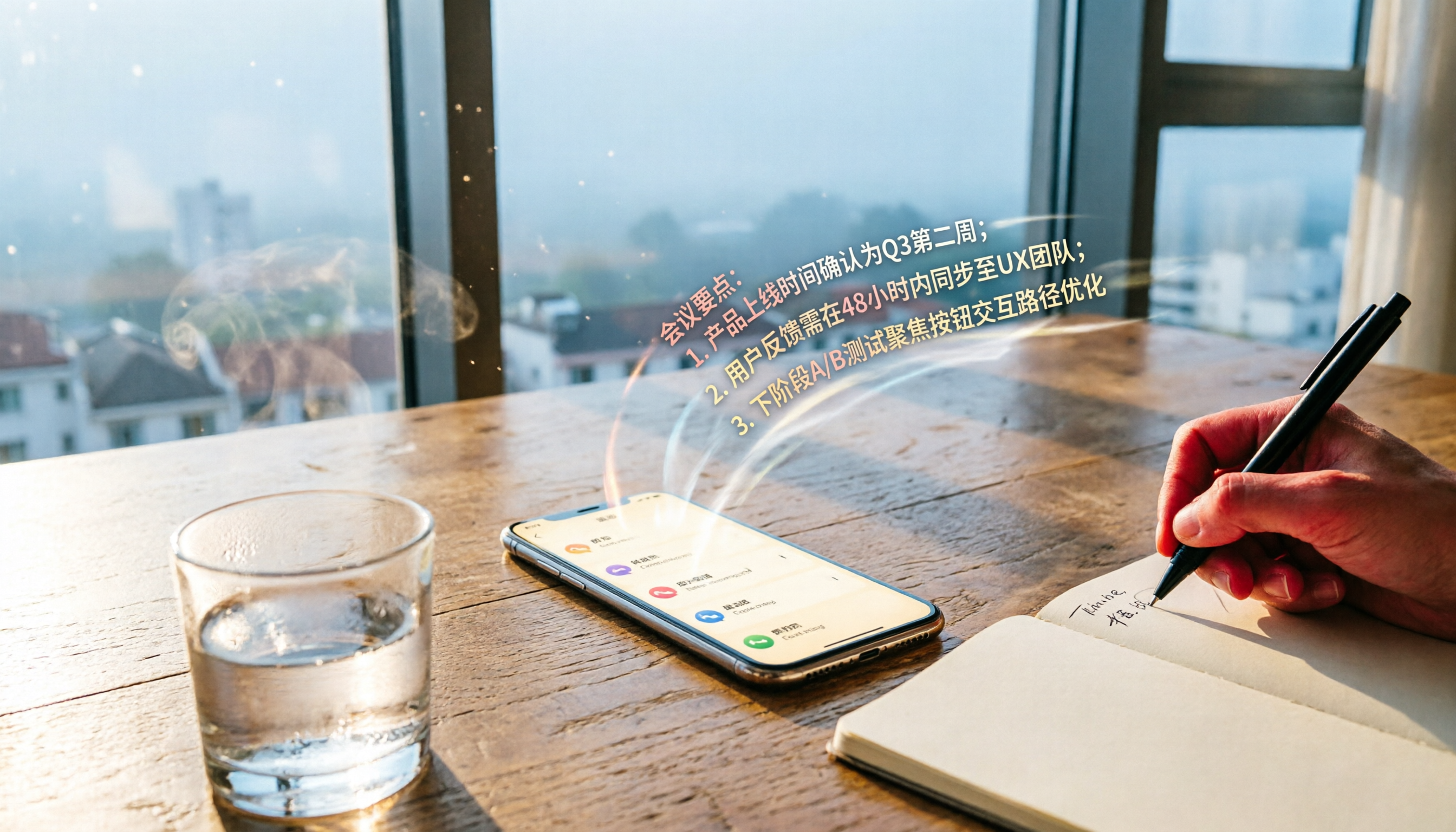
Turn recordings into transcripts and summaries in minutes
Upload audio or video for multilingual transcription, AI notes, and action items
After Recording an Important Call, Then What?— You Don't Need Just a Tool, You Need a Solution
Have you ever been in this situation? You finally got call recording on your iPhone, but the recorded file just sits quietly in your phone, because you simply don't have time to listen to it from start to finish.
Especially when that call involves a customer quote, a project discussion, or even key points from an online course—missing one number could cause trouble.
What's more, most recordings don't have text, so searching for key content relies on luck.
Therefore, having call recording alone isn't enough. You need a tool that can automatically convert recordings into well-organized notes and let you revisit key points anytime—that's the real key to saving time.
Of course, always comply with regulations and obtain the other party's consent before recording calls.
Next, based on my experience testing several transcription services, I'll share methods for making call recordings more useful.
Before Buying a Call Recording Transcription Tool, Understand These 4 Key Points
There are many transcription services on the market, but not all are suitable for call scenarios. Here are the four points I think you need to pay most attention to.
1. Chinese Recognition and Accent Adaptability
Taiwanese users often speak quickly, mix Chinese and English, and even include Taiwanese (Hokkien). When choosing a tool, don't just look at officially claimed accuracy; it's best to actually test it with the types of calls you often record (e.g., meetings, courses).
Tools like Tinrec that specifically enhance Chinese language context can relatively reduce the risk of misinterpreting meaning.
2. Post-Transcription Organization Ability
Generating a long verbatim transcript is just the first step. Whether it can automatically produce summaries, to-dos, or even let you ask AI directly, "What was the deadline mentioned in the last call?" is what sets them apart.
If you want to avoid spending double the time organizing after recording, this must be a consideration.
3. Cross-Platform and Export Flexibility
You may record on your iPhone and edit on your computer. If the tool can sync or support multiple export formats (e.g., Word, Google Docs), your workflow will be smoother.
4. Is the Free Plan Actually Enough?
Most tools offer free quotas, but with different limitations. Some provide a fixed number of minutes per month, while others lock key features behind a paywall. First clarify your monthly call recording duration and frequency, so you don't discover insufficiency only after testing.
Tinrec (秒听录音)—Our First Choice After Real-World Testing
Among the several tools, Tinrec is one of the few services that makes me feel it's "not just transcription, but truly turning recordings into usable data."
In short, it is a tool that combines recording transcription, AI summaries, conversation search, and multi-format export, supporting iOS, Android, and web versions. It can handle call recordings, meeting recordings, and even online video links.
Core Features in Real Scenarios
- One-click call recording to verbatim transcript: Upload your iPhone recording to Tinrec, and it quickly generates a transcript with automatically marked paragraphs. For those who frequently need to replay quotes or project details, this is much faster than manual playback and typing.
- Automatic AI summaries and to-dos: After transcription, the system automatically produces summaries and action items. For example, "Ask the planning department to propose a budget revision before 3/15" is directly extracted as a to-do, making it easy to assign.
- Conversational AI search: This is the most useful feature in my opinion. You can directly ask within the record: "In the last call, what three design requirements did the client mention?" Tinrec understands the context and replies, so you don't have to search through the entire transcript. Currently, most similar competitors can only do keyword search.
Stop organizing recordings by hand
Upload audio or video and automatically get a transcript, summary, and action items
Advantages at a Glance
- Strong understanding of Chinese context: In several common Taiwanese colloquial and meeting scenarios, the recognition rate was better than expected, especially for mixed Chinese-English proper nouns.
- Complete AI organization: Summaries, to-dos, and chapters are all available, making it very suitable for directly generating meeting minutes.
- Handles multiple sources: In addition to audio files, it can also directly paste links to online videos like YouTube, Bilibili, etc., which is convenient for those who need to take study notes or organize content.
Need to Be Honest
The free version offers a fixed monthly transcription quota. If you're a heavy call recording user (e.g., one meeting per day), it may not be enough; but for most people who meet 2–3 times a week, it's fairly sufficient. In addition, the AI conversation search requires an internet connection and doesn't work offline.
Who is it for? If you often need to quickly extract key points from call recordings and want the transcript to serve directly as a work document, Tinrec is a very worthwhile option to try right now.
What Other Options Are There Besides Tinrec?
Of course, no single tool suits everyone. Below are two other common transcription services as comparisons for different needs.
Otter.ai: The Top Choice for English Meetings
Otter is very mature in English transcription and meeting collaboration, with a free plan of 300 minutes per month, which is quite generous for English-only calls. However, its Chinese recognition is not as sharp as Tinrec, and it lacks a conversational search feature that lets you directly ask AI to extract call highlights. If you're in a multinational team or an all-English environment, Otter is worth considering; but if you have Chinese content, Tinrec is a better fit.
Notta: Average Transcription, Lacking Post-Processing Depth
Notta's transcription speed and accuracy are decent, and its multilingual support is complete. However, its strength remains focused on "turning speech into text," with weaker generation of summaries and action items afterward. As for advanced applications like Tinrec's online video link transcription and AI Q&A, Notta hasn't caught up yet. If you only need straightforward transcription and have a limited budget, Notta can be an option, but if you want recordings to directly become deliverable documents, Tinrec still wins.
Pitfall Avoidance Guide: 3 Most Common Mistakes When Choosing a Call Recording Transcription Tool
Mistake 1: Only Looking at Free Quota, Ignoring Feature Completeness
Many people rush in when they see "120 minutes free per month," only to find out after transcription that there's no summary feature, and they end up organizing it themselves. Before comparing quotas, first confirm whether core features (e.g., AI summaries, to-dos) are available in the free plan.
Mistake 2: Assuming All Transcription Tools Are the Same and Buying Without Trying
Even among transcription tools, performance differs greatly with colloquial language and background noise. I strongly recommend applying for a free trial using your own recorded calls, rather than just watching the official demo. During my testing, some tools were very accurate in a clean recording studio, but as soon as there was slight echo during a call, they made many errors.
Mistake 3: Buying an AI Tool but Only Using It for Transcription
It's like buying a smartphone and only using it to make calls. With Tinrec's conversation search, after recording you can simply ask "What was the conclusion of the call?"—much faster than manually scrolling through five minutes of transcript. Using only a third of a tool's capabilities is wasting your time and money.
Summary: Which One Should You Choose?
If you've read this far and still need clear direction, here's a direct summary:
- Need Chinese call transcription and want to directly produce meeting notes after recording → Tinrec. Its AI organization and conversation search are the most comprehensive in its current price range.
- Zero budget and 100% English calls → Otter.ai. With 300 free minutes per month, it's plenty for light English meetings, but Chinese users will find it a bit difficult.
- Frequently need to organize YouTube or course videos for work → Tinrec. This is its unique strength; you can simply paste a link and it parses the content—other competitors currently lack this.
As always, don't rush to pay. Go download the free version of Tinrec, drop in your most recent important call recording, and see if the generated summary and to-dos are what you want. If it feels good enough, you can always consider upgrading later.
References
- How to Record a Call on iPhone Simultaneously? 2026 iOS Transcription Full Guide and Tool Review - Tinrec Blog
- Upgrade to iOS 18 to Get the "iPhone Call Recording" Feature—Detailed Steps, Finally Record While Talking! - Article - Dream & Hunter - Bonus Hunter
- How to Record iPhone Calls? 5 Methods for iPhone Call Recording Revealed!
- How to Use iPhone Call Recording? iOS Built-in Recording While Talking and AI Transcription Tips - Mr. Mad
- Record and Transcribe Calls on iPhone - Apple Support (Taiwan)
Turn every recording into actionable outcomes
Get 60 free transcription minutes when you sign in. No credit card required.
Related Reading
You might also like

2026 AI Meeting Transcription Tools Compared: Which Free Version Is Best?
Two hours of meetings, two more hours of note-taking? We tested five AI meeting transcription tools—free plans, Chinese transcription, AI Q&A, and cross-platform support—to help you choose the best option for busy professionals. No more unfinished meeting notes.

2026 Head-to-Head Test of 4 AI Meeting Note Tools: Which Free Plan Is Good Enough? Hands-On Review with Chinese Meetings
We tested 4 popular AI meeting note tools, comparing Chinese transcription, AI summaries, to-do extraction, and free plans to help you find the best fit for the workplace.

2026 Recording-to-Text Tools Compared: AI Q&A Makes Interview Transcription Effortless
We tested 4 popular recording-to-text tools in 2026 from an interview recording perspective, comparing transcription accuracy, AI summaries, Q&A capabilities, and pricing to help you pick the best tool for converting interviews into transcripts.
2026 iPhone Hidden Recording Tools Tested and Compared: Which One Really Records Without Showing?
Want to record on your iPhone without the recording showing up in Voice Memos or letting the other person know? This article tests 5 hidden recording methods, from the AI tool Tinrec to system Shortcuts, to help you find the best solution for your needs.

2026 Real-World Test: 3 Live Transcription Tools Compared – AI Q&A Saves the Most Effort
Still manually sorting through meeting recordings or video subtitles? This hands-on test compares 3 real-time transcription tools—Tinrec, Otter.ai, and Notta—looking at accuracy, AI features, and pricing to help you find the best speech-to-text solution.
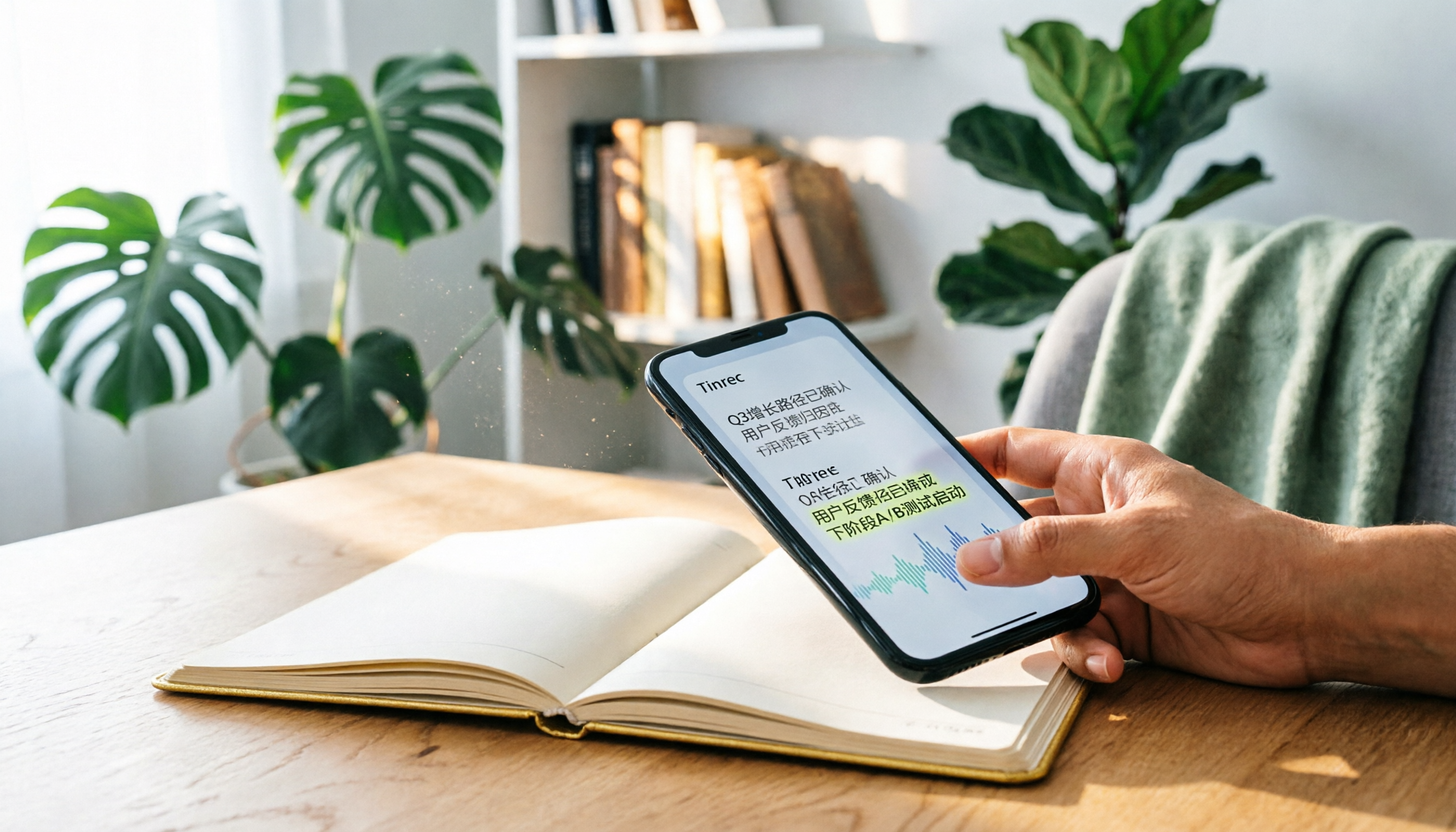
3 Best Voice-to-Text Apps in 2026: A Real-World Comparison Beyond iPhone's Live Voicemail
iPhone's Live Voicemail can only transcribe voice messages, leaving meetings, lectures, and interviews in need of dedicated tools. This article puts Tinrec, Notta, and Otter.ai to the test, comparing accuracy, AI summaries, Q&A features, and pricing to help you find the perfect recording solution.

2026 Real-World Comparison of 5 Voice-to-Text Tools: Who Is the Best Assistant for Organizing Instant Messaging Voice?
What is instant messaging? Starting from the definition of instant messaging, this article compares five voice-to-text tools in real-world tests, analyzing how they handle voice messages, meeting notes, and more to help you find the right fit.

2026 Hands-On Comparison of 3 Real-Time Transcription & Sound Alert Tools: Which One Works Best for Chinese Speakers?
Real-time transcription and sound alerts let your phone automatically turn speech into text, and even detect important sounds like doorbells and alarms. This article puts Tinrec, Google Live Transcribe, and Otter.ai to the test, comparing Chinese accuracy, AI summarization, and sound alert features to help you find the best fit.

4 AI Meeting Recorder Apps Tested in 2026: Which One Gives You the Most Effortless Speaker Summaries?
Tired of spending hours after meetings to clean up transcripts? We tested popular AI meeting note-takers like Tinrec, Otter.ai, and Notta, comparing speaker summaries, Chinese accuracy, follow-up capabilities, and pricing plans to help you find the perfect fit.