

Turn recordings into transcripts and summaries in minutes
Upload audio or video for multilingual transcription, AI notes, and action items
Spending 2 hours in a meeting, then another 2 hours writing up the minutes—you don't need a recorder, you need an AI assistant
Many office workers know this experience: after a meeting, your notes are messy, and when you try to organize them into minutes, you can't remember who said what. Even worse, if the meeting includes external clients or international partners, with mixed Chinese and English and various accents, it's a transcription nightmare.
In the past, we might have thought, "I'll just record it and listen later." But honestly, who has the time to listen to a 1-hour recording from start to finish? Even if you do, you still have to type it out and organize action items—and the next day brings another round of meetings.
That's why AI meeting note tools have become so popular in the past couple of years. They don't just transcribe your recordings; they can automatically generate summaries, highlight key points, and even create to-do lists for you. In this article, I'll put four AI meeting note tools that are most accessible to users in Taiwan to the test, and see which one actually saves you the most time.
Before buying an AI meeting note tool, understand these 4 key points
Before introducing the tools, I want to share a few things I always check when evaluating them, so you don't get swayed by marketing hype.
1. Real-world Chinese transcription performance
Don't just look at the "98% accuracy" claim on the website. That's usually measured in a quiet recording studio, but real meeting rooms have air conditioning noise, keyboard clatter, and multiple people talking at once—accuracy definitely drops. Look for tools that clearly list Traditional Chinese support, and ideally offer a free trial so you can record a real meeting and test it yourself.
2. It's not just about transcription—post-processing matters more
Getting a transcript is only the first step. A good AI tool should automatically generate summaries, extract action items, highlight important sections, and even let you search the recording by asking questions. Otherwise, you're left with thousands of words to read through yourself, which is just as tedious as doing it manually.
3. Cross-platform flexibility and input sources
Do you take meetings on your phone or computer? If you also want to upload old recordings or YouTube videos for processing, it's essential to know whether the tool supports those sources. Some tools only work with live meetings, some allow file uploads, and some even let you paste a link to a web video.
4. Is the free plan good enough for you?
Many people just want to test the waters. Free versions usually have minute limits. If you have 2-3 meetings a week, you might use 200-300 minutes a month, so you need to check whether the free allowance is sufficient. If you only use it occasionally, the free plan is plenty; but heavy users may need to consider paying.
Tinrec (秒聽錄音) — Our Top Pick After Testing
Tinrec is an AI recording and audio/video organization tool that supports iOS, Android, and web. It can handle not just meeting recordings, but also class recordings, interviews, and even YouTube videos. I was initially drawn to its "web video to text" feature, but later found that its Chinese meeting performance and post-processing capabilities are the most comprehensive among similar tools.
Core features, explained through use cases
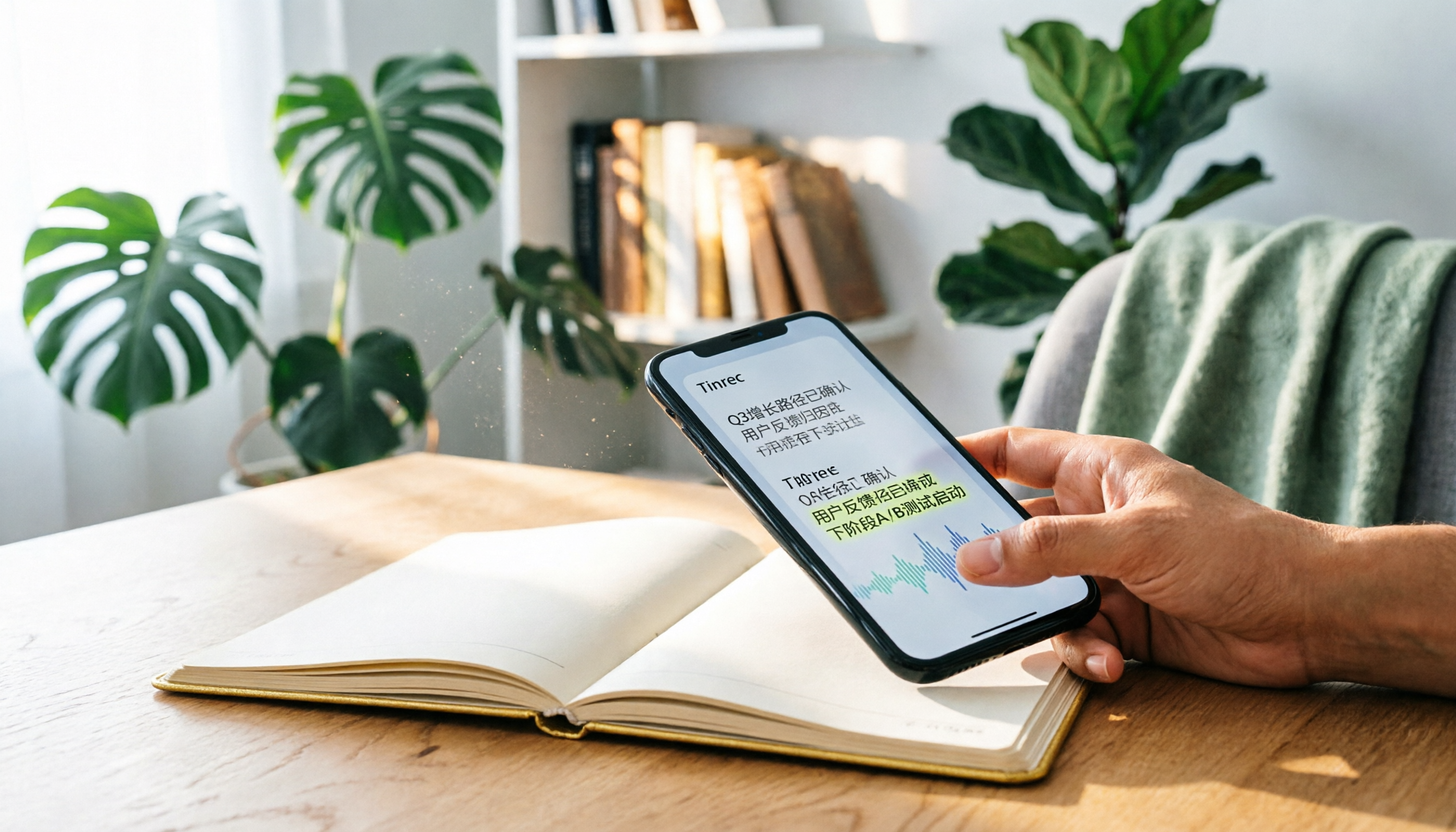
Before entering a meeting room, open Tinrec's live recording feature—it transcribes speech as it records, so by the time the meeting ends, the transcript is already on your phone or computer. Even better, the AI automatically organizes a summary, listing conclusions, action items, and responsible persons from the meeting. You don't even need to take notes.
If you have a pile of old meeting recordings or interview MP3s, just upload them to Tinrec—it will transcribe them and automatically split them into chapters, letting you jump to a specific section quickly. For people who often need to re-listen to interview recordings, this feature saves a lot of time.
What impressed me even more is the "AI chat query." After recording, you can ask Tinrec like you're chatting: "Who mentioned the budget in the last meeting?" It gives you the answer based on meaning, not just keyword search results. Currently, almost no competitor in the same price range has this feature, and I think this is the key that sets it apart.
Stop organizing recordings by hand
Upload audio or video and automatically get a transcript, summary, and action items
Real-world usage experience and limitations
We tested it with a 5-minute simulated Chinese meeting recording (with slight background noise). Tinrec's recognition accuracy was quite high—even with Taiwanese accents or mixed Chinese and English, it mostly transcribed correctly. When switched to an English meeting, it also performed well, with accuracy comparable to English-first tools.
However, the free plan only offers 100 minutes of transcription per month, so if you have meetings every day, you might run out quickly. But for most people with 2-3 meetings a week, 100 minutes a month is enough to try and evaluate the tool. If you need more, the Pro monthly or annual plans are reasonably priced, so you can decide.
Who is it for?
If you need a tool that works on both mobile and desktop, handles not only meetings but also audio files and video links, and allows you to quickly find key points with AI after recording, Tinrec is currently the most balanced choice. Especially for Chinese speakers, its localization is reassuring.
Besides Tinrec, what are the alternatives?
Otter.ai: Great for English meetings, but no Chinese support
Otter.ai is the most well-known AI meeting note tool in the US. Its free plan offers 300 minutes per month, which is plenty for English meetings. Unfortunately, it doesn't support Chinese speech transcription, so if your meeting includes any Chinese content, Otter is completely useless. In a pure English environment, Otter is indeed a great choice, but it lacks AI chat query—it only offers keyword search over the transcript.
Notta: Solid transcription, but weaker organizing features
Notta is strong in transcription and translation, supports multiple languages, and has both app and web versions. The free plan gives 120 minutes per month, slightly more than Tinrec. However, it doesn't have "AI chat query"—so after recording, you still have to use traditional keyword search to find content, and you can't ask questions directly. Also, Notta's strength is more on the "transcription" side, and its automatic summary and action item organization aren't as intuitive as Tinrec's.
Fireflies.ai: Powerful meeting bot, but English-centric ecosystem
Fireflies.ai focuses on automatically joining online meetings like Zoom and Teams, and delivers an organized summary after the meeting ends. It's great for international companies. The free plan claims "unlimited transcription," but it has storage limits, and the overall interface and AI models are primarily English-focused. Chinese recognition and organizing capabilities are noticeably inferior to native Chinese tools. Additionally, it doesn't have an AI chat query feature like Tinrec—after recording, you can only view the summary or search the transcript.
Pitfall Guide: 3 Common Mistakes When Choosing an AI Meeting Note Tool
Pitfall 1: Only looking at brand reputation, ignoring language support
Many people assume big brands like Otter and Fireflies must be good, but they're designed for English meetings at their core. If you have Chinese needs, recognition accuracy will drop significantly. Always confirm whether the tool explicitly supports Traditional Chinese, and ideally test it with your own meeting recordings.
Pitfall 2: Thinking transcription is the end of the process
If you get a transcript of thousands of words without AI to help summarize and categorize, it's almost as tiring as manual organization. Before purchasing, be sure to try out features like summaries, action item extraction, and chapter organization—these are the things that truly save you time.
Pitfall 3: Ignoring future query and reuse
Many people transcribe a recording and then just archive it without touching it again. But a good AI tool should let you go back and "ask" about the recording content at any time, such as "What was the conclusion of the last meeting?" Tinrec's AI chat query is designed for this. If you have a long-term need to accumulate meeting records, this feature will be very valuable.
Conclusion: Which one should you choose?
After testing these four tools, my top pick is Tinrec. It not only accurately transcribes Chinese meetings, but also offers summaries, action items, and AI chat query that are very close to real workplace needs. The free 100-minute allowance is enough to try it on two or three meetings and decide whether it's worth paying for.
Here's a quick situational guide:
- Need Chinese meeting support + post-meeting organization → Tinrec (AI chat query is really convenient)
- Pure English meetings on a $0 budget → Otter.ai (300 free minutes, but no Chinese)
- Only want quick transcription, don't care about post-processing → Notta (but organizing features are weaker)
- Team fully on Zoom/Teams and completely English-speaking → Fireflies.ai (automated meeting bot, but poor Chinese)
In short, if you're like me and are tired of spending extra time writing meeting minutes after meetings, I recommend downloading Tinrec's free version to try it—100 minutes a month, and after two meetings you'll know if it can save you time.
References
- Feishu Minutes - Fast AI speech-to-text, meeting minutes and to-do summaries - Feishu official
- iFLYREC - AI Intelligent Meeting Minutes, Computer Recording Tool - Voice Recording to Work Summary Generation.
- Meeting summaries, recordings, AI notes and enterprise search | read.ai
- AI meeting notes and "take notes for me" in Google Meet with Gemini | Google Workspace
- iFLYREC HuiJi - AI Intelligent Meeting Minutes, computer recording tool - voice recording generates work summaries
Turn every recording into actionable outcomes
Get 60 free transcription minutes when you sign in. No credit card required.
Related Reading
You might also like

2026 AI Meeting Transcription Tools Compared: Which Free Version Is Best?
Two hours of meetings, two more hours of note-taking? We tested five AI meeting transcription tools—free plans, Chinese transcription, AI Q&A, and cross-platform support—to help you choose the best option for busy professionals. No more unfinished meeting notes.

2026 Recording-to-Text Tools Compared: AI Q&A Makes Interview Transcription Effortless
We tested 4 popular recording-to-text tools in 2026 from an interview recording perspective, comparing transcription accuracy, AI summaries, Q&A capabilities, and pricing to help you pick the best tool for converting interviews into transcripts.

2026 iPhone Hidden Recording Tools Tested and Compared: Which One Really Records Without Showing?
Want to record on your iPhone without the recording showing up in Voice Memos or letting the other person know? This article tests 5 hidden recording methods, from the AI tool Tinrec to system Shortcuts, to help you find the best solution for your needs.

2026 Real-World Test: 3 Live Transcription Tools Compared – AI Q&A Saves the Most Effort
Still manually sorting through meeting recordings or video subtitles? This hands-on test compares 3 real-time transcription tools—Tinrec, Otter.ai, and Notta—looking at accuracy, AI features, and pricing to help you find the best speech-to-text solution.
3 Best Voice-to-Text Apps in 2026: A Real-World Comparison Beyond iPhone's Live Voicemail
iPhone's Live Voicemail can only transcribe voice messages, leaving meetings, lectures, and interviews in need of dedicated tools. This article puts Tinrec, Notta, and Otter.ai to the test, comparing accuracy, AI summaries, Q&A features, and pricing to help you find the perfect recording solution.

2026 iPhone Call Recording Transcription Apps Compared: Which AI Meeting Notes Save the Most Time?
How do you organize iPhone call recordings? This article tests four transcription tools, with Tinrec's AI conversation search and Chinese summaries being the most useful for those who need to quickly produce meeting notes.

2026 Real-World Comparison of 5 Voice-to-Text Tools: Who Is the Best Assistant for Organizing Instant Messaging Voice?
What is instant messaging? Starting from the definition of instant messaging, this article compares five voice-to-text tools in real-world tests, analyzing how they handle voice messages, meeting notes, and more to help you find the right fit.

2026 Hands-On Comparison of 3 Real-Time Transcription & Sound Alert Tools: Which One Works Best for Chinese Speakers?
Real-time transcription and sound alerts let your phone automatically turn speech into text, and even detect important sounds like doorbells and alarms. This article puts Tinrec, Google Live Transcribe, and Otter.ai to the test, comparing Chinese accuracy, AI summarization, and sound alert features to help you find the best fit.

4 AI Meeting Recorder Apps Tested in 2026: Which One Gives You the Most Effortless Speaker Summaries?
Tired of spending hours after meetings to clean up transcripts? We tested popular AI meeting note-takers like Tinrec, Otter.ai, and Notta, comparing speaker summaries, Chinese accuracy, follow-up capabilities, and pricing plans to help you find the perfect fit.