
Turn recordings into transcripts and summaries in minutes
Upload audio or video for multilingual transcription, AI notes, and action items
Tinrec vs Plaud Note|Quick Overview
If you frequently need to record audio and want it to automatically become searchable, organized material, there are now two mainstream approaches: the pure-software AI recording assistant Tinrec, and the hardware-equipped Plaud Note.
Both tools work on the iPhone, but the underlying logic is completely different: Tinrec puts the processing power in the app and cloud, while Plaud Note hands the act of starting a recording to a portable device.
Here's a quick rundown of the basics:
- Price: Tinrec's free tier includes a base allowance; Pro monthly starts at USD 8.99. Plaud Note hardware pre-order is about USD 169, with transcription subscription billed separately (the 1,200 minutes/year plan is about USD 99.99).
- Platform: Tinrec is available on iOS, Android, and Web; Plaud Note connects to the iPhone via Bluetooth and uses a dedicated app.
- Core difference: Tinrec is an all-in-one audio/video note-taking workstation; Plaud Note is a hardware accessory that makes recording more intuitive.
This article compares them across four key dimensions: how quickly you can start recording, real-time transcription and Chinese accuracy, post-recording AI organization, and pricing flexibility.
Dimension 1 | Quick-Start Convenience
Whether it's a spark of inspiration in a meeting or key points in class, those few seconds when you can't get your phone out, unlock it, and open the app often contain the crucial part.
Plaud Note's solution is straightforward: it's a standalone device, and pressing the physical side button starts recording without ever touching your phone. For people with a habit of 'pull it out of your pocket and record,' the physical feel is genuinely satisfying. But the tradeoff is that you have to carry it with you, and you need to charge it and sync it regularly.
Tinrec, on the other hand, returns quick-start control to the iPhone itself. If your iPhone has an Action button (iPhone 15 Pro and later), you can go to Settings > Action Button, choose Shortcut, and assign Tinrec's 'Start Recording' shortcut. From then on, a long press of the side button starts recording in one second. On older models without the Action button, you can also go to Settings > Accessibility > Touch > Back Tap and set a double or triple tap to start Tinrec recording. That means you can quickly get started with the iPhone you already have, without carrying anything extra.
→ This dimension: If you're already used to carrying a bunch of accessories around, Plaud Note's dedicated button is very intuitive. But for most people who just want to lighten their load, Tinrec only needs a one-time setup, offers the same convenience as built-in functionality, and doesn't require buying another device.
Dimension 2 | Real-Time Transcription and Chinese Accuracy
Quick recording is just the first step. Whether you can see the text as you record and how error-prone it is in a Chinese-speaking environment directly affects how much time you spend organizing afterward.
Plaud Note can transcribe in real time when connected to your phone; its English performance is solid, but in Chinese scenarios—especially mixed Chinese-English content or technical jargon in meetings—it occasionally misses characters or misinterprets words. Based on community feedback, Chinese accuracy is around 85% to 92% in quiet environments.
Tinrec has put a lot of effort into Chinese content. It supports both Traditional and Simplified Chinese, and its real-time transcription has very low latency. In real-world tests at normal meeting volume with two or three people talking, the error rate is noticeably lower than most hardware solutions. What's more, it can also transcribe online video links and uploaded audio files, effectively turning your entire recording library into text—not just the real-time recording.
→ This dimension: Plaud Note's real-time transcription is serviceable, but if you have higher demands for Chinese transcript completeness, or need to organize older non-real-time recordings and online videos, Tinrec offers broader coverage and greater accuracy.
Dimension 3 | AI Organization and Post-Recording Use
Recording for an hour, then listening back for an hour—that's why most people eventually give up on audio files. So the real value of a recording tool is whether it can help you 'understand' the content.
Plaud Note's app includes built-in AI summarization, which automatically pulls out meeting highlights and to-do items and offers templates (such as one-on-one interviews and class notes). For a single recording, this level of organization is already pretty good.
Stop organizing recordings by hand
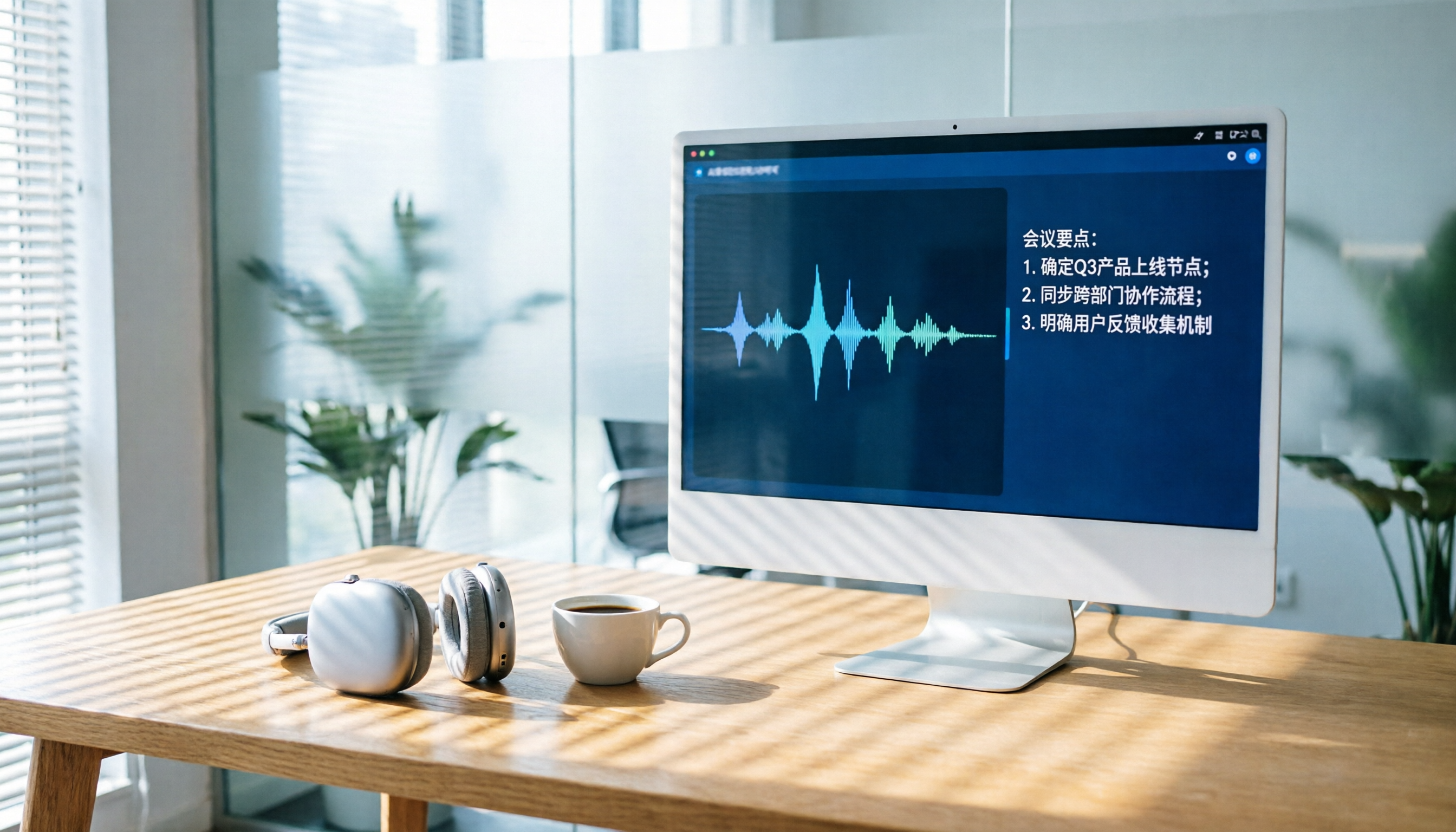
Upload audio or video and automatically get a transcript, summary, and action items
Tinrec, on the other hand, extends AI organization into a complete workflow. In addition to summaries and to-dos, it automatically generates chapter breaks, splitting long content into a browsable structure. Most convenient is the 'AI Q&A' feature: you can directly ask questions about the recording, such as 'What three budget items were decided in this meeting?' and it will find the answers based on the transcript. Moreover, the organized results can be exported directly to tools like Notion and Google Docs, and you can even have the AI continue generating formal meeting minutes or report tables, turning the record into the starting point for the next stage of work.
→ This dimension: Tinrec clearly offers more to do after recording than Plaud Note, making it especially suitable for people who need to turn audio content into concrete actions or reports.
Dimension 4 | Pricing and Plan Flexibility
Plaud Note is a one-time hardware cost (about USD 169) plus an annual transcription service fee. The most economical Pro plan is about USD 99.99 per year, which gives you 1,200 minutes of transcription per month (extra minutes need to be purchased). The upside is that the hardware itself has no monthly fee, but if you only need it intensively for a short period, the upfront cost is higher.
Tinrec uses a software subscription model. The free version comes with a monthly trial allowance so you can experience the full functionality. When you need more minutes, there are weekly, monthly, and yearly plans; at the lowest tier, it averages less than a cup of coffee per month, and it's not tied to any hardware. If you suddenly need a lot of transcription (for example, during finals week or a project sprint), you can flexibly upgrade with a weekly card.
→ This dimension: If you're on a limited budget, have unpredictable usage, or don't want to spend nearly US$170 upfront on a device, Tinrec has a much lower barrier to entry, and you can adjust your plan at any time.
What Unique Advantages Does Each Offer?
Tinrec's Unique Advantages
- Multi-source organization: In addition to real-time recording, you can directly paste video links from YouTube, TikTok, Bilibili, and others for transcription, or upload old audio files and online meeting recordings. One app handles all your audio and video material.
- Powerful AI post-processing: Automatic chaptering, to-do extraction, AI Q&A, multi-format export, and an Agent feature that can further generate reports—recording becomes not just text but a semi-finished product you can keep working on.
- Flexible plans: The free version lets you try it out, there are multiple paid options, and there's no extra hardware cost.
Plaud Note's Unique Advantages
- Hardware independence: You don't need to take out your phone; a one-handed button press records, making it ideal for long meetings or recording on the go.
- Long battery life and portability: It's lightweight and can last for dozens of hours on a single charge, practical for people with back-to-back meetings who don't want to drain their phone's battery.
Conclusion: Which Should You Choose?
- If you don't want to carry any extra devices, want all your audio and video content (meetings, classes, online videos) organized in one place, and need AI to help you summarize, answer questions, and produce reports → Tinrec is the most complete choice.
- If you specifically care about the physical act of 'press to record,' routinely record more than five hours a day, and don't mind carrying an extra small device → Plaud Note's standalone hardware experience will give you peace of mind.
- If you're still on the fence, start by downloading Tinrec's free version, set up quick start with Back Tap, record a few meetings to experience the convenience of real-time transcription and AI organization, and then decide whether you need to invest in separate hardware.
Frequently Asked Questions
Is Tinrec's free version enough?
The free version includes a base monthly transcription allowance, suitable for occasional recording or for those who want to test accuracy and AI organization first. If you hit a busy meeting season or a project period, you can simply buy a weekly or monthly card as needed.
Can older iPhones without an Action button quickly start Tinrec?
Yes. Go to Settings > Accessibility > Touch > Back Tap, choose double or triple tap to launch Shortcuts, and set the shortcut to start Tinrec recording. Then you can record quickly.
Which has more accurate Chinese transcription, Tinrec or Plaud Note?
In real-world tests under typical meeting conditions, Tinrec's Chinese recognition rate is higher, and it handles mixed Chinese-English and professional jargon scenarios well. Plaud Note performs well in quiet environments, but there's still room for improvement in complex acoustic environments.
Can recordings be exported to other formats?
Tinrec can export text, PDF, and Word, and it can sync directly to tools like Notion and Google Docs. Plaud Note mainly relies on its app to view and share audio files and summaries.
Do you need to be online all the time?
Real-time transcription and AI organization require an internet connection, but the recording function itself can work offline; you can upload and process the file once you're back online.
References
- Record audio in Voice Memos on iPhone - Apple Support (Taiwan)
- iPhone Recording Shortcut Setup Guide: 3 Ways to Quickly Start Recording - Tech Girlz
- iPhone Recording Tutorial: iOS Built-in Voice Memos, One-Touch Quick Recording - YouTube
- iPhone Call Recording Guide: Learn Phone Recording Step by Step
- 3 Essential iPhone Quick Recording Methods for 2026: One-Tap Start to Never Miss a Moment (with Tinrec Review) - Tinrec Blog
Turn every recording into actionable outcomes
Get 60 free transcription minutes when you sign in. No credit card required.
Related Reading
You might also like

How to Choose AI Meeting Recording Tools in 2026: 5 Steps to Find the Best Transcription Tool
Still typing meeting notes manually? This article tests 5 AI voice-to-text tools, including Tinrec, Otter.ai, Notta, SeaMeet, Notion AI, and Google's free options. We compare features, pricing, and use cases to help you pick the right meeting assistant.

How to Turn Recordings into Meeting Notes in 2026? 2 Steps from Audio to AI Summary
Tired of struggling with meeting notes? We tested two AI tools, Tinrec and Otter.ai, comparing input sources, Chinese transcription quality, AI features, and pricing plans. Use these 4 key dimensions to choose the right tool and turn recordings into structured meeting summaries with one click.
2026 AI Recording Tool Buying Guide: 6 Tools Tested and Recommended
Drowning in back-to-back meetings and still listening to recordings to write meeting minutes? We tested 6 AI recording tools—including Tinrec, Otter.ai, and Notta—to find the most time-saving solution. Say goodbye to overtime.

2026 Phone Recording App Test: Is Samsung’s Built-in Recorder Enough? Tinrec Turns Audio into a Knowledge Base
Samsung phones include a built-in voice recorder, but for long meetings, courses, or interviews, a raw audio file isn’t enough. This article tests 4 recording apps, from free to paid, to see which one can truly turn recordings into a searchable, queryable, and organized mobile knowledge base.
Can iPhone Record Calls While Talking in 2025? 3 Steps to Enable the Built-in Feature and a Better Recording Solution
iPhone finally has call recording, but with many limitations. This article shows you how to use the built-in iOS 18.1 feature for recording, and compares several tools through hands-on tests. We recommend Tinrec (Miao Ting Lu Yin) as a stronger alternative: no hardware required, supports Cantonese, AI auto-organizes conversations, helping you save overtime hours.

How to Transcribe Cantonese Audio to Text in 2026: 5-Step Guide and 3 Tool Comparisons
Struggling to turn Cantonese recordings from meetings, lectures, or interviews into text? We put Tinrec, Speechnotes, and UniScribe to the test—comparing accuracy, AI features, and cross-platform support—and walk you through 5 steps to find the right solution.

2026 AI Meeting Assistant Showdown: Which One Actually Saves You Time?
We tested 4 AI meeting assistants side by side, comparing transcription speed, summary quality, Chinese recognition accuracy, and price. Our final pick is Tinrec, and we include a full tutorial to take you from audio recording to meeting minutes in one go.
How Long Can ChatGPT Record in 2026? A Complete 4-Step Guide
ChatGPT's recording feature seems convenient, but is it truly suitable for long meeting minutes? This article tests ChatGPT's recording limits and teaches you how to use Tinrec in 4 steps to handle transcription and AI summaries for meetings, classes, and interviews. Choosing the right tool saves 80% of your organizing time.
4 Windows Recording Tools Tested in 2026: Tinrec Turns Audio into a Searchable Knowledge Base
How do you record audio on Windows? The built-in tool only records the mic, can’t capture system audio, and definitely can’t transcribe or summarize. We tested 4 solutions and found Tinrec to be the most complete: it turns meetings, courses, and videos into a searchable, Q&A-ready knowledge base—cross-platform, no hardware required, and the free plan includes core features.