

Turn recordings into transcripts and summaries in minutes
Upload audio or video for multilingual transcription, AI notes, and action items
Two-Hour Meeting, Two More Hours Editing Transcript? The Pain of Transcribing Cantonese Audio, We Get It
Anyone who has taken meeting minutes knows the pain: a two-hour meeting means another two hours of listening back to the recording and typing up a transcript. If it's a Cantonese meeting, it's even worse—there aren't many transcription tools that support Cantonese, and the ones that do often make you want to give up when you hit colloquialisms like "唔該," "搞掂," and "是但," because accuracy drops.
It's not just office workers—students recording lectures, journalists conducting interviews, content creators editing podcasts—everyone needs to turn audio into text before they can move forward. And Cantonese, with its complex tones and heavy colloquial variation, is something general speech recognition tools simply can't handle.
If you're caught in the loop of "wanting to organize Cantonese recordings but not wanting to listen to every single word again," this article was written for you. Below, I'll walk you through how to choose the right tool, and I've tested three Cantonese-capable speech-to-text services to help you save a ton of time.
Before You Choose a Cantonese Speech-to-Text Tool, Understand These 4 Key Points
Many tools claim they "support Cantonese," but real-world results vary widely. Instead of relying on marketing, master these four factors that actually affect your transcription experience.
Accuracy: Don't Just Look at Official Numbers—Look at Real-World Scenarios There are plenty of tools claiming 98% accuracy, but that's usually measured in a quiet recording studio with standard pronunciation. In the real world, air conditioning noise, keyboard clicks, and multiple people talking at once all drag accuracy down. Cantonese, with its nine tones and six contours, is especially tricky—get one character wrong and the whole sentence can change meaning. When choosing a tool, look for one that offers a free trial so you can test it with your own real recordings.
Post-Transcription Organization: Getting the Transcript Is Just the Start Turning audio into text is just the first step; next you need to pull out key points, mark sections, and list action items. If a tool only produces dense raw text, you'll still spend plenty of energy organizing it yourself. Features like AI summaries, auto-segmentation, and the ability to ask "Who brought up the budget in last month's meeting?" are what really save time.
Cross-Platform and Input Sources: Where Do You Record? Some people only use the built-in recorder on their iPhone; others want to drop in Zoom meetings, YouTube videos, or even old audio files. If a tool only supports live recording, it won't work with existing audio files or online videos, limiting your use cases. Also, being able to use it across phone, computer, and web makes a difference in how smoothly your workflow runs.
Free Tiers and Paid Plans: Try Before You Buy, Don't Get Ripped Off There are completely free tools and services that require payment after a trial period. The key isn't "free is best" but whether the free tier gives you enough credits to test and actually run a full transcription workflow. If you have to pay to unlock even a five-minute recording, it's probably not worth your trust. I suggest starting with a tool that offers a decent amount of free minutes, and only consider paying once you're sure it works for you.
Tinrec (秒聽錄音) — Our Top Pick After Testing
After testing several Cantonese-capable transcription tools, Tinrec is the one I keep coming back to. It's not just an "audio-to-text" app; it's an AI workspace that covers the entire organization workflow.
Tinrec in a Nutshell Tinrec is an AI voice and audio/video organization tool that supports multiple languages (including Cantonese), with iOS, Android, and web versions. No matter what device you use or whether you're recording a meeting or an online video, it helps you turn your content into searchable, organized, reusable material.
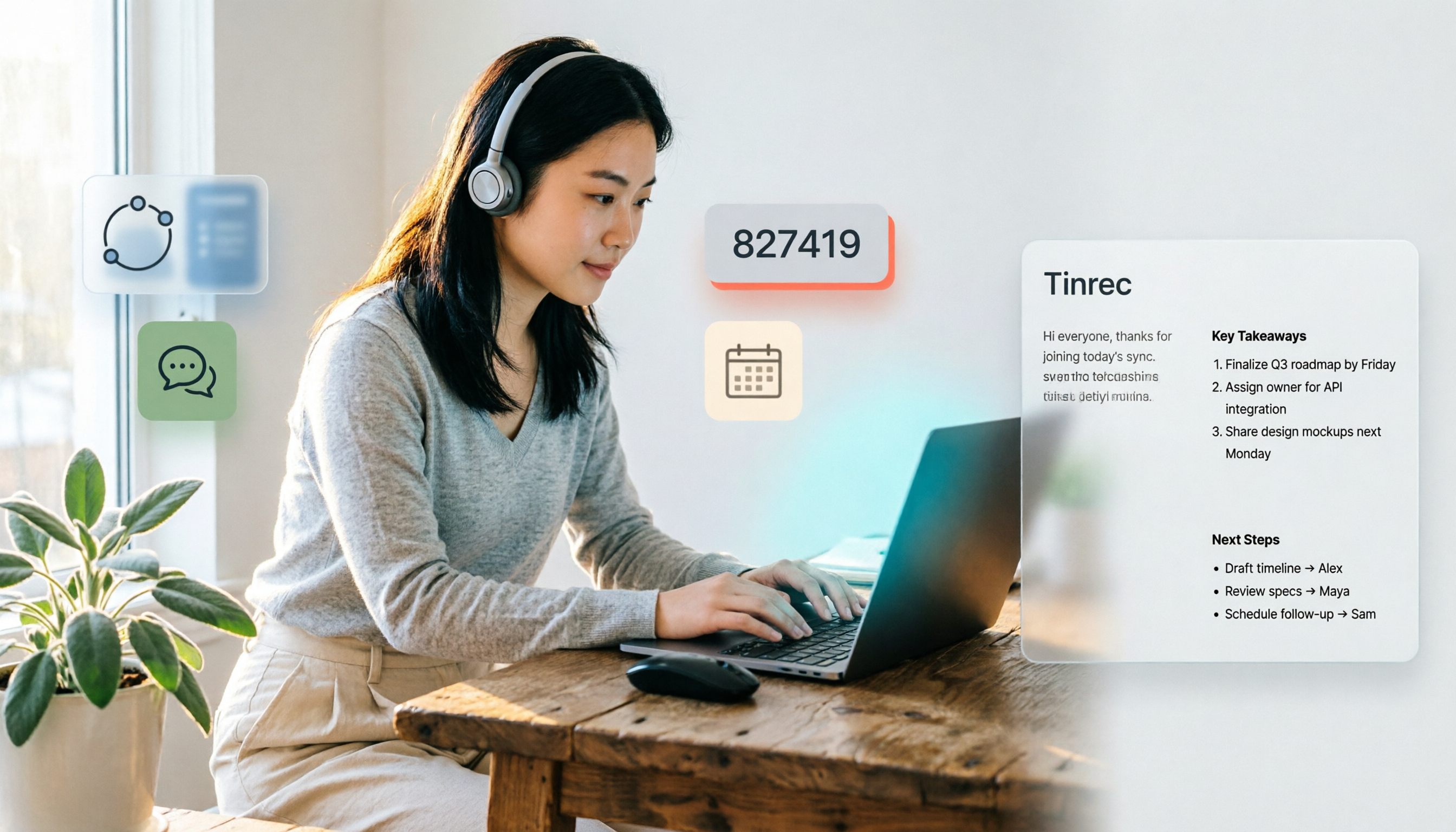
Core Features in Action Open Tinrec during a meeting and it generates a live transcript as it records. The moment the meeting ends, the AI has already produced a summary, sections, and action items—who does what and by when, clearly laid out. Cantonese meeting terms like "傾掂," "跟進," and "交俾你" are transcribed accurately, so you rarely need to cross-check the recording.
Even better, after recording you can ask it questions directly. For example, "In the last meeting with the client, who mentioned changing the design?" It pulls the answer based on semantic understanding, not just keyword search. Currently, almost no competitor at this price point offers this feature.
Stop organizing recordings by hand
Upload audio or video and automatically get a transcript, summary, and action items
Besides live recording, you can upload existing audio files, video files, or even paste YouTube and Bilibili links, and Tinrec will convert the content to text with a summary. This is super handy for people organizing online courses, podcasts, or interview materials.
Pros and Minor Limitations
- Pros: reliable Cantonese recognition with strong grasp of colloquialisms; AI summaries and Q&A save a significant amount of re-listening time; supports multiple input sources and works smoothly across platforms.
- Limitations: the free plan has a monthly transcription quota, so heavy users will need to pay. But for the average person with two or three meetings a week, the free quota is more than enough for testing. Also, while the AI summary is practical, we recommend verifying important information against the original text to avoid anything slipping through.
Who Is Tinrec Best For? If you regularly need to organize Cantonese meetings, lecture recordings, interviews, or online videos, and you want to quickly generate summaries and action items after getting the transcript—or even have AI pull answers from a pile of old recordings—Tinrec is definitely worth trying right now.
Beyond Tinrec, What Other Options Are There?
Of course, there are other Cantonese-capable speech-to-text tools on the market. But as I always say: there's no best tool, only the one that's best for you. Here are two I've actually used, and a quick look at how they differ from Tinrec.
Speechnotes (Hong Kong Cantonese) Speechnotes is an online voice-input notepad that's free and requires no installation—just open the webpage and use it. It's specially tuned for Hong Kong Cantonese punctuation and wording, with solid support for colloquial Cantonese. But it's designed simply to turn speech into plain text, with no AI summaries, action item extraction, or Q&A features. After transcription, you have to read through it all and manually organize the highlights. If all you need is simple dictation notes, Speechnotes is worth considering. But if you want to do more with your transcript after it's done, it falls short.
UniScribe UniScribe is a service focused on audio transcription. It supports Cantonese and claims to transcribe a one-hour audio file in under a minute—and it is indeed fast. The free plan offers 120 minutes per month, which is generous for light users. That said, its interface and features all revolve around "upload file → get text"; there's no live transcription, no AI chat queries, and no automatic summaries. If you need to batch-convert a large number of old audio files, UniScribe's speed and free quota are advantages. But if you're handling live meetings or want to organize more efficiently after transcription, you'll still need something like Tinrec.
Pitfall Guide: 3 Mistakes to Avoid When Choosing a Cantonese Transcription Tool
Pitfall 1: Only Looking at Transcription Minutes, Not Features Some services advertise "thousands of free minutes per month," but all you get is plain text—no segmentation, no summary. Sure, you get a transcript, but you still spend hours organizing it yourself, canceling out the time you saved. Instead of chasing minutes, ask yourself: do you need transcription or organization?
Pitfall 2: Ignoring Cross-Device Needs You record on your phone today, want to edit on your computer tomorrow, and need to export from the web version the day after—if a tool only supports one platform, your workflow will keep getting interrupted. Especially for Mac users who record on iPhone, cross-platform support is a must.
Pitfall 3: Treating AI Tools Like a Typewriter If you only use the tool to convert recordings to text, you're using just a third of its capabilities. Tinrec's AI Q&A, for example, lets you ask "What was the conclusion of this meeting?" or "What were the key points from Friday's interview?"—much faster than manually combing through a 30-minute transcript. Buying a tool and not using its advanced features is the real waste.
Conclusion: Which One Should You Choose?
Back to the original question: how do you turn Cantonese recordings into text? What you actually need isn't the cheapest or the highest-minute plan—it's a tool that takes you seamlessly from transcription to organization. Here's a quick dealer's choice by need:
- Need real-time meeting notes + AI-generated summaries and action items → Tinrec (reliable Cantonese recognition, and you can directly ask about key points after transcription)
- Want to organize old audio files, courses, and YouTube videos, and work across devices → Tinrec (multi-source input; works on iOS, Android, and web)
- Just need simple voice typing, completely free → Speechnotes (good for jotting down ideas on the fly, but no post-processing features)
- Have a large backlog of old files that need fast batch transcription, and don't care about AI features → UniScribe (speed and generous free tier are its highlights)
In short, if you're not the kind of person who just wants a raw transcript—if you want recordings to become truly usable knowledge—Tinrec is currently the most comprehensive option. I'd suggest starting with the free version; the monthly basic quota is enough for two or three meetings or a few video transcriptions. Try it, see if it fits your workflow, and decide whether to pay later. There's no rush to spend money.
References
Turn every recording into actionable outcomes
Get 60 free transcription minutes when you sign in. No credit card required.
Related Reading
You might also like

3 Teams Meeting Recording Tools Tested for 2026: Which Is Least Disruptive?
Need to record a Teams meeting? Should you use the built-in feature, a meeting bot, or bot-free desktop recording? This article compares the three approaches in terms of operation, file ownership, and post-meeting organization efficiency, and tests Tinrec's bot-free recording and AI meeting organization workflow to help you choose the one that least disturbs participants.
4 Ways to Join a Teams Meeting in 2026: Meeting ID, Link, or Calendar — Which Is Most Reliable?
A practical guide to joining Teams meetings via link, meeting ID, calendar, or chat invite, plus personal account limitations, lobby settings, and tips for using Tinrec to capture transcripts, summaries, and action items after the meeting.

4 iPhone Recording Methods Compared in 2026: Built-in, Shortcuts, Call Recording, and Tinrec — Which Should You Choose?
A practical comparison of four common iPhone recording methods in 2026: Voice Memos, one-tap Shortcuts recording, iOS call recording, and Tinrec. Learn how each works, their limitations, compliance reminders, and which one fits your needs.

2026 Teams Meeting Retention Showdown: 3 Solutions Compared for Recordings, Transcripts, and Data Storage
Does recording a Teams meeting guarantee it's saved? This article breaks down common misconceptions about Teams retention policies, call holds, and where meeting recordings and transcripts are stored. It compares Tinrec, Otter.ai, Notta, and Granola on meeting record retention to help you find the right approach.

2026 Comparison of 3 Teams Meeting Recording Tools: Which Bot-Free Recorder Is Easiest?
Halfway through a Teams meeting, you're asked to keep a record—but there's no record button? This article covers 3 ways to record Teams meetings, including the permission requirements for Teams built-in recording, Tinrec desktop's bot-free system audio capture, and use cases for Otter.ai and Granola. It also includes recording retention periods and 4 common pitfalls to avoid.

3 LINE Call Recording Methods Tested for 2026: How to Record on iPhone and Android, and How to Organize Recordings
LINE does not have a built-in call recording button, but iPhone users on iOS 26 can use the built-in "Local Capture," while Android users can use screen recording or Cube ACR, or use speakerphone with an external recording device. This article covers 3 tested methods, common mistakes, and legal reminders, and explains how to use Tinrec to turn call recordings into transcripts, summaries, to-dos, and searchable team data.

5 LINE Call Recording Methods Tested and Compared in 2026: How to Turn Recordings into Transcripts
LINE doesn't have a built-in call recording feature, but the real challenge isn't capturing the call—it's ending up with only your own voice or an audio file no one wants to listen to twice. This article reviews 5 common LINE call recording methods, tests the pitfalls of each, and explains how to use Tinrec to turn audio files into searchable, queryable transcripts and meeting notes. It also highlights legal considerations before recording.

2026 Comparison of 3 iPhone Recording Organization Tools: Which Saves the Most Time Converting .m4a Audio to Transcripts?
iPhone's built-in Voice Memos saves recordings in .m4a format by default, but converting the file only solves playback issues, not organization. This article first explains what file iPhone recordings are, then tests and compares recording organization tools like Tinrec, Otter.ai, Notta, and PLAUD to help you understand key buying factors and avoid common pitfalls.

Google Meet Recording Tools Compared: 4 Options for Automatic Transcripts in 2026
We start with how to download and install Google Meet on Android, iOS, desktop, and web, then compare Tinrec, Otter.ai, Granola, and Notta on post-meeting transcripts, summaries, action items, and team collaboration to help you find the most time-saving meeting notes setup.