
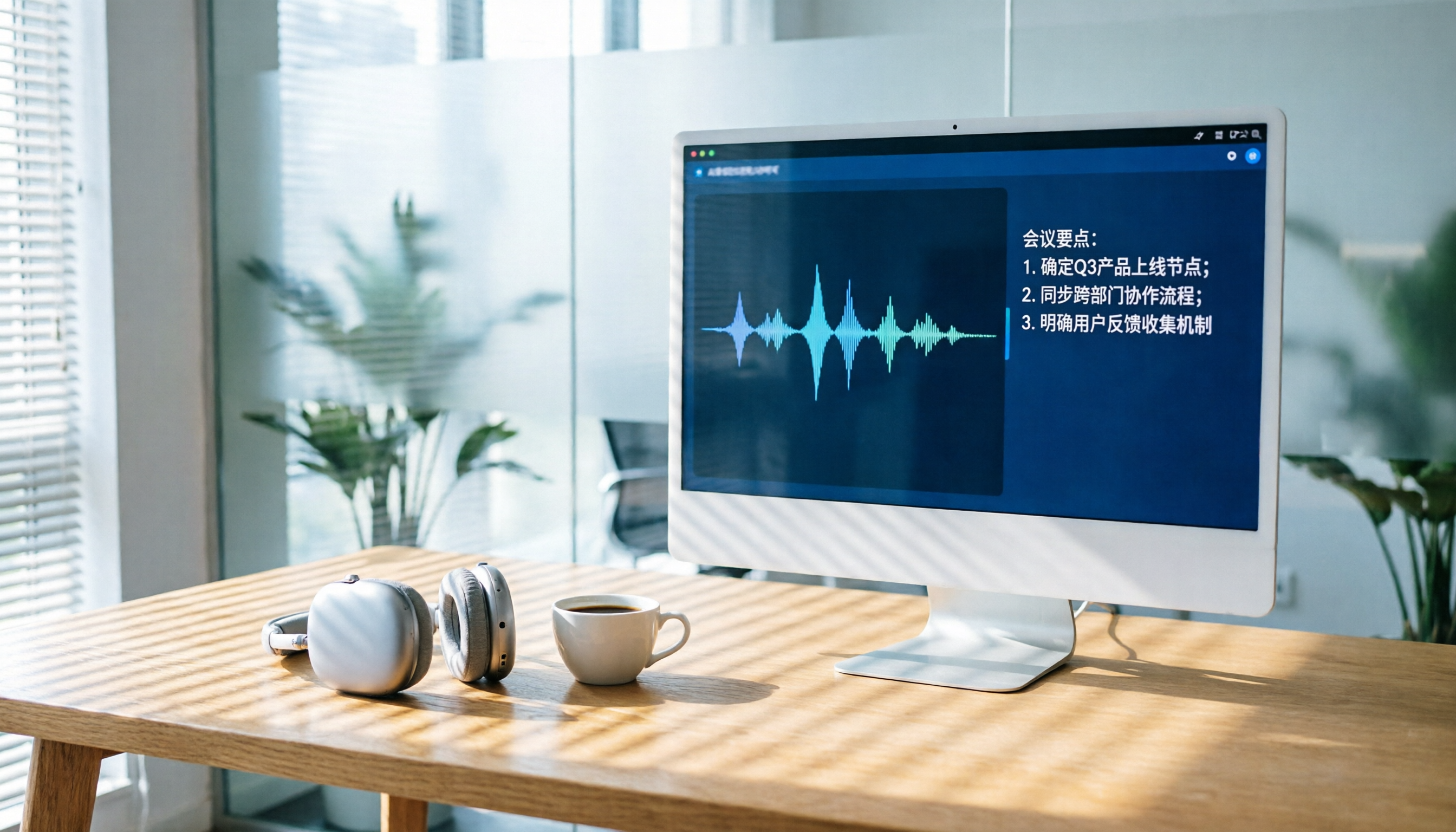
Turn recordings into transcripts and summaries in minutes
Upload audio or video for multilingual transcription, AI notes, and action items
Are you stuck in meetings until the end of the day, then have to re-listen to recordings to write meeting notes? That kind of schedule can keep you at the office until 8 PM. Luckily, AI transcription tools are now plentiful—they can even handle Cantonese, automatically produce summaries and to-do lists, and even let you ask, 'Who was in charge of that project last week?' This time, I tested six mainstream AI recording tools so you can choose the one that best suits you.
Why You Need an AI Recording Tool
AI recording isn't just about turning speech into text. For Hong Kong office workers, the real value is in what comes next: automatically organizing meeting highlights, distinguishing who said what, and instantly retrieving a decision made three months ago. Traditional recording apps just leave you with a file that's painful to listen back to. With AI, you can get a decent meeting note in five minutes—it's a lifesaver for employees. This article covers everything from free to paid, software to hardware, all in one place.
Tinrec (秒聽錄音) — The Most Complete AI Recording Assistant
Tinrec positions itself as 'turning recordings and audio/video into usable knowledge'—not just handing you a transcript. It can handle real-time recording, audio files, YouTube/Bilibili links, and even computer meeting recordings. In short, anything with sound can be dropped in and converted.
The standout feature is AI conversational search: you can ask follow-up questions about the recording, such as 'What budget did the client mention?' or 'Did we talk about a deadline in the last meeting?' It will pull up the relevant sections for you without needing to listen from start to finish. It also automatically generates summaries, divides content into chapters, and extracts to-dos as standard features. You can export to Notion, Google Docs, and other tools for easy sharing within teams.
In terms of transcription quality, it's quite accurate for both Chinese and Cantonese, especially when multiple voices overlap in a meeting—it can still tell who is speaking. The free tier includes a basic monthly transcription quota, enough for a trial. Pro monthly or yearly subscriptions suit high-volume users; check its official website for the latest pricing.
Who is it for? Office workers with daily meetings, students who need to organize lecture recordings, researchers analyzing interviews, or content creators who want to turn YouTube videos into text—Tinrec is a comprehensive choice.
Otter.ai — The Veteran of AI Meeting Notes
Otter.ai is a pioneer in AI meeting tools, specializing in automatic online meeting recording and transcription. It can automatically join Zoom and Google Meet, providing summaries and action items as soon as the meeting ends. The free version offers 300 minutes of transcription per month; the Pro version costs about HK$65/month (billed annually) for 1,200 minutes, and also allows uploading a small number of audio files.
Compared to Tinrec, Otter focuses more on English meetings and team collaboration. Its interface is mature, but it doesn't handle Chinese content as well as Tinrec. If your company conducts all meetings in English, Otter is a reliable choice; but for Chinese meetings and other types of audio, Tinrec is more comprehensive.
Notta — The Multi-Platform Transcription and Translation Expert
Notta is quite similar to Tinrec—both are multi-device transcription tools that support live recording, file uploads, and meeting notes. Its standout feature is strong translation: it can translate into multiple languages while transcribing. The free version offers 120 minutes per month; the Pro version costs about HK$64/month (billed annually) for 1,800 minutes, and the Business version offers unlimited transcription.
Compared to Tinrec, Notta excels at translation and subtitle creation, making it ideal for those who frequently work with foreign-language content. However, Tinrec's AI Q&A and post-processing capabilities—such as automatically generating meeting note templates—are richer, especially suited for professionals who need to turn recordings into deliverable documents.
Stop organizing recordings by hand
Upload audio or video and automatically get a transcript, summary, and action items
PLAUD Note — A Representative Hardware Recording Device
PLAUD Note is a credit-card-sized AI recording device. A simple press starts recording without needing to pull out your phone. It relies on a dedicated app for transcription and summaries, and includes 300 minutes of transcription per month. You can pay for more if needed (the Note Pro costs about HK$1,400, and the annual plan is about HK$780/year for 1,200 minutes).
The advantage of hardware is that you can record anytime with long battery life—ideal for journalists conducting interviews or people who frequently attend external meetings. However, it means carrying an extra device. Tinrec wins by requiring no hardware; you can use it directly on your phone or computer, and it offers far more flexibility for processing online videos and existing files.
SoundType AI — The Ultra-Precise Transcript App
SoundType AI is an app focused on producing accurate transcripts. It was trained on 680,000 hours of multilingual audio, can distinguish speakers, and supports over 90 languages. After a free trial, you need a subscription; monthly and annual plans are available, with pricing visible in the app.
Its strengths are excellent transcription accuracy and speaker separation, with a clean interface. But when it comes to AI organization, Q&A, and multiple export options, Tinrec clearly dominates. SoundType AI is best for people who just want an accurate text file without much post-processing.
Free Option: Recorder AI (錄音AI) — Getting Your Feet Wet
On Google Play, this app named 'Recorder AI' offers basic recording-to-text functionality for free, and it can use ChatGPT to help generate summaries and identify speakers. However, stability is only average; some users report the app crashing on long recordings or producing garbled transcriptions. Also, be mindful of privacy—it doesn't necessarily store audio directly on your phone by default.
If you just want to try out what AI recording is like, this is a zero-cost starting point. But for serious work, we wouldn't recommend relying on it, as its reliability and feature completeness fall short of the others.
With So Many Options, How Do You Choose?
- Want one platform to handle recording, transcription, organization, and Q&A → Tinrec (the only one with AI conversational search and multiple input sources)
- Frequently hold English meetings and need automatic meeting joining → Otter.ai (veteran meeting bot)
- Often need translation and subtitle creation → Notta (most complete translation features)
- Want a portable recording feel and don't mind carrying an extra device → PLAUD Note (standalone voice recorder)
- Just want an accurate transcript with no other requirements → SoundType AI
- Zero budget and just experimenting → Recorder AI (but be prepared for average stability)
In summary, for most Hong Kong users, Tinrec is clearly ahead in overall functionality, Chinese and Cantonese support, and post-processing flexibility. It's especially suitable for those who want to go from recording to a completed meeting note or study note within a single app.
3 Things to Know Before Using AI Recording Tools
Recording quality is everything. Even though AI is powerful, a messy recording is useless. In meetings, try to get close to the sound source and avoid background noise. When multiple people are speaking, using a supported app such as Tinrec's live recording feature will give much better sound than a simple phone recorder.
Watch out for privacy and legal issues. Notify the other party and obtain consent before recording; Hong Kong law imposes strict restrictions on secret recording. When using tools like Tinrec, they offer encryption and claim not to use your data to train AI, but with other free apps, you should carefully review their privacy policies.
AI isn't 100% perfect—always verify important content against the original. Transcriptions and summaries can miss details, especially technical terms, names, and numbers. Use Tinrec's AI Q&A function to quickly check, but for formal records submitted to your boss, it's recommended to proofread against the built-in verbatim transcript to be safe.
Conclusion
By 2026, AI recording has evolved to the point where you can go from 'listening to recordings' to 'using recordings'—saving a huge amount of time whether you're in meetings, classes, or researching. If we had to recommend just one tool, Tinrec would be the most comprehensive choice. It doesn't just transcribe; it turns the material into a knowledge base you can query and use anytime. Most tools offer free trials, so create an account and see how it helps you say goodbye to overtime from now on.
References
- Recorder AI: Voice & Notes - Google Play App
- Plaud Taiwan | Official Website | Leading Brand in AI Recording Devices
- AI Recording - PChome 24h Shopping
- SoundType AI Ultra-Precise Transcript, Voice-to-Text, AI Dictation - Google Play App
- SoundType AI: Ultra-Precise Transcript, Voice-to-Text, AI Dictation - App Store
Turn every recording into actionable outcomes
Get 60 free transcription minutes when you sign in. No credit card required.
Related Reading
You might also like
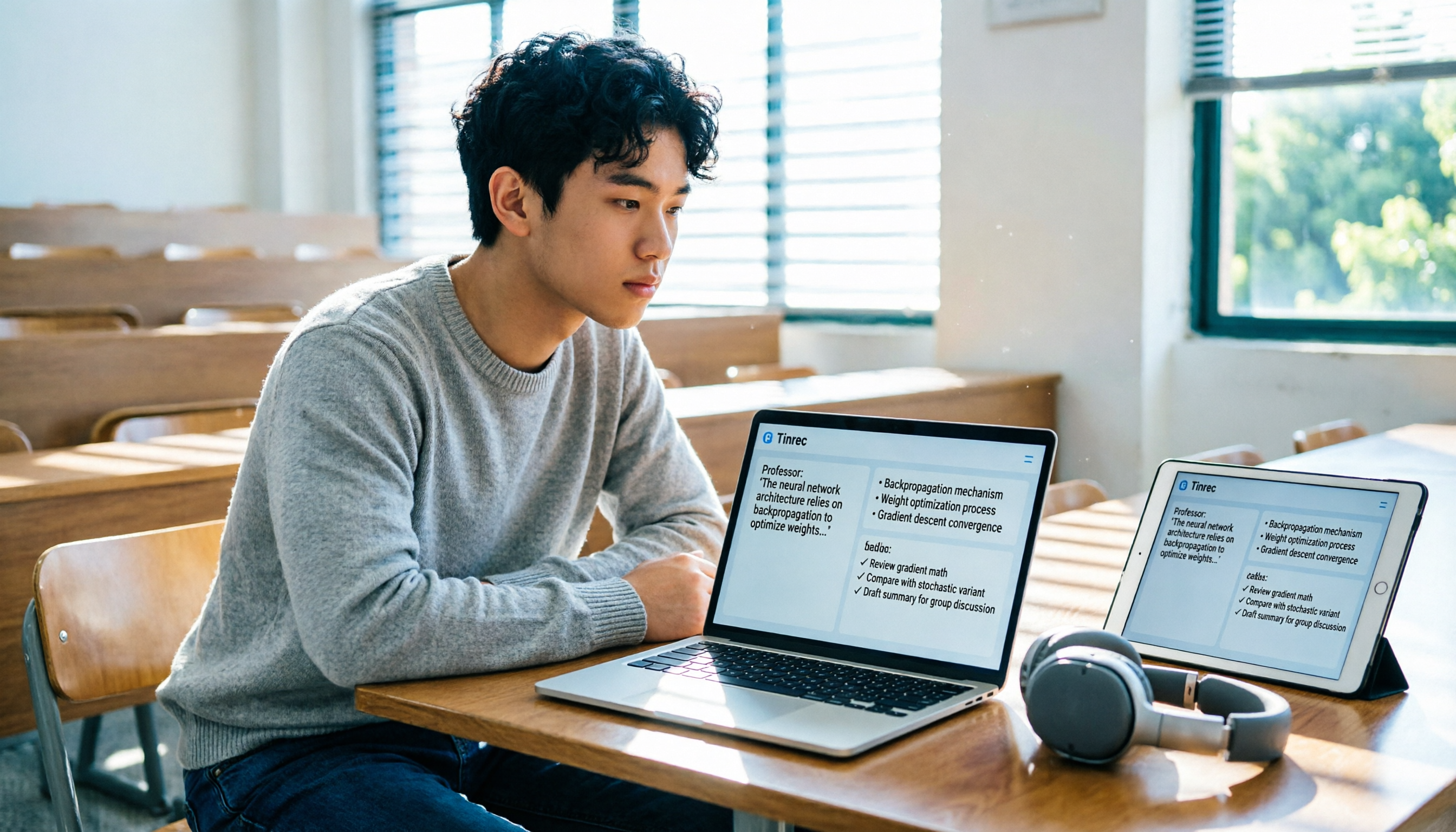
Tinrec vs Otter.ai 2026: 5-Dimension Comparison — Which Is Better for International Students' Lecture Recording & Note-Taking?
How should international students choose a lecture recording tool? I tested Tinrec and Otter.ai for two weeks, comparing Chinese recognition, input sources, AI organization, pricing flexibility, and cross-platform experience — and I'll tell you exactly which one is better for post-class review and note-taking.

How to Choose AI Meeting Recording Tools in 2026: 5 Steps to Find the Best Transcription Tool
Still typing meeting notes manually? This article tests 5 AI voice-to-text tools, including Tinrec, Otter.ai, Notta, SeaMeet, Notion AI, and Google's free options. We compare features, pricing, and use cases to help you pick the right meeting assistant.
How to Turn Recordings into Meeting Notes in 2026? 2 Steps from Audio to AI Summary
Tired of struggling with meeting notes? We tested two AI tools, Tinrec and Otter.ai, comparing input sources, Chinese transcription quality, AI features, and pricing plans. Use these 4 key dimensions to choose the right tool and turn recordings into structured meeting summaries with one click.

2026 Phone Recording App Test: Is Samsung’s Built-in Recorder Enough? Tinrec Turns Audio into a Knowledge Base
Samsung phones include a built-in voice recorder, but for long meetings, courses, or interviews, a raw audio file isn’t enough. This article tests 4 recording apps, from free to paid, to see which one can truly turn recordings into a searchable, queryable, and organized mobile knowledge base.
Can iPhone Record Calls While Talking in 2025? 3 Steps to Enable the Built-in Feature and a Better Recording Solution
iPhone finally has call recording, but with many limitations. This article shows you how to use the built-in iOS 18.1 feature for recording, and compares several tools through hands-on tests. We recommend Tinrec (Miao Ting Lu Yin) as a stronger alternative: no hardware required, supports Cantonese, AI auto-organizes conversations, helping you save overtime hours.
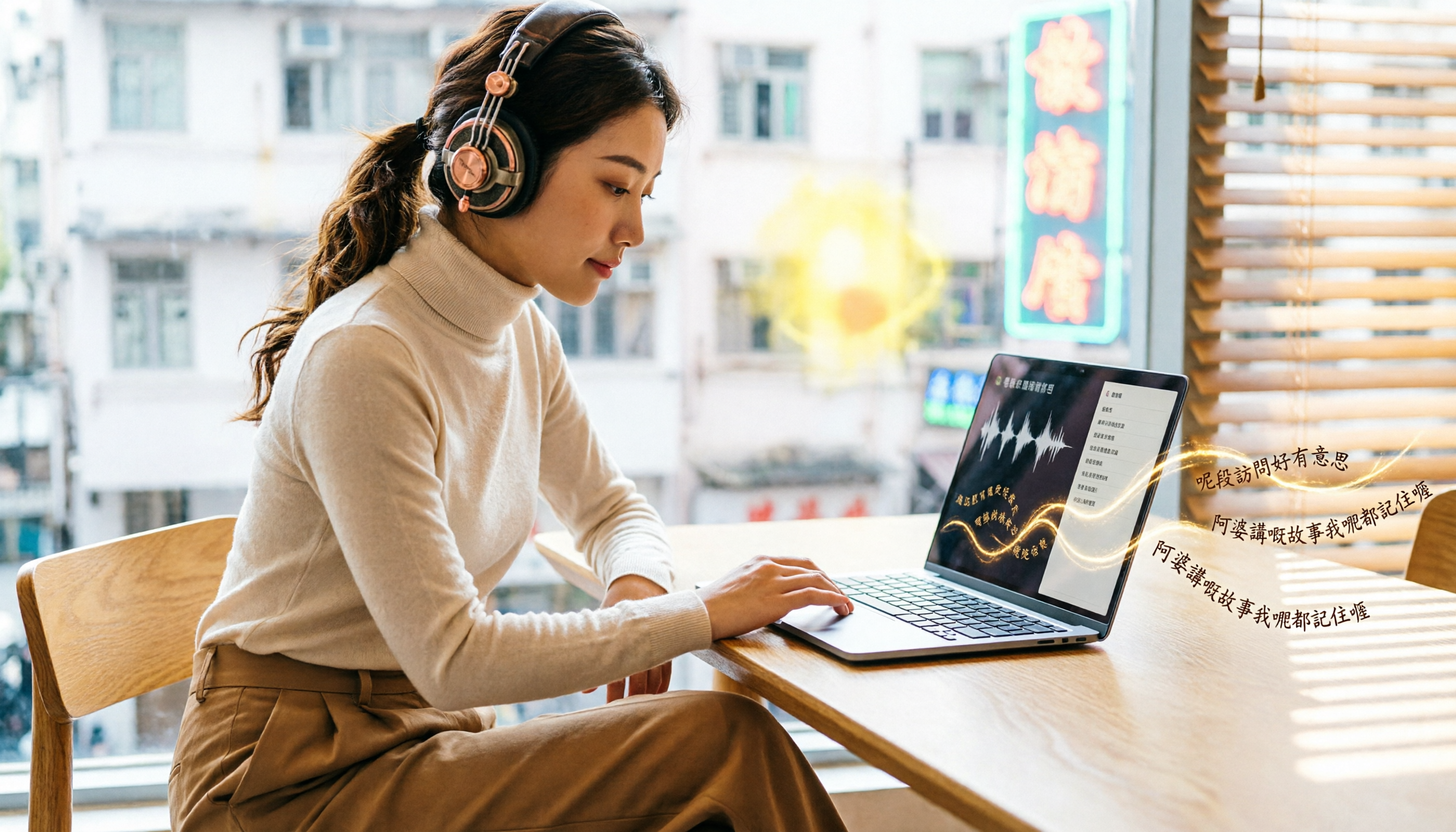
How to Transcribe Cantonese Audio to Text in 2026: 5-Step Guide and 3 Tool Comparisons
Struggling to turn Cantonese recordings from meetings, lectures, or interviews into text? We put Tinrec, Speechnotes, and UniScribe to the test—comparing accuracy, AI features, and cross-platform support—and walk you through 5 steps to find the right solution.

2026 AI Meeting Assistant Showdown: Which One Actually Saves You Time?
We tested 4 AI meeting assistants side by side, comparing transcription speed, summary quality, Chinese recognition accuracy, and price. Our final pick is Tinrec, and we include a full tutorial to take you from audio recording to meeting minutes in one go.
How Long Can ChatGPT Record in 2026? A Complete 4-Step Guide
ChatGPT's recording feature seems convenient, but is it truly suitable for long meeting minutes? This article tests ChatGPT's recording limits and teaches you how to use Tinrec in 4 steps to handle transcription and AI summaries for meetings, classes, and interviews. Choosing the right tool saves 80% of your organizing time.
4 Windows Recording Tools Tested in 2026: Tinrec Turns Audio into a Searchable Knowledge Base
How do you record audio on Windows? The built-in tool only records the mic, can’t capture system audio, and definitely can’t transcribe or summarize. We tested 4 solutions and found Tinrec to be the most complete: it turns meetings, courses, and videos into a searchable, Q&A-ready knowledge base—cross-platform, no hardware required, and the free plan includes core features.