

Turn recordings into transcripts and summaries in minutes
Upload audio or video for multilingual transcription, AI notes, and action items
Why Do You Need a Meeting Notes Tool?
After every meeting, the biggest headache is organizing the meeting notes. Manually transcribing everything is time-consuming and easy to miss key points. If it's an online course, interview, or web video, it's even more painful to organize.
According to statistics, office workers spend more than 5 hours per week on meeting-related records. AI meeting note tools can automatically transcribe, summarize key points, and even generate to-do lists, letting you focus on the discussion itself instead of frantically taking notes.
This article rounds up 5 AI meeting note solutions currently popular among Taiwan users. From free to paid, from software to hardware, after reading you'll be able to find the one that suits you best.
Tinrec (Instant Recording) — The Most Complete AI Recording and Audio/Video Organization Workbench
Tinrec is an AI tool that goes beyond just meeting notes; it's more like your audio/video data organization hub. Whether it's meeting recordings, course audio, interviews, podcasts, or YouTube videos, you can throw them in and have them converted to text, then automatically generate summaries, chapters, to-do items, and even use the AI Q&A feature to ask questions about the content.
The core highlight is that "you can keep using it after transcription": you can export the transcript to Notion, Google Docs, or have the AI generate meeting minutes, reports, or tables based on the recording content. The free version offers a monthly basic transcription quota, letting you experience live recording, file upload, and web video link transcription. The Pro monthly card suits regular users, while the annual card amounts to a lower monthly rate, making it more cost-effective for long-term content organization.
It's suitable for people who need to turn all kinds of audio/video content into a searchable, organizable knowledge base, such as professionals, students, researchers, or content creators. If you don't just want a transcript but also need AI to help you understand the content, Tinrec is the top choice.
AI Meeting Notes App — Focused on Multi-Scenario Summaries and Custom Templates
This AI Meeting Notes app, available on Google Play, offers basic voice-to-text but its biggest feature is over 10 built-in scenario summary templates, plus the ability to customize Prompt templates to make the summary logic better fit your workflow. It supports bilingual Chinese-English recognition, automatically labels speakers, and can quickly generate transcripts and action recommendations.
The free version lets you try some features; for paid plans you'll need to check the in-app details. It's suitable for people who need to quickly generate meeting summaries for different scenarios (such as brainstorming, client interviews), especially those with custom requirements for summary formats.
Otter.ai — Top Choice for English Meetings and Team Collaboration
Otter.ai is a veteran AI meeting note tool, strong in English online meetings. It can automatically join Zoom, Google Meet, and Teams, and generate live transcription and summaries. The free version offers 300 minutes of transcription per month, while the Pro plan costs about $8.33/month billed annually, providing 1,200 minutes and file import.
It's suitable for international companies, users with frequent English meetings, and those who need team collaboration and meeting note sharing. However, its support for Chinese content is weaker, and it leans more toward meeting bot scenarios.
Stop organizing recordings by hand
Upload audio or video and automatically get a transcript, summary, and action items
Notta — A Cross-Platform Tool with Comprehensive Transcription and Translation
Notta is similar to Tinrec, supporting live recording, file transcription, and meeting notes, and it stands out in multi-language translation. The free version offers 120 minutes per month, the Pro plan costs about $8.17/month billed annually with 1,800 minutes per month, and the Business plan focuses on unlimited minutes.
It's suitable for users who need to transcribe multilingual content frequently or have strict requirements for translation accuracy. However, Notta leans more toward one-time transcription and subtitles, and its depth in follow-up data Q&A and organization isn't as great as Tinrec.
PLAUD Note — Portable AI Recording Hardware
PLAUD Note is a credit-card-sized AI recording device. Its advantages are independent use and long battery life, making it great for business professionals who don't like recording with their phones. The hardware pre-order price is around $179, with a default of 300 minutes of transcription per month, and you can purchase additional Pro plans to increase minutes.
It's suitable for people who need a physical recording device and often go out for meetings or interviews. But if you already have a phone or computer and need to process multiple sources like web videos and files, a software solution might be more cost-effective.
With So Many Options, How Do You Choose?
- Want the most complete AI features (transcription + AI chat Q&A + auto minutes) and can handle meetings, courses, videos, and other sources? → Tinrec (the only solution that covers all these needs)
- Need Chinese scenario summary templates and like defining your own Prompts? → AI Meeting Notes App
- Your team mainly meets in English and needs a meeting bot to join automatically? → Otter.ai
- Transcribe lots of multilingual audio and need translation and subtitles? → Notta
- Don't want to record with your phone, prefer the portability of a physical device? → PLAUD Note
But honestly, for most Taiwan users, I'd still recommend trying Tinrec first, because its free version can handle live recording and web videos, and after transcription it doesn't just give you a transcript; AI summaries, Q&A, and export features are what truly save you time on follow-up organization.
Things to Know Before Using a Meeting Notes Tool
- Recording quality determines transcription accuracy: No matter which tool you use, background noise, multiple people talking at once, and accents all affect results. Record as close to the sound source as possible, or use an external microphone.
- Free plans all have limits: Free versions usually have monthly minute caps or feature restrictions. They're fine for occasional use, but if you have meetings or courses every week, subscribing to Pro is more cost-effective.
- AI summaries still need human review: AI-generated summaries and to-dos may miss details or misjudge, so for important content, compare against the transcript and apply your own judgment.
- Make good use of export and follow-up processing: Tools like Tinrec let you export results to Notion or Google Docs, then use AI agents to generate formal meeting minutes or reports. Don't just leave the transcription results unused.
Summary
Each of the 5 AI meeting note tools above has its strengths, from software to hardware, and from free to paid. If you need an all-around solution that handles meetings, courses, and web videos, and lets you continue with Q&A, summaries, and exports after transcription, Tinrec is currently the most integrated choice.
The free version lets you experience the core features, so why not download it and give it a try to see if AI-organized meeting notes truly save you more time than doing it manually?
References
- Ministry of the Interior Global Information Network (Chinese) – Meeting Minutes
- National Development Council – Meeting Minutes
- Reference Example_Meeting Minutes Format(1)
- AI Meeting Notes - Google Play App
- Meeting Minutes = Transcript? Professional Meeting Minutes Only Record 3 Key Points | Writing Tips, Templates at 104 Career Force
Turn every recording into actionable outcomes
Get 60 free transcription minutes when you sign in. No credit card required.
Related Reading
You might also like

3 Teams Meeting Recording Tools Tested for 2026: Which Is Least Disruptive?
Need to record a Teams meeting? Should you use the built-in feature, a meeting bot, or bot-free desktop recording? This article compares the three approaches in terms of operation, file ownership, and post-meeting organization efficiency, and tests Tinrec's bot-free recording and AI meeting organization workflow to help you choose the one that least disturbs participants.
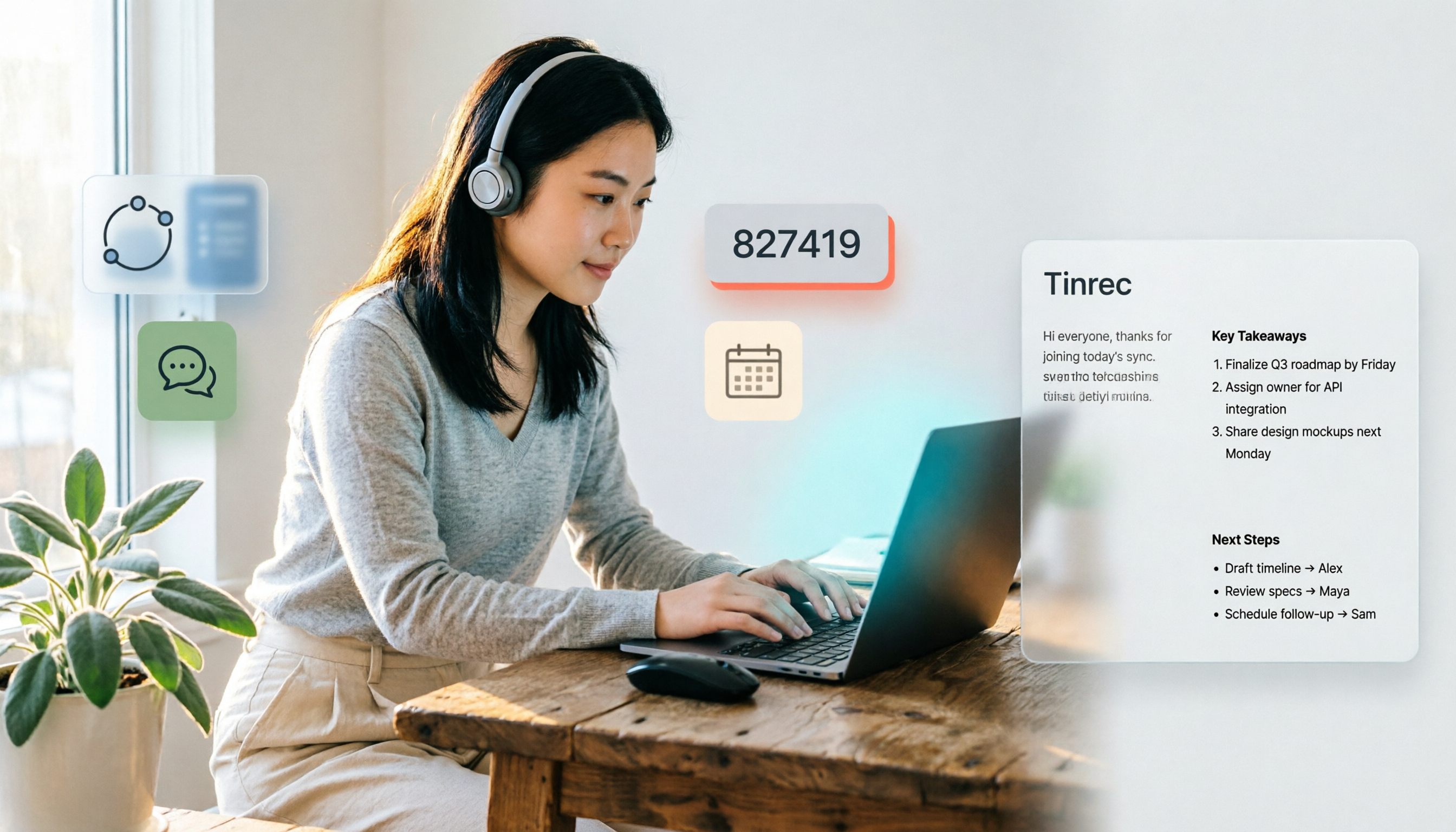
4 Ways to Join a Teams Meeting in 2026: Meeting ID, Link, or Calendar — Which Is Most Reliable?
A practical guide to joining Teams meetings via link, meeting ID, calendar, or chat invite, plus personal account limitations, lobby settings, and tips for using Tinrec to capture transcripts, summaries, and action items after the meeting.

4 iPhone Recording Methods Compared in 2026: Built-in, Shortcuts, Call Recording, and Tinrec — Which Should You Choose?
A practical comparison of four common iPhone recording methods in 2026: Voice Memos, one-tap Shortcuts recording, iOS call recording, and Tinrec. Learn how each works, their limitations, compliance reminders, and which one fits your needs.

2026 Teams Meeting Retention Showdown: 3 Solutions Compared for Recordings, Transcripts, and Data Storage
Does recording a Teams meeting guarantee it's saved? This article breaks down common misconceptions about Teams retention policies, call holds, and where meeting recordings and transcripts are stored. It compares Tinrec, Otter.ai, Notta, and Granola on meeting record retention to help you find the right approach.

2026 Comparison of 3 Teams Meeting Recording Tools: Which Bot-Free Recorder Is Easiest?
Halfway through a Teams meeting, you're asked to keep a record—but there's no record button? This article covers 3 ways to record Teams meetings, including the permission requirements for Teams built-in recording, Tinrec desktop's bot-free system audio capture, and use cases for Otter.ai and Granola. It also includes recording retention periods and 4 common pitfalls to avoid.

3 LINE Call Recording Methods Tested for 2026: How to Record on iPhone and Android, and How to Organize Recordings
LINE does not have a built-in call recording button, but iPhone users on iOS 26 can use the built-in "Local Capture," while Android users can use screen recording or Cube ACR, or use speakerphone with an external recording device. This article covers 3 tested methods, common mistakes, and legal reminders, and explains how to use Tinrec to turn call recordings into transcripts, summaries, to-dos, and searchable team data.
5 LINE Call Recording Methods Tested and Compared in 2026: How to Turn Recordings into Transcripts
LINE doesn't have a built-in call recording feature, but the real challenge isn't capturing the call—it's ending up with only your own voice or an audio file no one wants to listen to twice. This article reviews 5 common LINE call recording methods, tests the pitfalls of each, and explains how to use Tinrec to turn audio files into searchable, queryable transcripts and meeting notes. It also highlights legal considerations before recording.

2026 Comparison of 3 iPhone Recording Organization Tools: Which Saves the Most Time Converting .m4a Audio to Transcripts?
iPhone's built-in Voice Memos saves recordings in .m4a format by default, but converting the file only solves playback issues, not organization. This article first explains what file iPhone recordings are, then tests and compares recording organization tools like Tinrec, Otter.ai, Notta, and PLAUD to help you understand key buying factors and avoid common pitfalls.

Google Meet Recording Tools Compared: 4 Options for Automatic Transcripts in 2026
We start with how to download and install Google Meet on Android, iOS, desktop, and web, then compare Tinrec, Otter.ai, Granola, and Notta on post-meeting transcripts, summaries, action items, and team collaboration to help you find the most time-saving meeting notes setup.