

Turn recordings into transcripts and summaries in minutes
Upload audio or video for multilingual transcription, AI notes, and action items
Two Hours in a Meeting, Another Two Hours on Meeting Notes — What You Need Isn’t Just a Tool, It’s a Solution
If you often have to turn meetings, lectures, interviews, or even online videos into text, you know the pain: manual transcribing is time-consuming, built-in voice input isn’t smart enough, and afterward you have to spend more time listening again and picking out the key points. And when you run into a Cantonese meeting or a discussion that mixes Chinese and English, many tools simply throw in the towel. This article was written for you. We compared the four most talked-about solutions on the market today, from free to paid, from English-focused to Chinese-optimized, to help you find a tool that truly turns your audio files into usable information.
Before Choosing an Audio-to-Text Tool, Understand These 4 Key Points
1. How broad is the input source support? Some tools only support live recording; others only allow file upload. If your needs span meetings, lecture recordings, and online videos, a tool that supports multiple input sources can handle everything in one go. 2. Is the AI organization capability sufficient? A transcript is only the starting point. Can it automatically summarize, extract action items, or even let you ask follow-up questions about the recording in a conversational way? Those are the real time-savers. 3. Is language support adequate? Especially for users in Taiwan, the recognition quality for Mandarin, Cantonese, and mixed Chinese-English scenarios matters far more than the officially claimed “98% accuracy”. When trialing, be sure to test with real recordings. 4. Cross-platform and export flexibility: Can it sync seamlessly across mobile, desktop, and web? Can you export results to tools you commonly use, such as Notion or Google Docs? Don’t turn your tool into another data silo.
Tinrec (秒聽錄音) — Our Top Pick After Comparison
Tinrec is an AI organizing tool that focuses on turning audio and video into “actionable knowledge.” It doesn’t just transcribe; it turns your meetings, lectures, interviews, or online videos into a searchable, summarizable, queryable, and exportable knowledge base.
Multiple input sources, one workspace
Whether it’s live recording, uploading old audio files, or pasting a YouTube link, Tinrec can handle it. During meetings, it generates a transcript on the fly; when the meeting ends, summaries and action items are already automatically generated. With a two-hour lecture recording, it automatically breaks the content into chapters so you can jump directly to key sections.
Ask your recording with AI — no more manual transcript digging
This is a feature most similar tools don’t have. After recording, you can directly ask Tinrec: “Who mentioned the budget at the last meeting?” “What was the conclusion of this lesson?” It will answer based on the recording content, rather than just returning keyword search results. It’s like your personal knowledge base for audio files.
Better suited for Chinese content
Tinrec’s recognition of Mandarin, Cantonese, and Taiwanese Hokkien was stable among the tools we compared, and it also supports mixed Chinese-English scenarios. The output comes in multiple formats: transcript, summary, action items, mind map, and you can even have AI generate a formal meeting minutes document or a table, which you can send directly to colleagues.
What’s the upside?
- Cross-platform: iOS, Android, and web are supported with synced data.
- Strong downstream workflow: You get more than a transcript — you can export to Notion, Google Docs, and other tools for further editing.
- The free tier already lets you experience core features, with a monthly base quota that’s enough for testing several meetings.
Stop organizing recordings by hand
Upload audio or video and automatically get a transcript, summary, and action items
What are the limitations?
The free tier has limited quota; heavy users will need a paid plan. But for most people who attend 2–3 meetings per week, the Pro plan’s price is far more cost-effective than manual transcription.
Who is it best for?
If you frequently need to organize meeting notes, lecture recordings, interview materials, or want to quickly extract key points from YouTube videos — and your work involves Chinese or Cantonese — Tinrec is currently the most comprehensive choice.
What Else Is There Besides Tinrec?
ChatGPT recording mode: Recently launched by OpenAI, it can record up to 120 minutes inside the macOS app and generate a summary. But it is limited to the macOS desktop version, requires a paid subscription, and is currently best for English, with Chinese accuracy still improving. More importantly, you cannot upload existing audio files or paste online video links, and there is no AI conversational query feature — after recording, you can only see the summary and cannot ask follow-up questions.
Otter.ai: A classic for English meetings. The free plan’s 300 minutes per month is generous, and live transcription and speaker identification are strong. However, it does not support Cantonese, and its handling of Chinese content is markedly weaker than tools focused on Asian markets. If your meetings are mostly in English, Otter is sufficient; otherwise, your Chinese recordings will be painful.
Notta: It is functionally similar to Tinrec, with multi-device transcription and 120 free minutes per month. But Notta leans more toward traditional transcription and translation, lacking Tinrec’s AI conversational query and the ability to subsequently generate reports and tables. If you only need transcripts and subtitles, Notta is acceptable; if you want to “ask key questions right after recording,” Tinrec better matches your expectations.
Pitfall Guide: 3 Mistakes People Make When Choosing an Audio-to-Text Tool
Pitfall 1: Only looking at official accuracy rates
“98% accuracy” sounds impressive, but that is measured in a quiet recording studio. Real-world conditions — air conditioning noise, keyboard typing, people talking over each other — can significantly lower recognition quality. Always test with your own real recordings during free trials, and don’t just rely on ads.
Pitfall 2: Neglecting organization and review needs
Turning audio into a transcript is only the first step. If you also need summaries, action items, or regularly review past recordings, whether the tool offers AI query and export functions becomes important. Tinrec’s “ask your recording” feature can save you countless hours of searching.
Pitfall 3: Getting locked in by platform or language
A tool that only supports one system (like ChatGPT limited to macOS) or that isn’t Chinese-friendly (like Otter) will hamper you when you switch devices later. Cross-platform and language support are critical factors that are easy to overlook during selection.
Conclusion: Which One Should You Choose?
In short: if the recordings you need to process go beyond just English, and you want to “ask key questions directly and get an auto-generated summary” after recording, Tinrec is currently the most comprehensive option.
- Need bilingual transcription in Cantonese + Mandarin → Tinrec
- Want to ask AI key questions right after recording → Tinrec
- Need cross-platform use on phone, computer, and web → Tinrec
- Zero budget and only English meetings → Otter.ai free plan (the only exception)
We recommend downloading Tinrec’s free version first — it includes a monthly base quota, so you can record a real meeting or class and try it out. If it genuinely saves you time and works well, then consider upgrading based on usage. There is no need to invest a budget from the start.
References
- How Long Can ChatGPT Record? 2026 Audio-to-Text Tool Test and Tinrec Practical Guide – 秒聽錄音 Blog
- ChatGPT Recording | OpenAI Help Center
- ChatGPT Recording Mode Goes Live! One-Click to Generate “Summary + Action List” for a 2-Hour Meeting — 4-Step Guide | Digital Times BusinessNext
- r/ChatGPTPro on Reddit: How to Record ChatGPT’s Voice?
- ChatGPT Meeting Notes New Feature Revealed: One-Click Recording and Cloud Data Integration Assistant
Turn every recording into actionable outcomes
Get 60 free transcription minutes when you sign in. No credit card required.
Related Reading
You might also like

2026 Transcribe vs Tinrec: A 4-Dimension Security & Features Face-off — Is Your Recording Data Safe?
Are transcription tools safe? This article compares Transcribe App and Tinrec across four key dimensions—privacy policy, data encryption, anonymization, and practical features—so you can choose with confidence.

2026 Comparison of 4 Real-Time Voice Translation Solutions: From Free to Paid, with AI Recording Assistance
Can Gemini do real-time voice translation? This article tests 4 mainstream solutions, from Google Gemini Live, Google Translate app, third-party tools, to the AI recording assistant Tinrec. We analyze latency, tone preservation, recording capabilities, and suitable scenarios to help you find the best cross-language communication stack.
How to Turn Videos into Text in 2026? 5 Steps to Choose the Best AI Transcription Tool (Tinrec Hands-On Review)
Still manually transcribing video audio into text? This article walks you through choosing a video-to-text tool, comparing accuracy, AI features, cross-platform support, and pricing, and recommends Tinrec (Instant Audio Transcription) after hands-on testing to save you time and effort.
Tinrec Review 2026: Video-to-Text + AI Q&A – 4 Tools Tested
Struggling to extract text from videos? We tested 4 video-to-text tools and recommend Tinrec (秒聽錄音) for its multi-source support, AI Q&A, and summaries—perfect for meeting notes, course notes, and content creation.
2026 Cell Phone Call Recording Buyer's Guide: 4 Tested Methods and Recommendations
Can you record a call while talking? This article tests four call recording approaches—built-in system features, third-party apps, and external accessories—and recommends Tinrec, an AI-powered recording app, for organizing important conversations. Learn how to record legally and efficiently.
How to Convert WhatsApp Voice Messages to Text in 2026: A Complete 5-Step Guide
This article teaches you how to turn WhatsApp voice messages into text. With the Tinrec voice-to-text app, you can complete transcription, proofreading, and export in 5 simple steps—even without an official WhatsApp feature.

5 Free Audio-to-Text Tools Compared for 2026: From Beginner to Pro in One Read
There are many audio-to-text tools, but are free plans enough? This article compares five free audio-to-text tools, covering features, limitations, and use cases, to help you find the best fit.
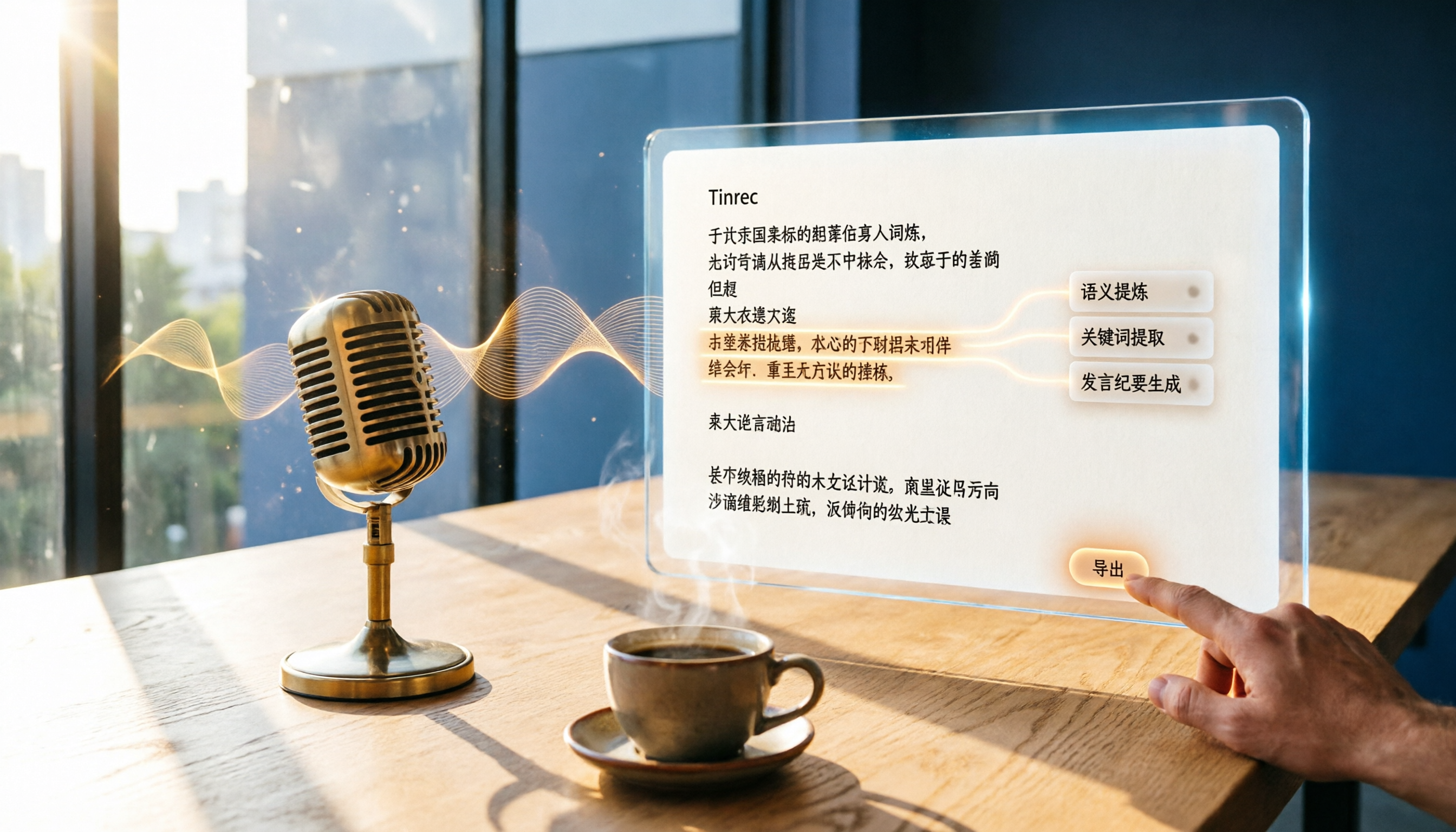
2026 Speech-to-Text Tools Compared: Tinrec vs Yating Verbatim – Which One Saves More Time on Chinese Transcripts?
This hands-on comparison looks at Tinrec and Yating Verbatim from four angles—transcription accuracy, AI organization, input sources, and export features—to show which one is best for organizing Chinese audio and saving time.
Tinrec vs youtube-transcript.ai in 2026: 4-Dimension Face-Off – Which Is Better for YouTube Transcripts?
Want to get a YouTube transcript but don't know which tool to use? This article compares Tinrec and youtube-transcript.ai across four key dimensions—transcription sources, content organization, Chinese-language experience, and long-term value—to help you pick the best solution.