

Turn recordings into transcripts and summaries in minutes
Upload audio or video for multilingual transcription, AI notes, and action items
Recently, a friend asked me: "Can iPhone Notes be downloaded?"
Actually, you don't need to download it—it's a built-in app on every iPhone.
But after talking further, I realized his real concern wasn't "downloading," but rather how to turn recordings and notes taken on his phone into genuinely usable material.
So I thought it would be a good time to do a comparison: for free options you can start using right on your phone, how does the built-in iPhone Notes stack up against Tinrec, an AI recording organizer that also offers a free tier? And which one suits which type of person?
I've actually used both tools, so let's go through each dimension step by step.
iPhone Notes vs Tinrec | Quick Overview
iPhone Notes is Apple's built-in note-taking app. You can type, record audio, take photos, handwrite, and scan documents.
Tinrec, on the other hand, is a tool specifically designed for processing recordings and video content. It doesn't just transcribe audio—it also automatically generates summaries, to-do items, and even lets you ask follow-up questions about the recording as if you were chatting.
Here's a quick rundown of the basics:
- Price: iPhone Notes is completely free; Tinrec has a free tier (with monthly base transcription quota) as well as paid plans.
- Platform: iPhone Notes is only available within the Apple ecosystem (iOS, iPadOS, macOS); Tinrec supports iOS, Android, and a web version.
- Core difference: iPhone Notes is a general note app where recording is just an add-on; Tinrec is an AI recording organization workspace where processing after recording is the main focus.
I'll evaluate these tools across four areas: recording and transcription, organization features, cross-platform syncing, and export/sharing, to see which one fits your workflow better.
Dimension 1 | Recording and Transcription
iPhone Notes can record audio.
In a meeting or class, you can tap to start recording, and the audio file stays in your note.
However, it won't transcribe it for you.
If you need a verbatim transcript, you'll have to listen and type it out yourself, or use another tool to handle it.
Tinrec is completely different in this regard.
When you open it, you get a recording-to-text interface that transcribes as you record. Or, you can upload an existing audio or video file, or even paste a YouTube or Bilibili link—it will extract the spoken content as text.
In other words, if what you need as a final result is a searchable, copyable transcript rather than an audio file you can only replay, Tinrec is clearly more aligned with that need in this dimension.
→ In this dimension: Tinrec wins.
Dimension 2 | Data Organization
iPhone Notes organizes in the traditional note-taking sense.
You can create folders, checklists, insert images and links, and sort by headings.
But to find key points from a long recording, you still have to listen through it yourself and take notes.
Tinrec, after transcription, automatically does several things for you.
It generates an AI summary so you can know what the recording is about within seconds; it breaks long content into titled sections like a book's table of contents; and it identifies action items, turning discussions into a to-do list.
Stop organizing recordings by hand
Upload audio or video and automatically get a transcript, summary, and action items
What's more, you can even ask the recording directly in a conversational way: "What method did that student mention earlier?" It will then search the recording to find the answer.
This isn't just turning audio into text—it's turning data into workable material you can continue building on.
→ In this dimension: Tinrec wins.
Dimension 3 | Cross-Platform and Syncing
iPhone Notes syncs via iCloud. As long as you're signed in with the same Apple ID, your notes appear on your iPhone, iPad, and Mac.
But if you have an Android phone or use a Windows computer at work, you can't directly view or edit notes in the Notes app.
Tinrec syncs across platforms.
You can upload a meeting recording through the web version on your work computer, then open the summary on your phone while commuting. Even if you use both an iPhone and an Android tablet, you can sign in to the same account on both and see the same database.
For people who need to work fluidly across devices and operating systems, this flexibility is crucial.
→ In this dimension: Tinrec wins.
Dimension 4 | Export and Sharing
iPhone Notes lets you share notes with others and also export a note as PDF.
But based on user feedback, when you try to email scanned documents, it sometimes gets stuck because the file is too large, and you can only send them one by one, unlike in older versions.
Additionally, it lacks batch export or direct connection to other tools.
Tinrec supports multiple export formats—you can export the transcript, summary, or to-do items as text files, PDFs, or even sync them directly to tools like Notion, Google Docs, and OneNote.
This means the results of your recording organization aren't trapped inside one app. Instead, they can flow into your existing note or document system for further editing, archiving, or assignment.
→ In this dimension: Tinrec wins.
What Unique Advantages Does Each Offer?
Tinrec's unique advantages:
- It's not just for meetings—you can also process lectures, interviews, podcasts, and online videos, turning all kinds of audio and video into a usable text repository.
- AI conversational search lets you query historical recordings as easily as flipping through a book, which is great for those who accumulate knowledge long-term.
- The web video transcription feature is especially useful for content creators and learners; no need to download the video first.
- Agent post-processing can generate deliverables like meeting minutes, reports, or tables, reducing repetitive manual work.
iPhone Notes' unique advantages:
- It's completely free, with no transcription minute limits—record and write as much as you want.
- It's deeply integrated with the Apple ecosystem, with features like handwriting, sketching, document scanning, and Quick Notes connecting seamlessly with the system for an intuitive experience.
Summary: Which One Should You Choose?
- If you need your recordings automatically transcribed, summarized, and searchable, and you want to ask questions about the content → Tinrec will speed up your organization process several times over.
- If you frequently handle lecture recordings, interviews, online videos, or want cross-device/cross-platform use → Tinrec is currently a more complete free starting point.
- If you just want to jot down simple notes on your iPhone, occasionally record a voice memo, and you're fully within the Apple ecosystem → iPhone Notes is sufficient; no need to install another tool.
In short: for most people who want to turn recordings into usable knowledge, Tinrec is the more efficient choice. You can start with the free version and run one of your own recordings through it to experience the shift from "a piece of audio" to "a well-organized piece of data."
References
Turn every recording into actionable outcomes
Get 60 free transcription minutes when you sign in. No credit card required.
Related Reading
You might also like
2026 Hands-On Comparison of 3 Mobile Recording-to-Transcript Tools: Is the Free Version Enough? This AI Organizer Saves the Most Effort
Is iPhone's built-in transcription feature any good? We tested Tinrec, iPhone Voice Memos, and Otter.ai, comparing accuracy, AI summaries, cross-platform support, and free tiers to help you find the best recording-to-text solution.
Laptop Recording to Text in 2026: Use Tinrec to Auto-Generate Transcripts and Meeting Minutes
Tired of spending time sorting through laptop recordings? This guide shows you how to record with Windows’ built-in voice recorder, upload to Tinrec, and automatically get transcripts, summaries, and to-dos—making meeting and course notes stress-free.

2026 Recording Notes: Real-Time Transcription + AI Summary – iPhone Built-in vs Tinrec, Which Is More Complete?
This article compares iPhone's built-in Voice Memos/Notes recording features with the Tinrec recording tool, covering recording sources, transcription accuracy, AI organization, database search, and cross-platform export, to help you find the best way to organize meeting and course recordings.
2026 Free Speech-to-Text Tools Roundup: 5 Options at a Glance
Looking for where the recording feature is? What you actually need may not just be a recording feature, but a tool that turns recordings into useful information. This article rounds up 5 free or freemium speech-to-text options, from built-in apps to all-in-one AI tools, to help you pick the most time-saving choice.
Where Are iPhone Voice Memos Stored in 2026? 5 Steps to Find and Manage Recordings (Tutorial)
iPhone Voice Memos are stored in iCloud or within the app. Want to export them to the Files app or other cloud services? This article shows you how to locate recordings and use AI tools to turn meeting and lecture recordings into searchable text.
2026 Hands-On Comparison of 5 AI Voice Tools: From ChatGPT Read-Aloud to Tinrec Audio/Video Organization, Which Is More Practical?
Can ChatGPT read aloud? This article compares 5 AI voice tools hands-on, taking you from simple voice read-aloud to recording transcription, AI summarization, and cross-source organization. With Tinrec as the core, we analyze which tool is best for meetings, learning, and content creation.

2026 Police Interview Recording Guide: Legal Self-Protection & AI Summarization
Can you record your own police interview? A senior student shares hard-won lessons, legal rules, and practical tips on when and how to record legally—and how Tinrec can auto-transcribe, summarize, and help protect your statement.
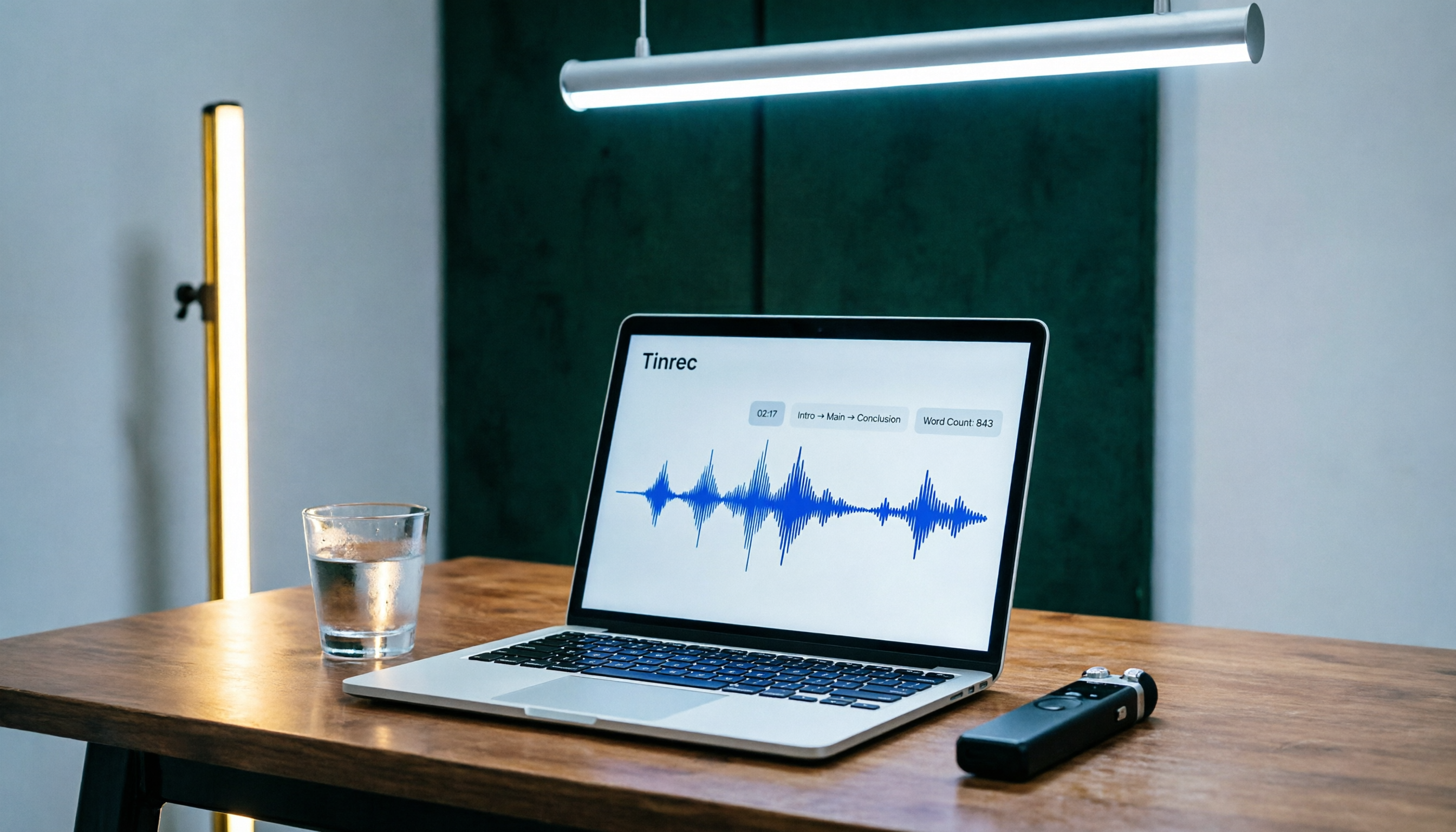
Tinrec Speech-to-Text 2026 Tutorial: Precisely Calculate 1,000-Word Speech Time + AI Auto-Organization
How long does a 1,000-word speech take? This article teaches you to calculate speaking rate based on the occasion and use Tinrec's speech-to-text feature to test your speech time, auto-generate transcripts and key summaries, so you can keep every presentation on schedule.

How to Change Font in iPhone Notes in 2026: A 5-Step Complete Guide
Changing fonts in iPhone Notes has its limits. This guide shows you how to use the latest iOS 18 features to apply bold, italics, headings, and text color, and compares Notes with Notion's full font capabilities to help you choose the right note-taking app for your needs.