
Turn recordings into transcripts and summaries in minutes
Upload audio or video for multilingual transcription, AI notes, and action items
2026 Comparison of 3 Call Recording Tools: Notta vs. PLAUD vs. Tinrec — Which Is Better for Phone Calls?
Last month, a friend in sales asked me: Can Notta actually record phone calls?
His need was simple. After a client call, he wanted a transcript and the ability to look back and check exactly what the other party had agreed to.
Let me give you the bottom line first: Notta itself does not have native call recording.
Their own documentation states it clearly—Notta doesn't natively record phone calls. You need two devices: one for the call and another running Notta to record.
This isn't a huge problem, but if you were expecting a one-button solution, it's a bit of a letdown.
In this article, I'll compare three approaches: Notta's two-device workaround, PLAUD's hardware-centric approach, and Tinrec, which I now use as my primary tool.
Why Are People Looking for Notta Alternatives?
Notta is a veteran transcription tool with multi-platform support, file import, translation, and team plans—its maturity is undeniable.
The problem lies in the "call" scenario.
Testing on a phone makes it clear: Notta is limited by iOS system restrictions, and Android brands are fragmented. You either have to use speakerphone or get another device.
They also have Notta Memo hardware that does support call recording mode—but you have to switch modes with a physical button, attach it to a MagSafe case on the back of your phone, and you can't wear headphones during recording, otherwise you'll only get one-sided audio.
If all you want is to "save this call," these steps are a bit much.
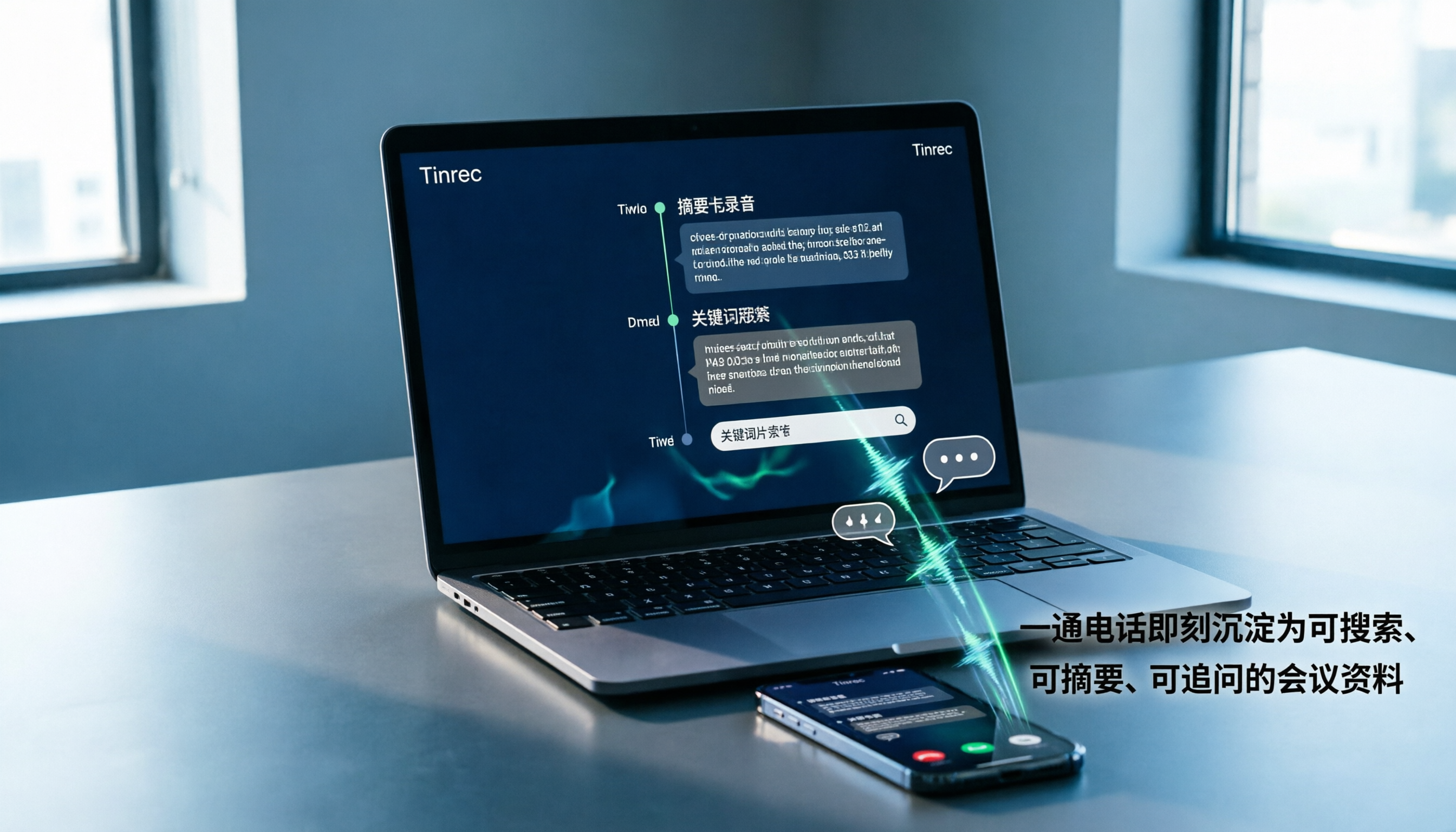
If your goal is actually to turn call content into searchable, queryable data that can be shared with your team, then Tinrec's approach is much more straightforward.
Tinrec vs. Notta: What's the Core Experience Difference?
How Call Audio Is Captured
This is the most practical difference. Tinrec doesn't push hardware and doesn't require you to buy equipment—it's just an app and a desktop version.
In practice, my approach is: put the phone on speaker, open Tinrec on another phone or computer for real-time recording, and transcribe as you talk.
What if the signal is poor in the meeting room? I'll also have the desktop version running to keep a copy on both ends.
Notta's two-device solution follows the same logic, but Tinrec's advantage is that the recorded file goes directly into the same database—no manual file transfer needed.
What You Get After Transcription
This is the part I care about most.
Many tools give you a transcript and that's it. Tinrec goes further: automatic summaries, chapter segmentation, action item extraction, and the ability to ask questions directly about the call.
Last time I discussed a channel partnership, we talked for 47 minutes. After hanging up, I asked Tinrec directly: "What discount terms did they propose?" "Who is responsible for sending the quote?" The answers were pulled from the semantics, not just keyword matching.
Notta also has summarization and translation capabilities—credit where it's due. But overall, Tinrec's post-meeting workflow is more complete.
Online Meetings: No Bots
If you also need to handle Zoom, Google Meet, Teams, and Webex in addition to phone calls, the difference becomes even more obvious.
Tinrec's desktop version captures system audio directly—no need to invite a meeting bot.
This matters when negotiating external deals. When clients see an unfamiliar account in the meeting list, their first reaction is usually "Who is this?"
Handling Chinese and Mixed Chinese-English
Meetings in Taiwan are almost never pure Chinese. A salesperson says, "I'll update you on this quotation tomorrow," mixing in three English words.
Tinrec's support for Chinese, Traditional Chinese, and mixed Chinese-English is one of its key strengths. It also supports real-time translation during recording, allowing you to switch between original text, translation, or bilingual view.
Actual recognition quality will still be affected by accents, background noise, and multiple people talking over each other—this is true for any tool. I won't promise you any fixed numbers.
Team Data Ownership
For personal use, this doesn't matter. But as soon as two or more people need to view meeting notes together, it becomes critical.
Stop organizing recordings by hand
Upload audio or video and automatically get a transcript, summary, and action items
Tinrec's team edition is a separate team space where meeting audio files belong to the team, not the person who uploaded them.
When a member leaves, is removed from the team, or loses their seat, admins can transfer resources to other active members—data doesn't leave with the person.
Pricing and Quotas (Honest Comparison)
Notta Business annual billing comes to about USD 16.67 per seat per month, offering unlimited transcription, role permissions, and usage reports—competitively priced.
Tinrec team edition is USD 29.80 per paid seat per month, or USD 199 per seat per year (about USD 16.58 per month). Eligible teams get a 7-day trial, 1 free seat, and 300 minutes of shared import quota.
Paid seats include 2,000 minutes of team shared import quota per month; under an active plan and active seat, real-time recording currently does not deduct minutes.
For salespeople who make a lot of calls, this makes a big difference.
Tinrec's Core Features at a Glance
Real-time recording to text: Open and record, text appears simultaneously. Put the phone on speaker next to it, and the transcript is ready when you finish.
AI summaries and chapters: A one-hour conversation is automatically divided into sections, with a three-minute summary at the top.
Action item extraction: Pulls out "who, what, when" from the conversation. I use this feature the most, especially for client calls.
AI chat query: Ask questions about a single meeting or across meetings. I often ask "What did this client complain about last time?" without re-listening.
Bot-free online meeting recording: Desktop version captures system audio, works with Teams, Meet, and Zoom—no bot invitations needed.
Agent post-processing and export: Generate reports, tables, or documents from meeting content, and export to Notion, Google Docs, OneNote, or Dropbox for further editing.
Team space and governance: Members, roles, seats, usage analytics, audit logs, audio recycle bin (30-day retention), team hotwords.
Note that roles and seats are two different things: roles manage governance permissions, seats control whether a member can record, upload, edit, and export. Members without a seat can still view, listen, and read.
Real-World Use Cases
Sales calls and client communication: Put the phone on speaker, open Tinrec on another device. After hanging up, summaries and action items are generated automatically. Discounts, delivery dates, and decision-makers are extracted at once and can be pasted directly into CRM notes.
User interviews: The worst part of a one-hour interview? Dying while reading through the transcript. After Tinrec segments the chapters, I directly ask "What were the three most inconvenient things the interviewee mentioned?"—ten times faster than reading myself.
Cross-department online meetings: Bot-free recording on desktop; after the meeting, drop the summary into the group chat so absentees can catch up in five minutes.
Personal learning and courses: Record casually on your phone, transcribe at home for review. This is more practical than taking notes.
Things to Consider When Choosing a Call Recording Tool
Legality and consent: In Taiwan, one-party consent is sufficient for recording, but in practice I still say at the beginning, "I'll record this for documentation." Be especially careful with international calls—laws vary by location.
Is the audio file retained? Some tools only give you a transcript and don't save the audio. When you need to verify tone or confirm numbers, you'll really miss that recording.
What can you do after transcription? A transcript alone just outsources typing. Summaries, action items, and Q&A are where the time savings come from.
How are quotas calculated? Some plans' "unlimited" has storage or upload speed limits. Check clearly whether recording is unmetered or file import is unmetered—they're two different things.
Who owns team data? Sharing a personal account with the whole company is the most dangerous approach. When a member leaves, the data goes with them.
Conclusion: Is Tinrec Worth a Try?
Back to the original question: Can Notta record phone calls? The answer is no native support—you have to work around it.
If you only occasionally record a call and just want to save it, the two-device solution is sufficient.
But if you want "after the call, data is organized, searchable, queryable, and shareable with your team," then Tinrec's path is much smoother: bot-free recording, real-time transcription, summaries and action items, AI Q&A, and team space all in one.
And you don't need to buy extra hardware.
I'd suggest starting with the free version and testing it on a real call or meeting of your own. See how it performs with your accent, your industry terminology, and your call quality—that's more accurate than any review.
Remember to inform the other party before recording. It's basic courtesy and protects you too.
References
- How to Record Phone Calls on Android: 3 High-Quality Methods
- How to switch recording mode and start recording on Notta Memo – Notta - Help Center
- How to Record a Phone Call on an iPhone iOS 18 Updated
- What Is Notta Memo in 2026? Hands-On Review: Is the Portable AI Voice Recorder Worth It? - Official Tinrec Blog
- 12 Best Call Recorder Apps for Android & iPhone 2026
Turn every recording into actionable outcomes
Get 60 free transcription minutes when you sign in. No credit card required.
Related Reading
You might also like

2026 AI Meeting Transcription Showdown: Tinrec vs Good Tape — Which One Actually Works for Your Team?
Good Tape is well-known among journalists, but teams struggle with post-meeting organization. This hands-on comparison tests Good Tape and Tinrec on the same workflow, covering recording methods, post-meeting outputs, Chinese language experience, team governance, and pricing. Find out which tool fits your usage style.

Good Tape Coupon Codes 2026: Tested & Compared — 5 Things to Check Before You Apply That Discount
Most people searching for a Good Tape coupon just want to save on the first month. This article breaks down the 75% OFF and first-month €9 offers claimed by third-party coupon sites, and compares them with Tinrec on discount reliability, free tier, meeting recording methods, post-meeting outputs, and team costs—so you can think clearly before hitting 'Apply'.

Tinrec vs Good Tape (2026): 5-Factor Comparison for Chinese-Speaking Teams
Good Tape is a Danish AI transcription service built by journalists, emphasizing security, accuracy, and GDPR compliance. Tinrec extends transcription into summaries, action items, AI Q&A, and team spaces. This article breaks down the differences across five dimensions to help you decide which better fits your meeting notes and team collaboration needs.

Tinrec vs Good Tape (2026): 5-Factor Comparison for Chinese Meetings & Team Knowledge
What is Good Tape and how does it differ from Tinrec? This comparison covers five dimensions—language, meeting capture, post-meeting organization, team collaboration, and privacy—to help you decide between a secure transcription service and an AI meeting tool that builds team knowledge.

Good Tape vs Tinrec (2026): The Chinese Transcription Tool Dcard Users Ask About Most
There's a lot of discussion about Good Tape on Dcard, but most people get stuck on 'what happens after transcription?' This article tackles common misconceptions and compares Good Tape and Tinrec in real-world tests across meeting recording, post-meeting organization, and team collaboration to help you decide which workflow truly saves time.

Good Tape vs Tinrec: Which AI Transcription Tool Is Better for Chinese Meetings in 2026?
People searching for 'good tape audio' often face the same question: Good Tape's app records and transcribes smoothly, but I need something that handles Chinese meetings and lets my team take over the follow-up workflow. This article compares Good Tape and Tinrec across five dimensions—online meeting capture, post-transcription output, Chinese language experience, team governance, and export workflows—to help you decide before purchasing.

Good Tape vs Tinrec: Which Speech-to-Text Tool Is Right for You in 2026?
Many people download a speech-to-text app only to realize transcription is just the first step. This comparison starts from real-world Good Tape use cases and contrasts Tinrec's bot-free meeting recording, post-meeting organization, AI Q&A, and team collaboration to help you decide which workflow fits you best.

Good Tape vs Tinrec: Which Is Better for Chinese Meetings? 2 Audio-to-Text Tools Tested (2026)
Good Tape is free, requires no credit card, and supports over 100 languages—no wonder it's the first result many people see when searching for an audio to text converter. But if you need Chinese meeting notes, post-meeting summaries, action items, and team sharing, a transcript alone isn't enough. This article compares Good Tape and Tinrec across 5 dimensions to tell you which tool suits which type of user.

Good Tape vs Tinrec in 2026: From Address Confusion to Choosing the Right Team Meeting Recorder
Searching for "good tape address" and can't find a single answer? Public directories list multiple locations for Good Tape, mixed with a same-named magazine studio. This article cuts through the confusion by comparing Good Tape and Tinrec across five dimensions, explaining why Tinrec is worth trying first for most Chinese-language meeting and team collaboration scenarios.