

Turn recordings into transcripts and summaries in minutes
Upload audio or video for multilingual transcription, AI notes, and action items
Good Tape vs Tinrec (2026): The Chinese Transcription Tool Dcard Users Ask About Most
Why are people looking for Good Tape alternatives?
Let me start with a misconception I've seen way too many times.
Many people see 'supports 40 languages' and 'free,' and after signing up, they feel like they've found a savior. But then their first real meeting hits a wall—what comes out is a transcript, and then what? Who's responsible for what, what were the conclusions? You still have to flip through page by page yourself.
Good Tape itself is fine. It's an online tool developed by the Danish news organization Zetland, using OpenAI's Whisper model. You upload a recording and get a text file with timestamps or an .srt subtitle file. This has consistently received positive reviews in discussions on Dcard and PTT.
But its original design purpose was 'journalists organizing interviews,' not 'teams having weekly meetings.'
When your needs shift from 'transcribe a recording' to 'weekly Wednesday review meetings, need summaries, need action items, need three people sharing the same document'—you start looking for other approaches.
If you're also looking for this type of tool, Tinrec is worth five minutes of your time.
Tinrec vs Good Tape: What's different in the core experience?
1. How meetings get recorded
This is the most easily overlooked but most impactful part.
Good Tape's approach is uploading audio files—you need a recording first to get a transcript.
Tinrec pushes this step earlier: the desktop version directly captures computer system audio. When handling online meetings like Zoom, Google Meet, Microsoft Teams, or Webex, you don't need to invite a meeting bot to join, nor do you need to record first and upload later.
What's the difference? The moment the meeting ends, the transcript is already being generated. Eliminating the 'I'll deal with it later' step makes a big practical difference.
2. Output after transcription
A transcript is the starting point, not the end.
Good Tape gives you a timestamped text file with clean formatting and export options—great for organizing interviews.
Tinrec goes a layer deeper on top of the transcript: automatically generates summaries, chapters, key points, and action items, and even lets you ask questions directly about the meeting content—'What was the conclusion of this meeting?' 'Who's responsible for which item?'
Honestly, if you just need a text file for archiving, Good Tape is enough. But if you want something you can take straight to a report after the meeting, this gap is obvious.
3. Languages and cross-language meetings
Good Tape supports over 40 languages, including Traditional Chinese, English, Japanese, Korean, German, and French—it's very broad in this regard.
Tinrec focuses on Chinese meeting scenarios: Chinese transcription, mixed Chinese-English content organization, multilingual meeting transcription, and real-time translation during recording, with options to switch between original text, translation, or bilingual view.
When meeting with foreign clients or when team members speak different languages, this real-time translation is much more practical than translating afterward.
4. Where data ultimately resides
This is what small teams regret most easily.
Good Tape encrypts transmission end-to-end, data doesn't leave the EU and is protected by GDPR, and files are kept for 3 days without registration—they're serious about privacy.
Tinrec's team version takes a different approach: independent team spaces, centralized storage of Audio, Folder, and TODO, with data owned by the team.
To put it plainly, the former is 'process and take away,' the latter is 'keep and turn into assets.' The difference is whether you can find a decision three months later when you want to look it up.
5. Multi-person collaboration and management
For one person, either works. For eight people, things get complicated.
Tinrec's team version lets you create multiple team spaces, invite members via link, set owners/admins/regular members, and distinguish between 'roles' and 'seats'—roles govern administration, seats govern usage eligibility.
One common misunderstanding to clarify: members without seats can still view, play, and read team data, but to record, upload, edit, or export, they need a seat.
There's also usage analytics, member rankings, team hot words, audit logs, and a 30-day audio recycle bin. Single-user tools don't have these, but when teams need to reconcile accounts or hand over work, you'll be glad they exist.
Stop organizing recordings by hand
Upload audio or video and automatically get a transcript, summary, and action items
The team version currently costs USD 29.80 per paid seat per month, or USD 199 per paid seat per year (about USD 16.58 per month). Each paid seat provides 2,000 minutes of shared team import quota per month; real-time recording within an active plan is currently not deducted by minutes.
Tinrec's core features at a glance
Real-time audio-to-text: Open and record, transcribe as you go. During meetings, you can watch the text to confirm nothing important is missed—once you've experienced this 'see it live' feeling, you can't go back.
Bot-free online meeting recording: The desktop version captures system audio without occupying a meeting seat or adding a stranger's account to the participant list. This is quite important for external meetings.
AI summaries and chapters: For a one-hour meeting, the summary comes out in about tens of seconds, and it's divided into chapters by topic. No more reading through the entire long meeting transcript.
Action item extraction: Pulls out 'who needs to do what' from the discussion. I can't say this is 100% accurate, but using it as a draft and then editing saves considerable time.
AI Q&A: My personal most-used feature. After recording a one-hour meeting, just ask 'What was the conclusion of the budget dispute?' and it answers based on semantic understanding—no need to manually flip through 30 pages of transcript.
Multi-format export and Agent post-processing: Can be taken to Notion, Google Docs, OneNote, Dropbox for further use, and can directly generate reports, tables, and meeting minutes.
Team spaces and governance: Members, seats, usage, audit, recycle bin, hot word maintenance—a complete set.
Real-world use cases
Weekly department meetings Previously, meeting notes were taken in rotation, and afterward, people would ask in the group 'Who was responsible for that last time?' Now, with the desktop version recording, summaries and action items come out directly after the meeting and are dropped into the team space. Before next week's meeting, a quick look gives you the basis.
Client interviews and requirement confirmation Salespeople fear misquoting clients the most. Real-time transcription plus bilingual view means even if the client speaks Chinese and throws in English technical terms, it won't get garbled. Sending out the transcript and summary together after the meeting instantly raises your professionalism.
Cross-department decision meetings These meetings are the most prone to problems—two hours of meeting, and three months later no one remembers why the decision was made. With team spaces and audit logs, the decision process is traceable.
Courses, lectures, and personal notes For individual use, the free version is plenty. Drop in an audio file to transcribe, grab key points from the summary, and later ask AI directly to find a specific part—much faster than listening again.
Points to consider when choosing an audio-to-text tool
1. First, clarify whether you want a 'transcript' or a 'result' If you only need a transcript, choose a transcription tool; if you need summaries, action items, and the ability to ask follow-up questions, look for meeting collaboration tools. The pricing logic for these two categories is completely different.
2. Confirm how it captures meeting audio Is it uploading audio files, sending a bot to join, or directly capturing system audio? The experience varies greatly among these three. Tinrec uses the third method, requiring no extra participants.
3. Is the free quota enough to 'try it out'? If the quota is too small, you can't test real performance. I recommend testing with a real work meeting, not a clean demo audio clip.
4. Where data is stored and who can see it For personal use, it's not a big deal; for team use, it's a major issue. Confirm data ownership, how data is handled after members leave, and whether there's a recovery mechanism.
5. Don't treat accuracy as a fixed number Any tool is affected by recording quality, noise, accents, and multiple people talking over each other. For important content, it's common sense to replay and confirm against timestamps—this also protects yourself.
Conclusion: Is Tinrec worth a try?
Back to the common question on Dcard—'Is Good Tape really good?'
It's good, especially when you have a pile of interview recordings to organize. Its transcription quality and multilingual coverage are indeed solid.
But if your scenario is 'team meetings every week, someone needs to follow up on progress afterward, and data needs to be kept,' then what you actually need is not a transcription tool but a meeting collaboration tool.
Tinrec's differences come down to three points: record online meetings without a meeting bot, get summaries and action items after transcription, and have data settle in team spaces rather than scattered on personal computers.
I suggest starting with the free version and testing it with one of your own real meetings—that's more accurate than reading ten reviews.
Before recording, remember to comply with local regulations when involving others' conversations, and obtain necessary consent.
References
- Overtaking Yating, reporters cry tears of joy using it—what's so magical about Good Tape? | CommonWealth Magazine
- Good Tape audio-to-text software: promo codes, discount codes, meetings, interviews, video subtitles made easy—better than Whisper?
- Good Tape automated recording-to-transcript tool, supports Chinese and many other languages
- Good Tape tutorial | Recording-to-transcript tool, supports Chinese and 40 other languages | Manager Today
- Good Tape: Recording-to-transcript software recommendation! The tool that understands journalists' needs best | Comprehensive AI Tools Introduction—Future Commerce
Turn every recording into actionable outcomes
Get 60 free transcription minutes when you sign in. No credit card required.
Related Reading
You might also like

2026 AI Meeting Transcription Showdown: Tinrec vs Good Tape — Which One Actually Works for Your Team?
Good Tape is well-known among journalists, but teams struggle with post-meeting organization. This hands-on comparison tests Good Tape and Tinrec on the same workflow, covering recording methods, post-meeting outputs, Chinese language experience, team governance, and pricing. Find out which tool fits your usage style.

Good Tape Coupon Codes 2026: Tested & Compared — 5 Things to Check Before You Apply That Discount
Most people searching for a Good Tape coupon just want to save on the first month. This article breaks down the 75% OFF and first-month €9 offers claimed by third-party coupon sites, and compares them with Tinrec on discount reliability, free tier, meeting recording methods, post-meeting outputs, and team costs—so you can think clearly before hitting 'Apply'.

Tinrec vs Good Tape (2026): 5-Factor Comparison for Chinese-Speaking Teams
Good Tape is a Danish AI transcription service built by journalists, emphasizing security, accuracy, and GDPR compliance. Tinrec extends transcription into summaries, action items, AI Q&A, and team spaces. This article breaks down the differences across five dimensions to help you decide which better fits your meeting notes and team collaboration needs.
2026 Comparison of 3 Call Recording Tools: Notta vs. PLAUD vs. Tinrec — Which Is Better for Phone Calls?
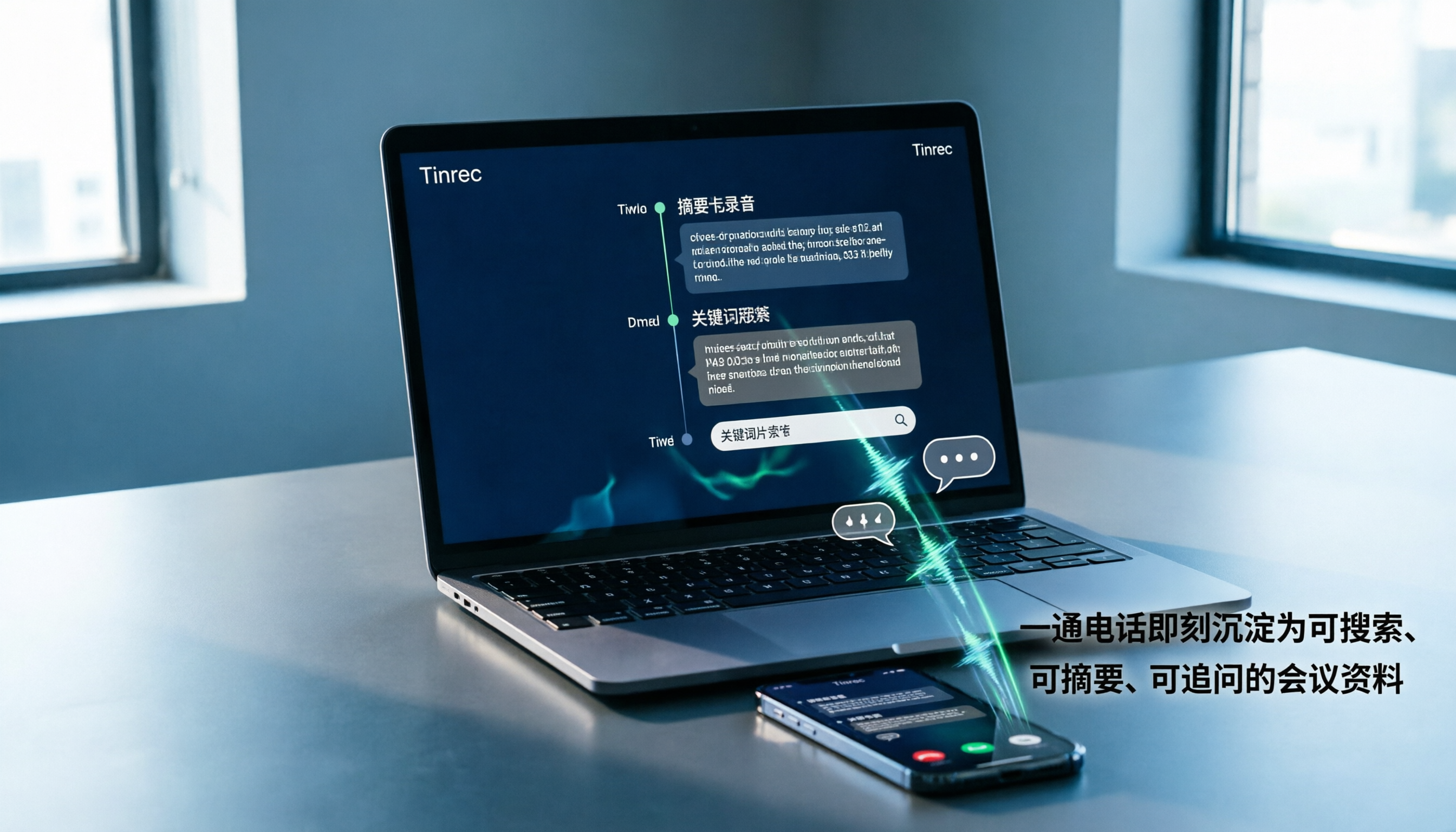
Can Notta record phone calls? This hands-on comparison of Notta, PLAUD, and Tinrec explains Notta's lack of native call recording and how Tinrec turns calls into searchable, summarized, queryable meeting data using just a phone or computer, including workflows, plan quotas, and team edition differences.

Tinrec vs Good Tape (2026): 5-Factor Comparison for Chinese Meetings & Team Knowledge
What is Good Tape and how does it differ from Tinrec? This comparison covers five dimensions—language, meeting capture, post-meeting organization, team collaboration, and privacy—to help you decide between a secure transcription service and an AI meeting tool that builds team knowledge.

Good Tape vs Tinrec: Which AI Transcription Tool Is Better for Chinese Meetings in 2026?
People searching for 'good tape audio' often face the same question: Good Tape's app records and transcribes smoothly, but I need something that handles Chinese meetings and lets my team take over the follow-up workflow. This article compares Good Tape and Tinrec across five dimensions—online meeting capture, post-transcription output, Chinese language experience, team governance, and export workflows—to help you decide before purchasing.

Good Tape vs Tinrec: Which Speech-to-Text Tool Is Right for You in 2026?
Many people download a speech-to-text app only to realize transcription is just the first step. This comparison starts from real-world Good Tape use cases and contrasts Tinrec's bot-free meeting recording, post-meeting organization, AI Q&A, and team collaboration to help you decide which workflow fits you best.

Good Tape vs Tinrec: Which Is Better for Chinese Meetings? 2 Audio-to-Text Tools Tested (2026)
Good Tape is free, requires no credit card, and supports over 100 languages—no wonder it's the first result many people see when searching for an audio to text converter. But if you need Chinese meeting notes, post-meeting summaries, action items, and team sharing, a transcript alone isn't enough. This article compares Good Tape and Tinrec across 5 dimensions to tell you which tool suits which type of user.

Good Tape vs Tinrec in 2026: From Address Confusion to Choosing the Right Team Meeting Recorder
Searching for "good tape address" and can't find a single answer? Public directories list multiple locations for Good Tape, mixed with a same-named magazine studio. This article cuts through the confusion by comparing Good Tape and Tinrec across five dimensions, explaining why Tinrec is worth trying first for most Chinese-language meeting and team collaboration scenarios.