

Turn recordings into transcripts and summaries in minutes
Upload audio or video for multilingual transcription, AI notes, and action items
Good Tape vs Tinrec in 2026: From Address Confusion to Choosing the Right Team Meeting Recorder
Why Are People Looking for Good Tape Alternatives?
If you're searching for "good tape address," the real question isn't the street number—it's two more practical things: where this company actually operates and how it handles data, and whether its product fits the meetings you actually have every day.
Let's start with the address. Public directories show two different faces of Good Tape: one is a transcription tool that describes itself as "save the world from manual transcription," converting any audio or video file into accurate text; the other is a same-named magazine and creative studio, which according to the Podnews directory is an independent magazine and creative studio based in Los Angeles and Brooklyn. The address fields are inconsistent too: one business database lists Copenhagen, Capital Region of Denmark, another page in the same database lists Manhattan, New York, and the Podnews entry lists Los Angeles, CA. Same name, different companies, different directory update times—that's why you can't find a single answer.
When you can't pin down an address, it usually means you should be evaluating something else: which languages it supports, whether it can handle the online meetings you actually have every day, and whether it can turn content into action items after the meeting. If you need Chinese meeting notes, online meeting recording without inviting a bot, and team data you can collaborate on right after the meeting, Tinrec is worth a look.
Tinrec vs Good Tape: What's Different in the Core Experience?
Input Sources: Files Only, or Meetings Included?
Most people aren't trying to organize pre-recorded files—they're trying to organize the meeting that just ended. Good Tape's public product description focuses on "converting any audio or video file into text," which is a file transcription approach. Tinrec not only supports uploading audio and video files but also offers real-time recording to text, mobile recording, and a desktop version that directly captures computer system audio to process meetings on Zoom, Google Meet, Microsoft Teams, and Webex—no extra bot needed to join. If you have more than 10 online meetings a week, this difference isn't just a feature gap; it's a workflow gap.
Post-Meeting Output: What Comes After the Transcript?
Getting a transcript is just the starting point. Tinrec automatically generates summaries and chapters, breaking long meetings into browsable structure, and extracts action items from discussions. You can also use AI chat query to directly ask "what were the conclusions of this meeting" or "who's responsible for what." When you need to deliver, you can export to documents, reports, spreadsheets, or take it to Notion, Google Docs, OneNote, or Dropbox for further processing. For those who need to report upward, this step often saves not just a few minutes but an entire evening.
Chinese and Cross-Language Meetings
Tinrec handles Chinese, Traditional Chinese, and mixed Chinese-English content, and also supports multilingual meeting transcription. During recording, you can switch between original text, translation, or bilingual view, and teams can maintain custom vocabulary to improve recognition of technical terms. To be honest here: Tinrec does not publicly promise a fixed accuracy rate—actual performance depends on recording quality, background noise, accents, overlapping speakers, and proper nouns. Any claim of a fixed 98% or 99% should be taken with a grain of salt.
Team Collaboration and Governance: Personal Tool vs Team Space
This is where the two products differ most in positioning. Tinrec's team edition is a separate team space, not multiple people sharing one account: you can create multiple teams, invite members via link, set owners/admins/regular members, and manage "roles" and "seats" separately. Members who are active but have no seat can still view, play, and read team data, but cannot upload, edit, or import/export. There are also team usage trends, member rankings, audit logs, audio recycle bin, and team custom vocabulary. When a member leaves or loses their seat, resources must be handed over to other active members—data doesn't leave with the individual.
Quotas and Pricing
Tinrec's personal edition includes a free version, weekly card, Pro monthly, and Pro annual—choose based on your usage frequency. For the team edition, the current terms are: first eligible team trial for 7 days, 1 free seat, 300 minutes of team shared import quota; monthly payment USD 29.80 per paid seat per month, annual payment USD 199 per paid seat per year (about USD 16.58 per month); each paid seat provides 2,000 minutes of team shared import quota per month. Note the pricing logic: under an active team plan and active seats, real-time recording currently does not deduct minutes—only file and web imports consume team shared minutes. Good Tape's plans and pricing are not provided in this source, so this article won't speculate; please refer to its official page.
Stop organizing recordings by hand
Upload audio or video and automatically get a transcript, summary, and action items
Tinrec's Core Features at a Glance
Real-time recording to text: Open and record, text appears synchronously—the transcript is ready the moment the meeting ends. Great for in-person meetings, interviews, and on-site notes.
Bot-free online meeting recording: The desktop version captures system audio without pulling an extra bot into the meeting room. This is especially noticeable in client meetings—the screen stays clean, and no one asks "who's this?"
AI summaries, chapters, and action item extraction: Long meetings are automatically structured, with decisions and action items listed separately. What used to take 40 minutes of post-meeting organizing now is mostly review and gap-filling.
AI chat query: This is my most-used feature. For a one-hour meeting, just ask it for conclusions and assignments—no need to manually flip through 30 pages of transcript.
Multi-format and third-party export, Agent post-processing: Turn meeting results into reports, spreadsheets, meeting minutes, and bring them into your existing workflow.
Team space and governance: Centrally store Audio, Folder, TODO, and meeting data, plus seat management, usage analytics, audit logs, and audio recycle bin (currently 30-day retention; TODO is not included in the recycle bin).
Real-World Use Cases
Weekly and project progress meetings: In a 10-person team's weekly meeting, the easiest thing to miss is "who needs to finish what by when." After recording with Tinrec, you can look directly at the action item list and confirm owners on the spot—no need to ask one by one two days later.
Cross-department coordination meetings: The most time-consuming part of these meetings isn't the meeting itself—it's the follow-up and confirmation afterward. Meeting data is centralized in the team space, so new members can look back at historical meetings, and decision rationale doesn't live only in someone's notes.
Client interviews and requirements discussions: Customer needs, concerns, and commitments are captured with transcript plus summary in one go, then organized into documents or spreadsheets and exported—far more reliable than trying to recall afterward.
Cross-language meetings: When there are foreign-language participants, use bilingual view to follow along—much faster than asking someone to translate afterward.
Personal learning and interview organization: Record courses, lectures, expert interviews and directly ask for key points; long recordings become searchable data.
What to Look For When Choosing an Audio-to-Text Tool
1. Input sources must match your real meeting formats. File upload only versus direct online meeting recording are two different workflows. List your weekly meeting types first, then see how much the tool covers.
2. Can the post-meeting output be used directly? The transcript is raw material; summaries, chapters, and action items are the finished product. When choosing a tool, ask yourself: "Can this output go straight into my weekly report?"
3. Performance with Chinese and proper nouns. Product names, department codes, and internal abbreviations are the most error-prone. Tools with custom vocabulary management will show a growing advantage over time.
4. Team governance depends on roles and seats. Many tools only distinguish admin and member, without separating "can manage" from "can use resources." As your team grows, this becomes a real pain point.
5. How are quotas calculated? Check clearly whether real-time recording deducts minutes or only file imports do—this directly determines whether your team has enough each month.
6. Data retention and cleanup processes. Tools with a recycle bin, clear retention periods, and handover mechanisms save a lot of trouble when people leave.
Conclusion: Is Tinrec Worth a Try?
Back to the original question: you searched "good tape address" probably just to confirm where this company is and whether it's reliable. But public directories can't give a single answer, and the real problem you need to solve is "where does my meeting content go, how is it organized, and how does the team take over."
If your needs are focused on file transcription, a tool like Good Tape is one path; if more than 80% of your scenarios are Chinese online meetings, you need bot-free recording, automatic summaries and action items after meetings, and you need to turn data into team assets, then Tinrec is worth trying first. It's a complete set for multilingual, cross-device, post-meeting organization, and team governance—not just point features.
The recommended approach is simple: run two or three real meetings with the free version first, test with your own recordings and your own terminology, and see if the transcript and action items can be used directly. That's more accurate than any review. If it's only short-term intensive use, the weekly card is enough; if you have a steady weekly meeting load, Pro or the team edition is more cost-effective. One final reminder: recording and transcription involve local regulations—please obtain participant consent when required.
References
Turn every recording into actionable outcomes
Get 60 free transcription minutes when you sign in. No credit card required.
Related Reading
You might also like

2026 AI Meeting Transcription Showdown: Tinrec vs Good Tape — Which One Actually Works for Your Team?
Good Tape is well-known among journalists, but teams struggle with post-meeting organization. This hands-on comparison tests Good Tape and Tinrec on the same workflow, covering recording methods, post-meeting outputs, Chinese language experience, team governance, and pricing. Find out which tool fits your usage style.

Good Tape Coupon Codes 2026: Tested & Compared — 5 Things to Check Before You Apply That Discount
Most people searching for a Good Tape coupon just want to save on the first month. This article breaks down the 75% OFF and first-month €9 offers claimed by third-party coupon sites, and compares them with Tinrec on discount reliability, free tier, meeting recording methods, post-meeting outputs, and team costs—so you can think clearly before hitting 'Apply'.

Tinrec vs Good Tape (2026): 5-Factor Comparison for Chinese-Speaking Teams
Good Tape is a Danish AI transcription service built by journalists, emphasizing security, accuracy, and GDPR compliance. Tinrec extends transcription into summaries, action items, AI Q&A, and team spaces. This article breaks down the differences across five dimensions to help you decide which better fits your meeting notes and team collaboration needs.
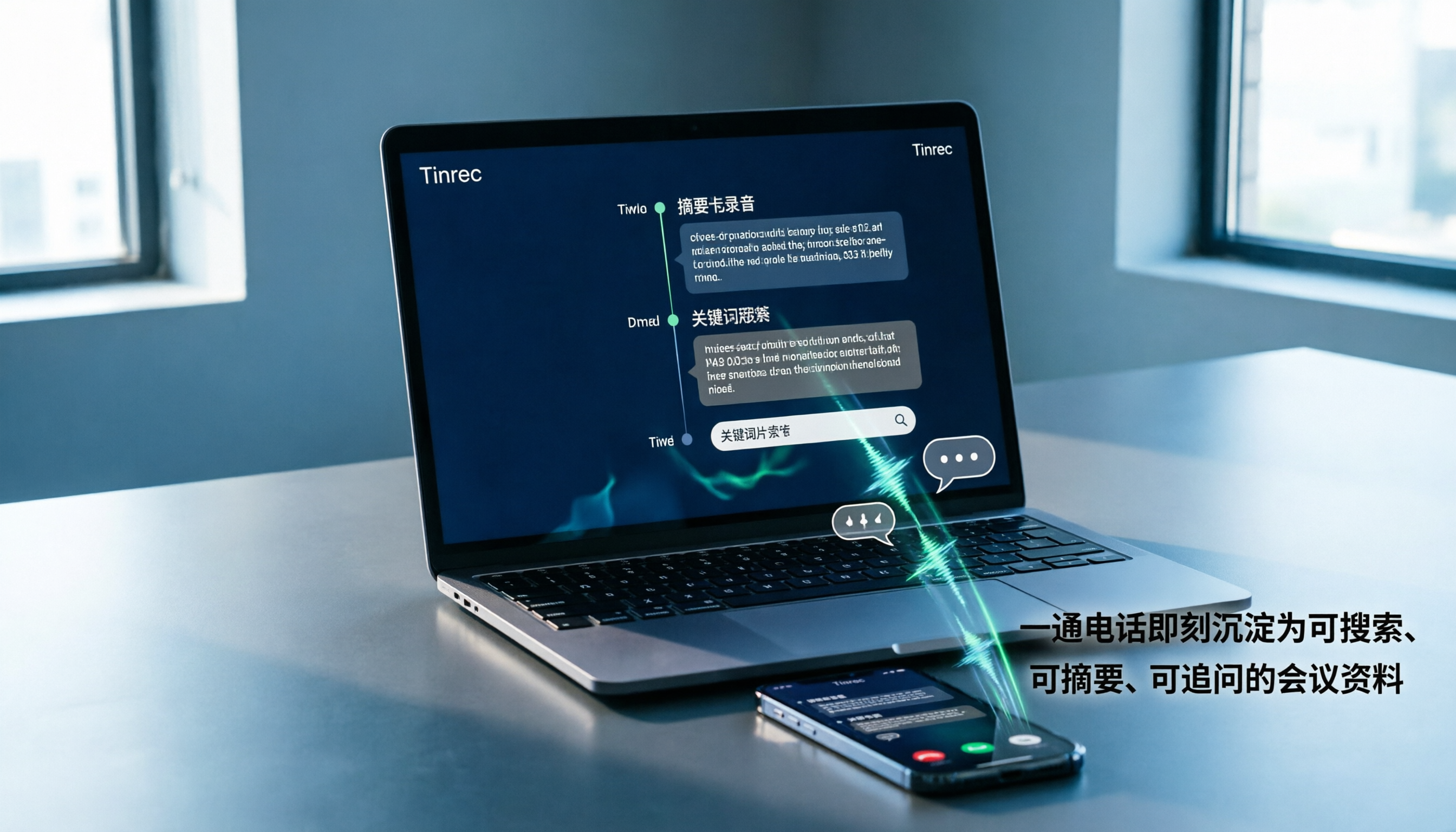
2026 Comparison of 3 Call Recording Tools: Notta vs. PLAUD vs. Tinrec — Which Is Better for Phone Calls?
Can Notta record phone calls? This hands-on comparison of Notta, PLAUD, and Tinrec explains Notta's lack of native call recording and how Tinrec turns calls into searchable, summarized, queryable meeting data using just a phone or computer, including workflows, plan quotas, and team edition differences.

Tinrec vs Good Tape (2026): 5-Factor Comparison for Chinese Meetings & Team Knowledge
What is Good Tape and how does it differ from Tinrec? This comparison covers five dimensions—language, meeting capture, post-meeting organization, team collaboration, and privacy—to help you decide between a secure transcription service and an AI meeting tool that builds team knowledge.

Good Tape vs Tinrec (2026): The Chinese Transcription Tool Dcard Users Ask About Most
There's a lot of discussion about Good Tape on Dcard, but most people get stuck on 'what happens after transcription?' This article tackles common misconceptions and compares Good Tape and Tinrec in real-world tests across meeting recording, post-meeting organization, and team collaboration to help you decide which workflow truly saves time.

Good Tape vs Tinrec: Which AI Transcription Tool Is Better for Chinese Meetings in 2026?
People searching for 'good tape audio' often face the same question: Good Tape's app records and transcribes smoothly, but I need something that handles Chinese meetings and lets my team take over the follow-up workflow. This article compares Good Tape and Tinrec across five dimensions—online meeting capture, post-transcription output, Chinese language experience, team governance, and export workflows—to help you decide before purchasing.

Good Tape vs Tinrec: Which Speech-to-Text Tool Is Right for You in 2026?
Many people download a speech-to-text app only to realize transcription is just the first step. This comparison starts from real-world Good Tape use cases and contrasts Tinrec's bot-free meeting recording, post-meeting organization, AI Q&A, and team collaboration to help you decide which workflow fits you best.

Good Tape vs Tinrec: Which Is Better for Chinese Meetings? 2 Audio-to-Text Tools Tested (2026)
Good Tape is free, requires no credit card, and supports over 100 languages—no wonder it's the first result many people see when searching for an audio to text converter. But if you need Chinese meeting notes, post-meeting summaries, action items, and team sharing, a transcript alone isn't enough. This article compares Good Tape and Tinrec across 5 dimensions to tell you which tool suits which type of user.