
Turn recordings into transcripts and summaries in minutes
Upload audio or video for multilingual transcription, AI notes, and action items
During my sophomore year, my roommate was hit by a car making an illegal U-turn while riding his scooter. He went to the police station to give a statement. He was so worried the police would miss key details that he wanted to record with his phone—but was immediately stopped. The officer said, "Investigation confidentiality—no recording here." He came back anxious and unable to sleep. We searched all night and discovered that not every situation prohibits recording—the key is understanding the law and choosing the right tool.
In this article, I'll explain the legal issues around recording police interviews from a student's perspective, then show how to use Tinrec, the recording-to-text app I've used all semester, to legally turn the interview into a searchable, summarized cloud record with text.
What Can Recording Police Interviews for Self-Protection Do for You?
Here's the bottom line: recording at the right time can help you do all of the following—and Tinrec makes it easy.
Scenario 1: Administrative investigation statements, such as car accidents or consumer disputes
You're only there to explain what happened, not as a criminal suspect. According to the National Police Agency, during open proceedings or administrative investigations, members of the public may record for their own protection (subject to exceptions in Article 51 of the Personal Data Protection Act). At that point, you can open Tinrec and watch the text appear in real time as you record. Whatever the police ask and whatever you answer is documented, so you don't have to rely on memory later.
Scenario 2: Worried your report will be oversimplified
You go to report that you've been scammed. The police type while taking your statement, and sometimes they only jot down the key points, leaving out tone and details. If you get the officer's consent (or do so without violating investigation confidentiality), start Tinrec recording. It will automatically generate a verbatim transcript and, when you're done, use AI to summarize the incident, the amount lost, and the characteristics of the other party. With that, the narrative on the report receipt no longer has to be just two short lines.
Scenario 3: Reviewing the statement afterward
When the interview is done, the police ask you to sign the statement, but you usually just get a quick glance. If you have a legal recording, you can go home and use Tinrec's playback feature to compare the text and audio, making sure the statement didn't miss any important things you said. Tinrec's "AI-dialogue search" even lets you ask directly, "What did the officer ask me about the other party?" and locate it in seconds.
What Core Features Should a Self-Protection Recording Tool Have?
Turning a recording into genuinely usable evidence requires more than just an audio file. Tinrec was designed with post-interview organization in mind. Here's a breakdown of its core capabilities:
Real-time transcription: text as you record
Traditional recording tools only give you an audio file, forcing you to transcribe later—a painful process. Tinrec, on the other hand, shows the text line by line while you record, with less than 1 second of delay. You can watch your phone screen at the police station and confirm that every sentence is captured, even in a noisy station.
AI summaries: understand a 2-hour interview in 3 minutes
After a statement, who wants to listen to the whole recording? Tinrec automatically extracts the incident, key issues, the main points of the police's questions, and your answers. It even creates action items (e.g., "submit medical diagnosis certificate"). My roommate used this and realized the police had failed to ask the key question about the other driver running a red light—so he went back and added a supplementary statement.
Cloud storage and search: from old recordings to a searchable database
Audio files stored on your phone are easy to lose. Tinrec uploads everything to the cloud, letting you search past interview records anytime by typing a keyword. If you ever need to go to court, you can export the transcript or summary directly for the judge—far more reliable than flipping through a worn-out notebook.
Multi-format export: send to lawyers or family without converting
Generate verbatim transcripts, PDF summaries, TXT files, or sync to Google Drive or Notion. One of my classmates was in a car accident statement, exported a PDF, and sent it directly to an insurance claims adjuster—saving a ton of back-and-forth explanation.
Practical Use Cases
Still not sure when you can use it? Here are examples based on real incidents near campus. Each scenario can be followed directly.
Stop organizing recordings by hand
Upload audio or video and automatically get a transcript, summary, and action items
Motorcycle accident statement (administrative investigation)
You're hit while riding, and you go to the police station for a statement. This type of case is usually an administrative investigation. In the public area of a police station, you can generally record. Open Tinrec, select "Real-time Recording," and place your phone on the table to begin. You don't need to divide your attention to take notes—the text is recorded automatically. Afterward, use the AI summary to confirm that the facts like "the other party admitted fault" and "description of your injuries" are accurate before signing.
Online shopping fraud report (criminal case—be cautious)
You report that you've been scammed. This enters the criminal investigation process. Under Article 245 of the Code of Criminal Procedure, investigations are not public, so you cannot record on your own. However, after the interview, you can immediately type a summary in your phone's notes and use Tinrec's "File-to-Text" function to organize screenshots and chat logs you received when filing the report into a timeline. Even without recording, you can piece together what happened later.
Negotiating with an insurance company (not at a police station)
After an accident, you meet with an insurance adjuster at a café to discuss compensation. In this entirely open setting, you can freely start Tinrec recording and get real-time text, preventing the other party from denying verbal promises later. The AI summary will automatically flag the compensation amount and repair items, turning them into a checklist you can verify.
Rental dispute mediation (at a mediation committee or village chief's office)
You go to mediation with your landlord over a security deposit dispute. This type of administrative mediation generally allows recording. Record the whole session with Tinrec, so the mediator's suggestions and the landlord's promises are all in text, and export it later for your school's legal consultation service if needed.
3 Things to Watch for When Choosing a Self-Protection Recording Tool
Not every recording app is suitable for such a high-pressure situation. After a full semester of testing, I've settled on three standards:
1. Real-time transcription accuracy and delay
At a police station, conversations can move fast. If transcription lags too much or has too many errors, it's useless. Tinrec's real-time transcription has less than 1 second of delay, with high Mandarin recognition in quiet environments, and it can still pick up dialogue amid background noise. Before testing, I recommend trying it at home with a mock conversation first.
2. Compliance, legality, and security of cloud uploads
Make sure recording files are encrypted in storage and transmission. Tinrec's cloud transfer is encrypted, and you can manage your recordings directly on your phone and delete them at any time. Also, some free tools use your recordings to train AI; Tinrec's terms explicitly distinguish this, so you can be confident.
3. Does it have "post-interview organization" features, not just a transcript?
Text alone isn't enough. A transcript can be thousands of words—who wants to read through all that? What matters is whether it can automatically summarize, create action items, and make content searchable. Tinrec doesn't just convert speech to text; it also lets you ask questions through AI-dialogue search, which is what really saves you time.
Frequently Asked Questions
Q1: Can I actually record my own police interview?
It depends on the nature of the case. For administrative investigations (such as car accidents, complaints, or reports), according to the National Police Agency's position, you may record in an open place to protect your own rights. For criminal investigations (such as fraud or assault), the investigation is confidential, and private recording is not allowed. If you're unsure, ask the officer first: "Is it okay if I record to protect my rights?"
Q2: What happens if I'm caught secretly recording?
In a criminal investigation, recording without authorization may violate investigation confidentiality and could even involve a crime of breaching secrecy. In an administrative investigation, if the agency prohibits recording, you should follow the rules. So never secretly record—only legal recordings can stand up legally.
Q3: Is the free version of Tinrec enough?
The free version gives you a basic monthly allowance, enough to record one or two interviews (usually 30–60 minutes each). For occasional needs, the free version is sufficient. If you need it frequently, the student plan works out to less than the cost of a bubble tea per day—great value.
Q4: Can I share the recorded files with a lawyer?
Yes! Tinrec supports exporting multiple formats. You can convert the file to PDF or Word and email it to your lawyer, or sync the transcript to Google Cloud for easy collaboration.
Q5: Will my Tinrec recordings be seen by others?
No. Your recordings and transcriptions are visible only to your own account. Tinrec does not make them public or use them for other purposes, and its privacy settings are transparent.
Summary
Once you know the legal boundaries, there are many situations where you can legally record with your phone to protect yourself. The key is that recording alone isn't enough—you need a tool that quickly turns the audio into something organized, searchable, and exportable, so you don't end up staring at hours of audio in despair.
If you've been through the same problem as my roommate—where the statement missed important details—I strongly recommend trying Tinrec's free version. Use your monthly allowance to record a car accident interview or mediation, and see how AI can automatically highlight the important points. When something happens, prepared people handle it better.
References
- What rights can I assert when interrogated?—Full audio and video recording|Legal Encyclopedia Legispedia
- Can you record or videotape an investigative interview? Do you think "investigation confidentiality" only regulates prosecutors and police?
- Ministry of Justice—Regulations for Keeping Audio and Video Records by Prosecutors and Judicial Police Officials
- Other / Can I record at a police station for a statement? - PttLifeLaw - PTT
- Secretariat—Can members of the public record or videotape when filing a complaint, reporting, or undergoing administrative or criminal investigations? - National Police Agency, Kaohsiung Harbor Police Headquarters
Turn every recording into actionable outcomes
Get 60 free transcription minutes when you sign in. No credit card required.
Related Reading
You might also like
2026 Hands-On Comparison of 3 Mobile Recording-to-Transcript Tools: Is the Free Version Enough? This AI Organizer Saves the Most Effort
Is iPhone's built-in transcription feature any good? We tested Tinrec, iPhone Voice Memos, and Otter.ai, comparing accuracy, AI summaries, cross-platform support, and free tiers to help you find the best recording-to-text solution.
Laptop Recording to Text in 2026: Use Tinrec to Auto-Generate Transcripts and Meeting Minutes
Tired of spending time sorting through laptop recordings? This guide shows you how to record with Windows’ built-in voice recorder, upload to Tinrec, and automatically get transcripts, summaries, and to-dos—making meeting and course notes stress-free.
2026 Recording Notes: Real-Time Transcription + AI Summary – iPhone Built-in vs Tinrec, Which Is More Complete?
This article compares iPhone's built-in Voice Memos/Notes recording features with the Tinrec recording tool, covering recording sources, transcription accuracy, AI organization, database search, and cross-platform export, to help you find the best way to organize meeting and course recordings.
2026 Free Speech-to-Text Tools Roundup: 5 Options at a Glance
Looking for where the recording feature is? What you actually need may not just be a recording feature, but a tool that turns recordings into useful information. This article rounds up 5 free or freemium speech-to-text options, from built-in apps to all-in-one AI tools, to help you pick the most time-saving choice.
Where Are iPhone Voice Memos Stored in 2026? 5 Steps to Find and Manage Recordings (Tutorial)
iPhone Voice Memos are stored in iCloud or within the app. Want to export them to the Files app or other cloud services? This article shows you how to locate recordings and use AI tools to turn meeting and lecture recordings into searchable text.
2026 Hands-On Comparison of 5 AI Voice Tools: From ChatGPT Read-Aloud to Tinrec Audio/Video Organization, Which Is More Practical?
Can ChatGPT read aloud? This article compares 5 AI voice tools hands-on, taking you from simple voice read-aloud to recording transcription, AI summarization, and cross-source organization. With Tinrec as the core, we analyze which tool is best for meetings, learning, and content creation.

2026 Free Recording Organization Solutions: 2 Tools Compared
iPhone Notes is built-in and free, but Tinrec offers automatic transcription, AI summaries, and cross-platform organization. This article compares two free recording organization options across transcription, organization features, syncing, and exporting to help you find the right productivity tool.
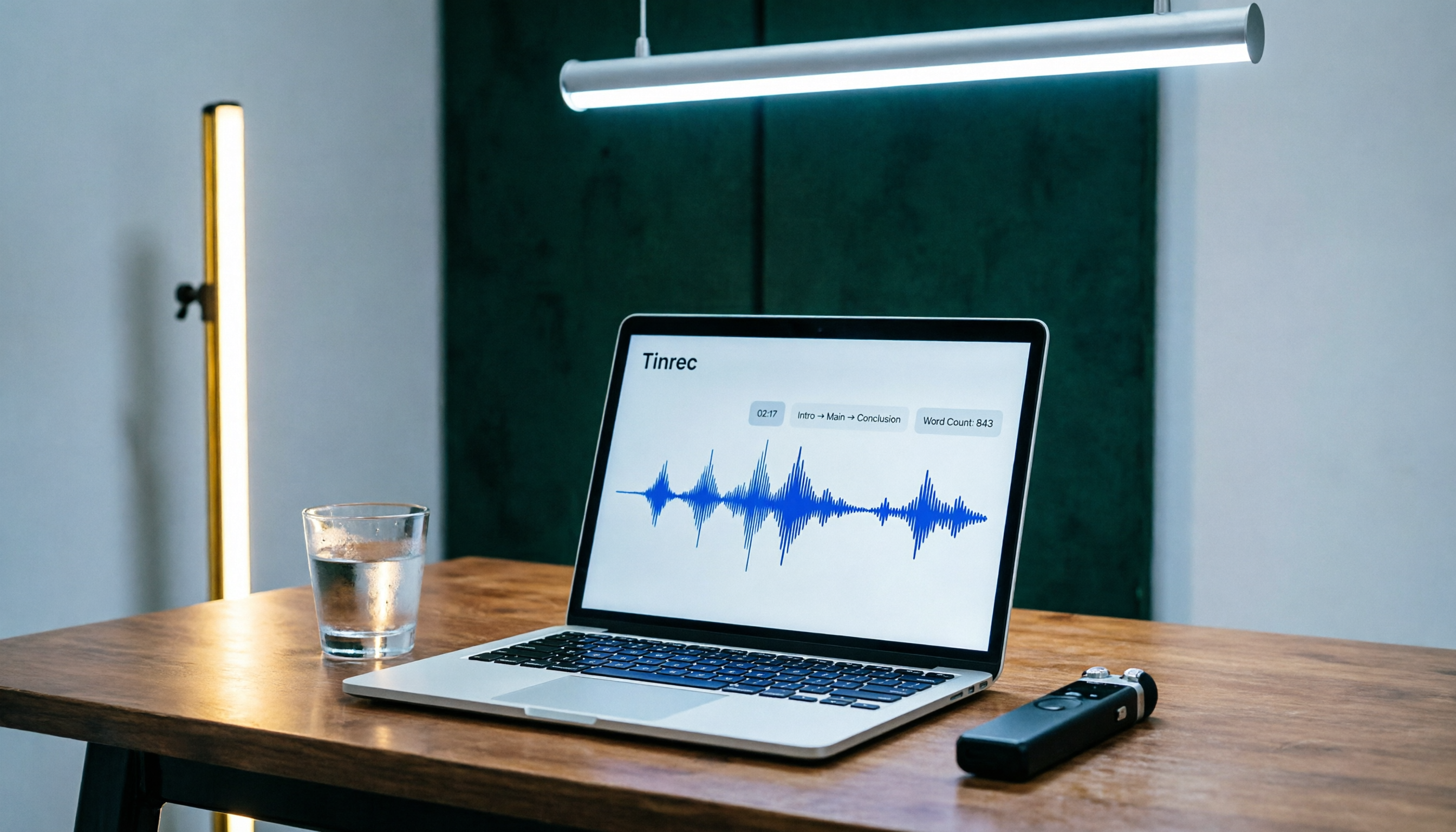
Tinrec Speech-to-Text 2026 Tutorial: Precisely Calculate 1,000-Word Speech Time + AI Auto-Organization
How long does a 1,000-word speech take? This article teaches you to calculate speaking rate based on the occasion and use Tinrec's speech-to-text feature to test your speech time, auto-generate transcripts and key summaries, so you can keep every presentation on schedule.

How to Change Font in iPhone Notes in 2026: A 5-Step Complete Guide
Changing fonts in iPhone Notes has its limits. This guide shows you how to use the latest iOS 18 features to apply bold, italics, headings, and text color, and compares Notes with Notion's full font capabilities to help you choose the right note-taking app for your needs.