
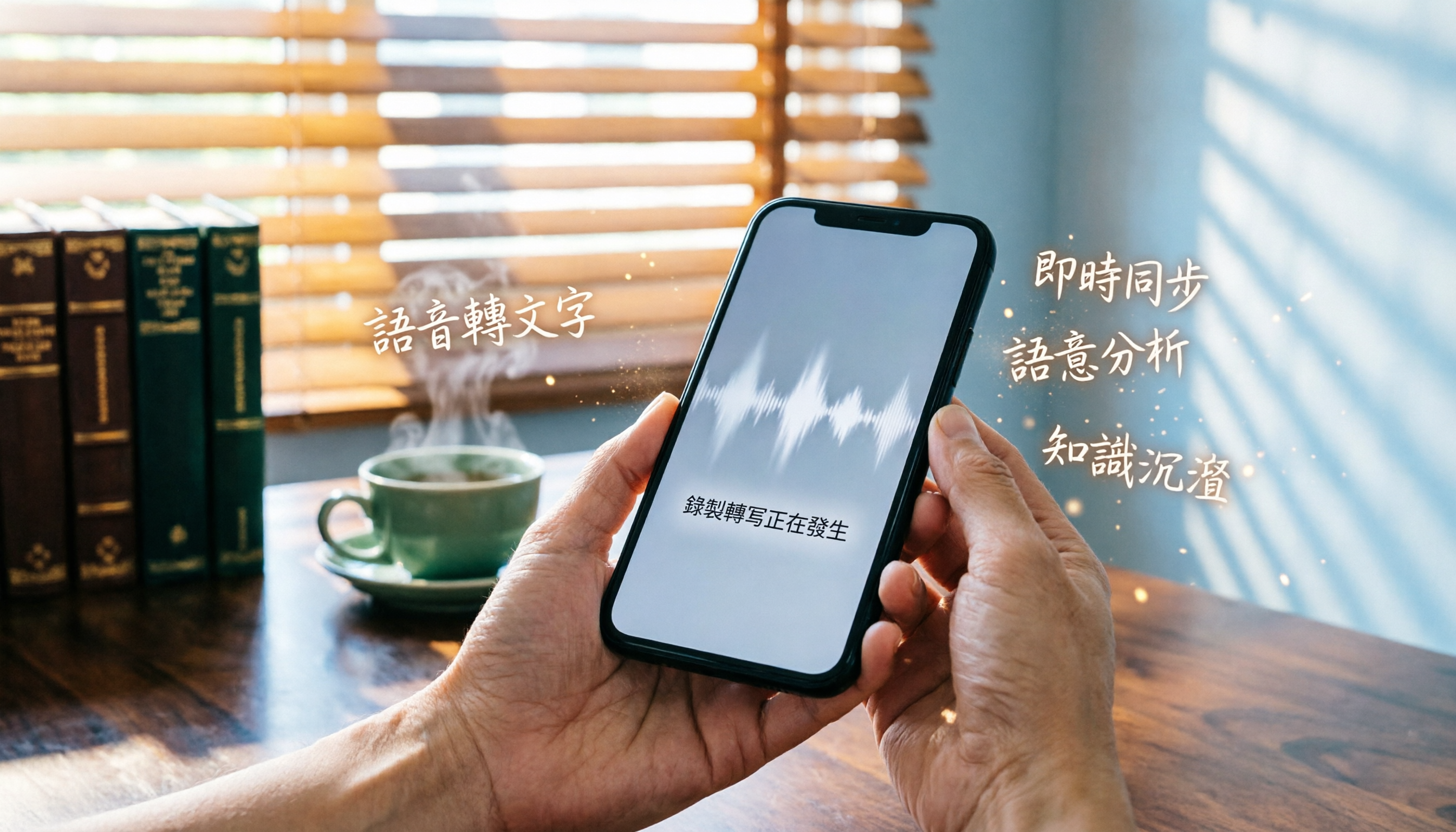
Turn recordings into transcripts and summaries in minutes
Upload audio or video for multilingual transcription, AI notes, and action items
Why Do You Need a Speech-to-Text Tool?
Having meetings every day until it's time to clock out, doing overtime to write meeting notes is the norm. iPhone users might say, “Recording feature? I've known about Voice Memos forever!” Android users also have plenty of recording apps. But what happens after you record? A 60-minute meeting recording that you need to listen back to and type up can easily eat two to three hours. If you’ve ever tried replaying sentence by sentence and typing it out, you know how much time it wastes.
This article isn't about how to turn on the recording feature (on iPhone, go to the Utilities folder to find Voice Memos; on Android, download a recorder app from the Play Store). It's about helping you turn recordings into truly useful information. Below are 5 speech-to-text options, from fully free tools to AI tools with a free tier, so you can save time and leave on time.
Option 1 | Tinrec (Instant Transcription) — The Most Complete AI Recording Assistant
Tinrec is an AI recording and audio/video organization tool designed for meetings, learning, interviews, and content creation. It does more than convert recordings to text — it automatically organizes summaries, chapters, to-dos, and even lets you ask AI questions about the content.
Core Highlights
- Multi-source input: Supports live recording transcription, uploading audio/video files, and pasting YouTube/Bilibili/Xiaohongshu links for direct transcription. Whether it’s meeting recordings, lecture recordings, or online videos, it can handle them all.
- AI organization is not just a verbatim transcript: Automatically generates summaries, splits recordings into chapters, extracts action items, and can even generate mind maps. After a meeting, one tap gives you both meeting minutes and a to-do list — no need to type it all out yourself.
- AI conversation query: Have old recordings and want to find a specific line? Tinrec lets you ask, “What was the budget the client mentioned last time?” and it will search the recording content to answer directly — no need to listen from beginning to end.
- Multi-platform + export: Works on iOS, Android, and web; organized content can be exported to Notion, Google Docs, OneNote, etc., making it easy to share with colleagues.
Free/Paid Plans The free version includes a basic monthly transcription allowance — enough for a trial. If you need more minutes, you can choose a weekly card (good for short-term projects), a Pro monthly plan, or an annual plan (best value for long-term use). Pricing is based on the official product website; we won't claim it's the “cheapest,” but it offers a high degree of flexibility.
Who Is It For? Office workers and students who frequently organize meeting, class, or interview recordings, especially Hong Kong users who need Cantonese and Mandarin bilingual transcription. If you often watch YouTube to learn and want to quickly capture key points, this feature is a killer feature.
Option 2 | Otter.ai — Top Choice for English Meetings, Free 300 Minutes/Month
Otter.ai is a veteran AI meeting note taker. Its strengths are automatically joining online meetings like Zoom and Google Meet, identifying speakers, and generating summaries and action items.
Core Highlights
- High English transcription accuracy and mature meeting collaboration features.
- Free plan includes 300 minutes of transcription per month, generally enough for occasional use.
Paid plans: Pro annual plan: ~HK$65/month (1,200 minutes); Business annual plan: ~HK$156/month.
Who Is It For? Users whose meetings are mainly in English and need team collaboration. But Chinese experience is average, and Cantonese support is limited.
Stop organizing recordings by hand
Upload audio or video and automatically get a transcript, summary, and action items
Option 3 | Notta — Multilingual Transcription, Free 120 Minutes/Month
Notta is a fairly comprehensive transcription tool that supports multiple languages, translation, and subtitle generation, with a clean interface.
Core Highlights
- Multi-device (iOS/Android/web) and fast transcription.
- Free plan includes 120 minutes per month, enough for emergencies.
Paid plans: Pro annual plan: ~HK$64/month (1,800 minutes); Business plans focus on unlimited transcription.
Who Is It For? Users who need transcription for Japanese, Korean, and other Asian languages. But its AI organization is not as deep as Tinrec’s, and it lacks a conversation query feature.
Option 4 | Fireflies.ai — Team Meeting Notes, Free but Limited
Fireflies.ai also focuses on meeting bots that can automatically record Zoom, Teams, and Google Meet content.
Core Highlights
- Claims unlimited transcription, but the free plan has a team storage cap.
- Integrates with CRM, Slack, and other tools; well-suited for sales teams.
Paid plans: Pro annual plan: ~HK$78/seat/month; Business annual plan: ~HK$148/seat/month.
Who Is It For? Teams that need deep meeting integration. Individual users may find storage limits on the free plan inconvenient, and Chinese support is average.
Option 5 | Built-in Recording Apps (iPhone Voice Memos / Android Recorder) — Completely Free but Only Records
Every phone has a built-in recording feature: iPhone has Voice Memos (in the Utilities folder), and Android has various recorder apps on the Play Store.
Core Features
- Completely free, with no transcription or organization features.
- Ideal for simply recording conversations or memos.
Who Is It For? Users who only need recording, not transcription and organization. For long recordings, doing it manually is a real waste of time.
With All These Options, How Should You Choose?
- Want the most complete AI features (transcription + AI conversation query + automatic meeting notes) → Tinrec (the only option with all these features).
- Need Cantonese + Mandarin bilingual transcription and frequently organize online videos → Tinrec (supports multiple languages and video links).
- Mainly English meetings and need team collaboration → Otter.ai or Fireflies.ai (but Cantonese is not their strength).
- Need multilingual transcription and subtitles with a limited budget → Notta (free plan is usable, but features are not as comprehensive).
- Zero budget and only occasional transcription → built-in recording app (but no transcription), or use Otter’s free plan.
- Don’t want to buy extra hardware and want to use it on phone and computer → Tinrec (full platform support).
3 Things to Know Before Using a Speech-to-Text Tool
- Recording quality directly affects accuracy: background noise, overlapping voices, and distance can all reduce transcription quality. AI tools like Tinrec have noise reduction, but try to record as clearly as possible.
- Free versions have limits; watch your quota: Most tools have a monthly minute cap (e.g., Otter 300 minutes, Notta 120 minutes). Once you exceed it, you have to wait until next month or pay. Tinrec’s free version also has a basic quota, enough for a trial.
- AI organization isn’t 100% perfect: summaries and to-dos may miss details. For important content (contract numbers, names), it’s best to check against the original recording. Tinrec’s AI Q&A can help you quickly locate and verify.
Conclusion
Every phone has a recording feature, but what really saves time is turning recordings into useful information. Tinrec is the most comprehensive among the 5 options for multi-source input, AI organization, and Cantonese support, especially for Hong Kong office workers and students. If you’re tired of staying late to listen to recordings and write notes, try the free version first and experience the convenience of getting meeting minutes right after the recording ends.
References
- Recording in Voice Memos on iPhone - Apple Support (Taiwan)
- Introduction to the Recording Feature: Use Recording to Enter Approval Comments and Upload Audio Files
- Where Is the Recording Feature on an iPhone? Learn How to Turn It On Quickly — Recording Has Never Been More Convenient
- Voice Recorder - Google Play Apps
- iPhone Recording Doesn’t Have to Be a Hassle! One-Tap Quick Self-Protection at Critical Moments
Turn every recording into actionable outcomes
Get 60 free transcription minutes when you sign in. No credit card required.
Related Reading
You might also like

2026 Hands-On Comparison of 4 Mobile Recording-to-Text Apps: Which One Turns Meetings and Lectures into Organized Notes?
The iPhone's built-in Voice Memos app only records audio, but what if you want automatic summaries and transcripts? This article tests Tinrec, Otter.ai, and Notta, and revisits the built-in app's capabilities, covering recording workflow, transcription quality, AI organization features, and pricing to help you find the best mobile recording-to-text solution.

2026 iPhone Voice-to-Text Showdown: 3 Apps Tested — Is the Built-in Transcript Really Enough?
Apple's built-in Voice Memos app finally supports transcripts, but is it enough? This hands-on comparison of the built-in option, Tinrec, and Otter.ai reveals which is best for meetings, lectures, and interviews.
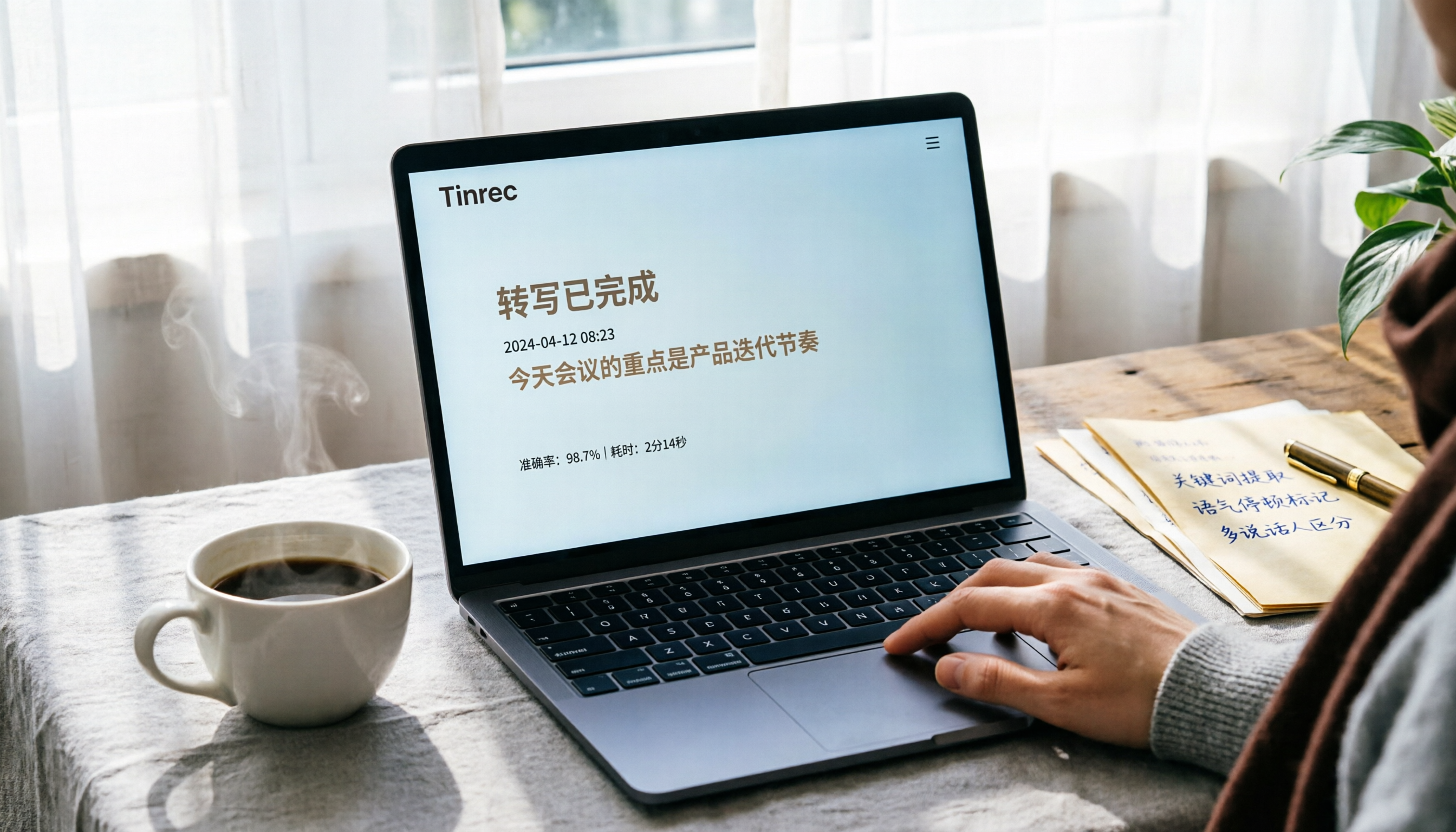
3 Ways to Convert Audio Recordings to Text in 2026: Is Google Docs' Free Option Really Enough?
Want to turn audio recordings into text? Google Docs voice typing is free, but you need a virtual audio cable to 'trick' the microphone. This article tests 3 methods for converting recordings to text, including Google Docs, Tinrec, and Otter.ai, analyzing accuracy, convenience, and post-processing features to help you decide which saves the most time.

4 Best Speech-to-Text Apps for 2026: Real-World Test Results
Struggling with meeting notes? We tested LINE, iPhone's built-in dictation, Google Play's Voice to Text, and Tinrec to compare accuracy, AI features, and cross-platform support. Find out which app is best for meetings, classes, and interviews—so you can stop wasting time on transcripts.

2026 Hands-On Comparison of 3 Audio-to-Text Tools: Beyond Transcripts, Who Turns Audio into Actionable Knowledge?
Struggling with meeting notes and lecture recordings? This article tests Tinrec, Yating Transcriber, and Otter.ai, comparing Chinese recognition, AI summaries, and pricing to reveal which tool truly saves time and turns audio into a searchable, summarizable, and queryable knowledge base.
2026 Hands-On Comparison of 3 Mobile Recording-to-Transcript Tools: Is the Free Version Enough? This AI Organizer Saves the Most Effort
Is iPhone's built-in transcription feature any good? We tested Tinrec, iPhone Voice Memos, and Otter.ai, comparing accuracy, AI summaries, cross-platform support, and free tiers to help you find the best recording-to-text solution.
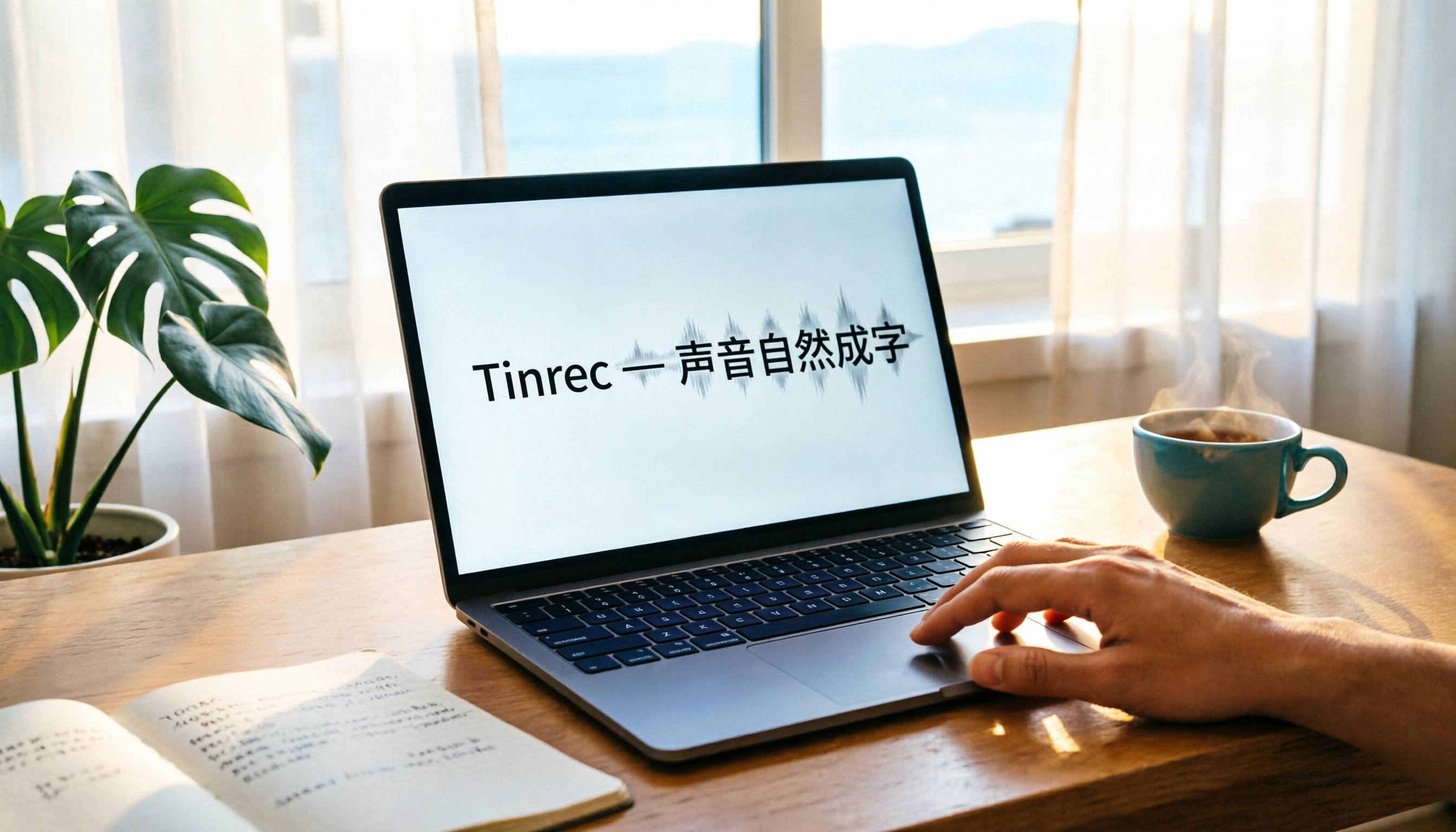
Laptop Recording to Text in 2026: Use Tinrec to Auto-Generate Transcripts and Meeting Minutes
Tired of spending time sorting through laptop recordings? This guide shows you how to record with Windows’ built-in voice recorder, upload to Tinrec, and automatically get transcripts, summaries, and to-dos—making meeting and course notes stress-free.
2026 Recording Notes: Real-Time Transcription + AI Summary – iPhone Built-in vs Tinrec, Which Is More Complete?
This article compares iPhone's built-in Voice Memos/Notes recording features with the Tinrec recording tool, covering recording sources, transcription accuracy, AI organization, database search, and cross-platform export, to help you find the best way to organize meeting and course recordings.
Where Are iPhone Voice Memos Stored in 2026? 5 Steps to Find and Manage Recordings (Tutorial)
iPhone Voice Memos are stored in iCloud or within the app. Want to export them to the Files app or other cloud services? This article shows you how to locate recordings and use AI tools to turn meeting and lecture recordings into searchable text.