
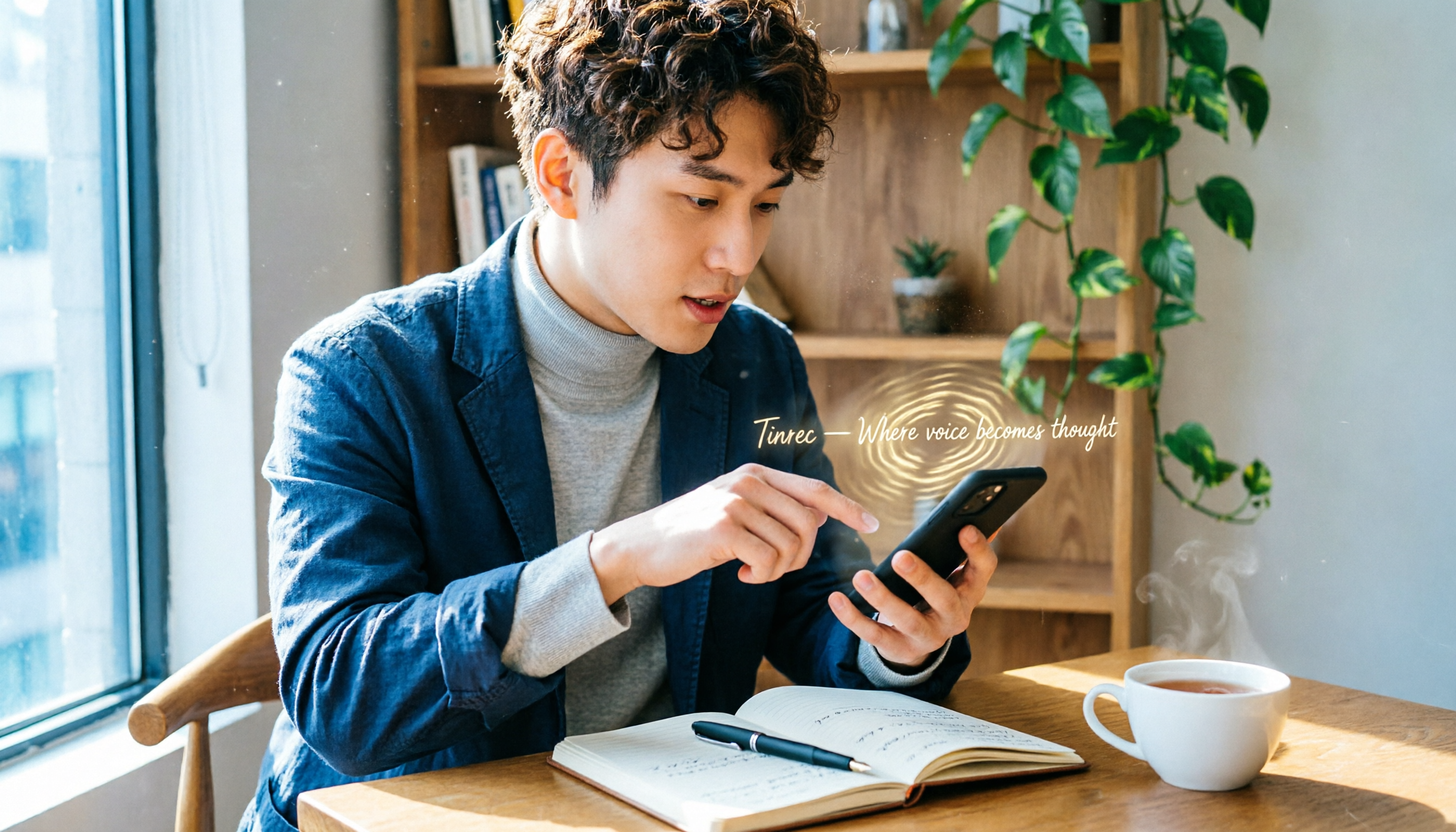
Turn recordings into transcripts and summaries in minutes
Upload audio or video for multilingual transcription, AI notes, and action items
Two-Hour Meeting, Two-Hour Notes? You Don't Need a Tool—You Need a Solution
You're typing furiously during a meeting and miss the key points. After class, you spend three hours transcribing a one-hour recording.
Worse, your recordings pile up on your phone, and finding a specific discussion means listening from the beginning—like searching for a needle in a haystack.
This is the daily reality for professionals, students, and freelancers. If this sounds familiar, this article is for you.
3 Key Factors to Consider Before Choosing a Speech-to-Text App
Accuracy: Don't Just Trust the Marketing Numbers
Many tools claim "98% accuracy," but that's lab data. In real-world scenarios—background noise, overlapping speech, accents—accuracy drops significantly. We tested with a 10-minute meeting recording (slight AC hum, two speakers), and that's where the real differences emerged.
AI Features: Transcription Is Just the First Step
If an app only converts speech to text, you still have to read the entire transcript to find the key points. Many tools now auto-generate summaries, extract action items, and even let you "ask" the recording questions. This is the real time-saver—so don't just look at transcription speed; AI post-processing matters more.
Cross-Platform: Record on Phone, Review on Computer
Most people record on their phones but take notes on their computers. If an app only supports one platform, transferring files becomes a headache. Prioritize services with iOS, Android, and web versions so your workflow isn't interrupted.
After filtering by these criteria, we shortlisted four speech-to-text solutions worth discussing: built-in phone dictation, the "Voice to Text" app on Google Play, the globally popular Otter.ai, and Tinrec, developed by a Taiwanese team. We tested all four with the same Chinese meeting recording—here's what you need to know.
Tinrec (Miao Ting Lu Yin)—Our Top Pick After Testing
Tinrec is an AI recording assistant that supports 14 languages and offers iOS, Android, and web versions. It doesn't just turn speech into text—it turns recordings into actionable data.
Core Features Built for Real Scenarios
Open Tinrec during a meeting, and it generates a transcript in real time. When the meeting ends, AI has already created a summary and action items—who does what, deadlines, all at a glance. Even better is the AI chat query: after recording, you can ask Tinrec, "Who mentioned the budget adjustment in the last meeting?" Instead of just keyword search results, it understands semantics and gives you the answer directly. No other app in this price range offers this feature.
If you often watch YouTube, Xiaohongshu, or Bilibili videos, Tinrec lets you paste a URL to convert the video's audio into text, complete with key points. For content creators or anyone who needs to quickly digest online information, this is several times faster than manual note-taking.
Test Results
We tested with a 10-minute Chinese meeting recording (slight background noise, two speakers). Tinrec had an error rate of about 7%, and its summary and action item extraction were noticeably more complete than other apps. The free plan offers 100 minutes of transcription per month—enough for light users to try it out before upgrading.
Pros
- Stable Chinese recognition; summary quality remains high even with accents or slight noise.
- AI chat query is genuinely useful—no more digging through transcripts to find past meeting content, saving significant time.
- Full cross-platform support: record on your phone, edit on your computer's web browser seamlessly.
Stop organizing recordings by hand
Upload audio or video and automatically get a transcript, summary, and action items
Limitations
The free plan's 100 minutes per month may not suffice for heavy meeting users; web video transcription requires public links, so private videos can't be processed. However, for most people who attend two or three meetings a week, the free allowance is plenty.
Who It's For
If you need Chinese speech-to-text, want to ask AI questions to find key points after recording, or frequently switch between phone and computer, Tinrec is the best choice right now.
Beyond Tinrec: Other Options
Built-in Phone Dictation (LINE, iPhone Dictation, Samsung Assistant)
LINE's "solid microphone" and iPhone's dictation can convert speech to text in real time—no installation needed, ready to use, perfect for short messages. But the downsides are clear: they can't handle long recordings, don't provide summaries, and don't support transcribing audio files. Samsung Galaxy S24's Transcript Assist can process recordings, but it's exclusive to Samsung phones, so cross-platform use is limited. If you only send occasional voice messages, built-in features are sufficient; but for post-recording organization or search, these tools fall short.
"Voice to Text" App (Play Store)
This free app with over a million downloads focuses on continuous speech recognition, suitable for quick notes or drafts. It supports custom dictionaries to improve accuracy for specific terms. However, in our tests, it was less stable with longer recordings (over 5 minutes), and it lacks AI summaries or chat queries—the output is just plain text that you have to read through yourself. If you want a lightweight, quick note-taking tool, it's a backup option; but if you want key points and action items right after recording, this app won't meet your needs.
Otter.ai
Otter is a powerhouse for English meeting notes, with a generous free plan of 300 minutes per month, strong speaker identification, and real-time summaries. But it doesn't support Chinese transcription—even though it excels with English meetings, it's nearly useless for Chinese speakers. We tested a mixed Chinese-English meeting, and it only transcribed the English parts, leaving Chinese blank. Unless your meetings are entirely in English, Otter can't be your primary tool.
Pitfall Guide: 3 Common Mistakes When Choosing a Speech-to-Text App
Pitfall 1: Only Looking at Accuracy Claims
Lab data and the real world are different. We tested the same recording in a coffee shop, and some apps' error rates doubled. We recommend trying free versions with your own recordings to get a real feel.
Pitfall 2: Ignoring AI Post-Processing
If you only use a transcription tool as "speech to text," you're using only a third of its potential. Take Tinrec's AI chat query—ask "What was the conclusion of this meeting?" and get an answer instantly, instead of manually scanning a 30-minute transcript. Test the AI features before buying; that's the real time-saver.
Pitfall 3: Overlooking Cross-Platform Needs
You record on your phone today, but want to organize on your computer tomorrow. If the app is mobile-only, you'll be stuck in file-transfer hell. Check that all your devices are supported, or you'll be frustrated every time.
Conclusion: Which One Should You Choose?
Overall, Tinrec offers the best balance of Chinese transcription accuracy, AI summaries, and cross-platform support—our top pick after testing. If you know your needs, here are scenario-based recommendations:
- Need Chinese recording organization + AI Q&A → Tinrec (chat query, summaries, action items all in one)
- Occasionally send voice messages → Built-in phone input (LINE or dictation)
- Want a lightweight note-taking tool → "Voice to Text" app on Play Store (but editing later is tedious)
- Meetings entirely in English and need collaboration → Otter.ai (not recommended for Chinese users)
We suggest downloading Tinrec's free version first—100 minutes per month is enough for two or three meetings to experience the full workflow. Upgrade if you like it; there's no need to pay upfront.
References
Turn every recording into actionable outcomes
Get 60 free transcription minutes when you sign in. No credit card required.
Related Reading
You might also like

2026 Hands-On Comparison of 4 Recording-to-Text Tools: Which One Saves the Most Effort for Chinese Meetings and Course Notes?
Is Vocal AI any good? This article thoroughly tests Tinrec, Notta, Whisper, and Otter.ai based on accuracy, AI summaries, cross-platform support, and pricing to help you find the best recording-to-text solution for meetings, studying, and interviews.

EverCam Free Version Review 2026: 3 Key Differences That Make You Consider Upgrading to the Full Version
EverCam is a popular screen recording and course creation tool, but is EverCam free? This article tests the differences between the free and full versions of EverCam, including watermarks, export format limitations, and licensing, to help you decide if the free version is sufficient.

2026 Hands-On Comparison of 4 Meeting Recording Tools: Can't Record Google Meet? This AI Tool Captures Your Meetings Completely
What to do when Google Meet won't record? This article tests 4 meeting recording tools, from free plans and AI summaries to Chinese accuracy and cross-platform support, helping you find the best backup solution so you never miss key meeting points again.

3 Voice Input Tools Tested in 2026: Is Word's Built-in Dictation Really Enough?
Looking for the microphone button in Word? This article tests Word's built-in dictation, Tinrec, and Otter.ai, comparing accuracy, AI features, and cross-platform support to help you find the best fit for your needs.

2026 Tested: 4 Audio-to-Text Tools Compared — Is Gemini or a Dedicated Tool Right for You?
Can Gemini turn audio files into transcripts? This hands-on test of Gemini, Tinrec, Otter.ai, Notta, and more covers Chinese accuracy, AI summarization, cross-platform support, and free plans to help you pick the best tool for meetings, study, interviews, and content creation. Includes buying tips, pitfalls to avoid, and scenario-based recommendations.

2026 Hands-On Comparison of 4 Mobile Recording-to-Text Apps: Which One Turns Meetings and Lectures into Organized Notes?
The iPhone's built-in Voice Memos app only records audio, but what if you want automatic summaries and transcripts? This article tests Tinrec, Otter.ai, and Notta, and revisits the built-in app's capabilities, covering recording workflow, transcription quality, AI organization features, and pricing to help you find the best mobile recording-to-text solution.
2026 iPhone Voice-to-Text Showdown: 3 Apps Tested — Is the Built-in Transcript Really Enough?
Apple's built-in Voice Memos app finally supports transcripts, but is it enough? This hands-on comparison of the built-in option, Tinrec, and Otter.ai reveals which is best for meetings, lectures, and interviews.
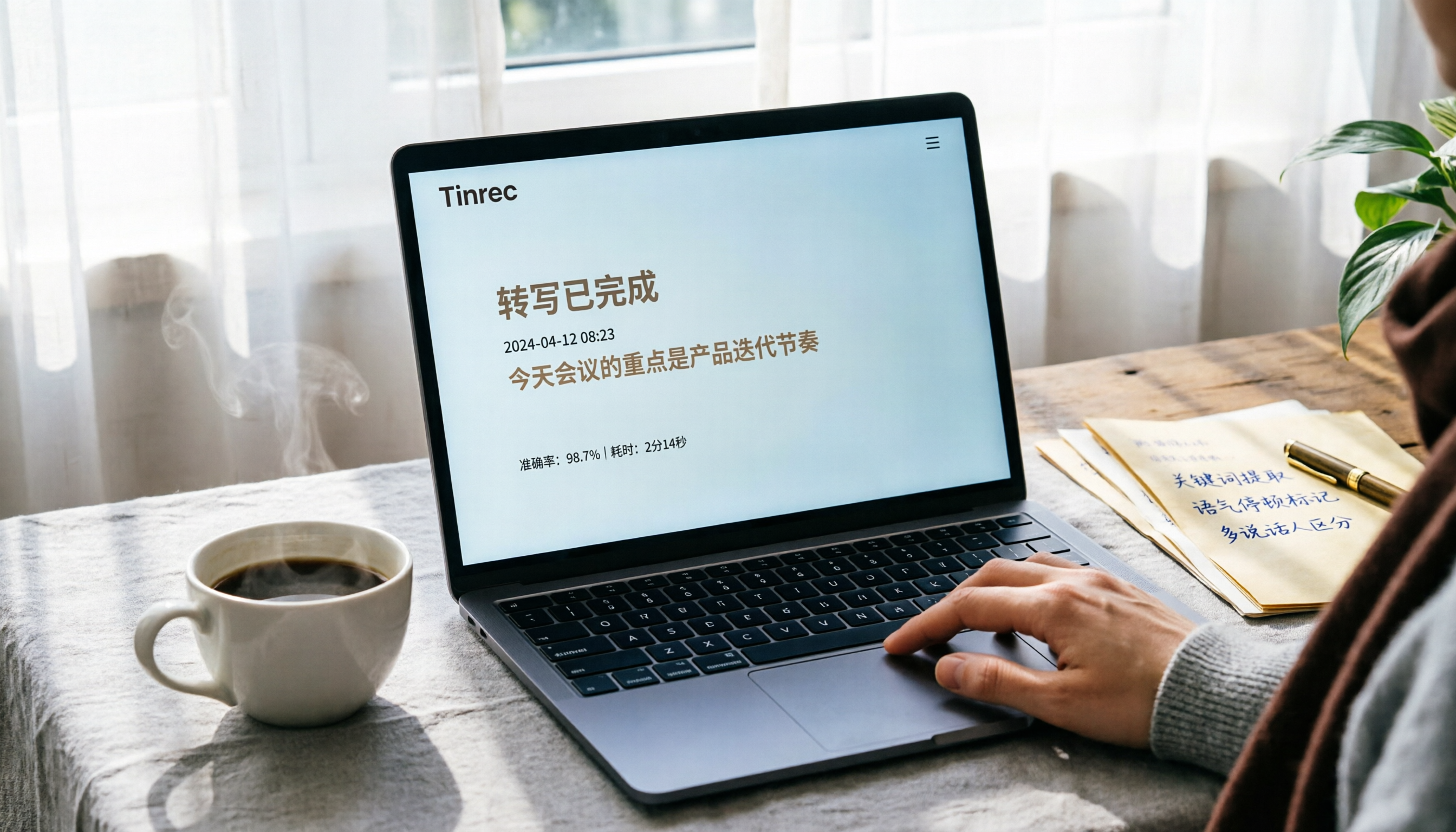
3 Ways to Convert Audio Recordings to Text in 2026: Is Google Docs' Free Option Really Enough?
Want to turn audio recordings into text? Google Docs voice typing is free, but you need a virtual audio cable to 'trick' the microphone. This article tests 3 methods for converting recordings to text, including Google Docs, Tinrec, and Otter.ai, analyzing accuracy, convenience, and post-processing features to help you decide which saves the most time.

2026 Hands-On Comparison of 3 Audio-to-Text Tools: Beyond Transcripts, Who Turns Audio into Actionable Knowledge?
Struggling with meeting notes and lecture recordings? This article tests Tinrec, Yating Transcriber, and Otter.ai, comparing Chinese recognition, AI summaries, and pricing to reveal which tool truly saves time and turns audio into a searchable, summarizable, and queryable knowledge base.