
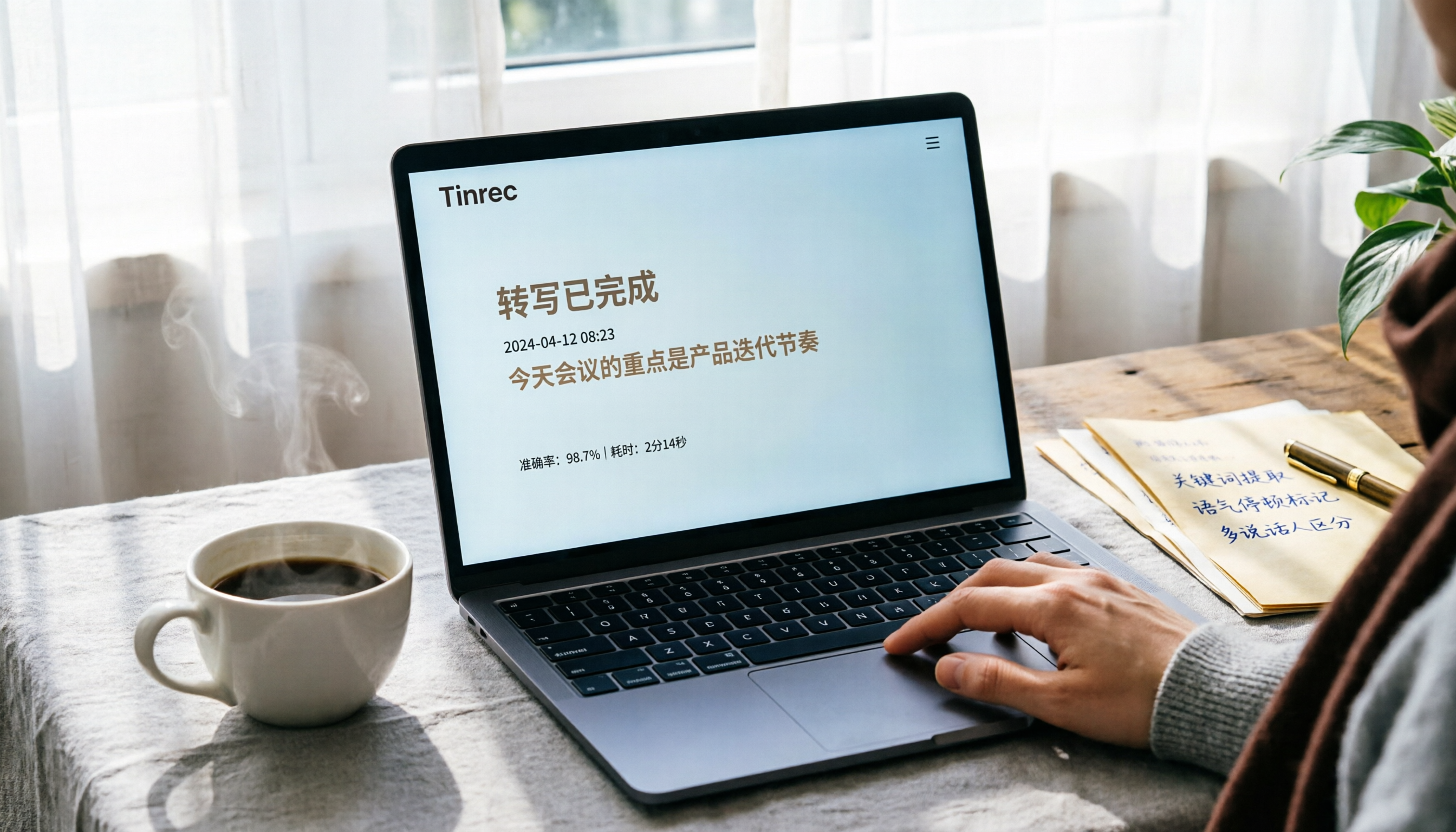
Turn recordings into transcripts and summaries in minutes
Upload audio or video for multilingual transcription, AI notes, and action items
Converting Audio Recordings to Text: You Don't Need a Workaround, You Need a Time-Saving Solution
You recorded a two-hour meeting and want to turn it into a written record, only to find that Google Docs can't directly upload audio files.
You can only open the microphone, play the recording for your computer to 'listen' to, and let it slowly transcribe. If anyone talks or there's background noise, the entire transcription can go off track.
Not to mention, after transcription, you still have to proofread line by line, add paragraphs, and highlight key points—taking almost as much time as listening to it again.
If you've ever faced this awkward situation, this article is written for you.
Before Choosing an Audio-to-Text Tool, Understand These 3 Key Points
There are many tools claiming to convert 'audio to text,' but they vary greatly in practice. From my testing experience, these three dimensions most affect user experience:
1. Input Method: Can You Upload Files Directly?
Many free solutions only support 'real-time microphone input,' meaning you have to play the recording for the tool to hear, rather than uploading an MP3 or video file directly. This is very inconvenient for those who already have audio files, and the transcription accuracy may decrease due to speaker playback quality. Professional tools like Tinrec allow you to upload audio files directly or even paste a YouTube video link to start transcribing, saving many steps.
2. Post-Transcription Organization: A Raw Transcript Isn't Enough
A long transcript without automatic summaries, key point highlighting, or action item extraction is almost as hard to use as the original recording. During testing, I paid special attention to post-processing capabilities. For example, Tinrec automatically divides content into chapters, extracts action items, and even allows you to ask questions about the recording like 'What's the conclusion?'—that's what truly saves you time.
3. Language Support: Recognition of Chinese, Cantonese, and Mixed Chinese-English
If your meetings or classes are primarily in Chinese, or even include Taiwanese or Cantonese, the tool's language support is crucial. Google Docs voice typing supports Chinese, but its tolerance for mixed languages or accents is relatively low; Tinrec, on the other hand, is clearly more optimized for Chinese content, with more stable transcription quality in practice.
Tinrec (MiaoTing) — Our Top Pick After Testing
Tinrec (MiaoTing) is an AI recording and audio/video organization tool that supports 14 languages, available on iOS, Android, and web. It doesn't just convert speech to text; it turns your recording content into searchable, queryable, exportable, and further processable data.
In practice, I often use it for meeting recordings and online videos. After a meeting, I upload the audio file, and Tinrec transcribes while automatically generating summaries and action items—who is responsible for what, deadlines, all clear. Even better is the AI Q&A feature: after recording a long interview, I can ask, 'What is the interviewee's view on pricing?' and it doesn't just return keyword search results; it directly compiles an answer based on semantics. Currently, few tools in the same price range offer such comprehensive conversational query capabilities.
We tested a 5-minute Chinese meeting recording (recorded on iPhone with slight office background noise), and Tinrec's transcription accuracy was quite high, correctly recognizing most names and technical terms. Of course, if the environment is too noisy or multiple people speak simultaneously, accuracy will drop for any tool; for important content, we recommend cross-checking with the original audio.
Pros:
- Upload audio files or paste video links to transcribe—no need for virtual audio cable workarounds.
- Automatically provides summaries, chapters, and action items after transcription, and allows querying like a database.
- Cross-platform: record on your phone, continue organizing on your computer—smooth workflow.
Stop organizing recordings by hand
Upload audio or video and automatically get a transcript, summary, and action items
Limitations: The free version has a monthly basic transcription quota; heavy users may need to pay. But for those who have meetings two or three times a week and occasionally organize classes, the free quota is quite sufficient.
Who Is It For? If you frequently need to organize meeting minutes, lecture recordings, or interview materials, and want immediate highlights, the ability to ask questions, and export to other tools for further work—Tinrec is the most complete solution currently.
Beyond Tinrec: What Other Options Are There?
Method 1: Google Docs Voice Typing (with Virtual Audio Cable)
Google Docs' built-in voice typing is free and has decent Chinese recognition. However, it's designed for 'real-time microphone input' and cannot directly upload audio files. To use it for recordings, you must install a virtual audio cable (like VB-Cable) on your computer, route the audio playback as microphone input, and let Google Docs 'listen' and transcribe.
The obvious downsides are the cumbersome setup, it only works on a computer, and the transcription process cannot be interrupted—if it stops, you have to start over. Plus, it only gives you a plain text transcript without summaries, highlights, or action items. If you only occasionally transcribe short segments and don't mind manual organization, you can try it; but if you want to truly save time, Tinrec's direct file upload and AI post-processing are more practical.
Method 2: Otter.ai
Otter.ai is a strong choice for English meeting notes, with a free plan offering 300 minutes of transcription per month, ideal for English online meetings. Its real-time transcription and speaker identification are excellent, but Chinese support is much weaker, especially for Traditional Chinese and Cantonese, where recognition rates are lower than Tinrec. If your primary working language is English and you mainly need meeting notes, Otter is a good backup; but if you need to organize Chinese content, lecture recordings, or online videos, Tinrec's multilingual support and direct file upload are more comprehensive.
Pitfall Guide: 3 Common Mistakes When Choosing an Audio-to-Text Tool
Pitfall 1: Assuming All Free Solutions Are the Same
Many free tools only support real-time microphone input and cannot upload audio files. If you already have recorded files, you'll have to take detours like virtual audio cables or find other software. Before choosing, confirm whether the tool 'can upload files' or only 'real-time recording,' to avoid wasted effort.
Pitfall 2: Focusing Only on Transcription Speed, Ignoring Post-Processing Features
A dozens-of-pages transcript without automatic paragraphing, key point highlighting, or action item extraction still requires significant time to read. Tools like Tinrec provide summaries, chapters, and action items immediately after transcription, and allow further questioning—that's what truly elevates you from 'recording' to 'understanding.'
Pitfall 3: Forgetting to Verify Language Support
If your content includes Chinese, Cantonese, Taiwanese, or mixed Chinese-English, always test the tool's recognition capabilities for these languages. Some tools are strong in English but drop significantly in Chinese accuracy; others only support a single language. Don't just rely on official claims of 'Chinese support'—test with your own recording to see the real performance.
Summary: Which One Should You Choose?
If your need is 'convert audio recordings to text, preferably with automatic key point organization,' I'd directly recommend Tinrec—it allows file uploads, provides automatic summaries after transcription, supports Chinese and 14 languages, and is cross-platform, making it the most balanced choice currently.
Scenario-based recommendations:
- Need to directly upload audio files or video links for transcription → Tinrec (no workarounds needed, done directly)
- Want immediate highlights, action items, and Q&A after transcription → Tinrec (few tools in this price range offer such complete post-processing)
- Only transcribe English, mainly for online meetings → Otter.ai (best English meeting experience)
- Only occasionally transcribe short segments and don't mind manual virtual audio cable setup → Google Docs voice typing (usable in a pinch, but cumbersome)
We suggest trying Tinrec's free version first—it offers a monthly basic quota, enough for a few meetings or classes, so you can experience the convenience of 'transcription + organization' in one go. Upgrade if you find it useful; no need to spend money upfront.
References
- Google Docs Voice Typing Trick: Use 'Speech-to-Text' for Transcripts and Notes! - Applealmond
- Type & edit with your voice - Google Docs Editors Help
- Recording to Text - Google Free Online Tool - amisay168's Blog - udn Blog
- GOOGLE Docs Tutorial - Convert Audio Recordings Directly to Text - YouTube
- Google Transcript Tutorial! Turn Videos and Audio Recordings into Text in a Web Page
Turn every recording into actionable outcomes
Get 60 free transcription minutes when you sign in. No credit card required.
Related Reading
You might also like

2026 Hands-On Comparison of 4 Recording-to-Text Tools: Which One Saves the Most Effort for Chinese Meetings and Course Notes?
Is Vocal AI any good? This article thoroughly tests Tinrec, Notta, Whisper, and Otter.ai based on accuracy, AI summaries, cross-platform support, and pricing to help you find the best recording-to-text solution for meetings, studying, and interviews.

EverCam Free Version Review 2026: 3 Key Differences That Make You Consider Upgrading to the Full Version
EverCam is a popular screen recording and course creation tool, but is EverCam free? This article tests the differences between the free and full versions of EverCam, including watermarks, export format limitations, and licensing, to help you decide if the free version is sufficient.

2026 Hands-On Comparison of 4 Meeting Recording Tools: Can't Record Google Meet? This AI Tool Captures Your Meetings Completely
What to do when Google Meet won't record? This article tests 4 meeting recording tools, from free plans and AI summaries to Chinese accuracy and cross-platform support, helping you find the best backup solution so you never miss key meeting points again.

3 Voice Input Tools Tested in 2026: Is Word's Built-in Dictation Really Enough?
Looking for the microphone button in Word? This article tests Word's built-in dictation, Tinrec, and Otter.ai, comparing accuracy, AI features, and cross-platform support to help you find the best fit for your needs.

2026 Tested: 4 Audio-to-Text Tools Compared — Is Gemini or a Dedicated Tool Right for You?
Can Gemini turn audio files into transcripts? This hands-on test of Gemini, Tinrec, Otter.ai, Notta, and more covers Chinese accuracy, AI summarization, cross-platform support, and free plans to help you pick the best tool for meetings, study, interviews, and content creation. Includes buying tips, pitfalls to avoid, and scenario-based recommendations.

2026 Hands-On Comparison of 4 Mobile Recording-to-Text Apps: Which One Turns Meetings and Lectures into Organized Notes?
The iPhone's built-in Voice Memos app only records audio, but what if you want automatic summaries and transcripts? This article tests Tinrec, Otter.ai, and Notta, and revisits the built-in app's capabilities, covering recording workflow, transcription quality, AI organization features, and pricing to help you find the best mobile recording-to-text solution.

2026 iPhone Voice-to-Text Showdown: 3 Apps Tested — Is the Built-in Transcript Really Enough?
Apple's built-in Voice Memos app finally supports transcripts, but is it enough? This hands-on comparison of the built-in option, Tinrec, and Otter.ai reveals which is best for meetings, lectures, and interviews.

4 Best Speech-to-Text Apps for 2026: Real-World Test Results
Struggling with meeting notes? We tested LINE, iPhone's built-in dictation, Google Play's Voice to Text, and Tinrec to compare accuracy, AI features, and cross-platform support. Find out which app is best for meetings, classes, and interviews—so you can stop wasting time on transcripts.

2026 Hands-On Comparison of 3 Audio-to-Text Tools: Beyond Transcripts, Who Turns Audio into Actionable Knowledge?
Struggling with meeting notes and lecture recordings? This article tests Tinrec, Yating Transcriber, and Otter.ai, comparing Chinese recognition, AI summaries, and pricing to reveal which tool truly saves time and turns audio into a searchable, summarizable, and queryable knowledge base.