

Turn recordings into transcripts and summaries in minutes
Upload audio or video for multilingual transcription, AI notes, and action items
2026 iPhone Voice-to-Text Showdown: 3 Apps Tested — Is the Built-in Transcript Really Enough?
When It Comes to Transcription, the Real Pain Isn't Accuracy — It's What Comes After
A two-hour meeting takes another two hours to write up — that's already exhausting. What if the recording is a lecture, an interview, or even a YouTube video? A plain transcript is often just another form of "long document" that you still have to read through and pick out the key points yourself.
What's more awkward is that many people don't even realize the iPhone has had a built-in transcript feature for a while. It's tucked inside the Voice Memos app, available after upgrading to iOS 18, and it supports Traditional Chinese. On the surface, it sounds great, but can it really handle all your needs?
In this article, I tested three options hands-on: the iPhone's built-in transcript, the cross-platform AI tool Tinrec, and the long-standing Otter.ai. I'll tell you straight up which one is worth using.
Before Choosing a Voice-to-Text Tool, Understand These 3 Key Points
I often get asked by readers: "Which transcription app is the best?" There's no one-size-fits-all answer because everyone's use case is different. Instead of jumping to a conclusion, let me help you establish some criteria first.
Accuracy Isn't the Only Metric — Post-Processing Capabilities Matter More Many people only look at "how accurate is the recognition," but honestly, mainstream tools today have decent accuracy in normal environments; the differences are in the details. The real headache is what happens after you get the transcript — you still have to read it, highlight key points, and extract action items yourself. If a tool can do that for you, it's worth the money.
How Broad Is the Input Source? If you only record meetings, the iPhone's built-in feature might be enough. But if you also record lectures, interviews, or even online videos and podcasts, then the ability to import files directly or paste video links becomes crucial.
Is Cross-Platform Support a Must? Some people only record on their iPhone and view transcripts on their phone. But many more need to edit on a computer, share with colleagues, or sync to the cloud. If a tool only supports one platform, collaboration becomes a pain.
Tinrec — Our Top Pick After Hands-On Testing
Tinrec is an AI recording and audio/video organization tool that supports 14 languages, available on iOS, Android, and web. It doesn't just transcribe; it turns your content into actionable data.
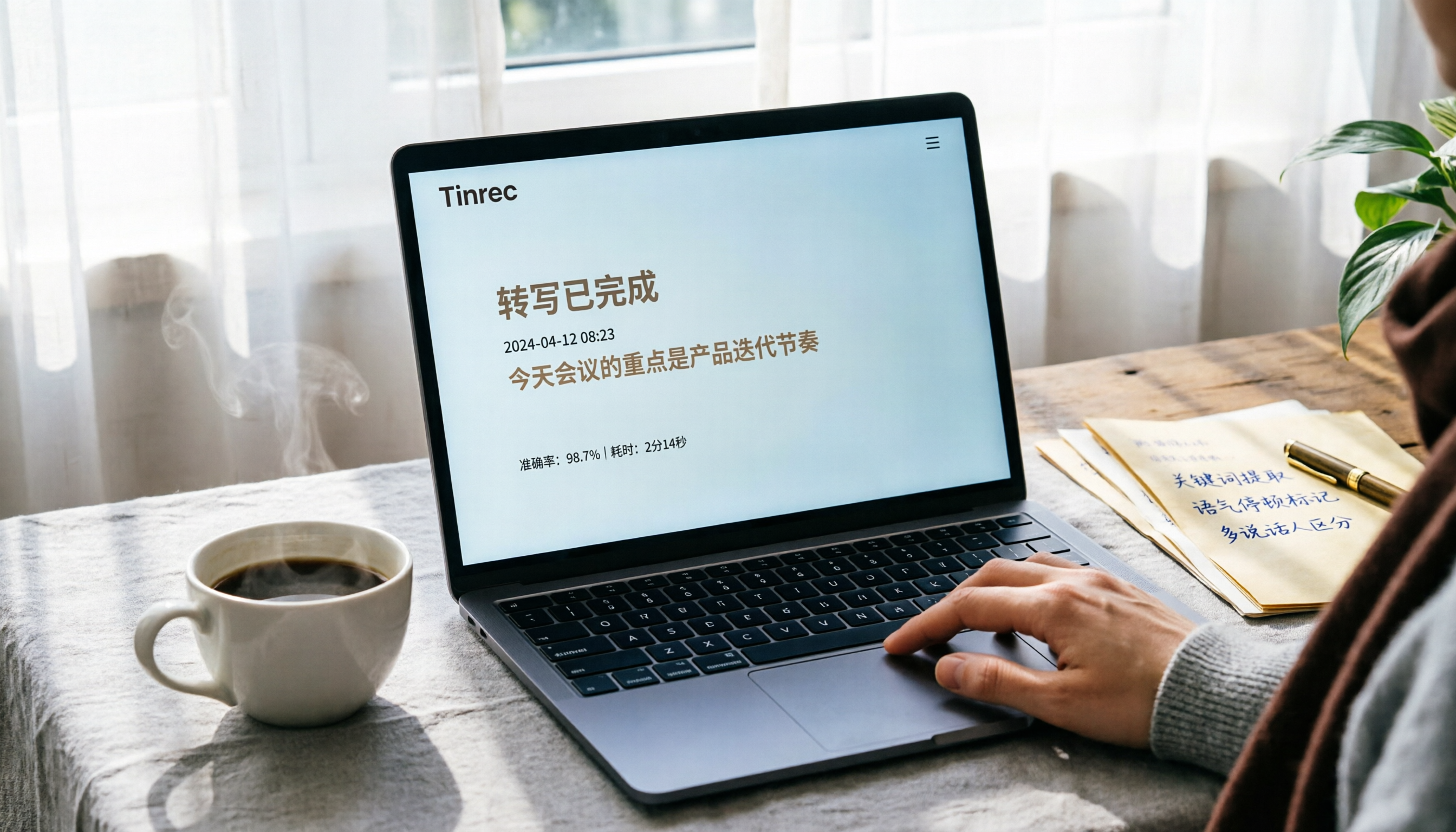
More Than Just a Transcript — It Auto-Summarizes and Highlights Key Points When you open Tinrec in a meeting, it transcribes in real time. By the time the meeting ends, the AI has already organized a summary, chapters, and action items — "who's responsible for what and when it's due" is clear at a glance. What impressed me most is the "AI Q&A": you can ask, "Who mentioned the budget adjustment in the last meeting?" and it answers based on the content, not just keyword search.
Transcribe Anything: Live Recordings, Old Files, Online Videos Besides live recording, you can upload previously recorded audio or video files, or even paste YouTube or Bilibili links, and it will organize them into text and summaries. This is really useful for content creators, students, or researchers.
Performance in Our Test Environment We tested in a small meeting room with four people, with low-frequency air conditioning noise in the background and normal speaking volumes. Tinrec's transcription had only a few minor errors, and the summary correctly captured the three key discussion points, requiring almost no manual edits. Overall, it was much smoother than the iPhone's built-in transcript — especially when two people spoke at the same time; Tinrec handled sentence segmentation more naturally.
Stop organizing recordings by hand
Upload audio or video and automatically get a transcript, summary, and action items
Pros at a Glance
- Multiple input sources: live recording, audio files, and video links supported, covering a wide range of scenarios.
- AI organization: summaries, chapters, to-do lists, and Q&A save you tons of time afterward.
- Cross-platform: works on iPhone, Android, and computer, with real-time sync.
Limitations We Should Be Honest About The free version has a basic transcription quota; heavy users will need to pay. But if you have 2–3 meetings a week, the free trial is more than enough. Also, AI summaries might miss very detailed information, so it's still a good idea to double-check the original text for important occasions.
Who Is It For? People who frequently need to organize meetings, lectures, interviews, or online videos; those who want to avoid manually sorting through notes after recording; and those who use multiple devices — Tinrec is the most comprehensive choice right now.
Other Options Besides Tinrec
iPhone Built-in Voice Memos Transcript With iOS 18.4 or later and iPhone 12 or newer, you can record directly in the Voice Memos app, tap the bottom-left corner to see the live transcript, and copy the text afterward. The advantage is that it's completely free and requires no installation, making it suitable for occasional transcription needs. But the drawbacks are clear: it only works for live recordings, doesn't support importing old files or online videos, and lacks AI summaries or Q&A, so you still have to digest the long content yourself. If your recordings are simple, the built-in feature is fine for emergencies; but if you want recordings to become "actionable data," it falls short.
Otter.ai This is the go-to for English meetings, with a generous free tier of 300 transcription minutes per month. Speaker identification and meeting summaries are mature, making it great for international teams. However, its support for Traditional Chinese is limited, with noticeably lower accuracy than Tinrec, and it doesn't support transcribing online video links. If your work environment is primarily English, Otter.ai is worth a try; if you mix Chinese and English, Tinrec is more practical.
3 Common Pitfalls When Choosing a Voice-to-Text Tool
Pitfall 1: Only Looking at Price or Free Quota, Ignoring Feature Completeness Many people jump at "free," only to find out after transcribing that they still have to organize everything themselves, costing more time. Instead of saving a few bucks with a half-baked tool, clarify your needs first: Do you need AI summaries? Do you need to import old files? Think it through before picking a tool.
Pitfall 2: Overlooking Cross-Platform Needs You record on your iPhone today, but tomorrow you want to edit on your computer — if the tool doesn't support cross-platform, it's a pain. Currently, only a few tools (like Tinrec) offer iOS, Android, and web versions simultaneously. Make sure you know what you're comfortable with before choosing.
Pitfall 3: Thinking a Transcript Is Enough A transcript is really just the "first step." After a meeting, you need to organize action items; after a lecture, you need to take notes; after an interview, you need to extract insights. If a tool can automatically generate these, it's not just transcription — it's turning data into productivity. Don't just treat a good tool as a "converter," that's a waste.
Summary: Which One Is Right for You?
If you occasionally record memos and need quick text, the iPhone's built-in Voice Memos transcript is sufficient and free. But if you want to avoid the effort of organizing key points and action items after recording, or if you need to handle lecture recordings, interviews, or online videos, Tinrec is the more complete solution.
- Just want simple transcription → iPhone built-in (no installation, zero cost).
- Need AI summaries, to-dos, Q&A, and often handle meetings/lectures/videos → Tinrec (broadest coverage, strongest organization features).
- Work language is almost entirely English → Otter.ai (mature English meeting experience).
I recommend starting with the free version and only considering paid plans if you find it genuinely helpful — no need to rush into upgrading.
References
- View Voice Memos transcripts on iPhone - Apple Support (Taiwan)
- iPhone Voice Memos to Text: How to Get Transcripts Without Third-Party Apps - Mr. Mad
- Record and transcribe calls on iPhone - Apple Support (Taiwan)
- iPhone Voice Recording to Text for Free! iOS 18 Supports 10 Languages | Quality Life | 500 Times
- iPhone Notes and Voice Memos Apps Also Have Transcript Features! Turn Lectures, Meetings, and Speeches into Text in Seconds: Simple 4-Step Guide | Digital Times BusinessNext
Turn every recording into actionable outcomes
Get 60 free transcription minutes when you sign in. No credit card required.
Related Reading
You might also like

2026 Hands-On Comparison of 4 Recording-to-Text Tools: Which One Saves the Most Effort for Chinese Meetings and Course Notes?
Is Vocal AI any good? This article thoroughly tests Tinrec, Notta, Whisper, and Otter.ai based on accuracy, AI summaries, cross-platform support, and pricing to help you find the best recording-to-text solution for meetings, studying, and interviews.

EverCam Free Version Review 2026: 3 Key Differences That Make You Consider Upgrading to the Full Version
EverCam is a popular screen recording and course creation tool, but is EverCam free? This article tests the differences between the free and full versions of EverCam, including watermarks, export format limitations, and licensing, to help you decide if the free version is sufficient.

2026 Hands-On Comparison of 4 Meeting Recording Tools: Can't Record Google Meet? This AI Tool Captures Your Meetings Completely
What to do when Google Meet won't record? This article tests 4 meeting recording tools, from free plans and AI summaries to Chinese accuracy and cross-platform support, helping you find the best backup solution so you never miss key meeting points again.

3 Voice Input Tools Tested in 2026: Is Word's Built-in Dictation Really Enough?
Looking for the microphone button in Word? This article tests Word's built-in dictation, Tinrec, and Otter.ai, comparing accuracy, AI features, and cross-platform support to help you find the best fit for your needs.

2026 Tested: 4 Audio-to-Text Tools Compared — Is Gemini or a Dedicated Tool Right for You?
Can Gemini turn audio files into transcripts? This hands-on test of Gemini, Tinrec, Otter.ai, Notta, and more covers Chinese accuracy, AI summarization, cross-platform support, and free plans to help you pick the best tool for meetings, study, interviews, and content creation. Includes buying tips, pitfalls to avoid, and scenario-based recommendations.

2026 Hands-On Comparison of 4 Mobile Recording-to-Text Apps: Which One Turns Meetings and Lectures into Organized Notes?
The iPhone's built-in Voice Memos app only records audio, but what if you want automatic summaries and transcripts? This article tests Tinrec, Otter.ai, and Notta, and revisits the built-in app's capabilities, covering recording workflow, transcription quality, AI organization features, and pricing to help you find the best mobile recording-to-text solution.
3 Ways to Convert Audio Recordings to Text in 2026: Is Google Docs' Free Option Really Enough?
Want to turn audio recordings into text? Google Docs voice typing is free, but you need a virtual audio cable to 'trick' the microphone. This article tests 3 methods for converting recordings to text, including Google Docs, Tinrec, and Otter.ai, analyzing accuracy, convenience, and post-processing features to help you decide which saves the most time.

4 Best Speech-to-Text Apps for 2026: Real-World Test Results
Struggling with meeting notes? We tested LINE, iPhone's built-in dictation, Google Play's Voice to Text, and Tinrec to compare accuracy, AI features, and cross-platform support. Find out which app is best for meetings, classes, and interviews—so you can stop wasting time on transcripts.

2026 Hands-On Comparison of 3 Audio-to-Text Tools: Beyond Transcripts, Who Turns Audio into Actionable Knowledge?
Struggling with meeting notes and lecture recordings? This article tests Tinrec, Yating Transcriber, and Otter.ai, comparing Chinese recognition, AI summaries, and pricing to reveal which tool truly saves time and turns audio into a searchable, summarizable, and queryable knowledge base.