

Turn recordings into transcripts and summaries in minutes
Upload audio or video for multilingual transcription, AI notes, and action items
Two hours in a meeting, then another two hours writing up the minutes—it's almost every office worker's nightmare. To make matters worse, the iPhone's built-in Voice Memos app lets you record with one tap, but all you get is an audio file—no transcript, no summary. Trying to find key points later is like looking for a needle in a haystack. If you're tired of manually transcribing and replaying recordings, this article is for you.
Before Choosing a Mobile Recording-to-Text Tool, Understand These 3 Key Points
1. Transcription Quality: Don't Just Trust Official Numbers—Test in Real Environments
Many tools advertise "98% accuracy," but that's usually measured in a quiet recording studio. Real meetings have air conditioning noise, keyboard clacking, and multiple speakers—accuracy takes a hit. For this test, we used the same clear Chinese meeting recording (about 5 minutes with slight background noise) to evaluate each app's performance.
2. Organization Capabilities: You Need More Than Just a Transcript
Transcription is just the first step. Better tools automatically summarize, highlight key points, list action items, and even let you search the recording through Q&A—like chatting with AI. Asking "What was the meeting conclusion?" is much faster than manually skimming a half-hour transcript.
3. Cross-Platform and Export: Can You Record on Your Phone and Organize on Your Computer?
Many people record on their phones but start organizing notes on their computers later. If a tool is locked to a single platform or has limited export formats (e.g., plain text only), it can hinder your workflow.
Tinrec (秒听录音)—Our Top Pick for Versatile Use After Testing
Tinrec is an AI recording and audio/video organization tool that supports 14 languages, with iOS, Android, and web versions. Whether you use an iPhone, Android phone, or computer, you can seamlessly continue your work under the same account. It doesn't just transcribe—it turns recordings into reusable data.
Core Features: From Recording to Organization in One Go
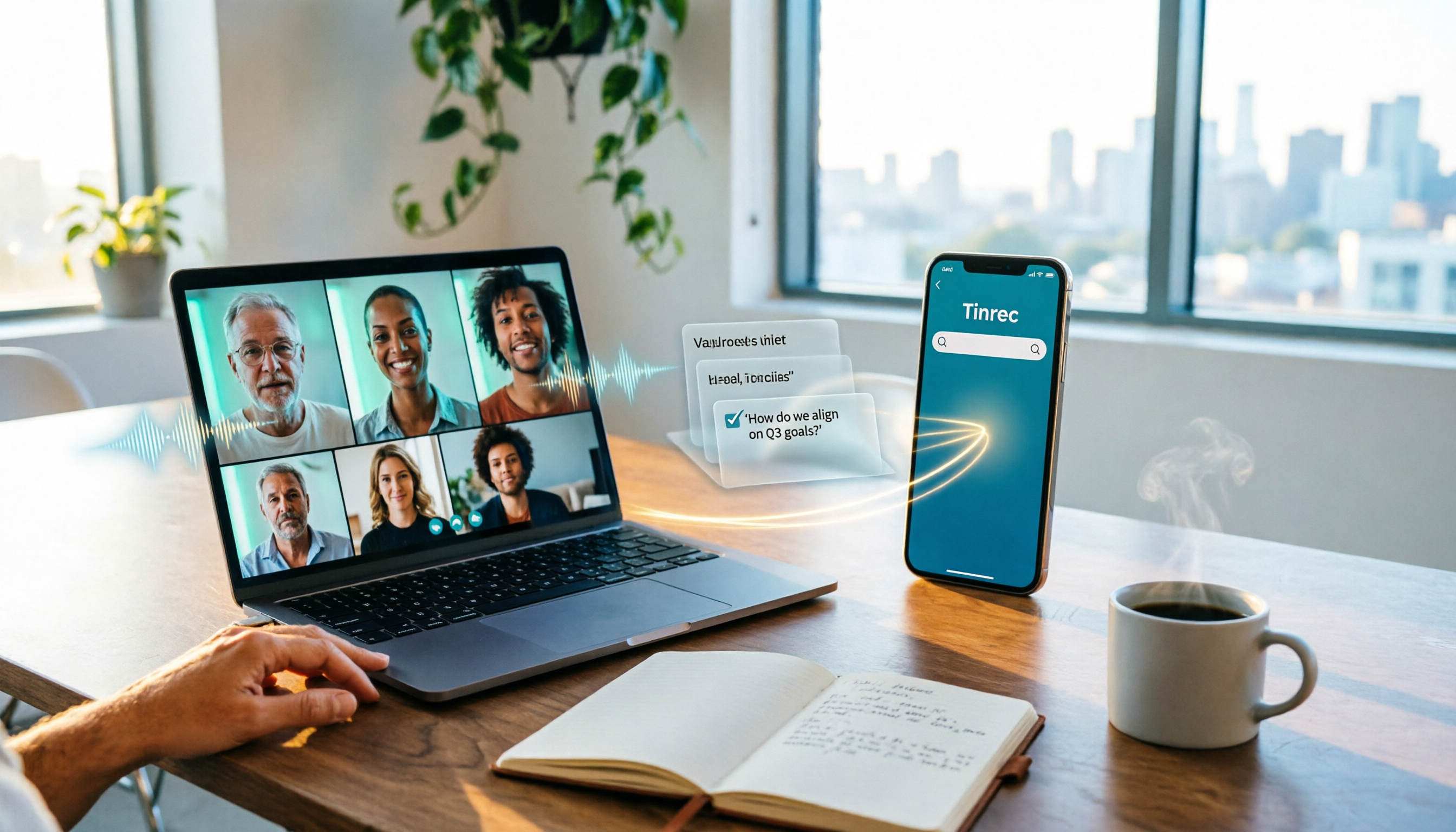
Open Tinrec, and during a meeting, it generates a transcript in real time, automatically marking speakers and timestamps. As soon as the meeting ends, an AI summary is ready, including conclusions and action items, and it can even break a long meeting into chapters. If you want to turn discussions into action, you can directly ask Tinrec: "Who mentioned the budget in the last meeting? What was the conclusion?" It provides answers based on semantic understanding, not just keyword search results.
What's more practical is that it handles more than meetings. You can upload lecture recordings, interview files, or even paste YouTube or Bilibili video links, and Tinrec will convert the video content into text, summaries, and key points. This is very convenient for anyone who needs to organize online video materials.
Hands-On Experience: Smooth and Intuitive
We tested it with a 5-minute Chinese meeting recording. Tinrec's transcription had almost no lag, and the transcript was highly readable, with most names and proper nouns correct. The AI summary captured key points that closely matched our manual notes, saving at least half the organizing time.
Pros
- More than transcription—it understands content: Summary, action items, and Q&A features turn recordings into truly usable notes.
- Multiple input sources: Supports live recording, file uploads, and online video links, offering great flexibility.
- Cross-platform sync: Record on your phone, edit on your computer, seamlessly with the same account.
Stop organizing recordings by hand
Upload audio or video and automatically get a transcript, summary, and action items
Things to Note
- The free version has a basic transcription quota (check the official website for exact minutes), and heavy users will need to pay. However, for those who attend 2-3 meetings a week, the free quota is usually enough to experience the full features.
- Output quality heavily depends on the clarity of the original recording; in very noisy environments, transcription quality may suffer.
Who It's For
If you frequently need to organize meeting, lecture, or interview recordings and want structured notes (not just plain text) right after recording, or if you need to seamlessly switch between phone and computer—Tinrec is definitely worth trying.
Beyond Tinrec: What Other Options Are There?
Otter.ai: Best for English Meetings, but Limited for Chinese
Otter.ai is a well-established US-based AI meeting notes tool. The free version offers 300 minutes per month, which is generous. Its English transcription quality is excellent, and it excels at joining online meetings and identifying different speakers. However, Otter.ai has very limited support for Chinese and Cantonese—our test meeting was in Chinese, and Otter couldn't handle it. If your meetings are primarily in English, Otter is a great value and is the only competitor we recommend in that scenario. But if you need to organize Chinese, Cantonese, or mixed-language content, Tinrec is a better fit.
Notta: Strong on Transcription and Translation, but Weaker on Q&A and Post-Processing
Notta is a multi-platform transcription tool with a free version offering 120 minutes per month. Its strengths are fast transcription, support for multiple languages, and built-in translation. However, Notta's organization features lean toward "outputting a transcript + simple summary," lacking the AI conversational query feature that Tinrec offers—meaning that after recording, if you want to quickly find a specific discussion detail, you still need to manually search keywords, which is time-consuming. For users who only need quick transcription without deep organization, Notta is a backup option; but if you want your recordings to become a queryable database, Tinrec's AI chat query is a stronger point.
Pitfall Guide: 3 Common Mistakes When Choosing a Mobile Recording-to-Text Tool
Pitfall 1: Only Looking at Official Accuracy Claims
Many tools claim "98% accuracy," but that's under ideal conditions. Real environments have background noise, multiple speakers, accents, and other variables, so actual experience can vary greatly. We recommend trying the free version with your typical recording scenarios to see the transcript's readability, rather than just trusting ads.
Pitfall 2: Ignoring Cross-Platform and Export Capabilities
If you record on your iPhone today and want to organize on your computer tomorrow, a tool without a web or desktop version will keep you tied to your phone. Also, export formats matter: can you export to Word, Google Docs, or Notion? This directly affects your note-taking workflow.
Pitfall 3: Buying a Tool but Only Using It for Transcription
If you only use the transcription feature to convert audio to text, you're using only a third of the tool's capabilities. Features like Tinrec's AI chat query let you find key points by asking questions, which is several times faster than manually skimming a transcript. Making full use of these organization features is what truly saves time.
Conclusion: Which One Should You Choose?
Looking back at this test, if your core need is "turning phone recordings into organized, searchable notes" and your content is primarily in Chinese, Tinrec offers the most balanced overall performance—its multi-source input, AI chat query, and cross-platform sync make post-recording organization very light.
Here are recommendations based on different needs:
- Need bilingual Chinese + Cantonese organization, or want AI to quickly extract key points → Tinrec (multi-source, cross-platform, complete Q&A features)
- Only have English meetings and want a large free quota → Otter.ai (free 300 minutes, high English accuracy)
- Only need quick transcription without AI organization → Notta (fast transcription, supports multi-language translation)
One final practical tip: download Tinrec's free version and try it with your actual meeting or lecture recordings to experience the efficiency difference AI organization brings. If you like it, consider upgrading; there's no need to pay upfront.
References
- Record in Voice Memos on iPhone - Apple Support (Taiwan)
- iPhone Recording Made Easy: One-Tap Quick Self-Protection at Critical Moments
- Voice Memos App - App Store
- How to Record Phone Calls on iPhone? 5 Methods Revealed!
- Complete Guide to iPhone Recording: Beyond Voice Memos, This Tool Can Even Record LINE and Zoom Calls!
Turn every recording into actionable outcomes
Get 60 free transcription minutes when you sign in. No credit card required.
Related Reading
You might also like

Google Meet Pricing in 2026: Free Plan Limits and Tinrec as an Alternative
Google Meet's free version caps group meetings at 60 minutes, and recording and AI features are tied to Workspace subscriptions (annual billing around $7/$14/$22 per user per month). This article, from a student's hands-on perspective, explains why post-meeting organization is the real pain point and compares Tinrec's differences in bot-free recording, Chinese transcription, AI summaries, and team knowledge retention.
How to Share System Audio in Google Meet (2026): Full System Sound + High-Quality Stereo
Google Meet now lets you share your entire device's system audio during presentations, not just Chrome tab audio. This guide covers the steps to enable it, system requirements, rollout timeline, and common limitations, plus how to use Tinrec after a presentation to turn transcripts, summaries, and action items into searchable meeting records.

3 Google Meet on Windows Options Tested in 2026: Which Meeting and Note-Taking Method Saves the Most Time?
Using Google Meet on Windows, most people only solve the meeting itself but not how to keep the post-meeting data. This article walks you through: from browser and PWA to Tinrec desktop bot-free recording, automatically turning Google Meet meetings into transcripts, summaries, action items, and team-searchable data.

How to Check Your Google Meet Version in 2026: 4 Steps to Confirm the Latest Version
Can't find the version number in Google Meet settings? This guide covers how to check and update Google Meet across web, Android, iOS, Meet hardware, and the REST API, plus a practical way to organize transcripts, summaries, and action items after meetings.

4 Google Meet Call Recording Tools Tested in 2026: Which One to Switch to When Call History Won't Show?
When Google Meet call history won't show, most people's first instinct is to reinstall the app or switch browsers, but the problem often lies with the account, device, or organization permissions—not user error. This article addresses this common misconception, explains why call history may be missing, outlines 4 key factors for choosing a meeting recording tool, and compares Tinrec with Notta, Granola, and Otter.ai. It also includes a pitfalls guide and selection recommendations.

2026 Comparison of 3 Google Meet Recording Methods on Mac: Tinrec's One-Click Transcription Saves the Most Time
The real pain point of using Google Meet on Mac is post-meeting organization. This article addresses common misconceptions and demonstrates how to use Tinrec desktop to record Google Meet without a bot, generate real-time transcripts and summaries, action items, and AI Q&A. It also covers 5 key checkpoints for choosing a tool and answers common questions.

2026 Comparison of 2 YouTube Transcript Generators: Turn Videos Without Subtitles into Usable Transcripts
Starting from real reader pain points, this side-by-side comparison of Tinrec and WayinVideo examines 5 dimensions: Chinese language processing, post-transcription organization, export formats, team collaboration, and pricing plans. Includes FAQs to help you decide which tool better fits your use case.

2026 Teams Automatic Meeting Notes Free Options: Tinrec's 4 Plans at a Glance
Teams' built-in transcription only works for meetings initiated by your own organization, and you still have to manually download and organize notes afterward. This article explains common misconceptions about Teams meeting notes, demonstrates what AI meeting notes can do using Tinrec, and outlines the use cases for four plans: Free, Weekly Pass, Pro Monthly, and Annual.

5 Best Microsoft Teams Meeting Transcription Tools in 2026: ChatGPT vs Copilot vs Tinrec — Which Saves the Most Time?
We tested 5 ways to take meeting notes in Microsoft Teams, including ChatGPT, Teams built-in transcription, Copilot, Otter, Notta, and Tinrec. Compare features, pricing, and best use cases to find the most time-saving workflow for your team.